A:Answer Hello DeleteApps,
Yes, Certain apps on your TV may be geared towards adults or contain programs you don’t want your child to watch. You can lock the app so you can still use it by entering a PIN, but your child will not be able to access it.
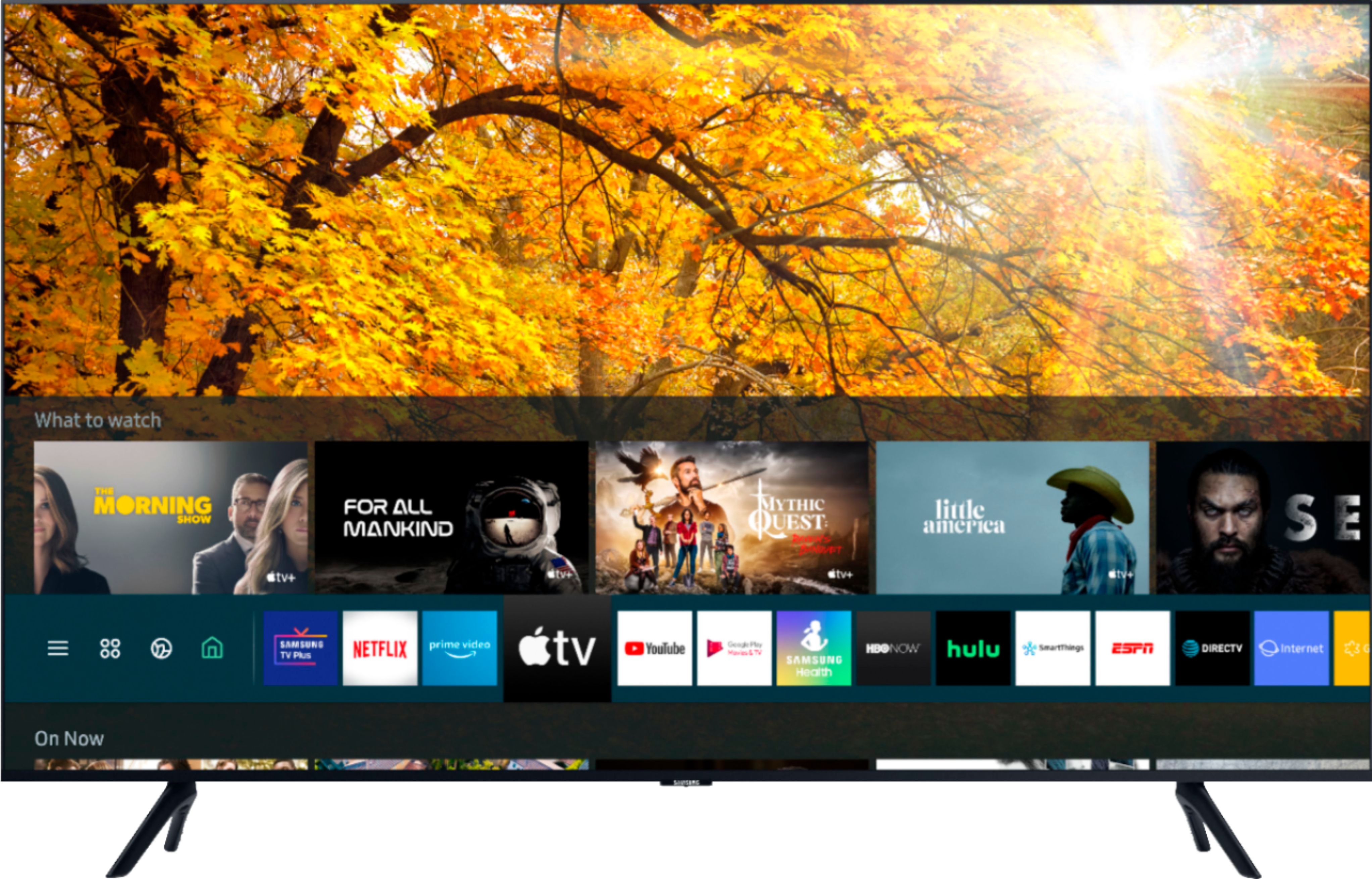
Navigate to APPS, and then select Settings. Select an app to lock or unlock, and then select Lock/Unlock. Enter the PIN – the default PIN is “0000”, but you should change it so your children can’t guess it. Change the PIN by navigating to and selecting Settings > General, and then selecting System Manager > Change PIN.
^Cristian