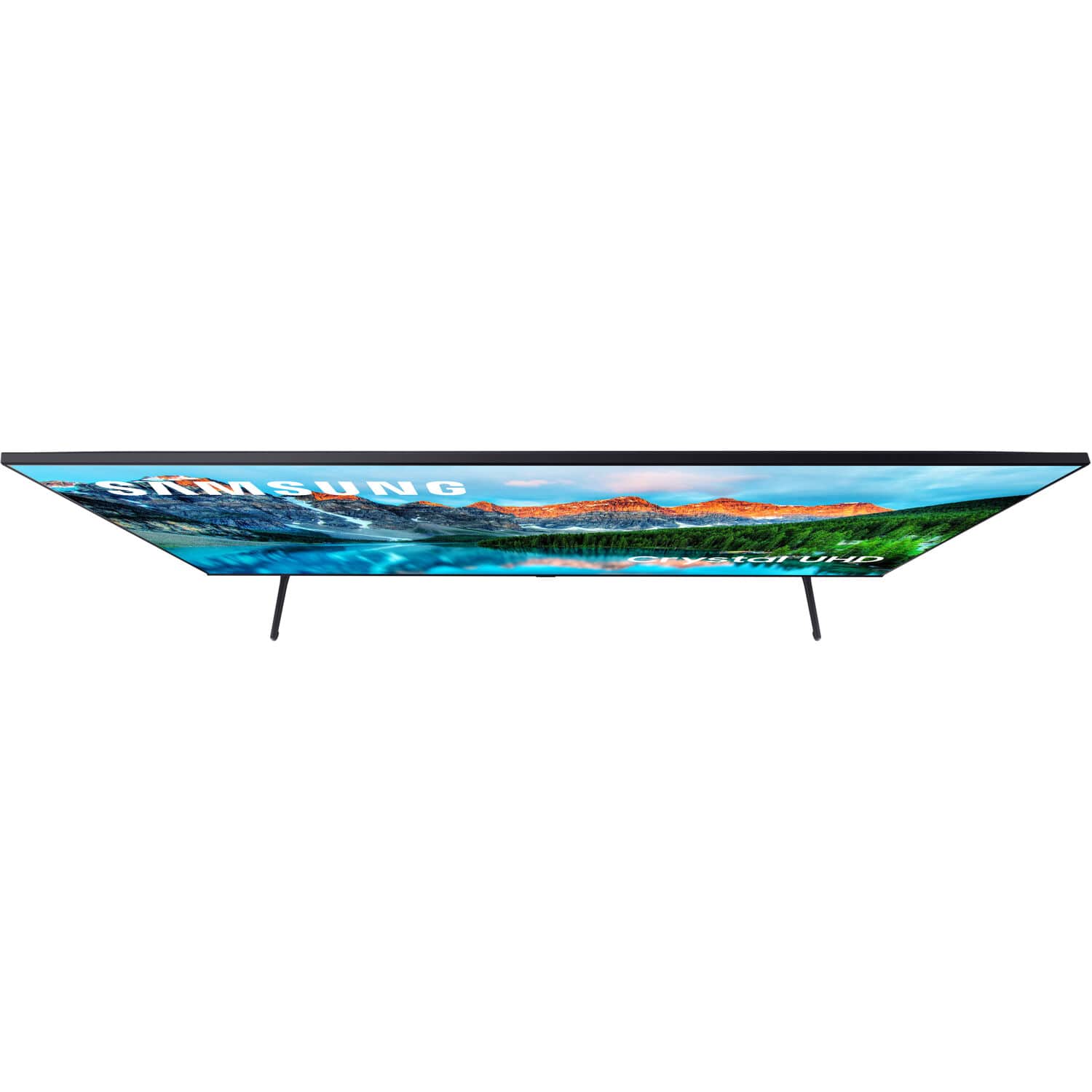
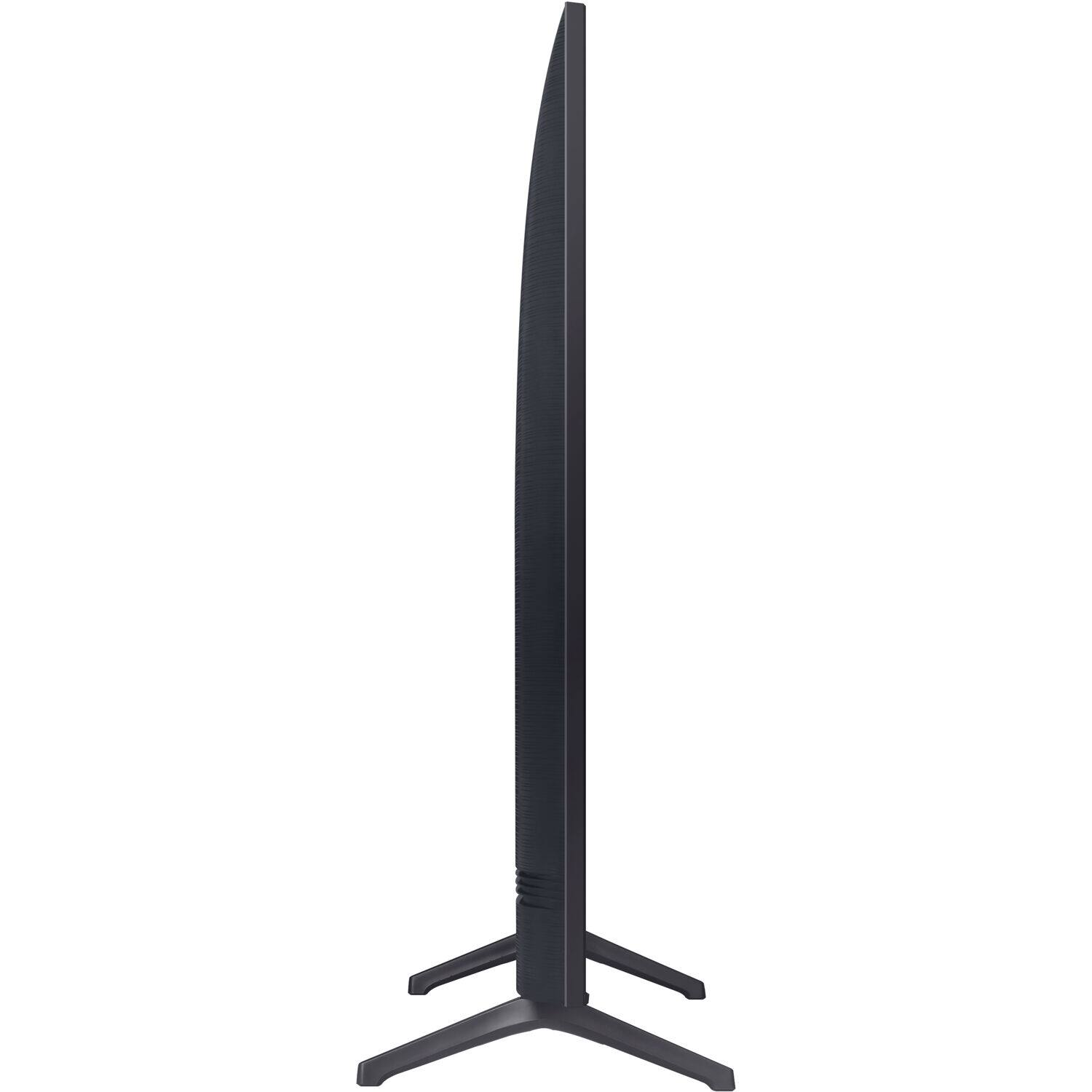
A:AnswerI can't say for certain, but I successfully placed an order for 2 of these without a business account just moments ago. I guess I could get an email saying it was cancelled once the order is reviewed, but I'm betting it will just go through just like any other order. I'll try to update this when I receive the order or if the order gets cancelled.
A:AnswerThese units don't have a steaming package installed, They will work well as a Monitor for an HDMI input, Great Commercial Display, A bit expensive, however, Great Quality for the Price range.
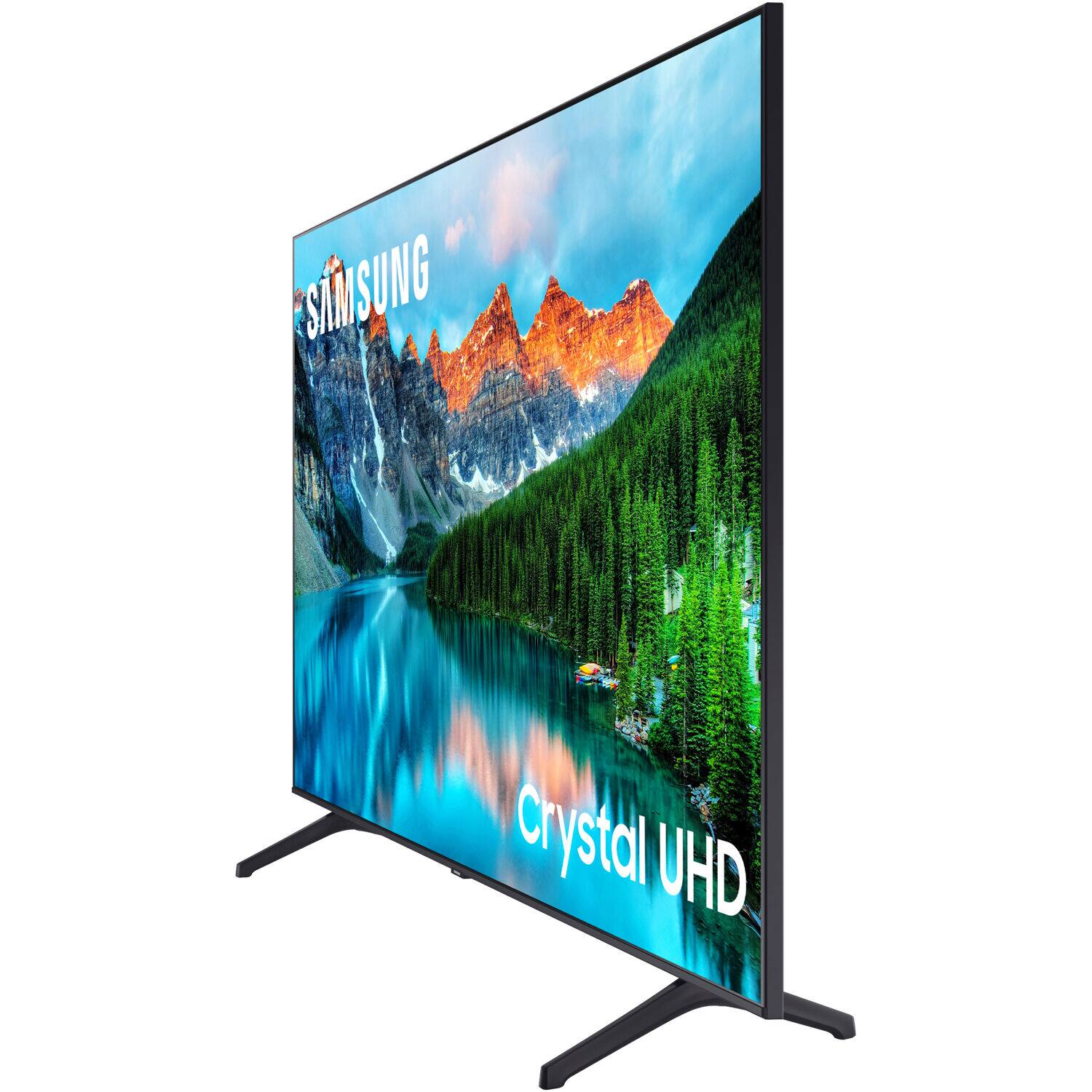
A:AnswerLooks like only the stand is inside the box. Typically Business or Hospitality class TVs do not come with remotes. You would have to buy a 'master' remote from Samsung and your Visio remote will not work for a different branded TV. It has HDMI inputs on it so yes it'll connect to a cable box.
A:AnswerIf your Firestick is a normal Firestick that connects wirelessly, you don't need anything more to use it. Just attach it to the HDMI port on the back of the display and you will be good to go. If your Firestick does not do wireless, then you will need whatever adapter is required to get it connected. The display should not play into that capability. I've bought a couple dozen of the 43 in variant of this display (and a few of the other sizes) and I can say they work well with the different devices that I have used with them.