A:AnswerHi Makie,
To Change Motion smoothing settings on your TV:
Navigate to Settings > All Settings > Picture > Expert Settings > Auto Motion Plus Settings (Picture Clarity Settings).
1. The default setting is Auto. This means the feature automatically turns on and off based on the type of program being watched.
2. Select Auto Motion Plus (Picture Clarity) to change the setting to either Off or Custom.
If you select Custom, three additional options are available:
• Blur Reduction: Use the directional keys on the remote to adjust the Blur setting.
• Judder Reduction: Use the directional keys on the remote to adjust the Judder setting.
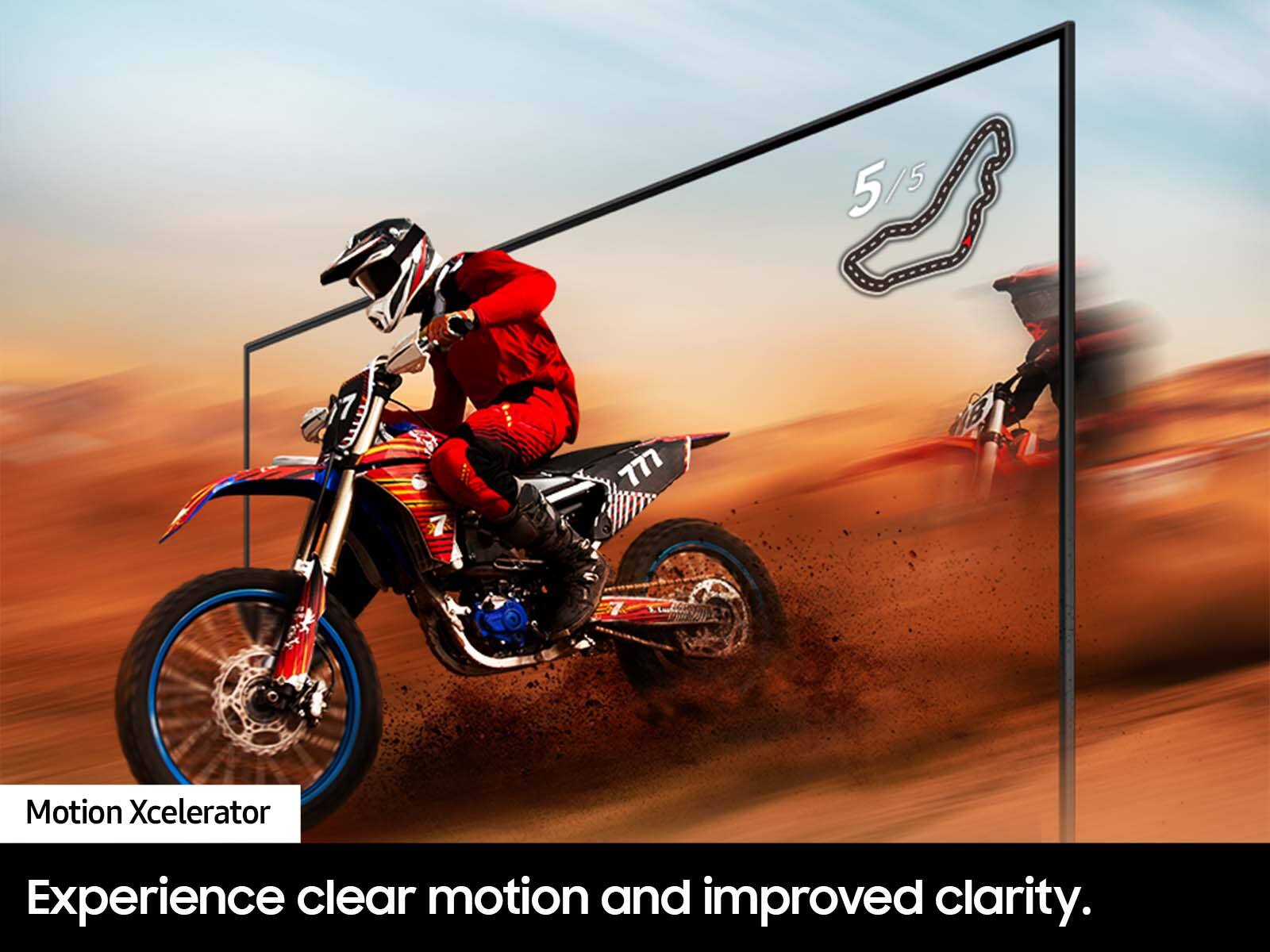
• LED Clear Motion: This option allows you to configure the LED backlight to sharpen fast-moving images. Select to turn On or Off.
~Samsung Advisor
A:AnswerHi Dee,
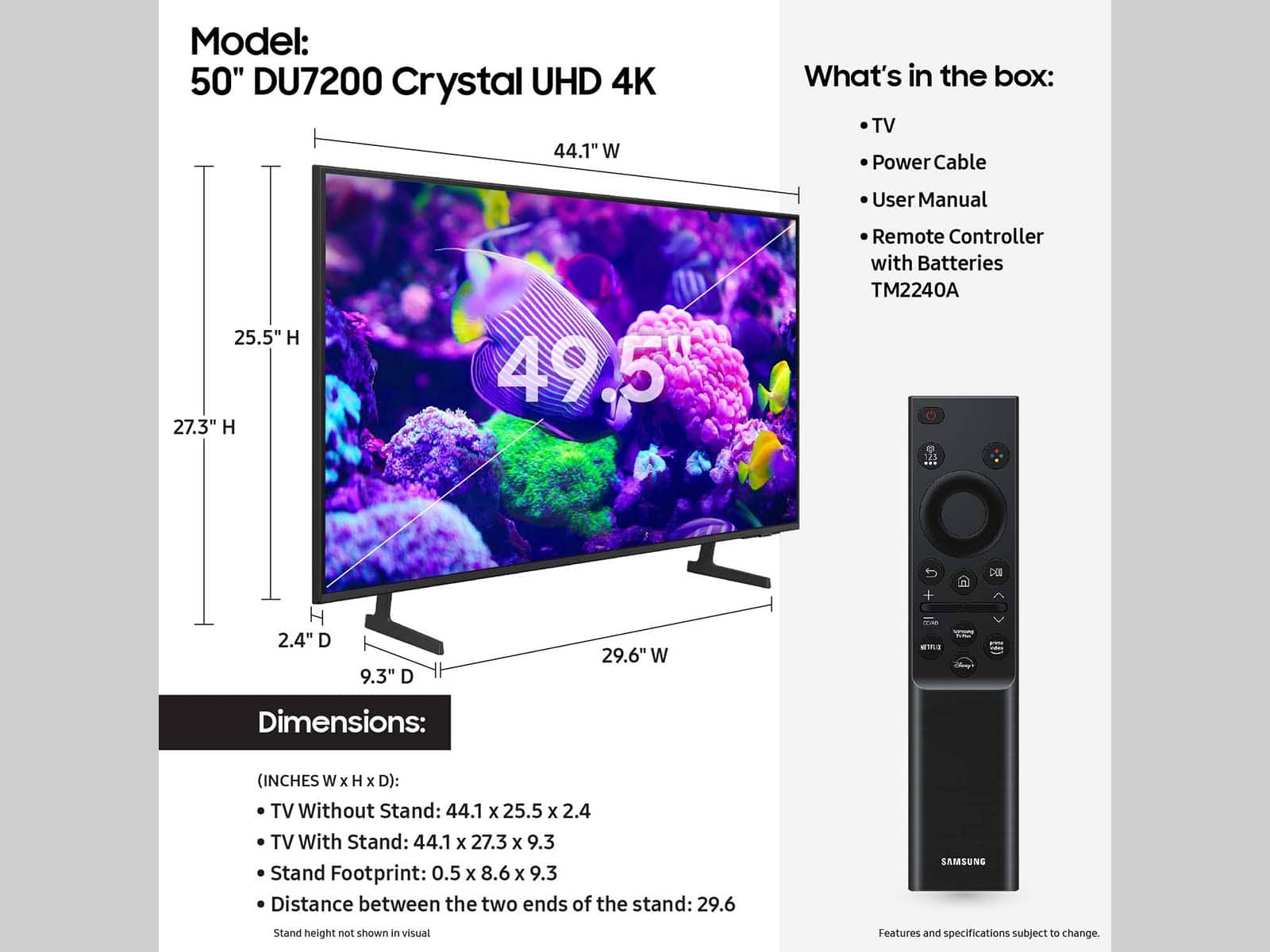
You sure can. Keep in mind that additional hardware required will depend on the type of building material such as drywall, concrete, ceramic tile, brick, etc. Be sure to use appropriate wall mounting hardware for the type of wall you have.
~Samsung Advisor
A:AnswerHi Pancho,
Likely yes, you can use the same mount but may need different screws if the previous TV was not a Samsung. You need a mount that is compatible with a VESA Map of 200x200mm.
~Samsung Advisor
A:AnswerHi Cubby,
The DU72000F TV offers 3 HDMI ports and is Bluetooth and Wi-Fi capable, allowing a seamless connection across multiple devices at a time.
I hope this helps!
~Samsung Advisor

A:AnswerOlive:
If your TV is announcing everything you do, then Voice Guide is turned on. Voice Guide is an accessibility function to assist users who are visually impaired. It is possible that you have turned it on by accident by holding down the volume button on your TV remote.
To turn off Voice Guide, navigate to Home > Settings > All Settings> General > Accessibility > Voice Guide Settings > Voice Guide.
- Samsung Ambassador