A:AnswerHi DTS1,
No, the DU7200 does not offer optimized lighting for nighttime. Starting with our Q70D TV Series and above, we offer EyeComfort Mode that automatically adjusts the screen's brightness and tone to reduce eye strain.
~Samsung Advisor
A:AnswerLiz - Please give us the opportunity to better assist with this by reaching Samsung Support at: 1-800-SAMSUNG, 8AM - 12AM EST, 7 days a week, or Chat with us on Samsung.com: https://www.samsung.com/us/support/contact/
~ Samsung Specialist
A:AnswerHi Cakelady,
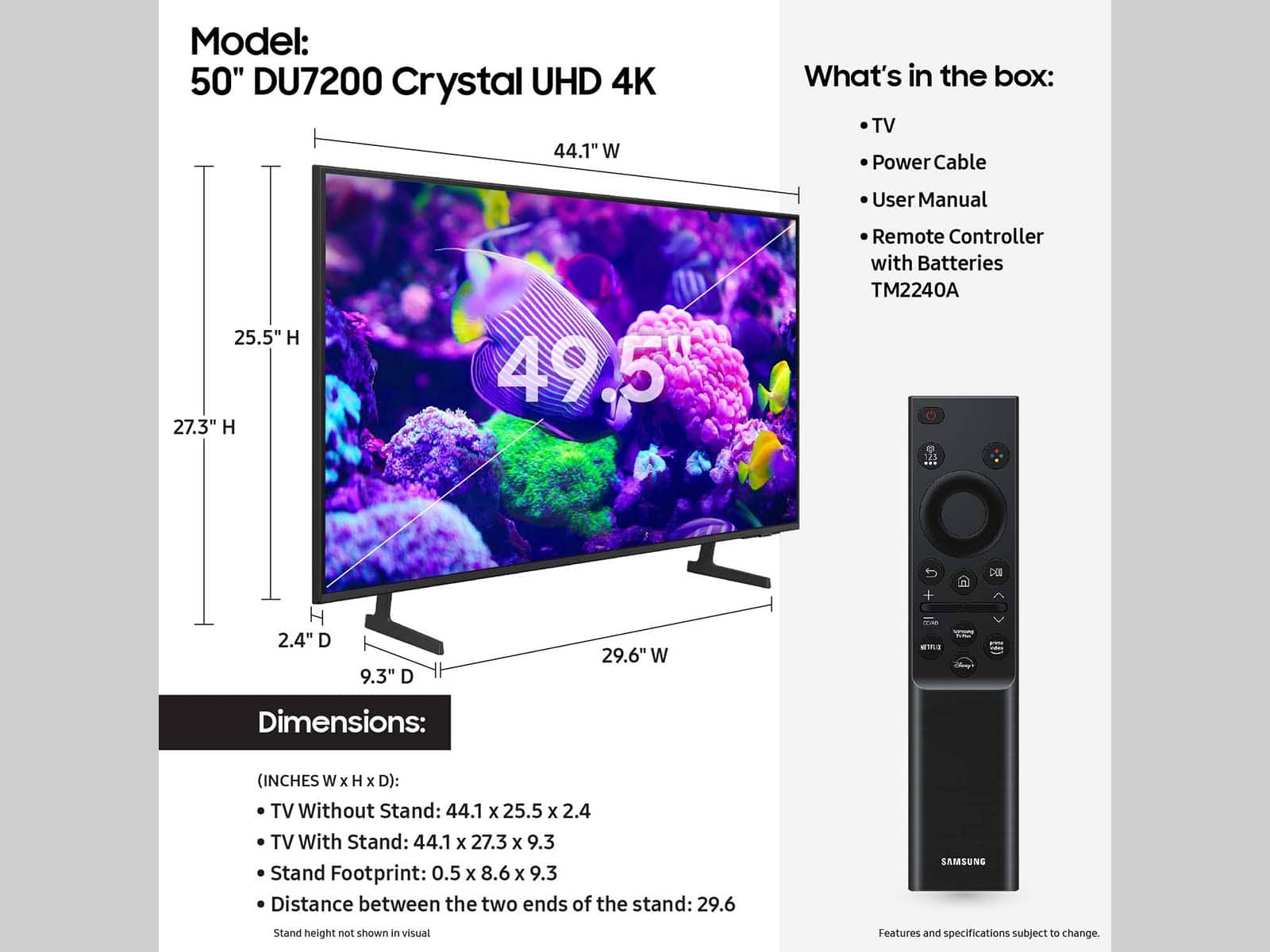
The distance between the feet on the 50" DU7200 TV is 29.6". If you need a small distance, I recommend the 55" DU7200 TV which has adjustable feet that can be placed at either 32.5" or 10" apart.
~Samsung Advisor
A:AnswerHi Nick,
Please give us the opportunity to better assist with this by reaching Samsung Support at 1-800-SAMSUNG, 8 AM – 12 AM EST, 7 days a week, or Chat with us on Samsung.com: https://www.samsung.com/us/support/contact/
~ Samsung Advisor
A:AnswerVESA standard. I always recommend downloading and looking at the user manual before making these types of choices. The user manual is available to download and has a complete explanation of wall mounting. You can then take it to the store and show the TV experts and they will give you the best option
A:AnswerHi,
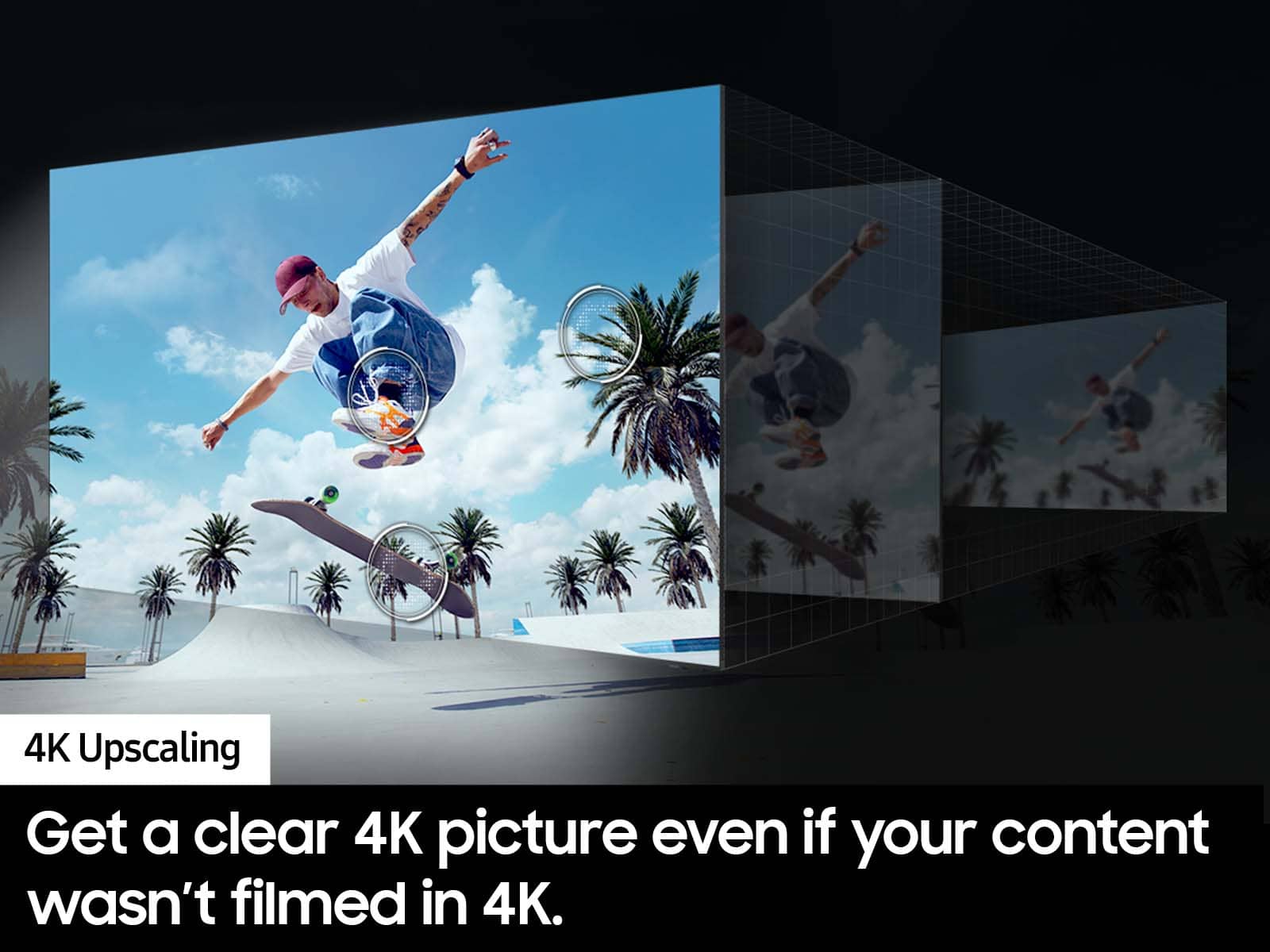
Yes, the Samsung DU7200 does show full screen. However, HD channels will have black bars on either side of the screen when displaying upscaled SD (4:3) content. This can be caused by a setting on your cable/satellite box or by the content you’re watching.
~Samsung Advisor