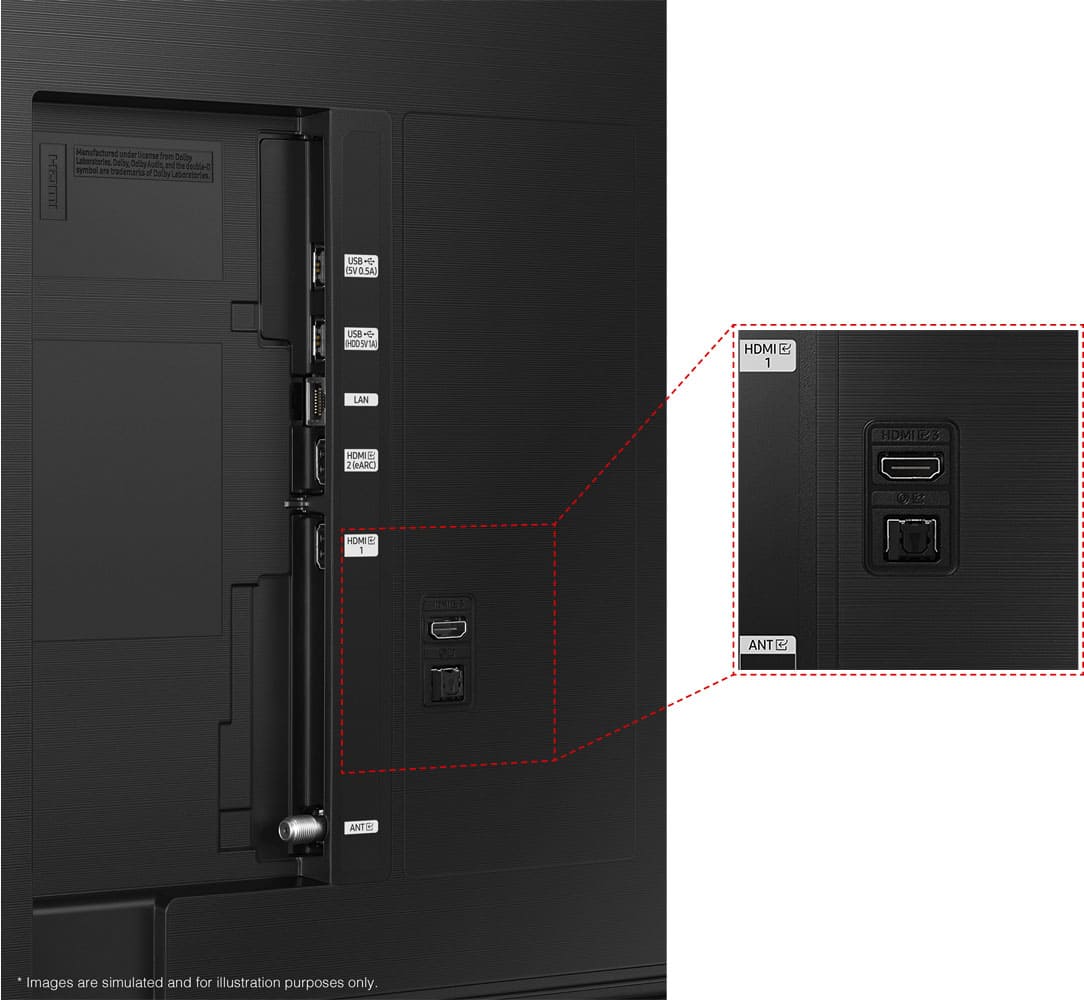
A:AnswerI don't use it on my PC, however it has HDMI and a Display port therefore it should. If you will use it for gaming I would recommend a dedicated gaming monitor. I use a 27" Acer 240Hz.
A:AnswerFace the back of the TV-on the right hand side, just below the sticker. There is a large business card size square, that the square plug plugs in.
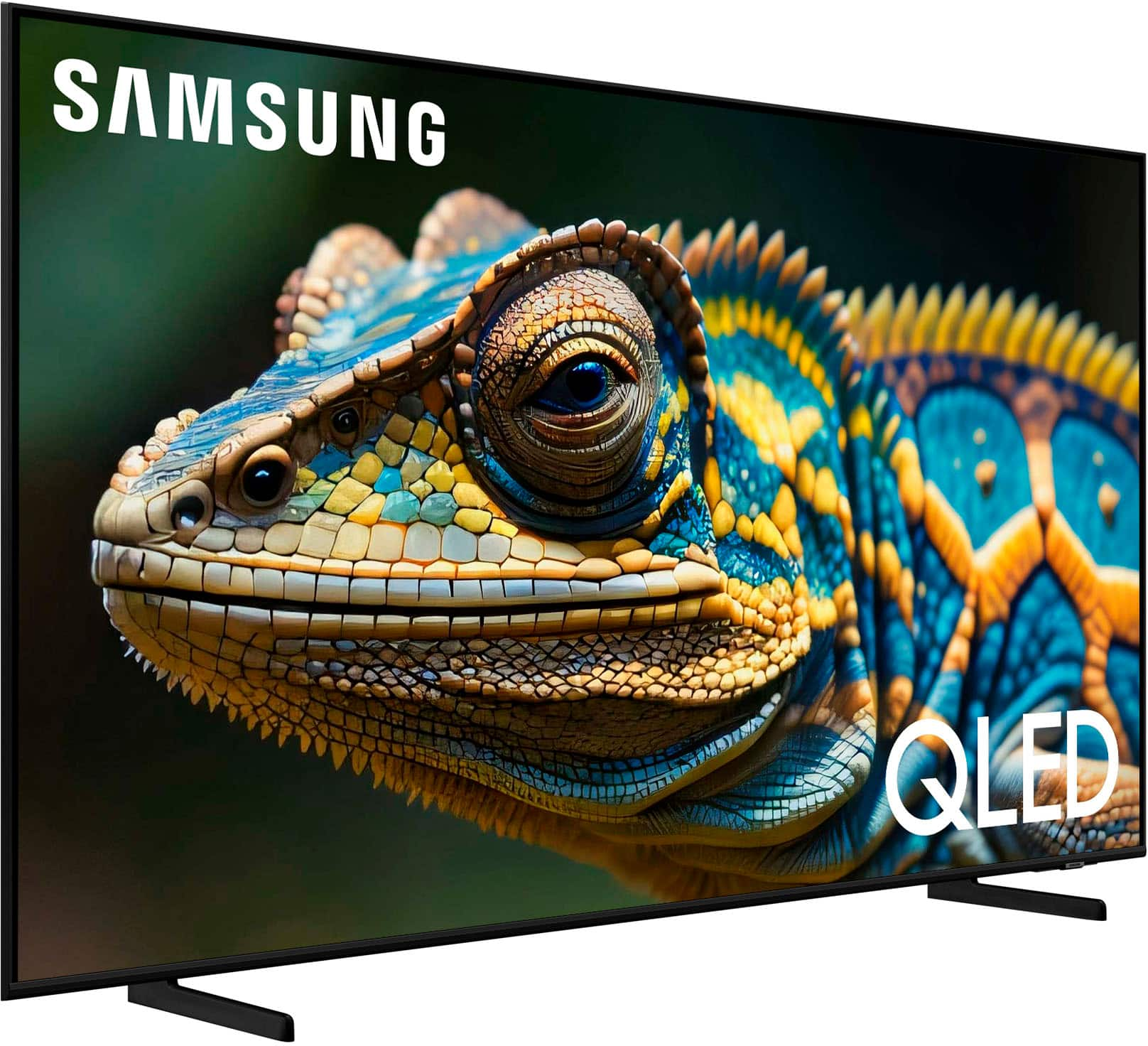
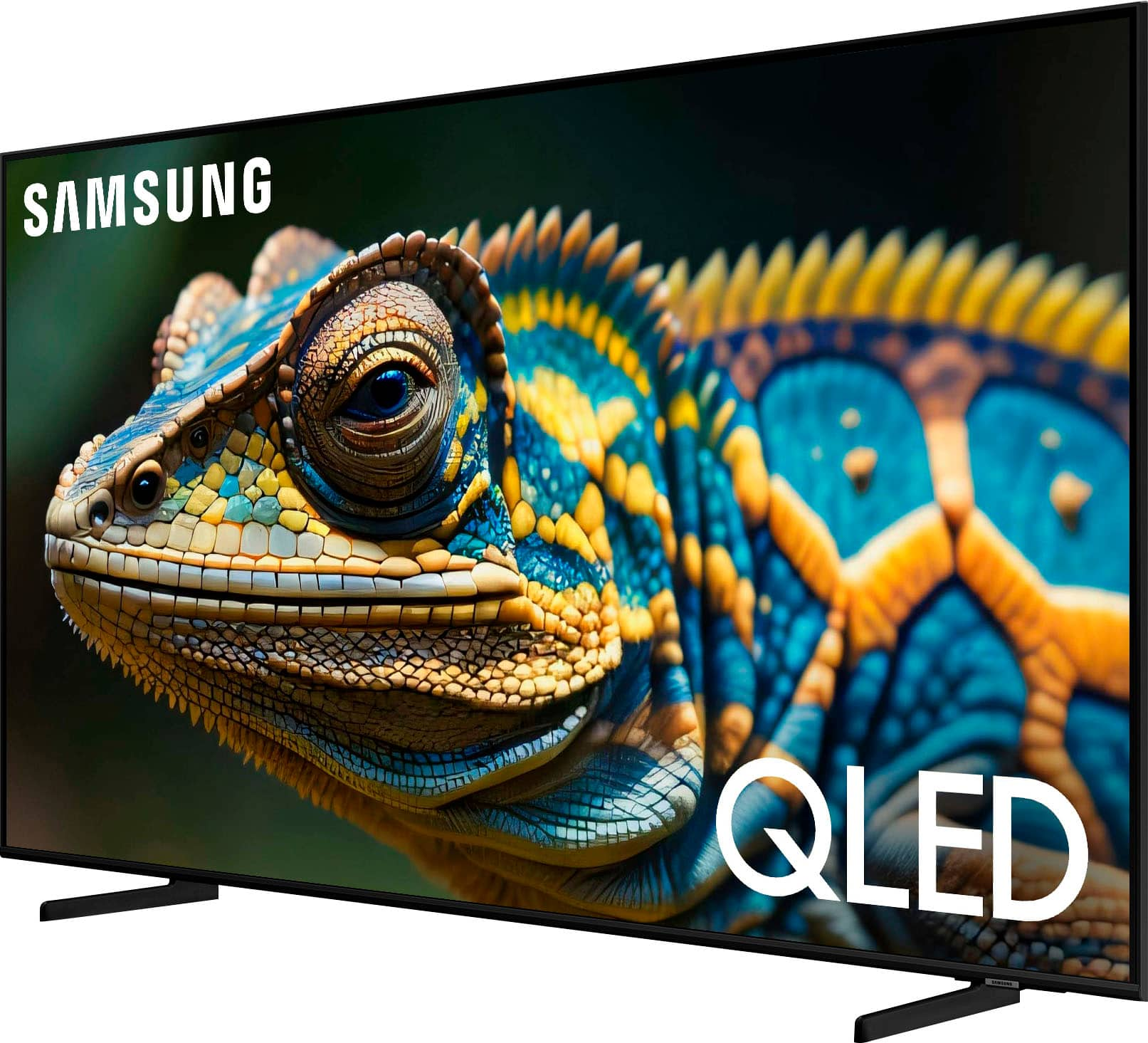
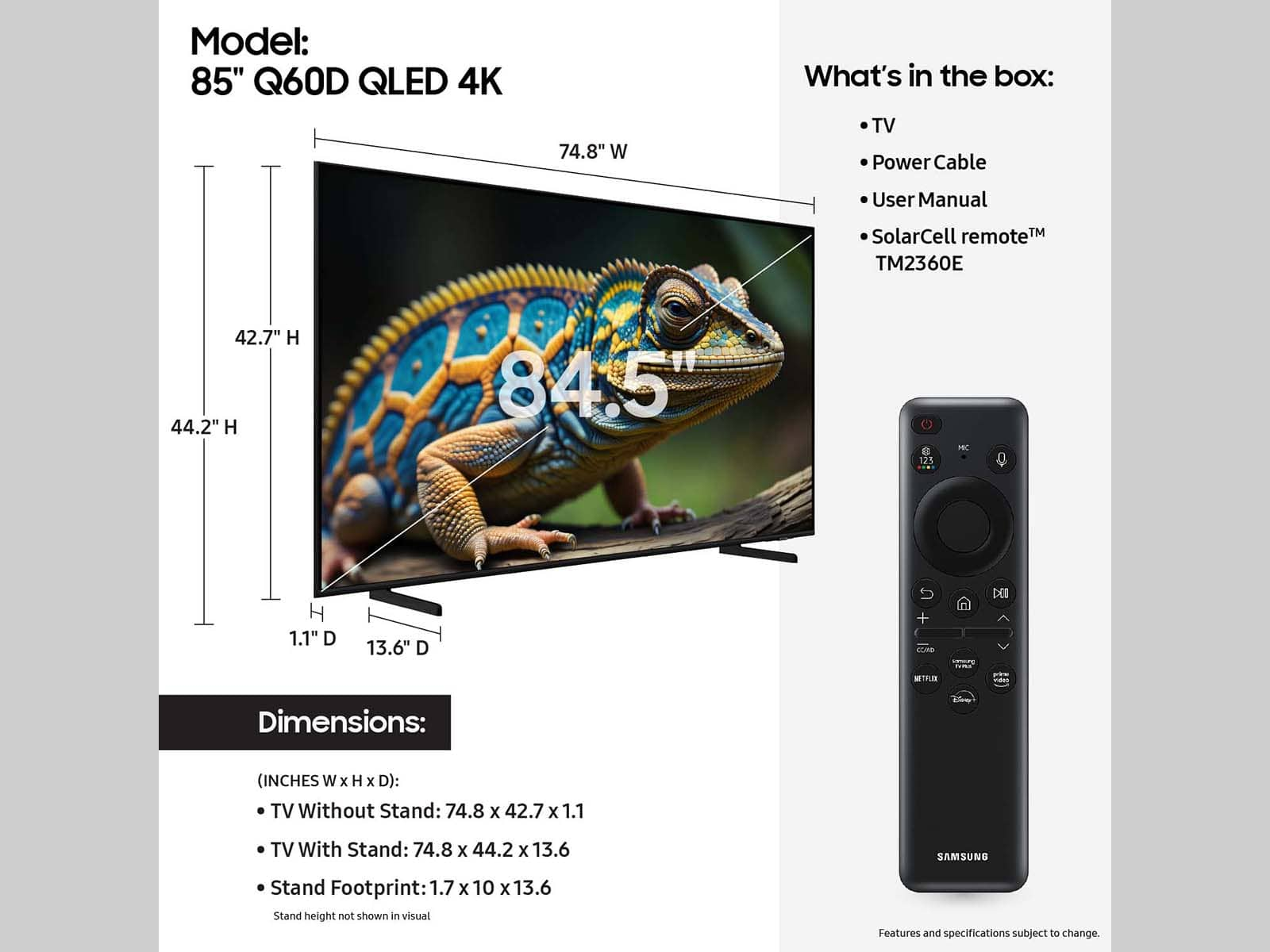
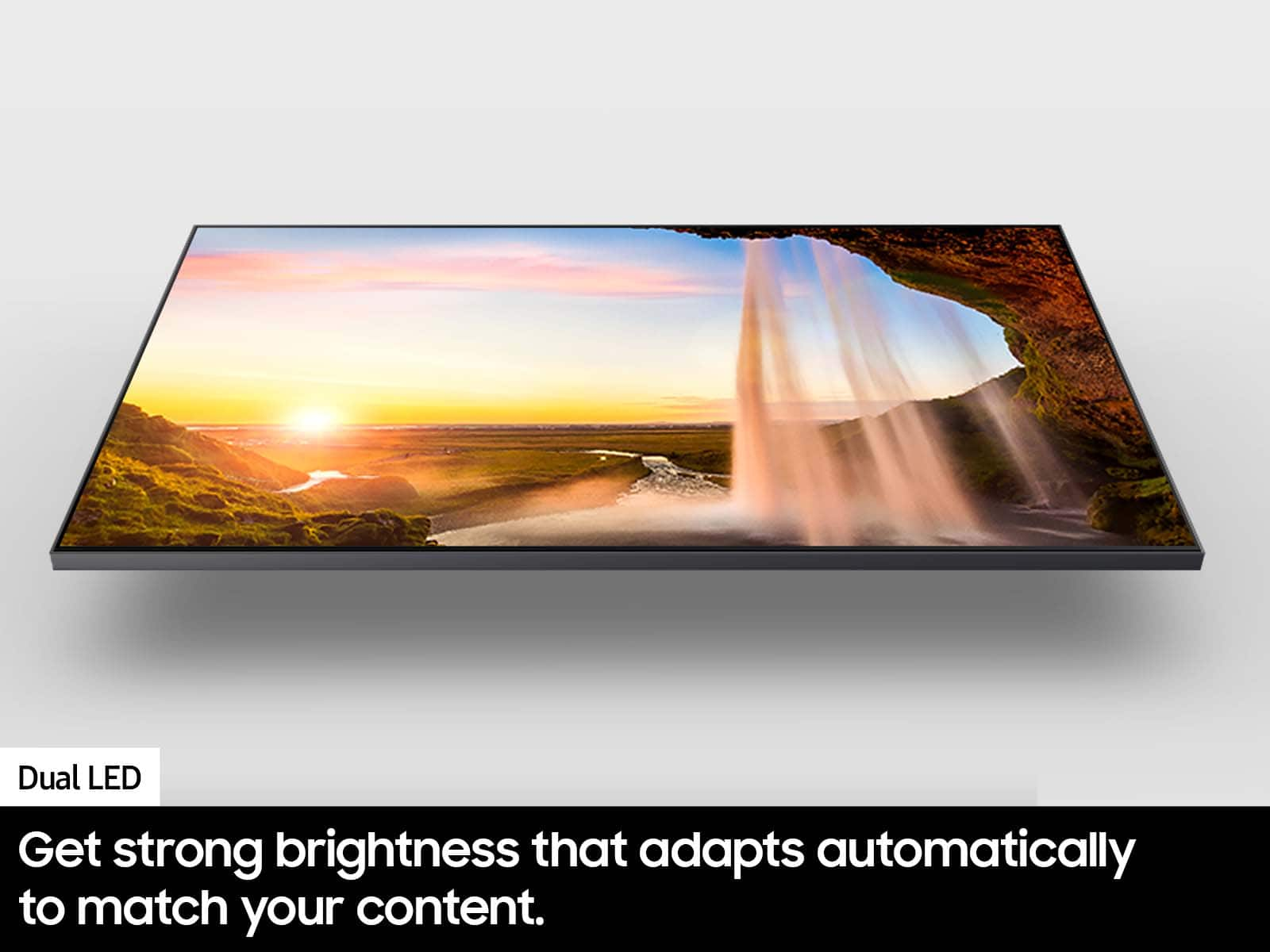
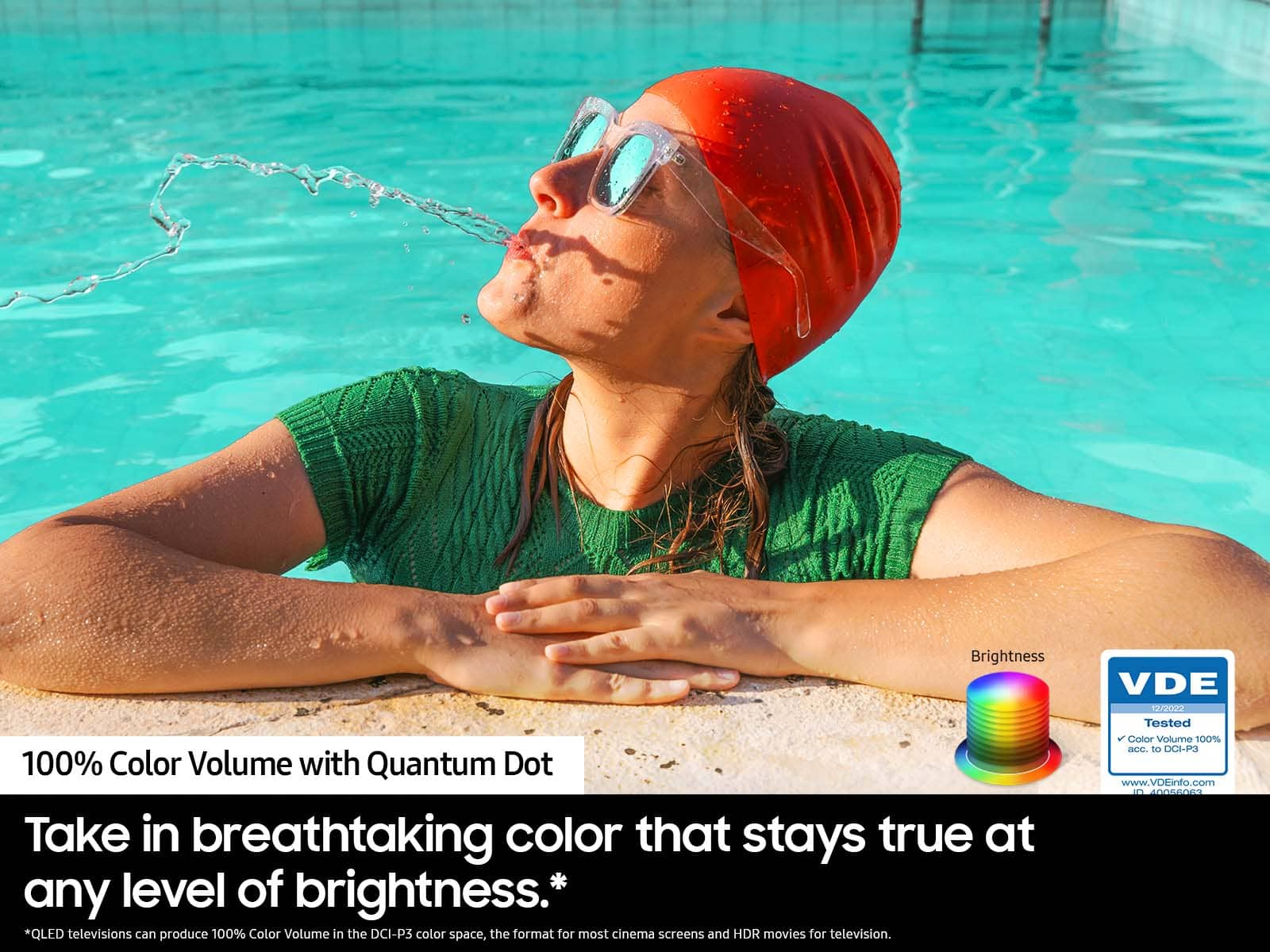
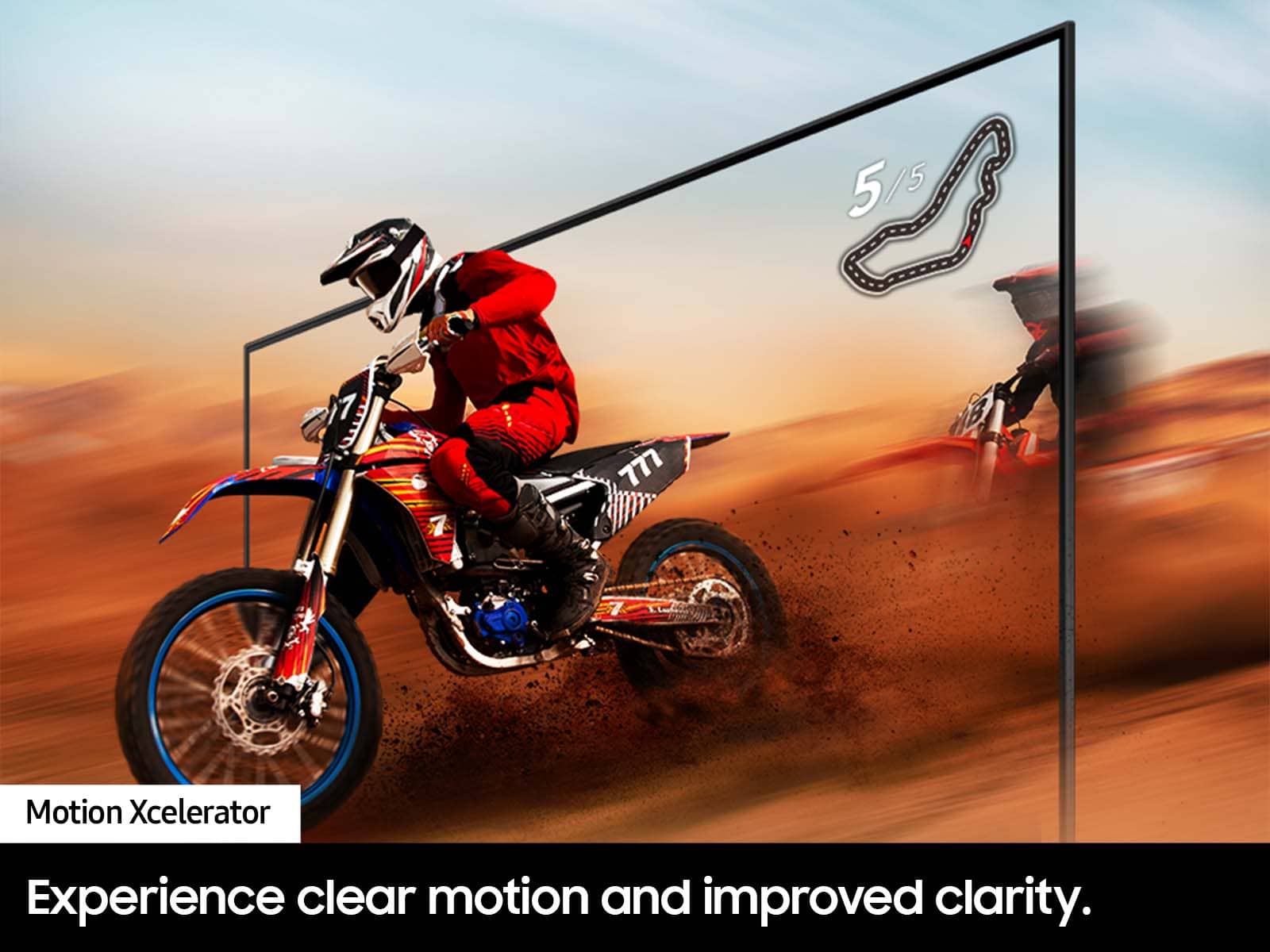
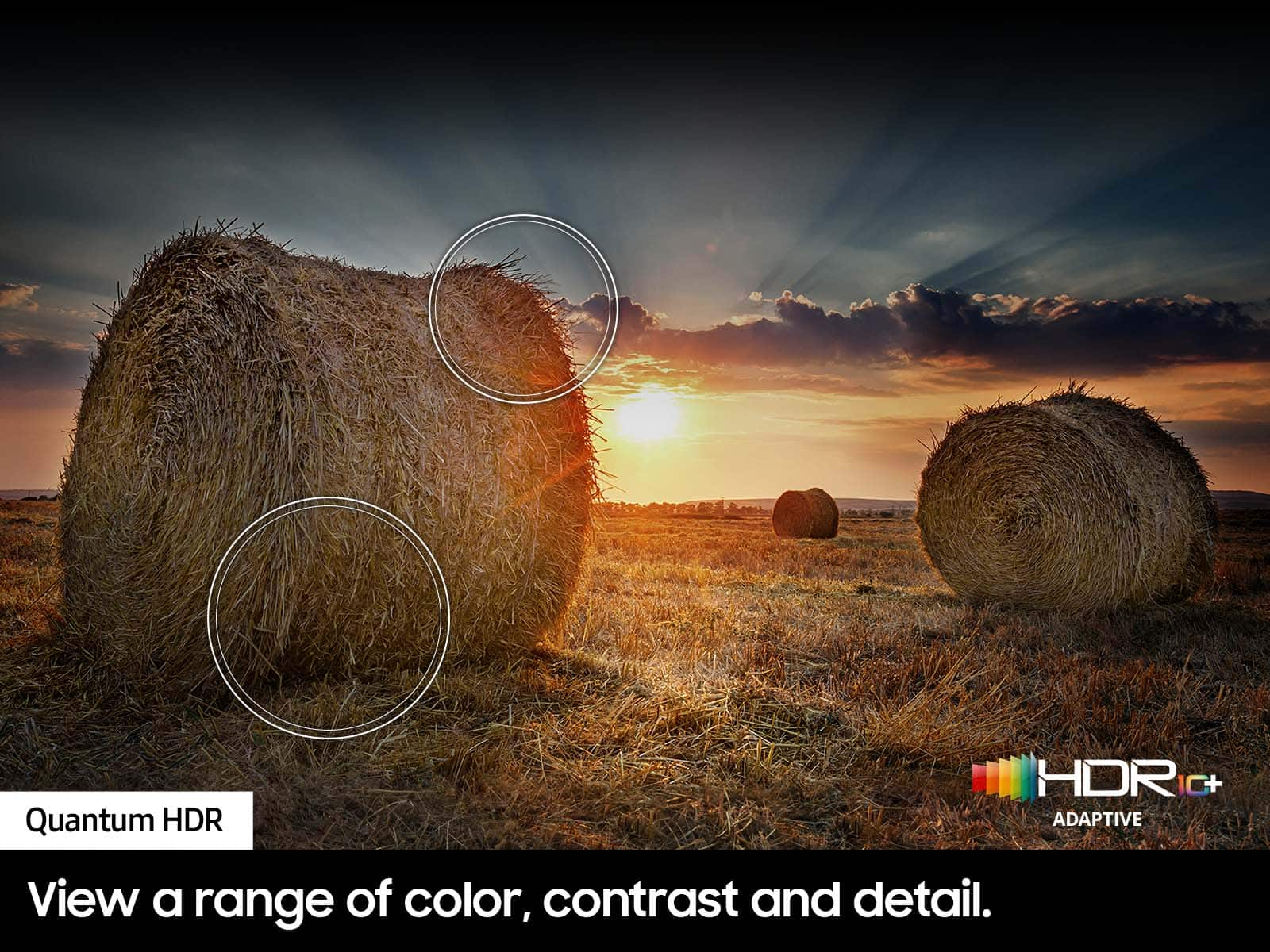
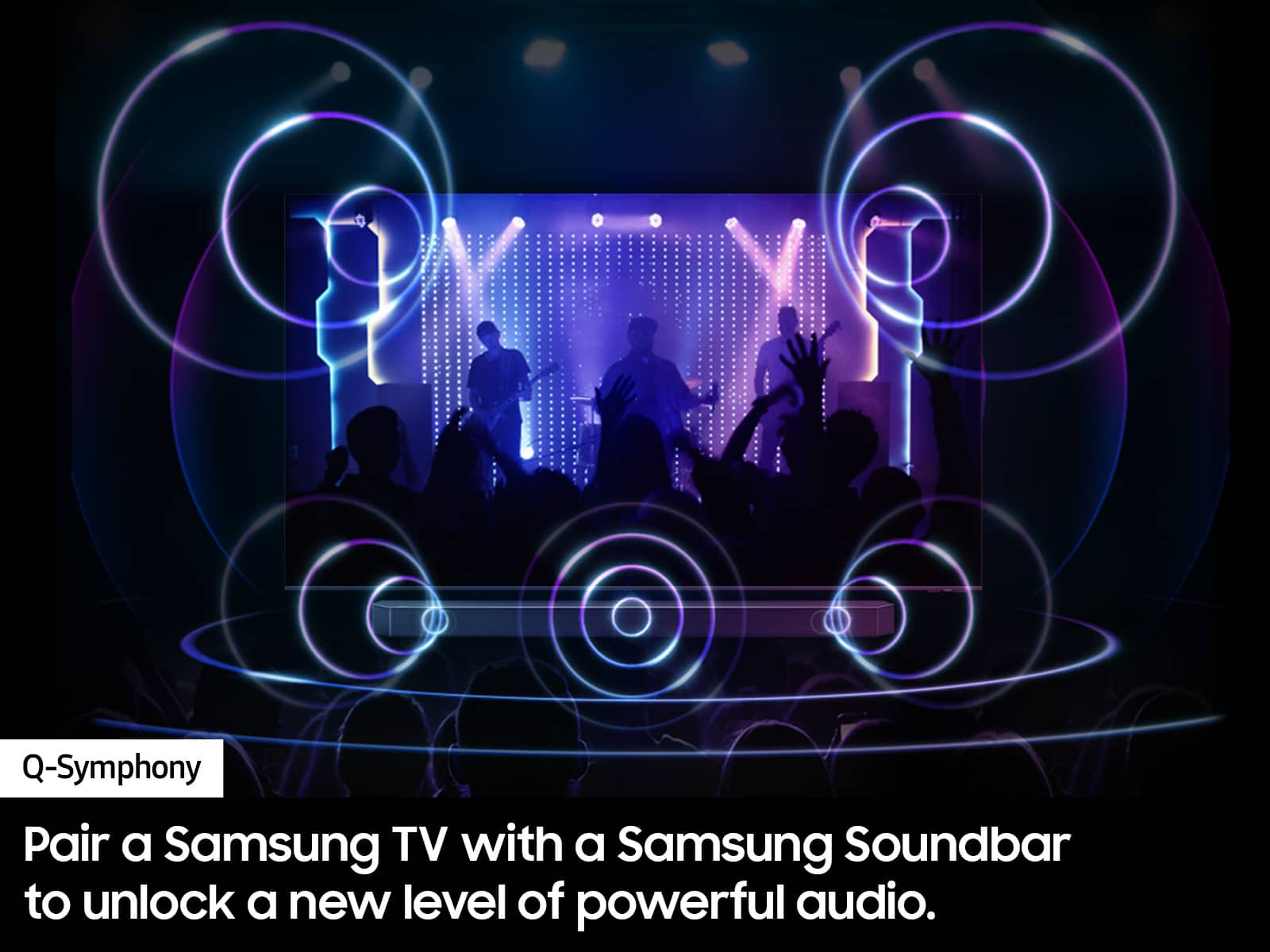
A:AnswerCharlieB - The Q60D TV includes features like Dual LED backlighting, our Quantum Processor 4K Lite, Motion Xcelerator with Auto Game Mode (ALLM), and 20-Watt 2 Channel sound with Object Tracking Sound Lite. When stepping up to the Q80D, you’ll gain Quantum HDR+ (Quantum HDR on 50”) with Direct Full Array Backlighting, giving you an extensive range of contrast with deep blacks and pure whites, as well as Freesync Premium Pro for an enhanced gaming experience. The Q80D also features Dolby Atmos to envelop you in cinematic surround sound.
~ Samsung Specialist
A:AnswerHi Dave - Please give us the opportunity to better assist with this by reaching Samsung Support at: 1-800-SAMSUNG, 8AM - 12AM EST, 7 days a week, or Chat with us on Samsung.com: https://www.samsung.com/us/support/contact/
~ Samsung Specialist
A:AnswerI view from the front and the side and do not have an issue with the picture quality. We usually watch tv in the evening so I don’t know if bright daylight affects this issue. Our apartment is more on the dark side even during the day so that may affect it since our living room is never too bright .
A:AnswerNo. QLD. Picture is better when lights are on in the room versus edge that has better black colors, but overall picture is weak around the edges.