
Skip to contentGo to Product Search
Main Content

Questions & Answers

$499.99
Save $100
The comparable value is $599.99
Deal ends tomorrow
Page Showing 1-20 of 63 questions
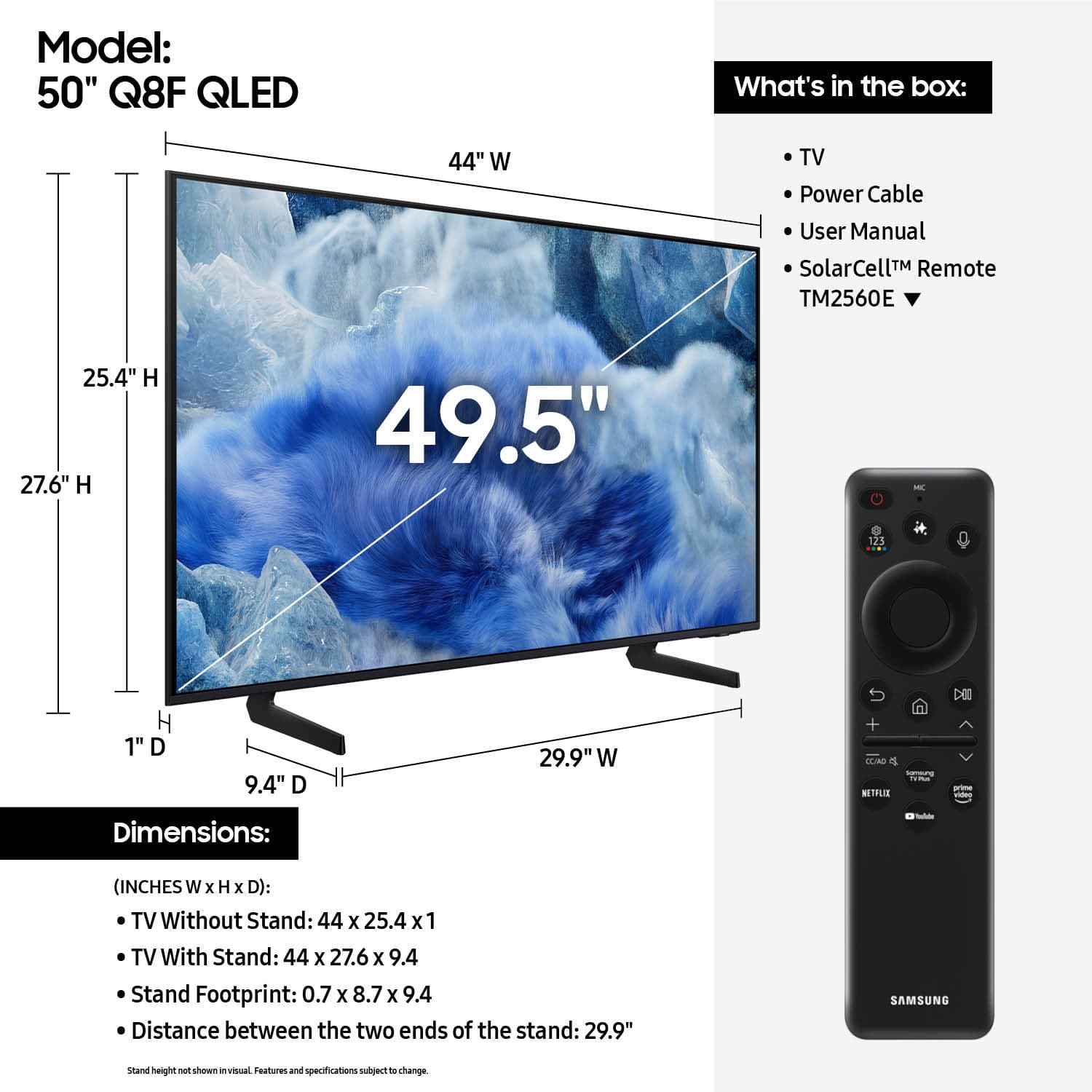
  • QuestionWhat is the screen size of this TV?

    • Answer The screen size of this TV is 50 inches.
    This question and answer was generated by AI based on customer and product data.

  • QuestionWhat is the total speaker output power for this TV?

    • Answer The total speaker output is 20 watts.
    This question and answer was generated by AI based on customer and product data.

  • QuestionWhat is the refresh rate of this TV?

    • Answer The refresh rate is 60Hz.
    This question and answer was generated by AI based on customer and product data.

  • QuestionWhat type of display does this TV use?

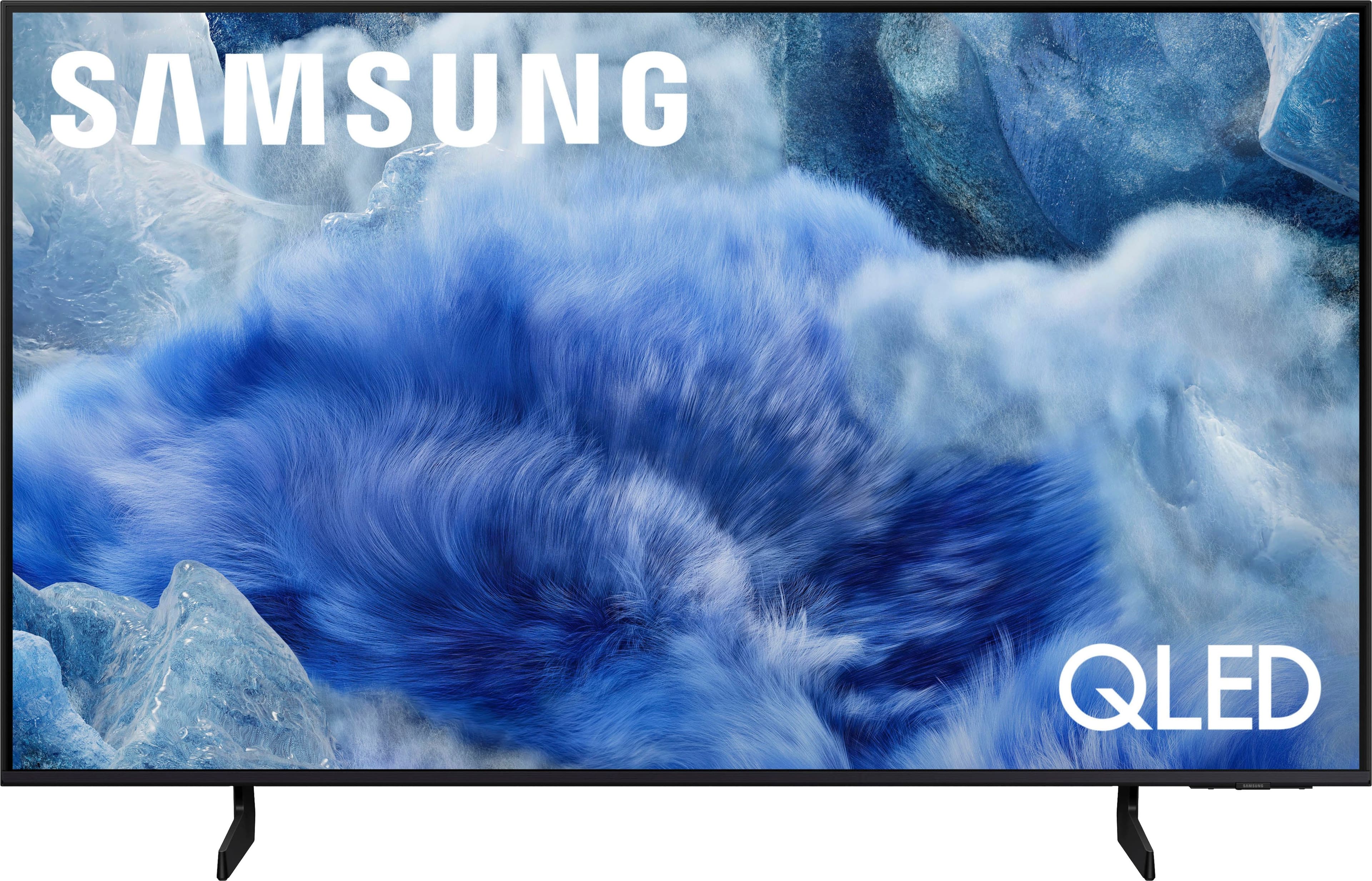
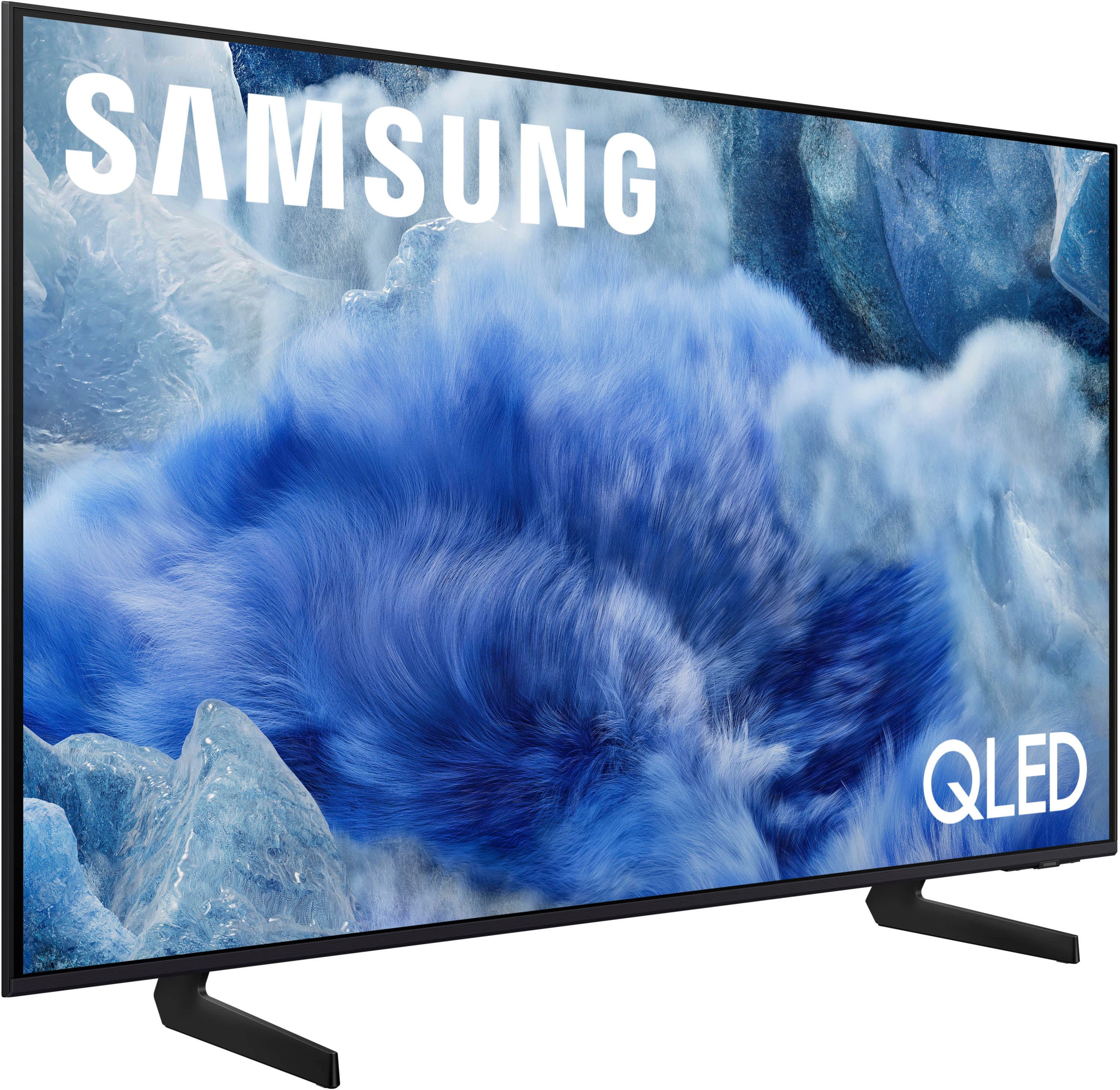
    • Answer This TV uses a QLED display.
    This question and answer was generated by AI based on customer and product data.
  • QuestionDoes this TV have built-in speakers?

    • Answer Yes, this TV has built-in speakers.
    This question and answer was generated by AI based on customer and product data.
  • QuestionHow does the Active Voice Amplifier feature work on this TV?

    • Answer The Active Voice Amplifier boosts voices over background noise so you can hear speech clearly without distraction.
    This question and answer was generated by AI based on customer and product data.

  • QuestionDoes this TV support HDR?

    • Answer Yes, this TV supports HDR10+.
    This question and answer was generated by AI based on customer and product data.
  • QuestionHow easy is it for older person to use remote?

    Asked by Wyatt.

    • Answer Wyatt - Learn TV Remote is a feature designed to help users become familiar with the layout and function of each button on the Samsung remote. When enabled, pressing any button (except the Power button, which will still turn off the TV) will prompt the TV to announce the button’s name and its purpose – without affecting TV operation. This teaching mode is especially useful for users who are visually impaired or new to Samsung remotes. To enable this feature, go to: Settings > All Settings > General & Privacy > Accessibility > Learn TV Remote. To exit, simply press the Return key twice. ~ Samsung Specialist

      Answered by Samsung

  • QuestionDo you have to create a Samsung account to access the apps? Can you access the apps Like Netflix, or appleTV directly without creating a Samsung account?

    Asked by thekodak.

    • Answer thekodak - A Samsung Account is required to access Smart Hub, which powers core smart features like app access (Netflix, YouTube), service updates, and content personalization. Without signing in and accepting the Terms and Conditions, the TV will operate in a basic mode - allowing use of external devices (HDMI, antenna), but without access to streaming apps or Smart Hub services. We understand this may not suit every user, but it’s necessary to unlock the full range of Samsung’s smart features and connected services. ~ Samsung Specialist

      Answered by Samsung

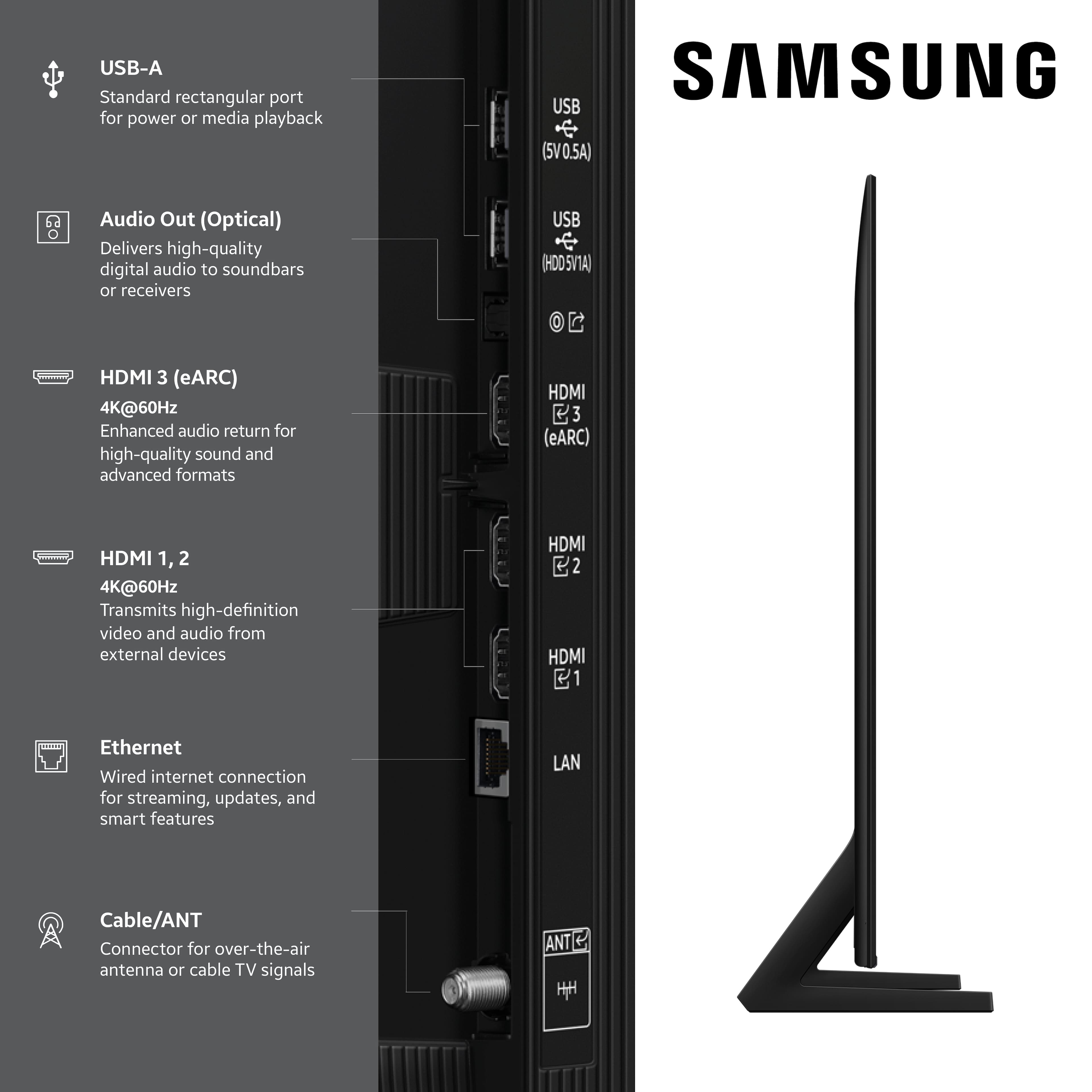
  • QuestionDoes this tv have a digital optical audio port? (did not see in specs)

    Asked by joaniepoo60.

    • Answer Hi joaniepoo60 - Yes, the Q8F features an Optical port. ~ Samsung Specialist

      Answered by Samsung

  • QuestionCan headphones be used with this tv?

    Asked by Bill.

    • Answer Bill - Headphones can be connected via Optical, HDMI, Bluetooth, or Wi-Fi. ~ Samsung Specialist

      Answered by Samsung

  • QuestionDoes this 50" Class Q8F 4K UHD Smart TV need CONNECT ONE BOX?

    Asked by Anonymous.

    • Answer No, the Q8F does not utilize a One Connect Box. ~ Samsung Specialist

      Answered by Samsung

  • QuestionHow heavy is TV and how is it delivered

    Asked by Deb.

    • Answer Hi Deb - For delivery information, please directly contact Best Buy. You can find product weight information on this model’s product page – just click Specifications and scroll down to Dimensions: https://www.bestbuy.com/product/samsung-50-class-q8f-series-qled-4k-uhd-samsungvision-ai-smart-tizen-tv-2025/6617419 ~ Samsung Specialist

      Answered by Samsung

  • QuestionHow do I get a user manual

    Asked by Anonymous.

    • Answer Please give us the opportunity to better assist with this by reaching Samsung Support at: 1-800-SAMSUNG (8AM – 9PM EST Mon – Fri, 8AM – 6PM Sat – Sun) or Chat with us on Samsung.com: https://www.samsung.com/us/support/contact/ ~ Samsung Specialist

      Answered by Samsung

  • Questiondoes this support 1080p

    Asked by chuck.

    • Answer Yes, lower res content is supported. ~ Samsung Specialist

      Answered by Samsung

  • QuestionIs the YouTube tv app in the tv

    Asked by Anonymous.

    • Answer The YouTube TV app can be installed. ~ Samsung Specialist

      Answered by Samsung

  • QuestionDoes it support 120Hz for gaming

    Asked by Anonymous.

    • Answer The 50" Q8F has 3 HDMI ports, all of which support HDR10+ and Auto Low Latency Mode (Auto Game Mode). HDMI port #2 further supports eARC. If you’re looking for a TV capable of 4K@120Hz, please consider a step up to the 55-85” Q8F TV, which supports this feature in all HDMI ports. ~ Samsung Specialist

      Answered by Samsung

  • QuestionDoes this tv have One Connect

    Asked by Connie.

    • Answer Hi Connie - No, the Q8F does not utilize/support One Connect Boxes. ~ Samsung Specialist

      Answered by Samsung

  • QuestionDoes this TV support PBS app?

    Asked by Maria1127.

    • Answer Hi Maria1127, Yes, the PBS app is available for download. ~Samsung Advisor

      Answered by Samsung

  • QuestionDoes this tv have an "Audio Out" port?

    Asked by W.

    • Answer Yes, the Q8F has an Optical port. ~ Samsung Specialist

      Answered by Samsung
















