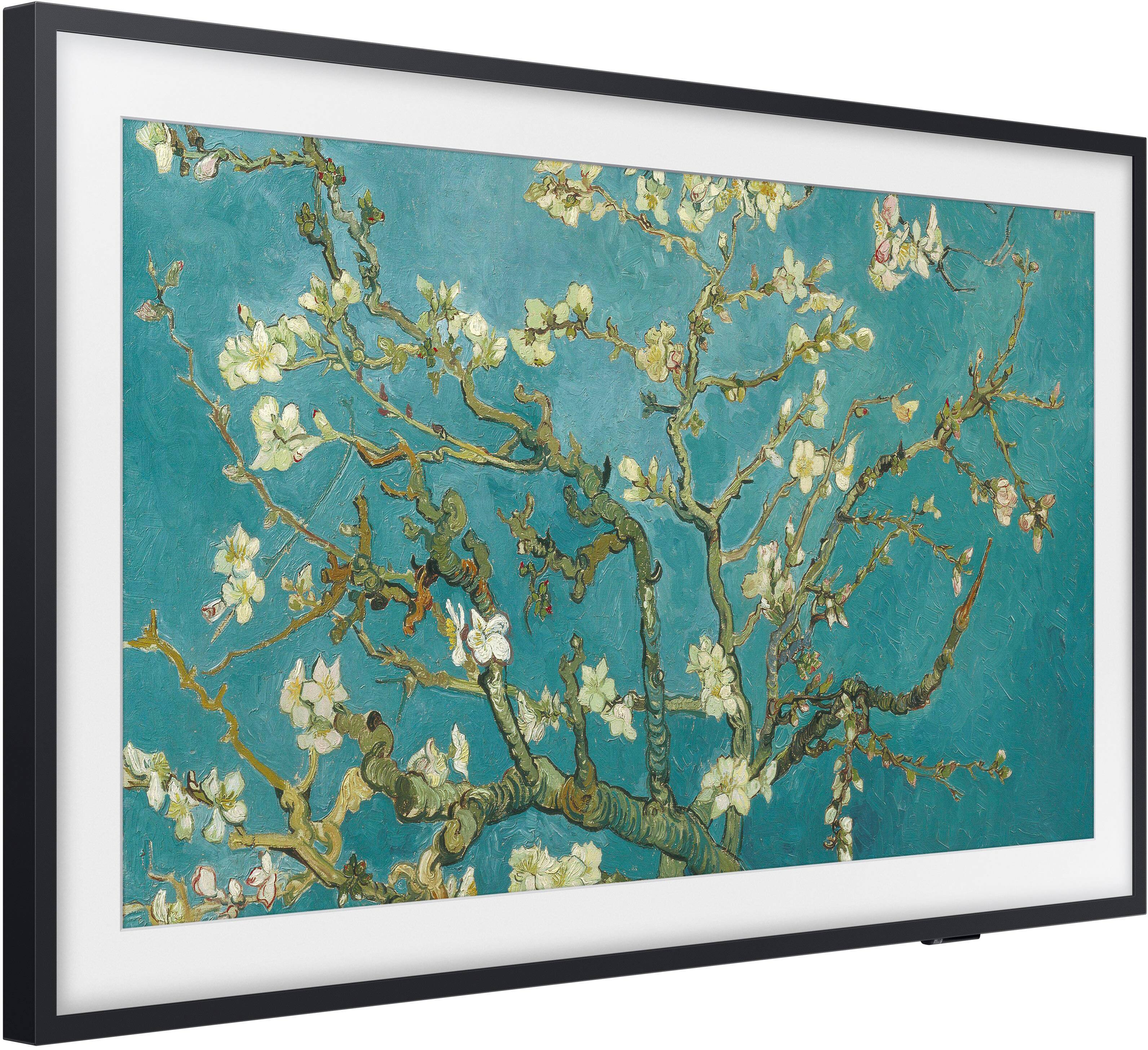
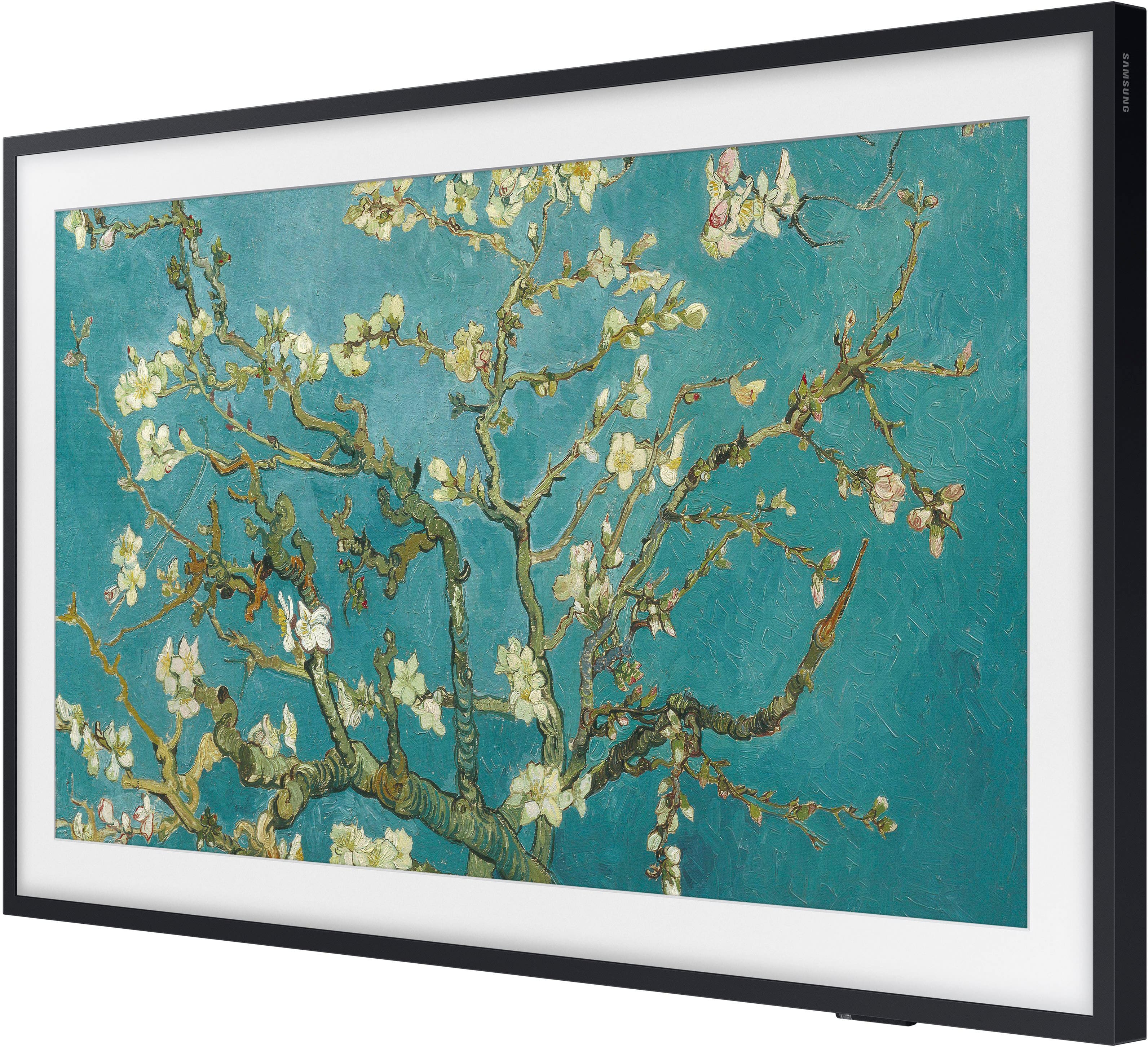
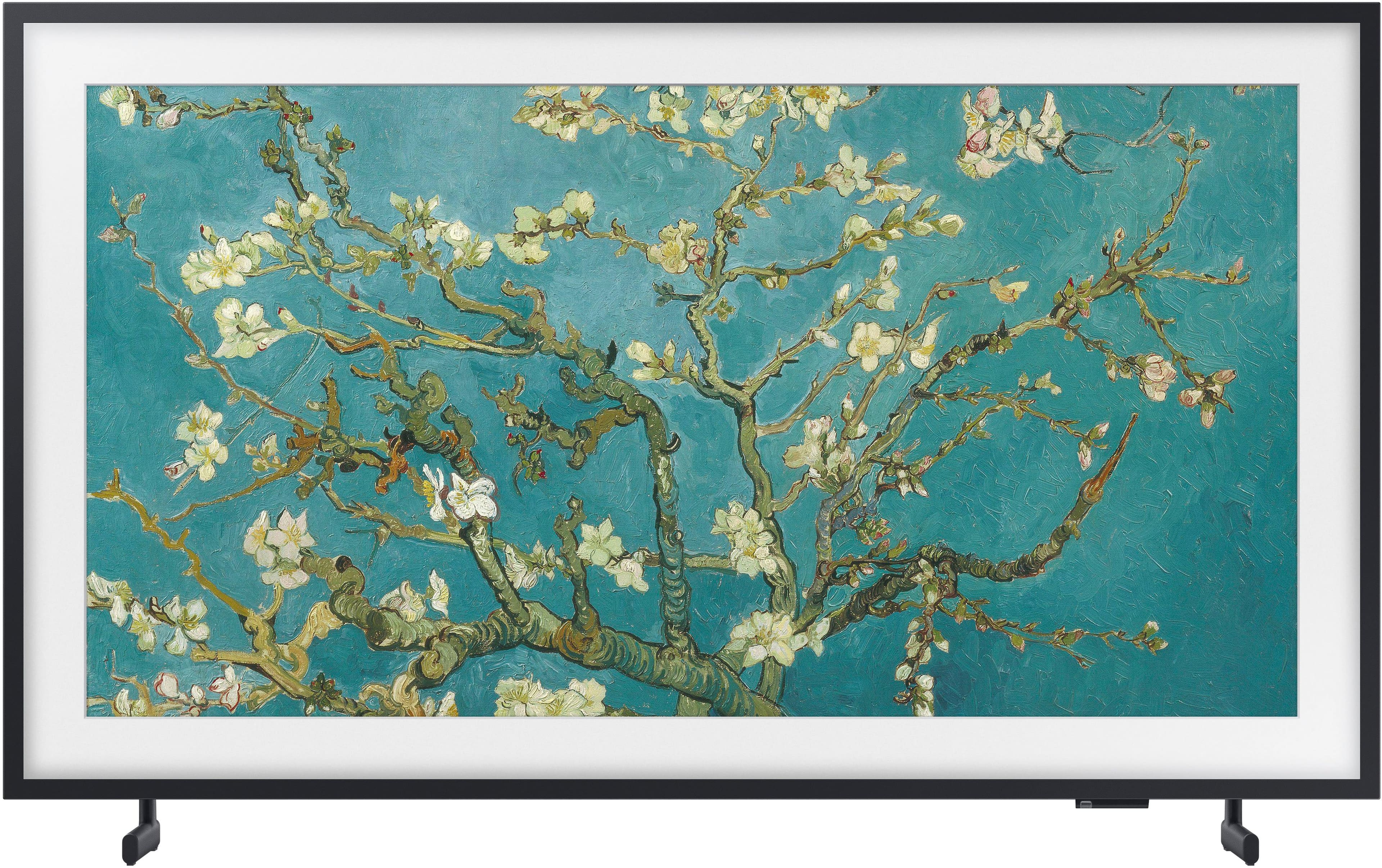
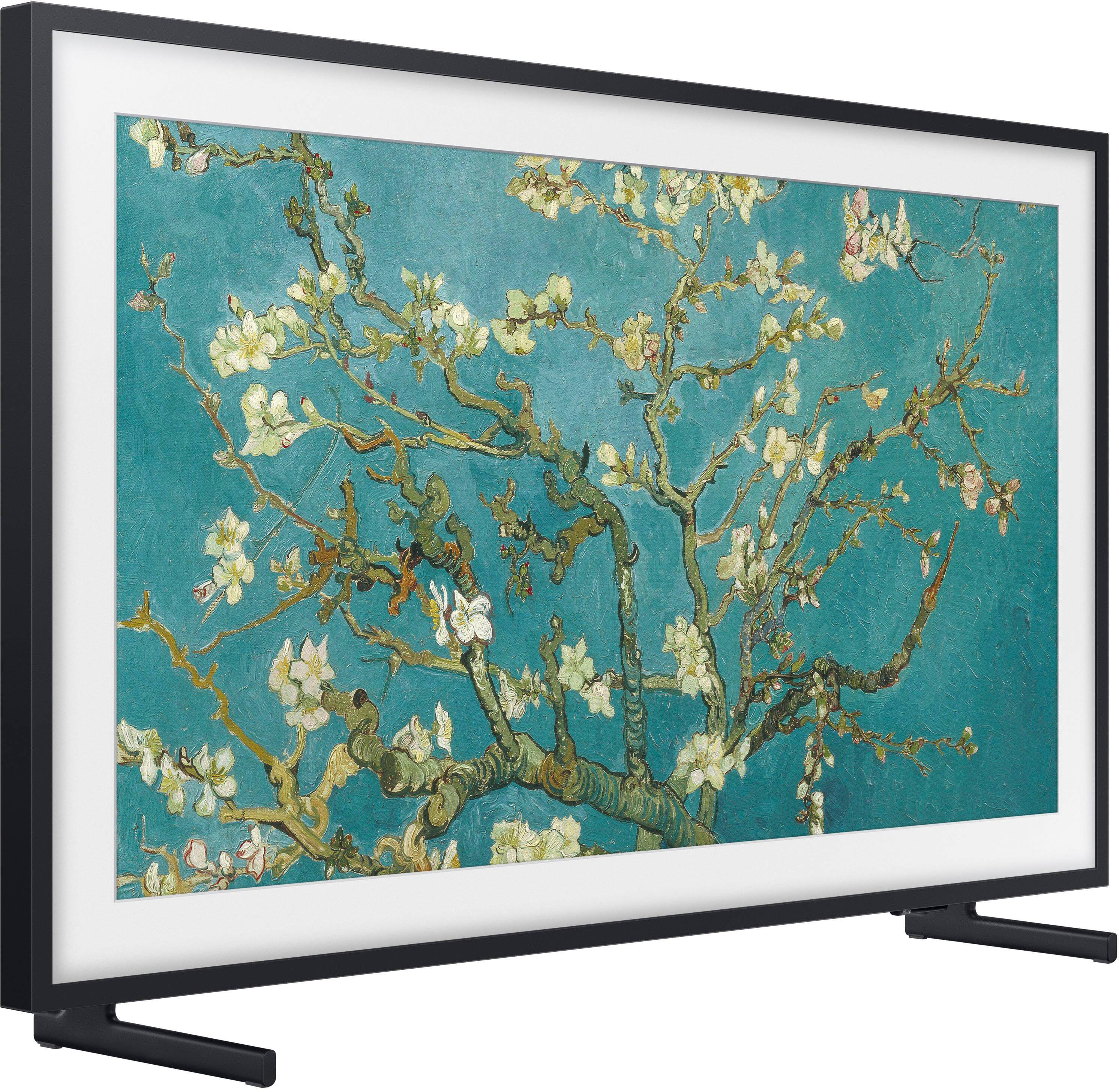
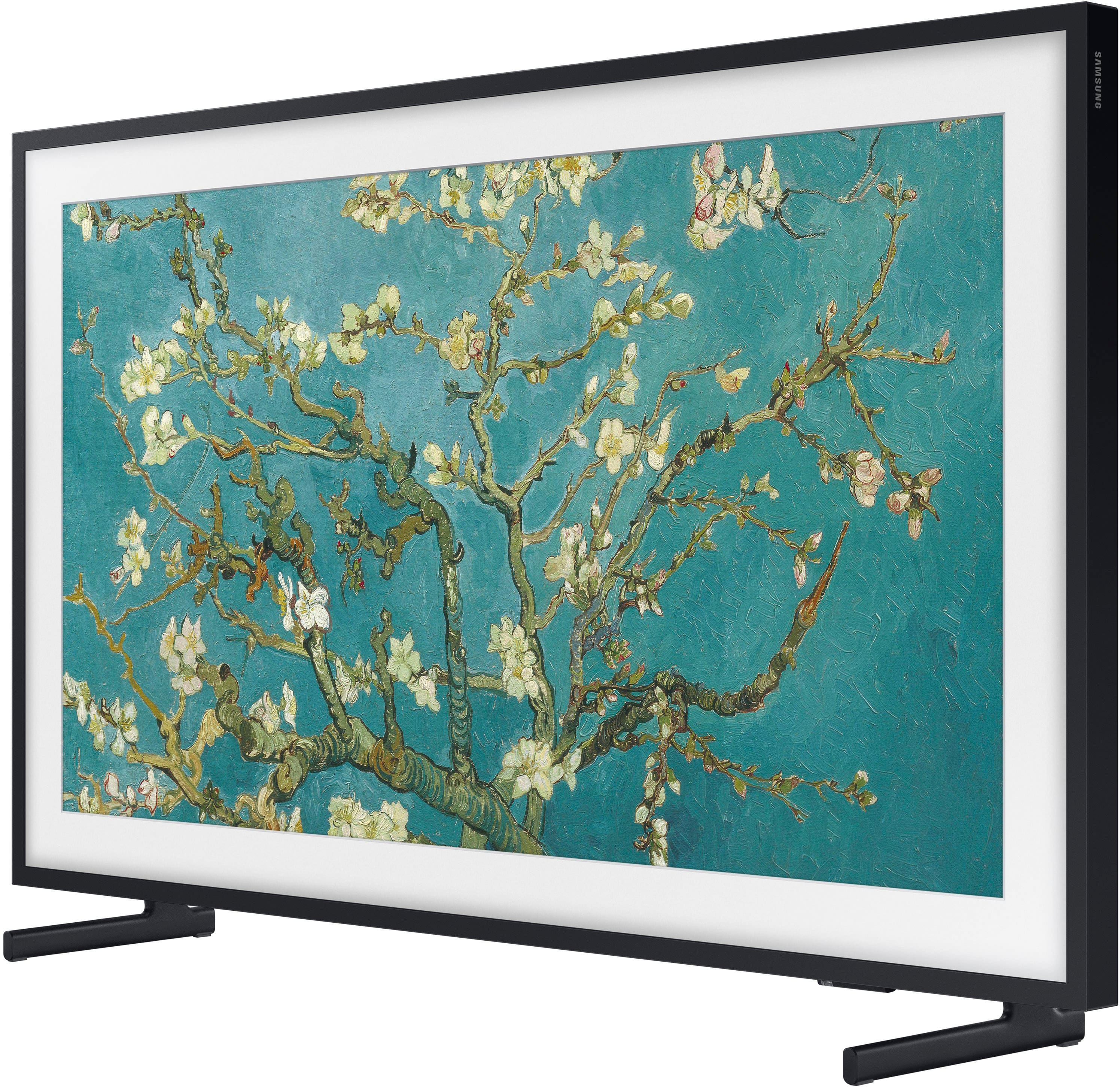
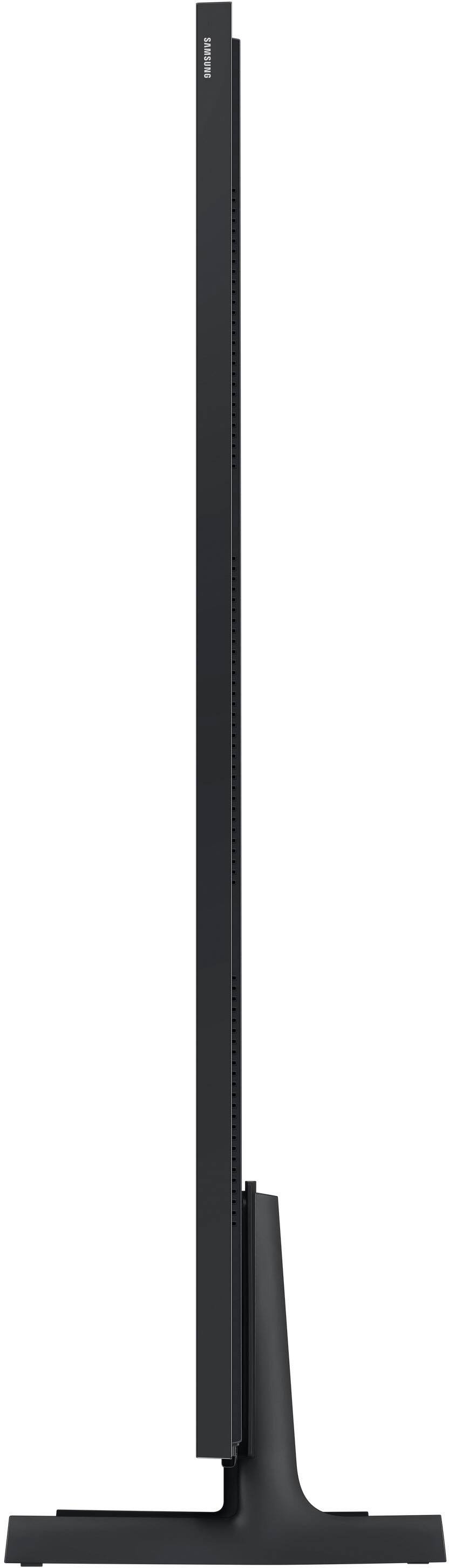
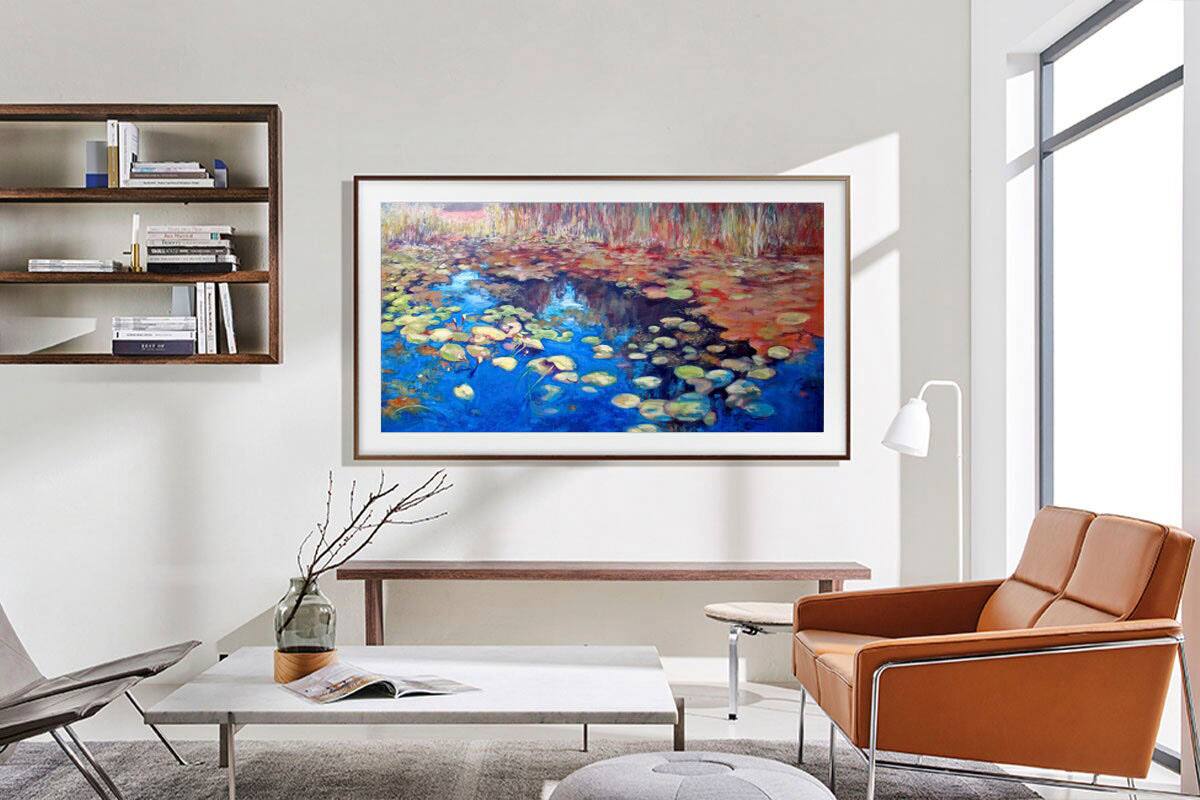
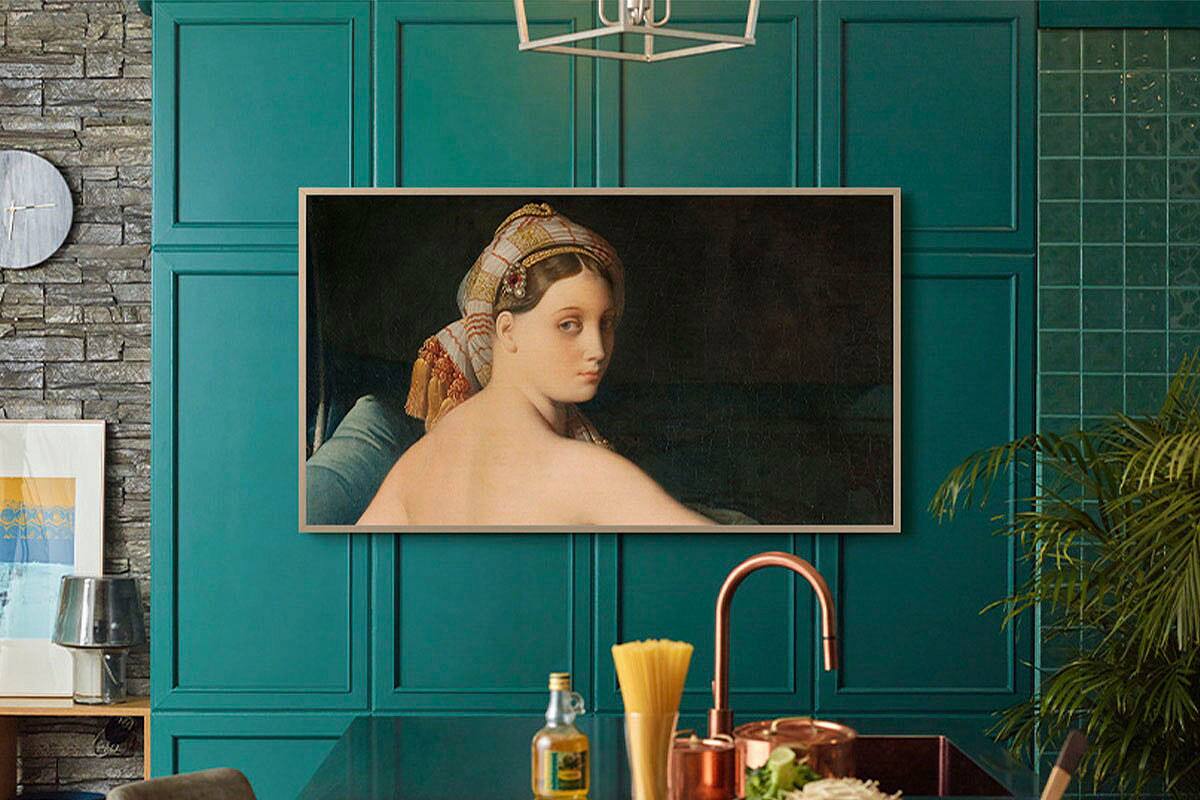
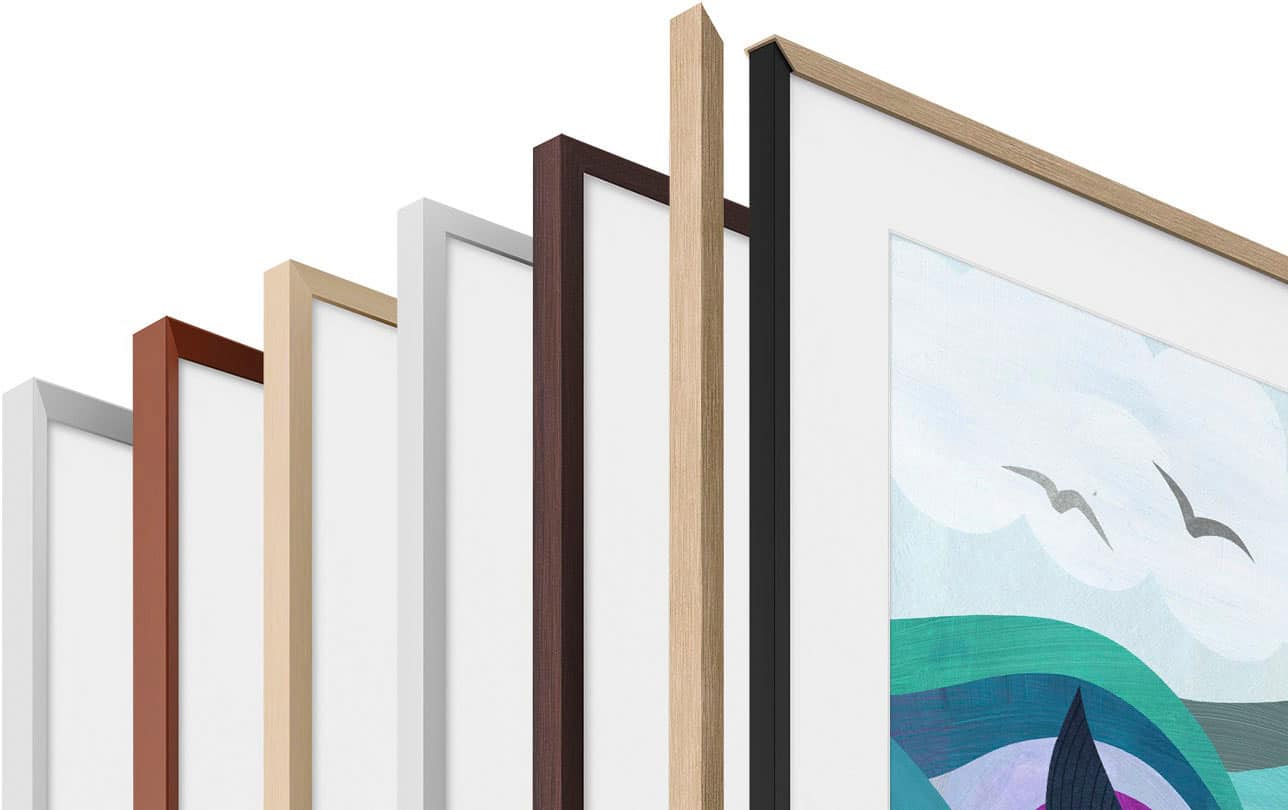
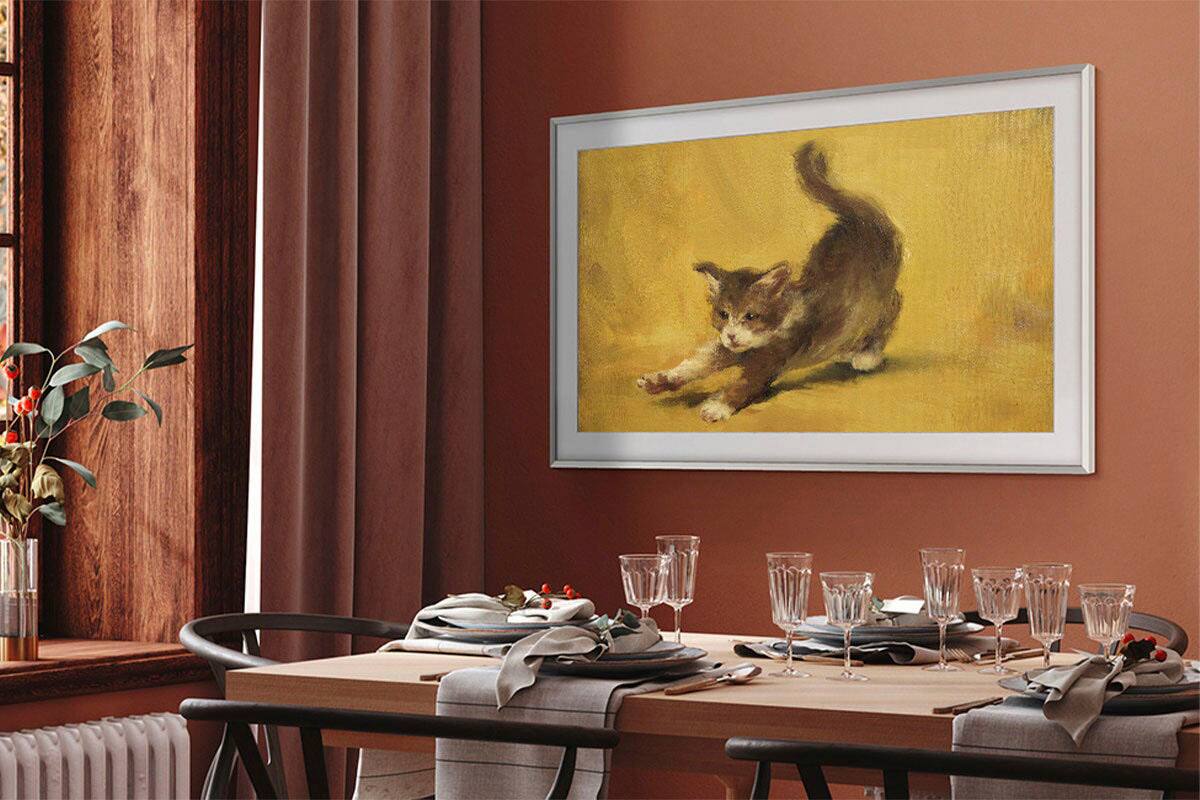
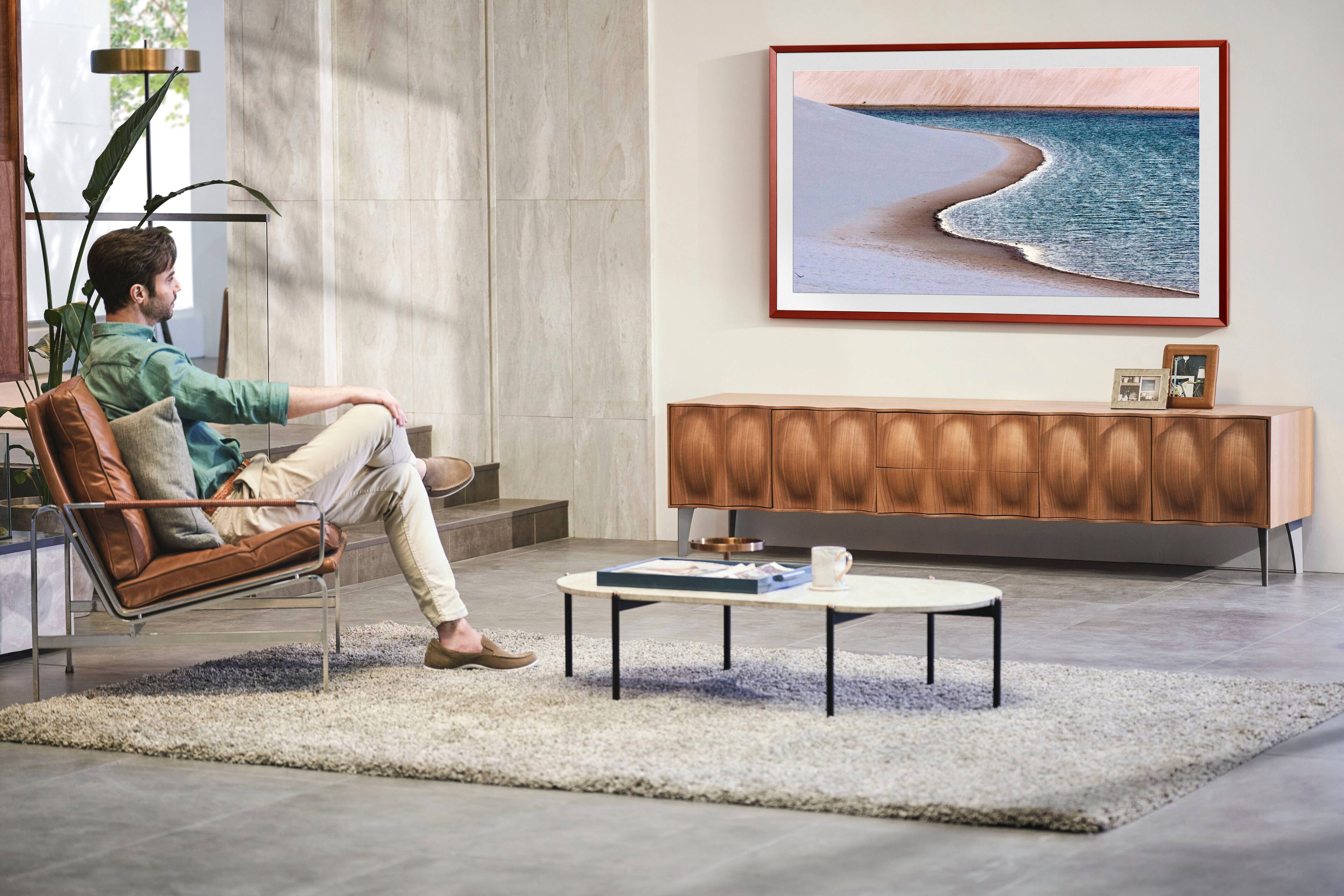
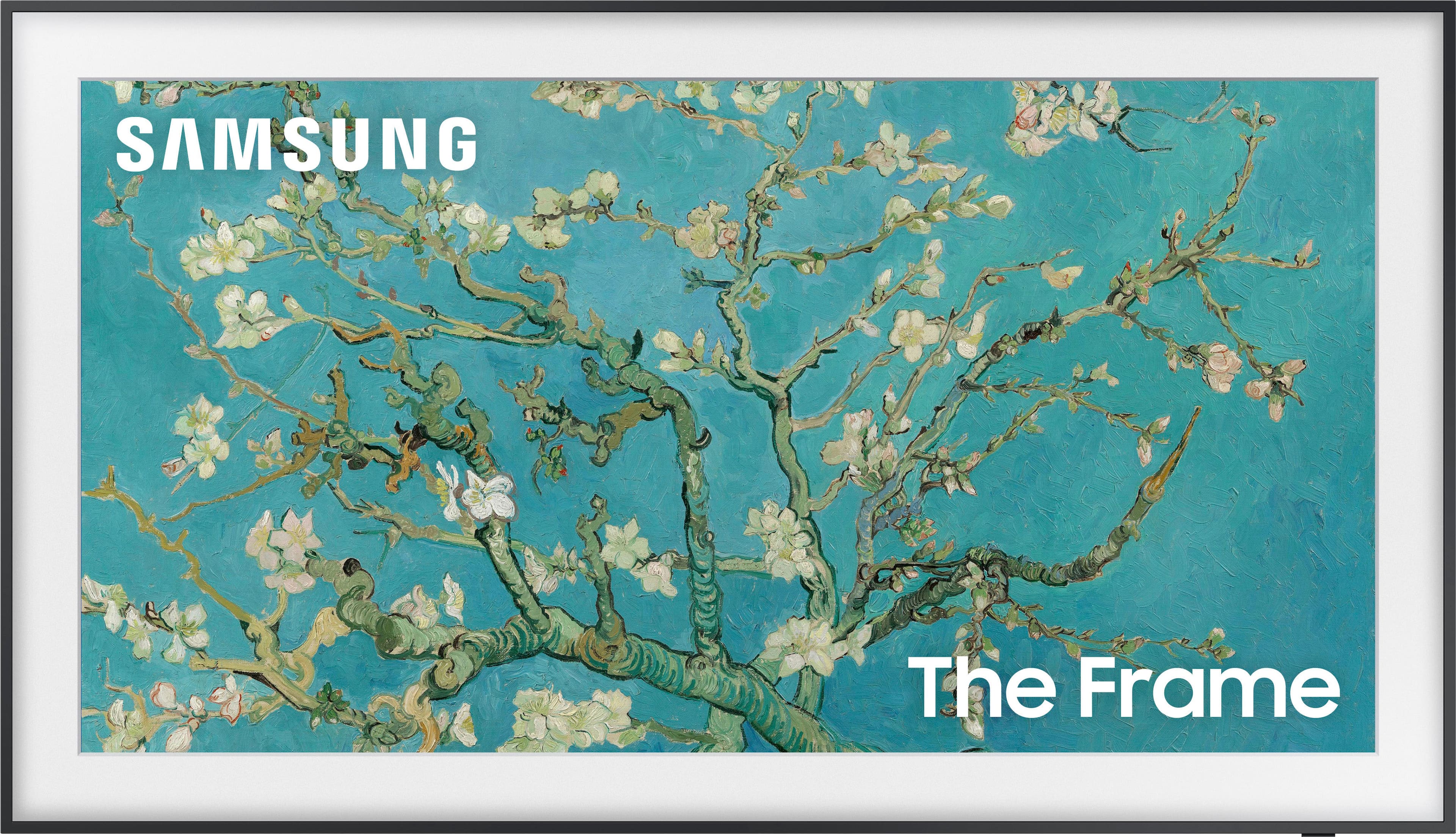
A:AnswerHi RSkies! The Frame TV comes with a black frame, which cannot be removed. The Customizable Bezels sold separately are attached directly on top of the black frame and come in Modern Brown, Modern Teak, and Modern White. ^Gina
A:AnswerMulti View allows you to watch up to two things at once on your TV, including what’s on your Smartphone. Whether it's live stats for the sports you’re watching or cheat videos while you play a game, Multi View provides you with different possibilities for splitting screens and viewing several types of content at the same time. While 2 HDMI inputs can’t be viewed simultaneously, here’s an example of how you can use this feature: On the left screen, you can play apps like TV+ or YouTube, HDMI devices, Antenna or Cable, or USB devices. On the right screen, you can screen mirror, use AirPlay, cast from an app, or cast from an IoT camera.
~ Samsung Specialist
A:AnswerThe power plug goes through a large brick that will not fit behind the TV (it is used as the input for both power and HDMI sources). This brick is fed into the TV through a thin wire. You may want to Google regarding how to hide the wire... apparently the one packaged with the TV is not fire rated so it's not recommended to run it through a wall. In our case we have the wire dangling below the TV and the input box on the floor covered up with furniture. It's not the clean solution that you may think based on the marketing.
A:AnswerShi - The 50" Frame TV (2022) does not feature out-of-the-box Vertical/Portrait support; to use this model in Portrait Mode, it will need to be installed on the Auto Rotating Wall Mount (coming soon). ^Gina
A:AnswerMike - The included power cable measures approximately 5' in length. To best assist you with extended power cable options, we recommend visiting your local Best Buy store. ^Gina