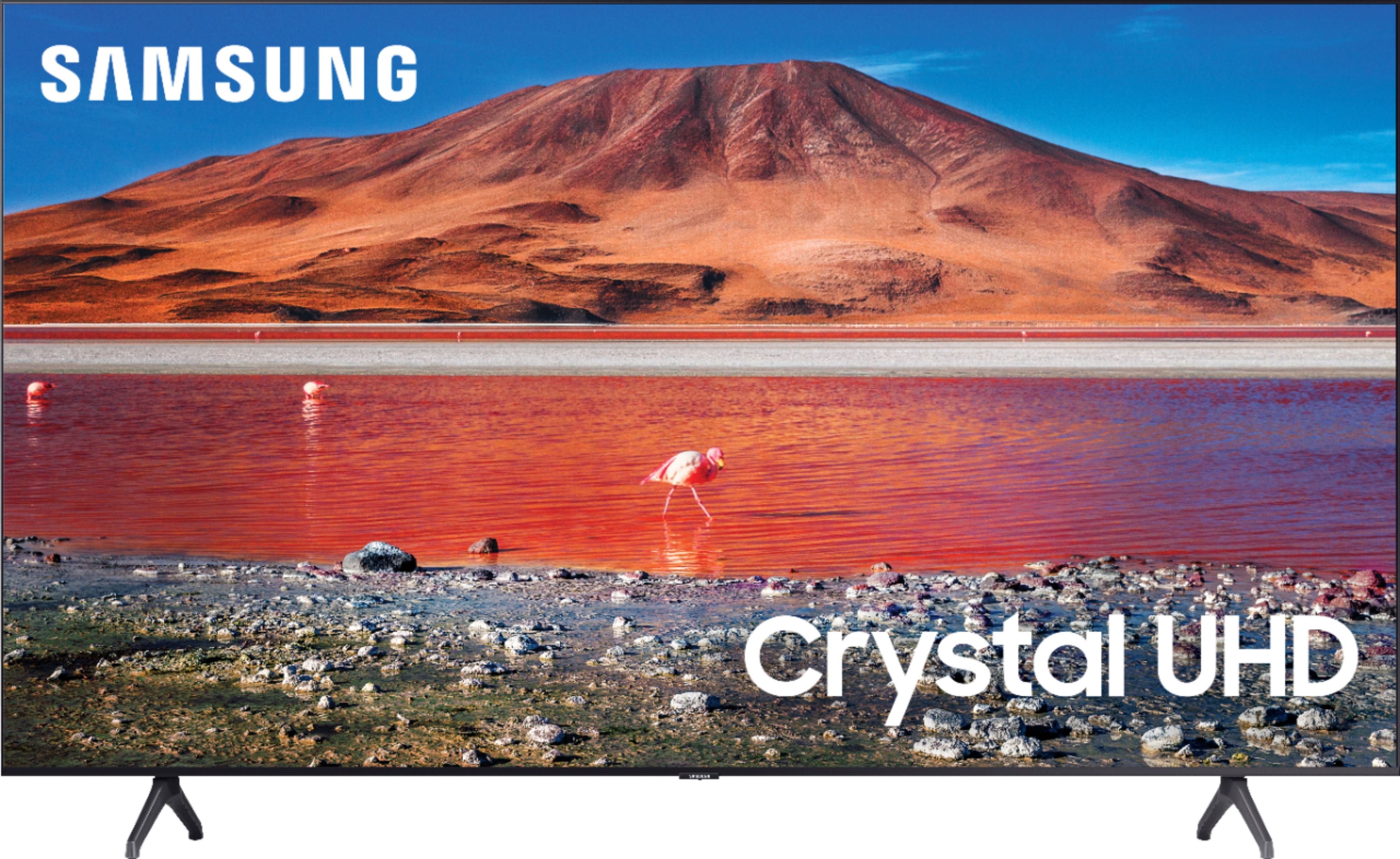
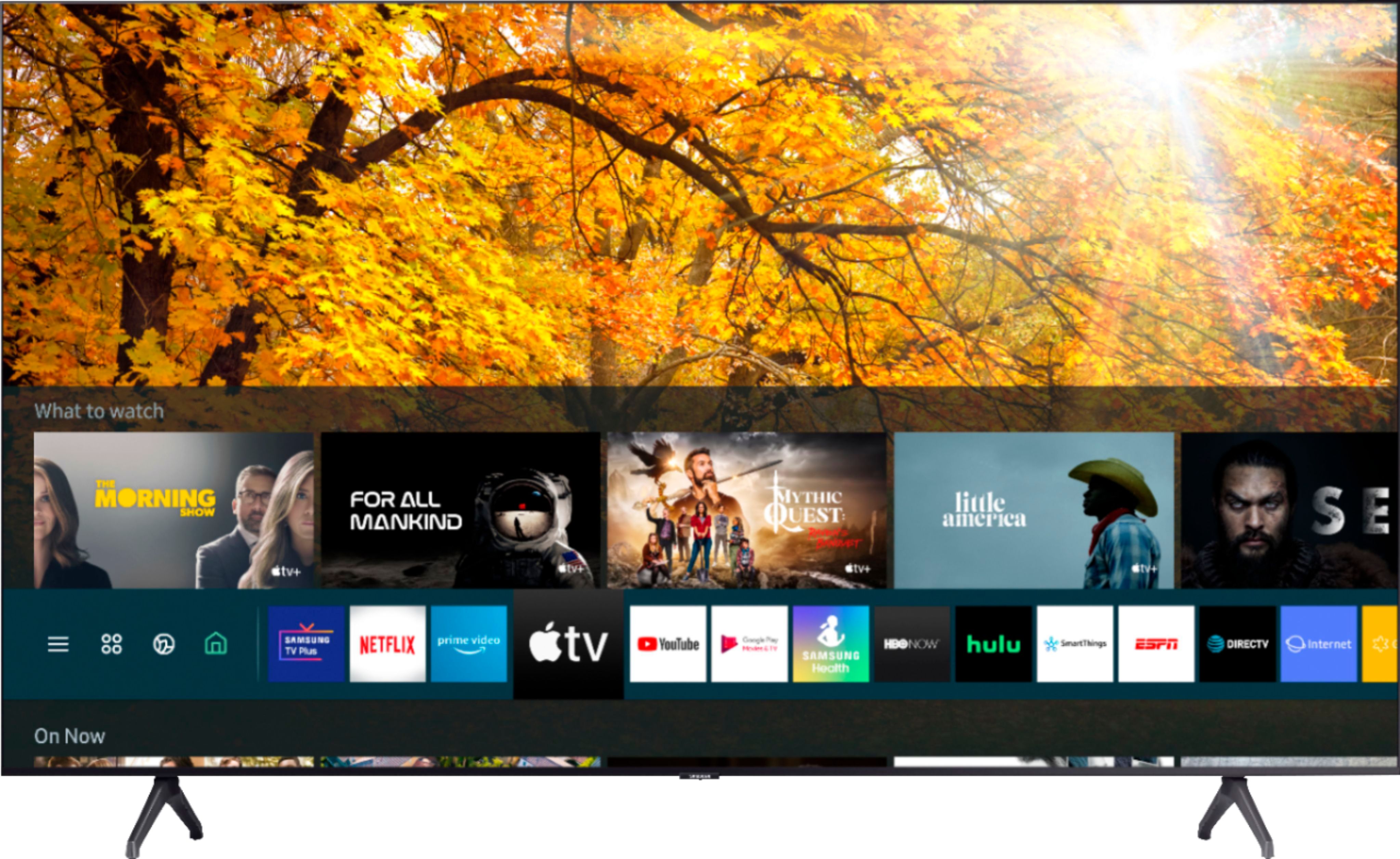
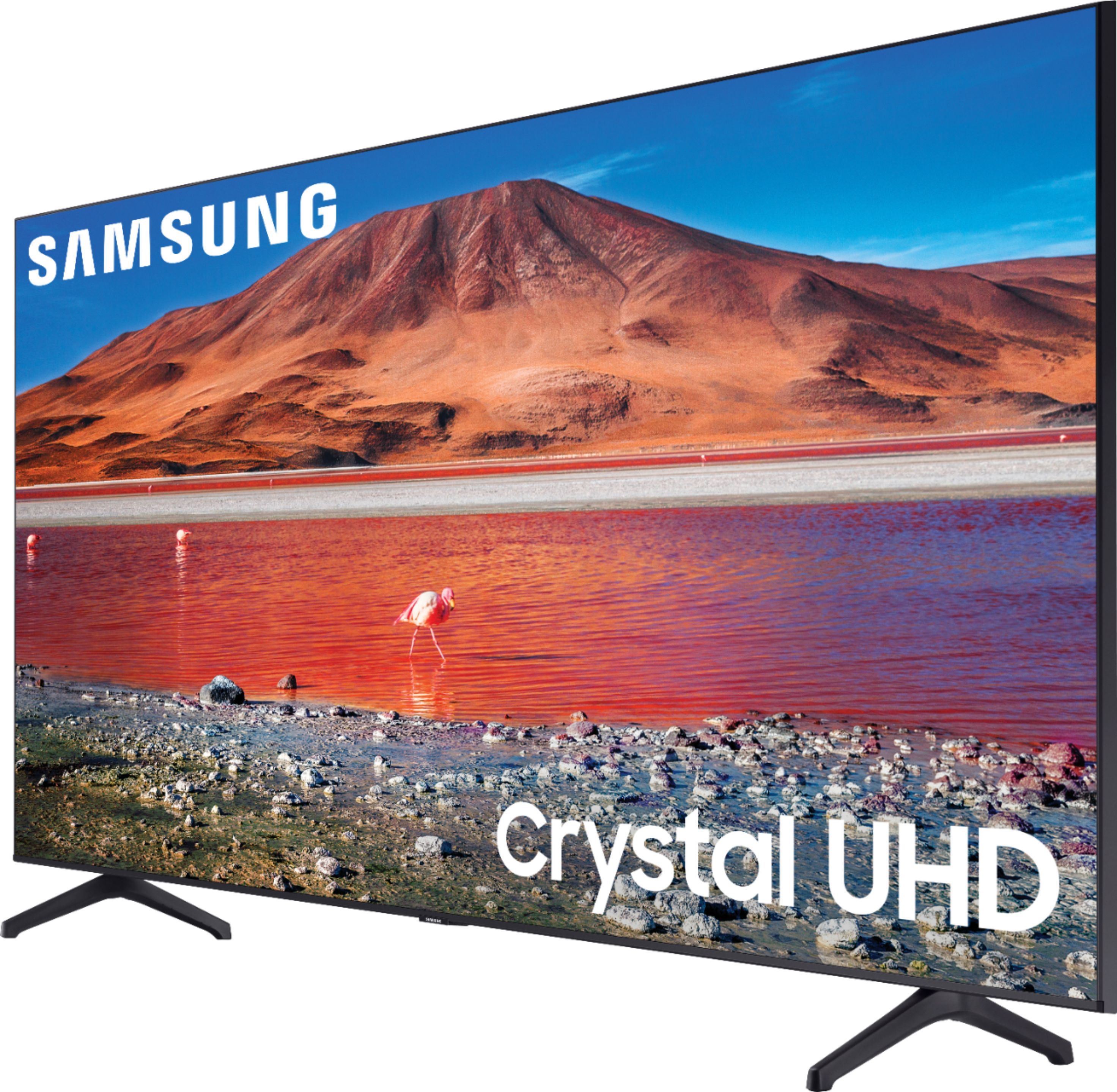
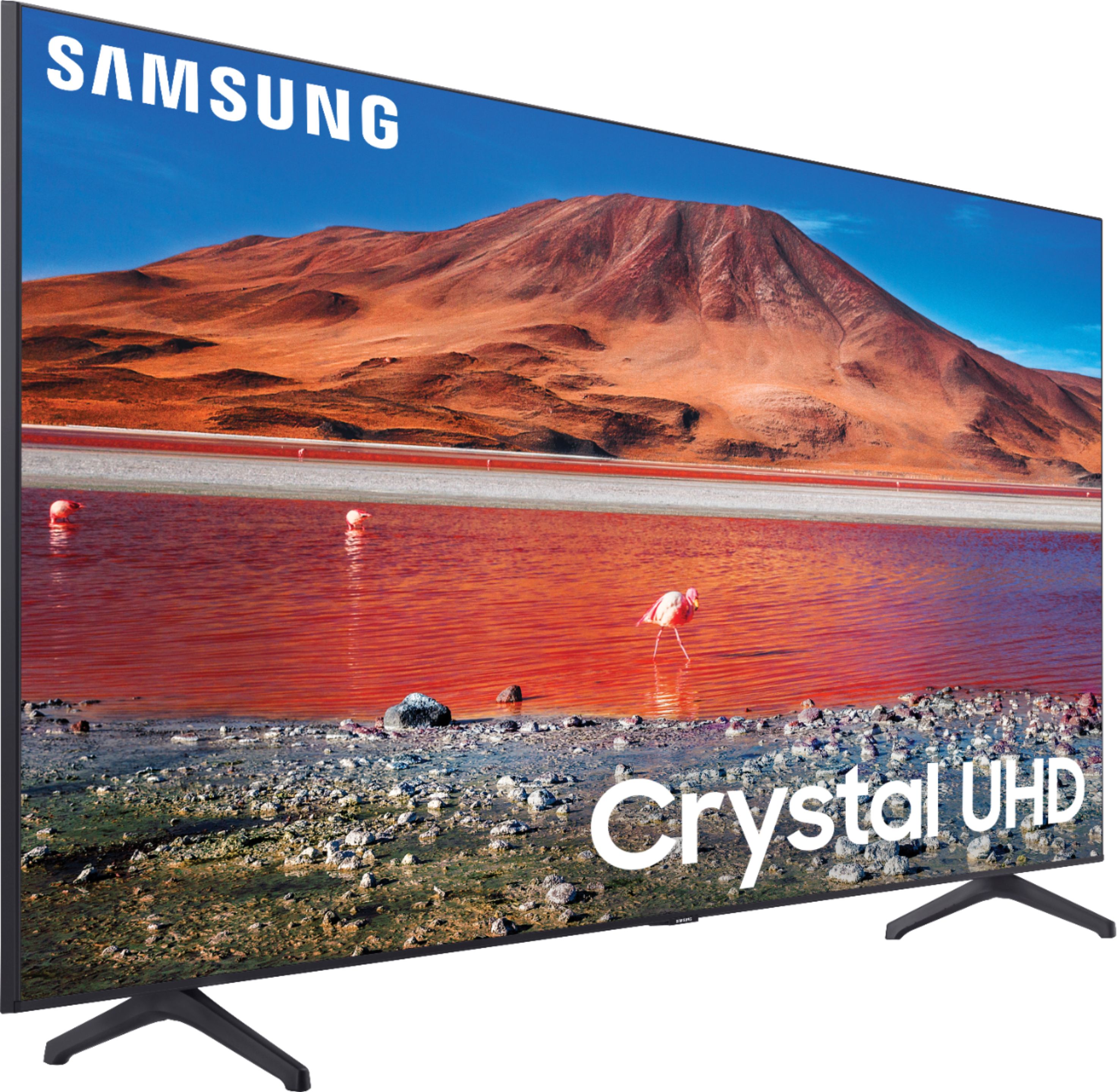
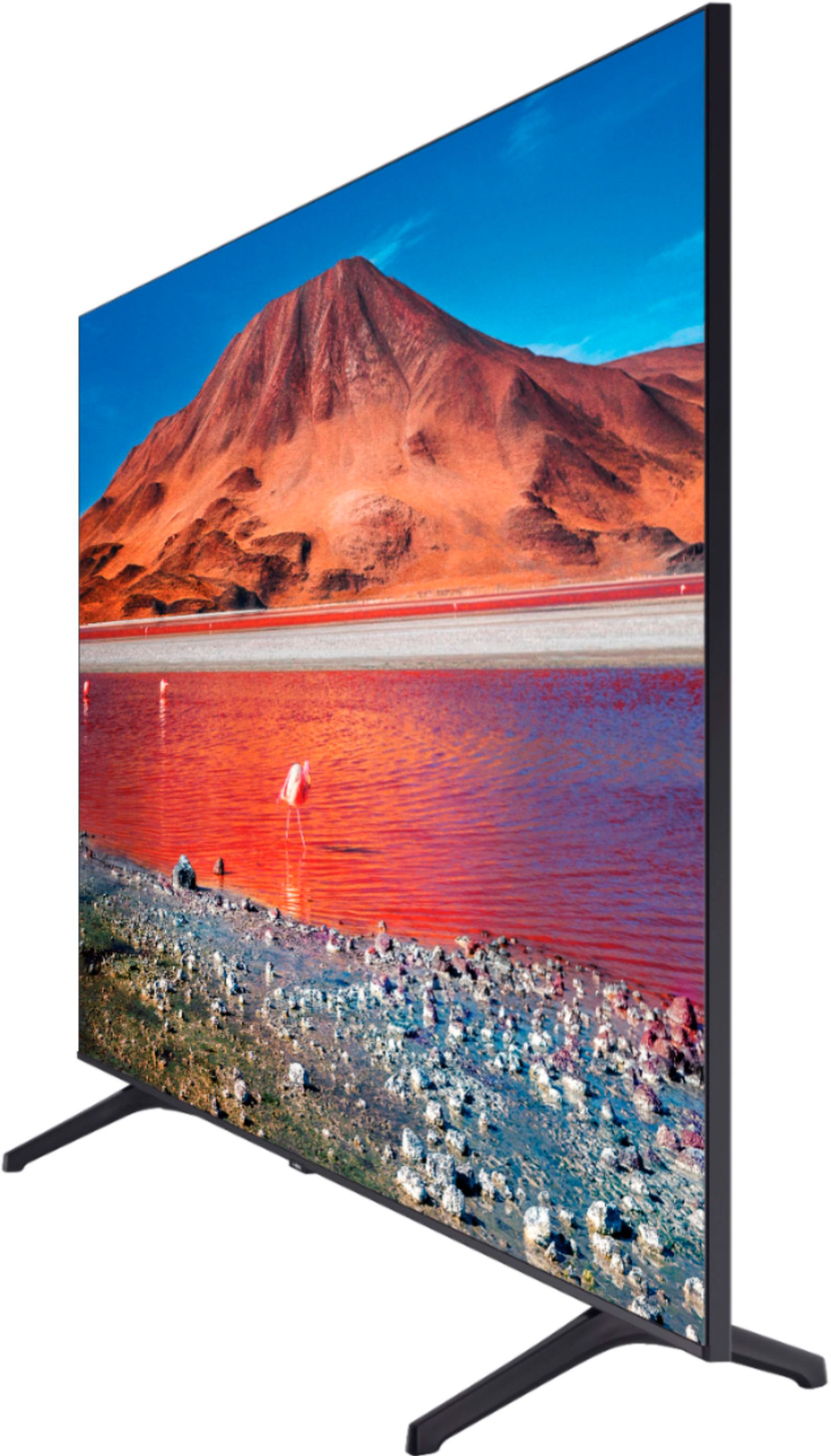
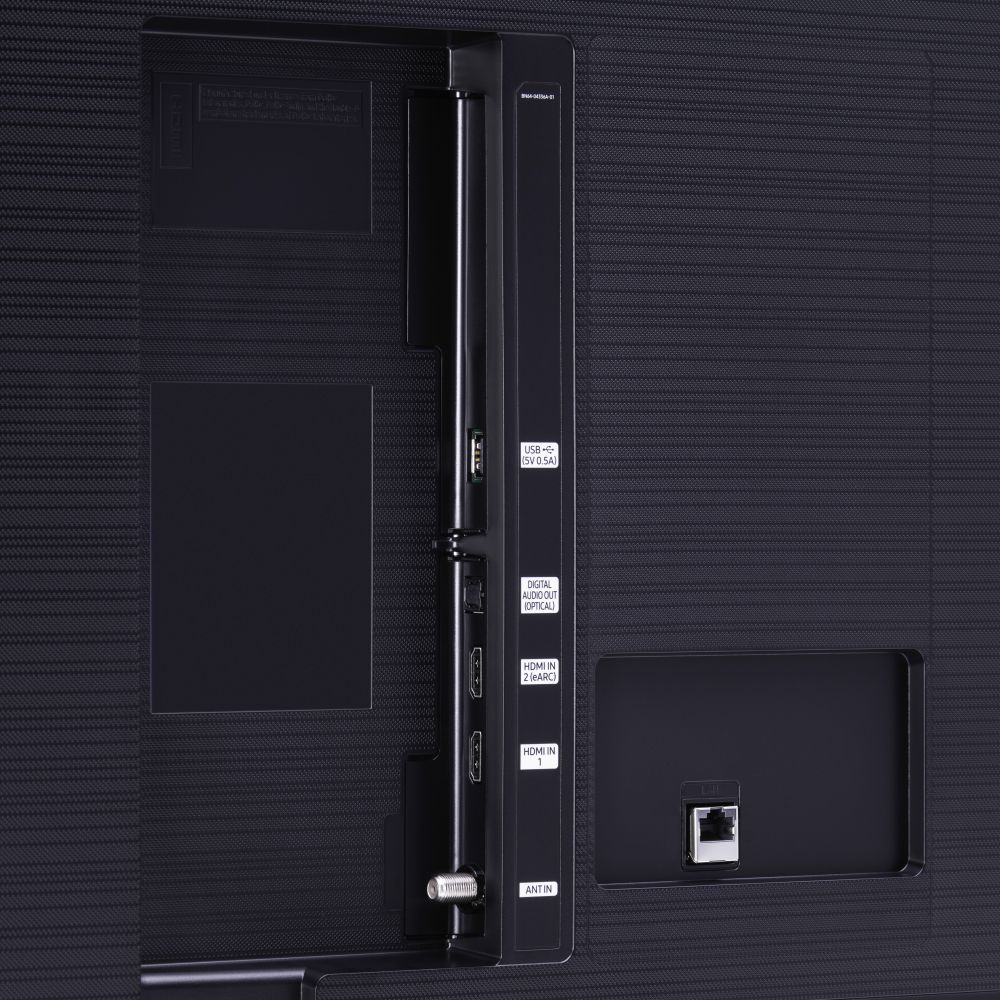
A:Answer Hi Scott! Both the TV and the Echo Dot need to be connected to the same Wi-Fi network. Once the TV is connected, download the Smart Things application on a mobile device and connect the TV to the application. Next, through the Alexa app, you will need to enable the Samsung SmartThings skill, and sign in with your Samsung account to link Alexa to the Samsung TV. Alternatively, check out the 55TU8000 at the following link from Best Buy featuring built in Alexa control using the TV remote: https://www.bestbuy.com/site/samsung-55-class-8-series-led-4k-uhd-smart-tizen-tv/6401746.p?skuId=6401746
^Tim