A:Answerjohn, you will need 4 M8 screws, 20-22mm length and 1.25mm pitch. Most wall mounts do include the screws necessary to mount your TV as well. ^Gina
A:AnswerHi JoJo - you can utilize a center stand such as this one found at Best Buy:https://www.bestbuy.com/site/sanus-premium-swivel-tv-base-for-most-32-60-tvs-black/5463304.p?skuId=5463304 ^Gina
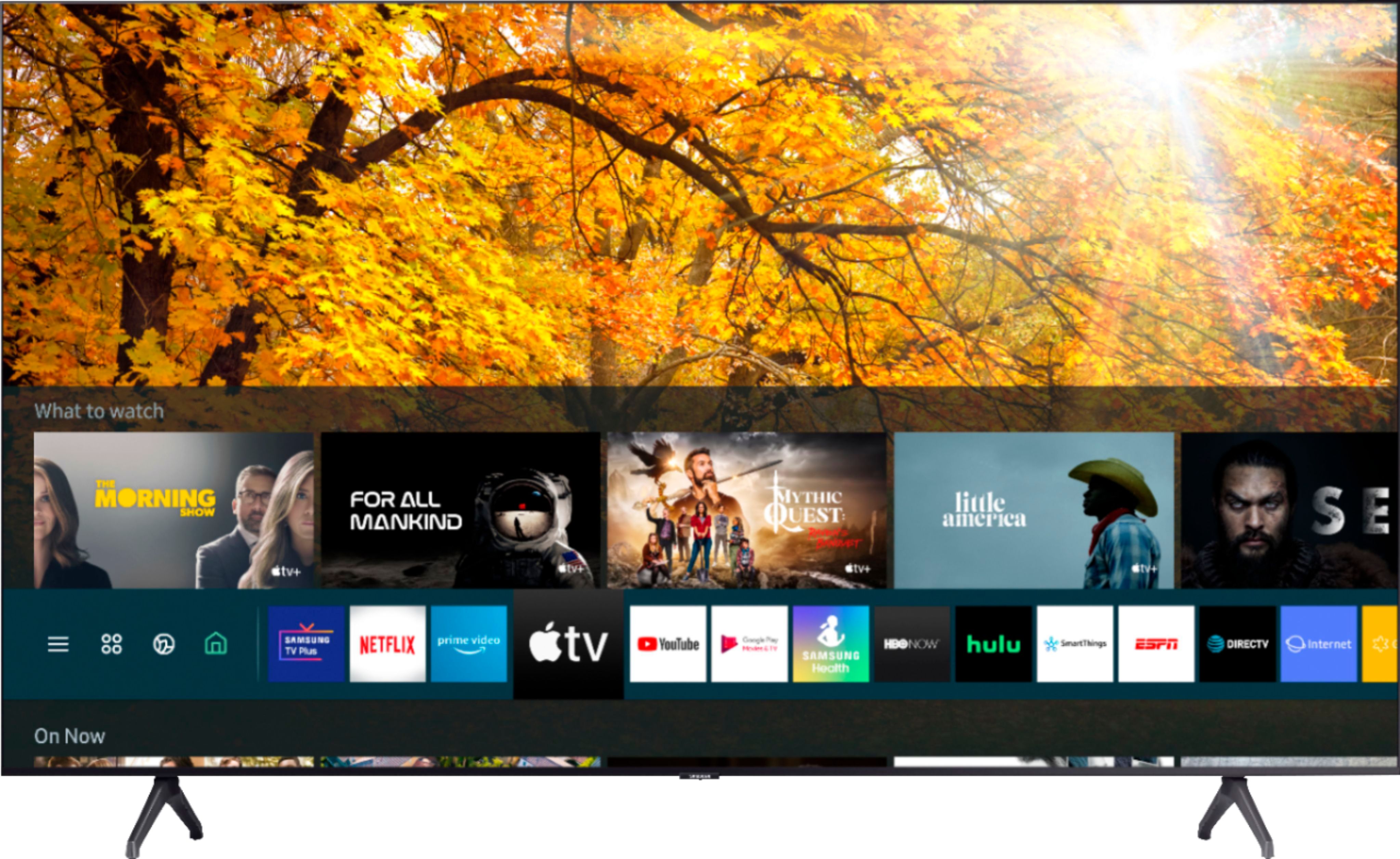
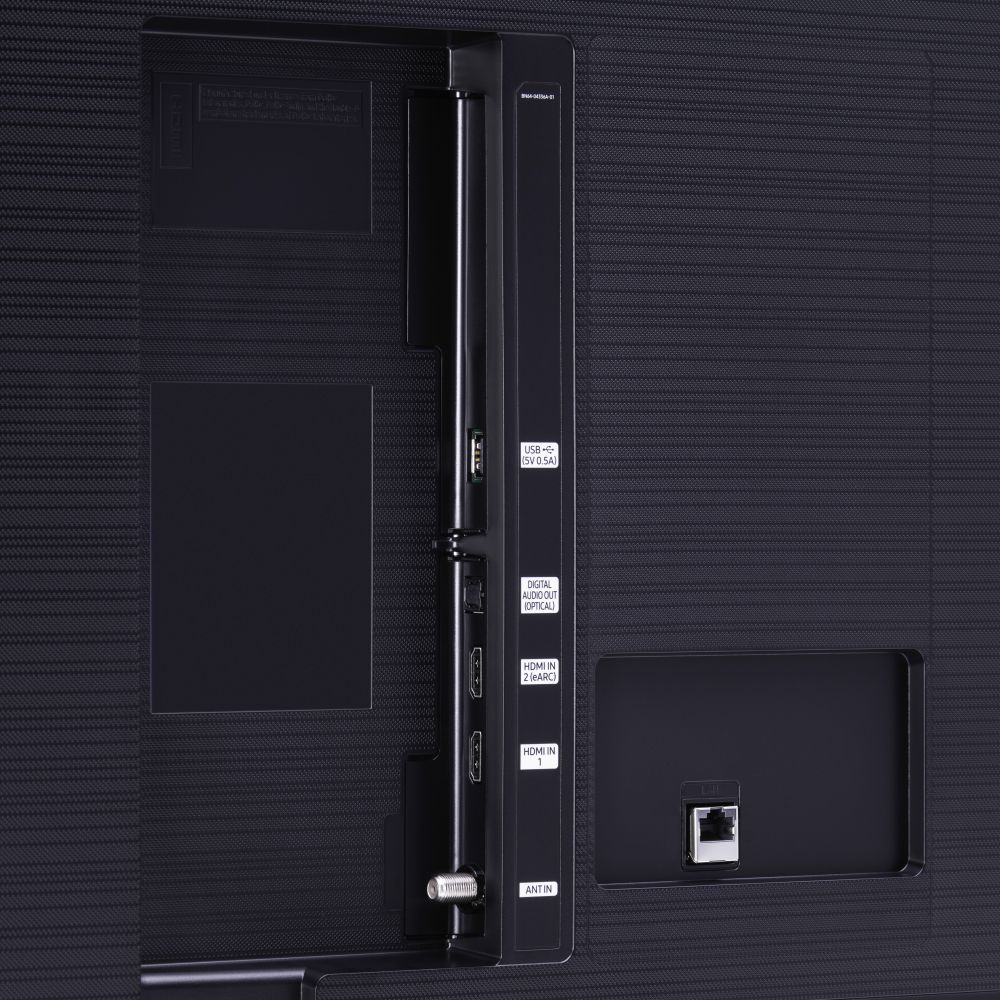
A:AnswerHi EB! Yes, the 55TU7000 features the Apple TV application, as well as Airplay 2 support. The TV also features 2 HDMI connections if you would like to connect the Apple TV device. ^Tim

A:AnswerHi! The 55TU7000 features great detail with 4k and improved picture quality and performance for gaming with our Game Enhancer feature. Fo the best gaming performance we also feature models with faster motion processing to improve the overall quality and speed of gaming. This feature starts at our QLED model Q70T. ^Tim
A:AnswerVery dark with this tv... went under settings and could not lighten screen as it was at its lightest already... beware... movies are very dark in darker scenes.
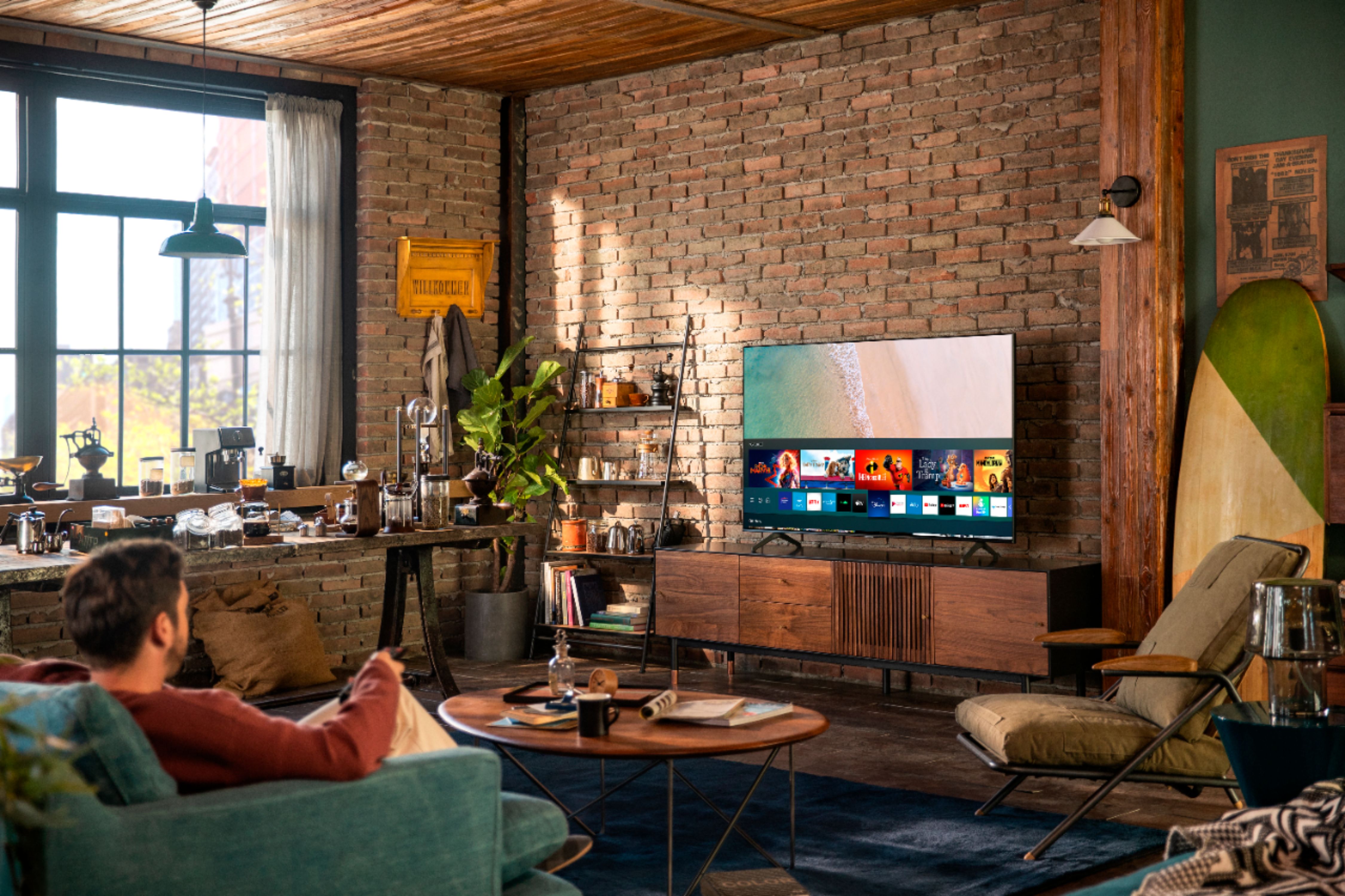
A:AnswerHi pdbrad - Yes, the Samsung Smart Platform supports YouTube, YouTube Kids and YouTubeTV. You will find them pressing Home Button in the Launch Bar under Apps. Enjoy! ^Cris
A:AnswerHi drron - By default, Optical is always on as long as your TV and soundbar are connected via Optical cable, and you will be able to pair Bluetooth devices simultaneously to receive sound out of both your soundbar and Bluetooth device. ^Gina
A:AnswerHi Danny - Hi there! absolutely can connect a Bluetooth speaker to the TU7000! Refer to your speaker user manual for how to pair. (Put the speaker into Bluetooth pairing mode and make sure it is discoverable. See the product's user manual for how to do this, if needed.
Navigate to the Bluetooth audio device list on your TV and select the speaker to pair with.) Once paired to the TV, press HOME on the TU7000 remote. Then go to Settings > Sound > Sound Output > Bluetooth Speaker List. Choose the speaker you wish to use for sound output. ^Cris
A:Answerjayshed, you sure can utilize your Fire TV Stick - just plug it into the HDMI port on the back of your TV. You can also take advantage of your TV's built-in App Store, where you can choose and download from hundreds of apps! ^Gina
A:AnswerHi Bob! You can connect any Bluetooth speaker with the 55TU70000, including your JBL Bluetooth enabled speaker. Refer to your speaker's user manual for how to pair. Once paired to the TV, press HOME on the TU7000 remote. Then go to Settings > Sound > Sound Output > Bluetooth Speaker List. Choose the speaker you wish to use for sound output. ^Gina
A:AnswerHi there! The AppleTV+ and Hulu apps will come preinstalled in your TV's App Launcher upon setup. You can also choose and download from hundreds of additional apps in your TV's built-in App Store. ^Gina