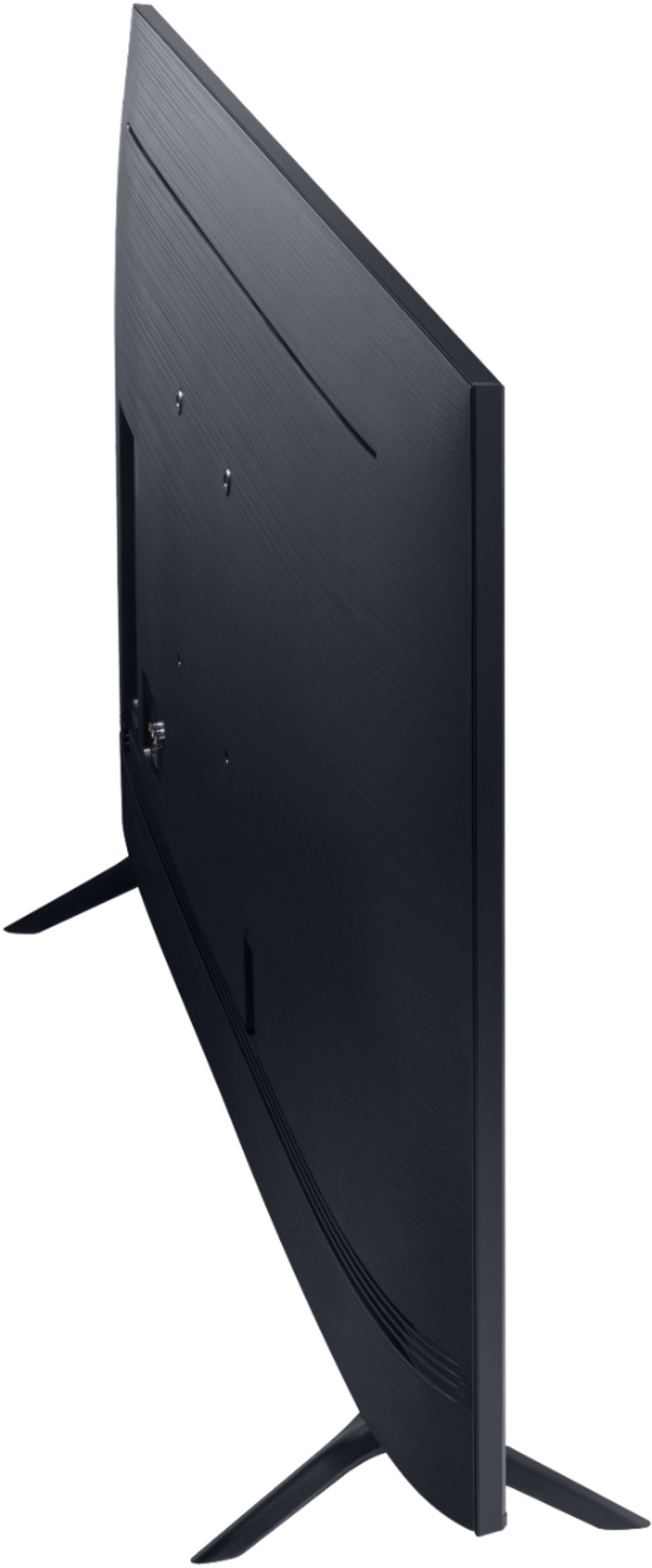
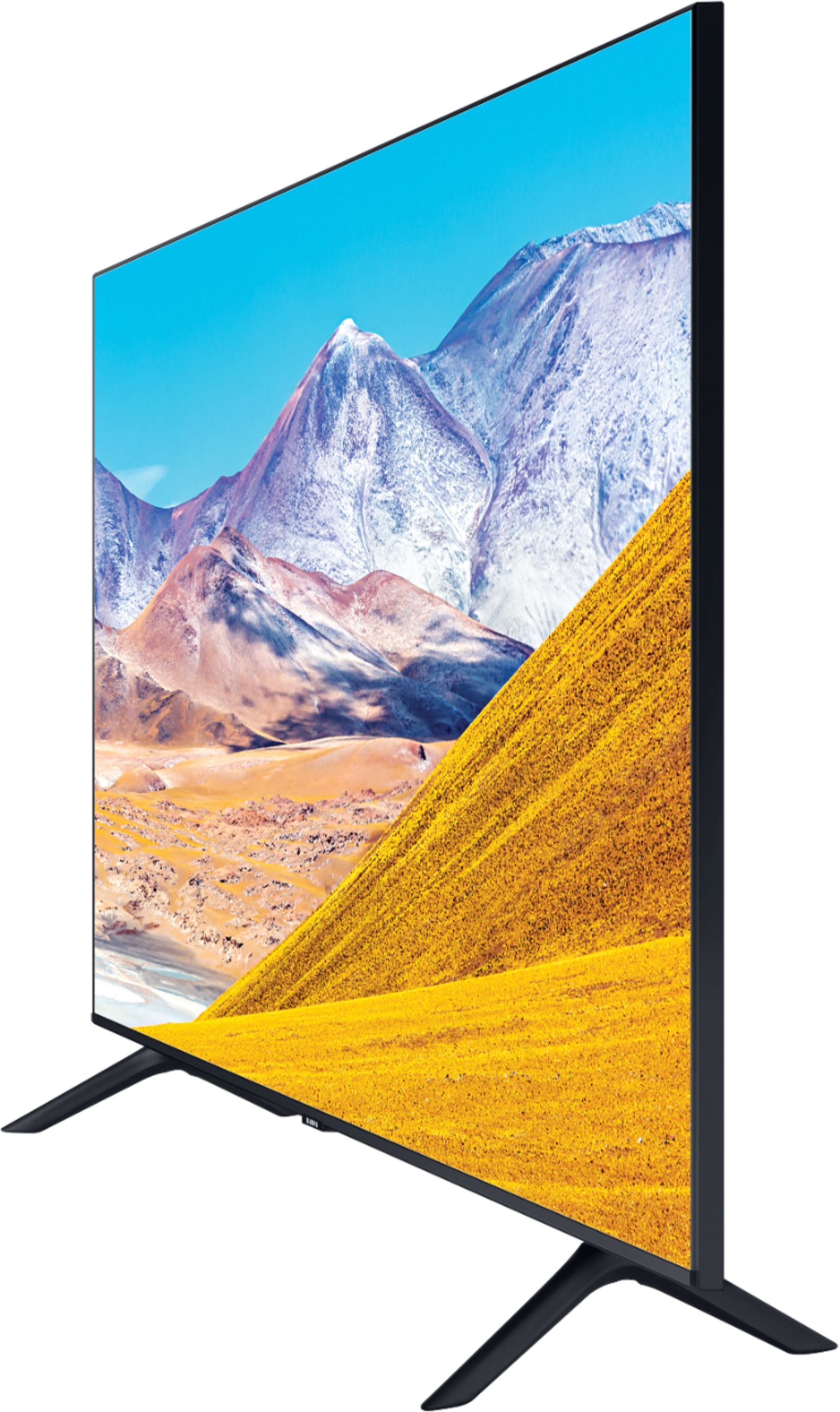
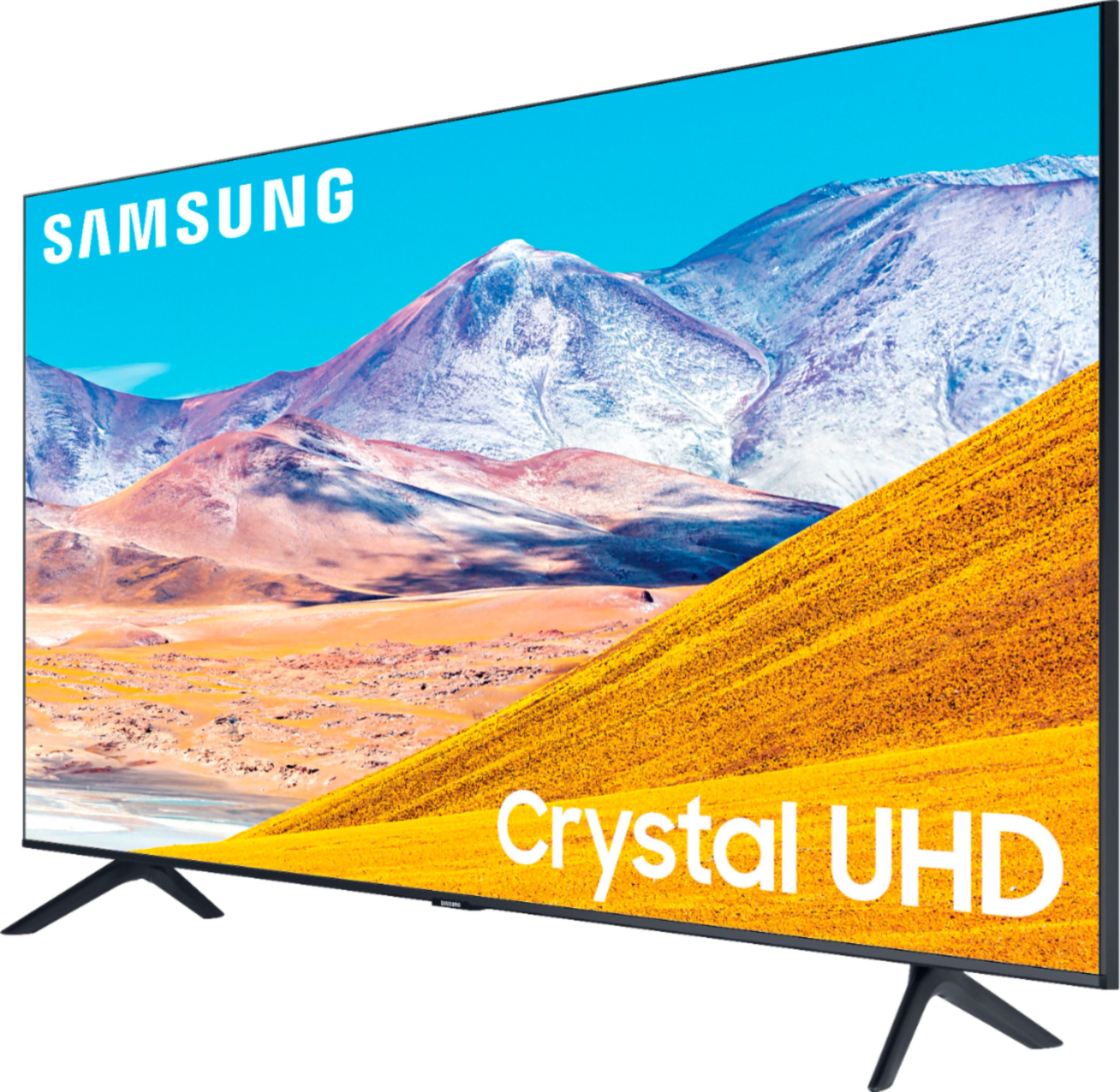
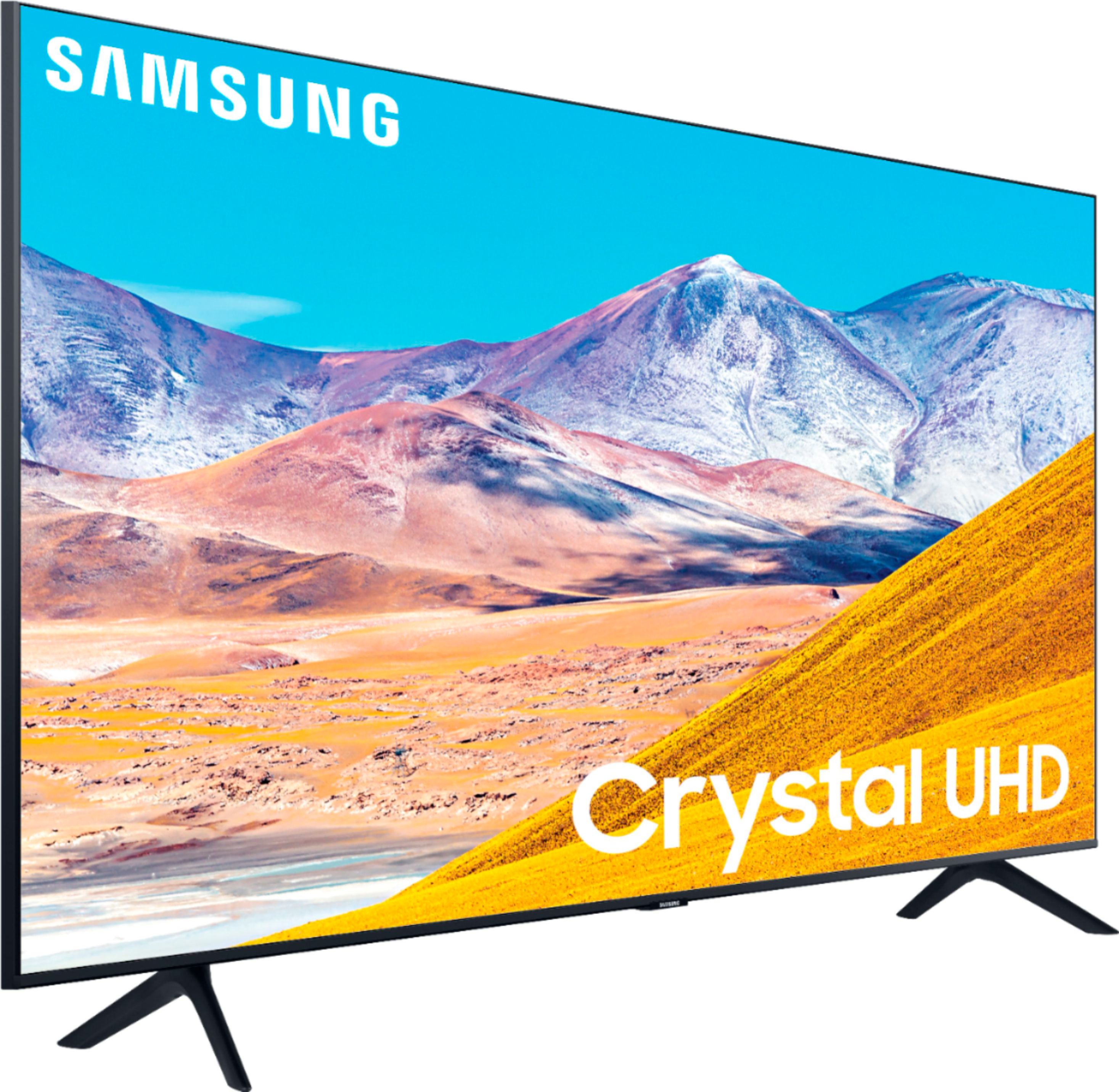
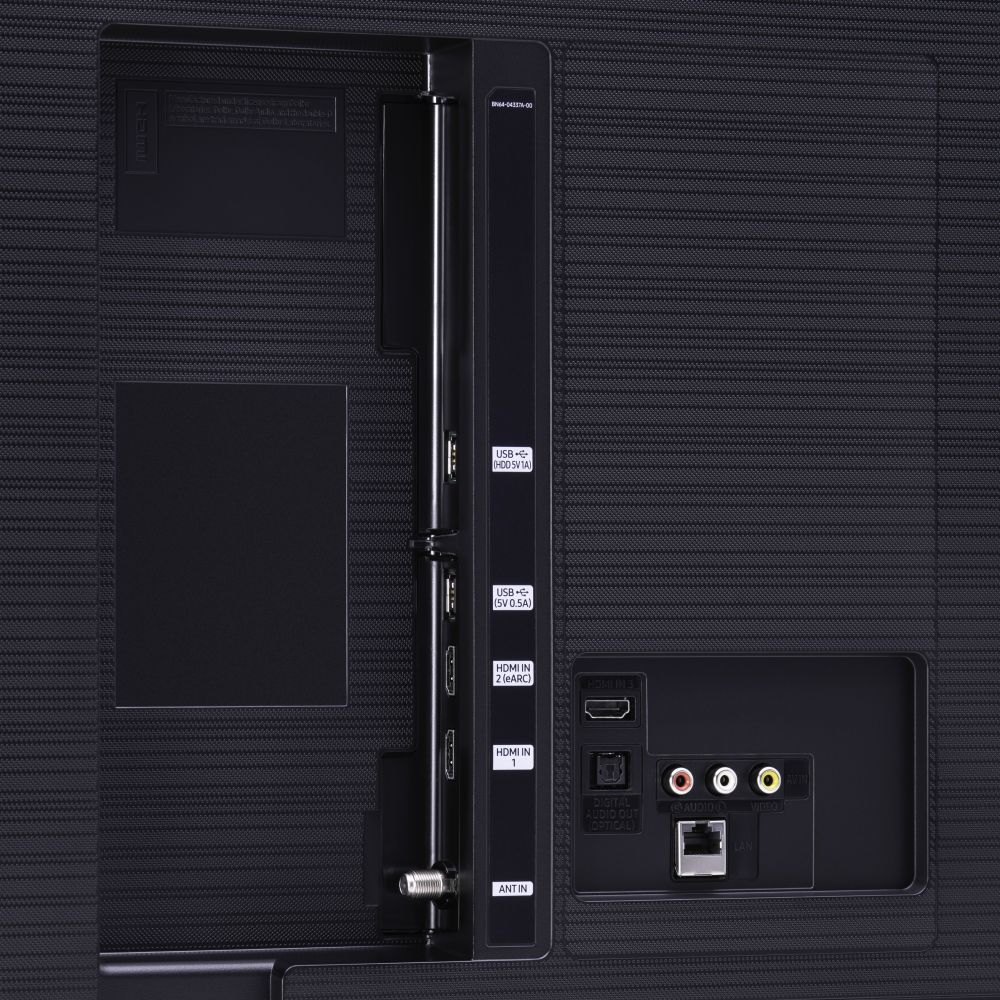
A:AnswerThe TV has RCA-style (red, white and yellow) ports that should connect with outputs from the VCR. Red and white for audio, yellow for video. There also are 3 HDMI ports, in case the VCR has an HDMI output.
A:AnswerMy UN55TU8000FXZA doesn't appear to have the time shift feature, and I haven't seen it listed for this TV or higher-priced ones. Some websites I've seen say that Samsung does not offer time shift in the U.S. market.
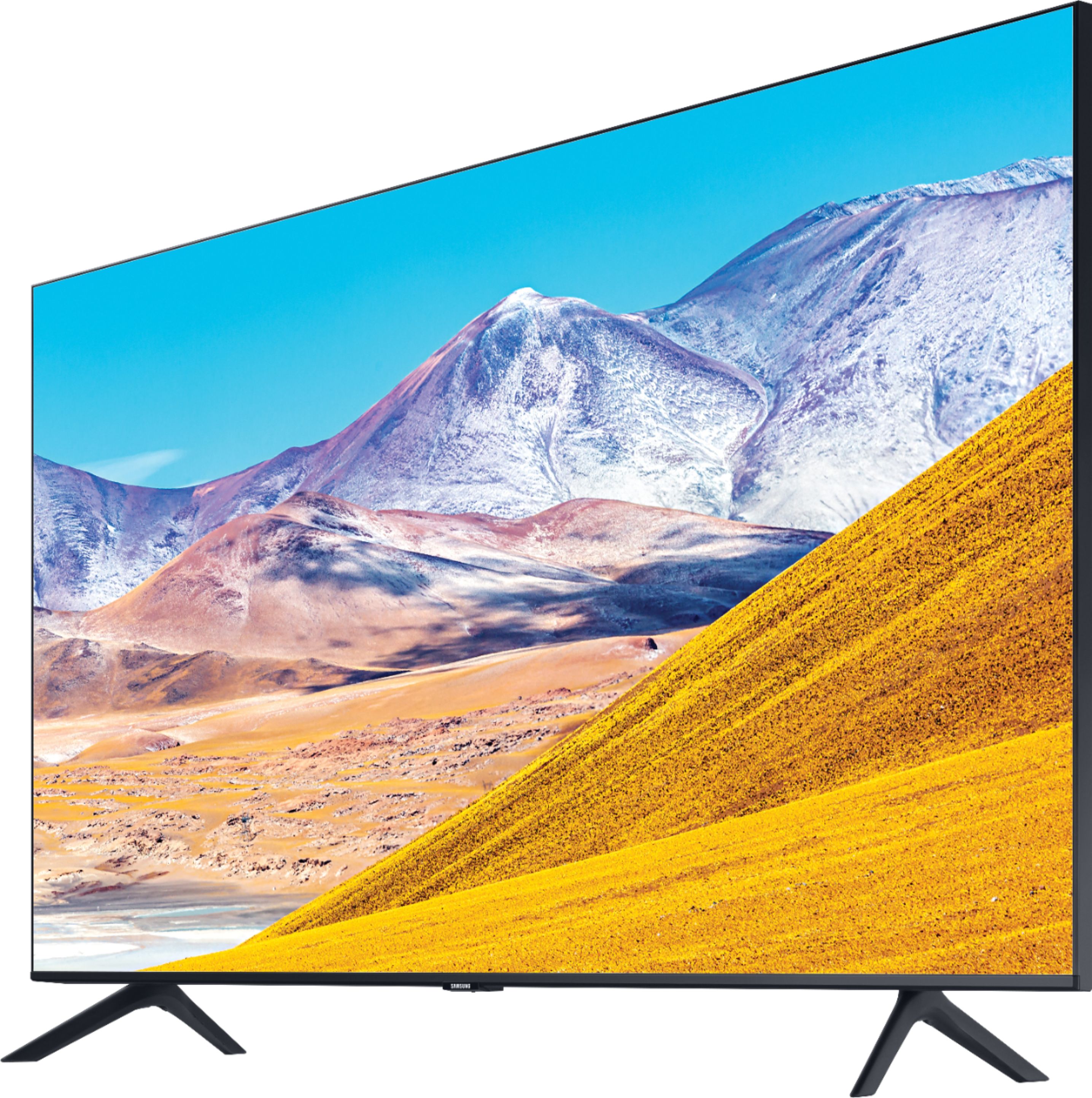
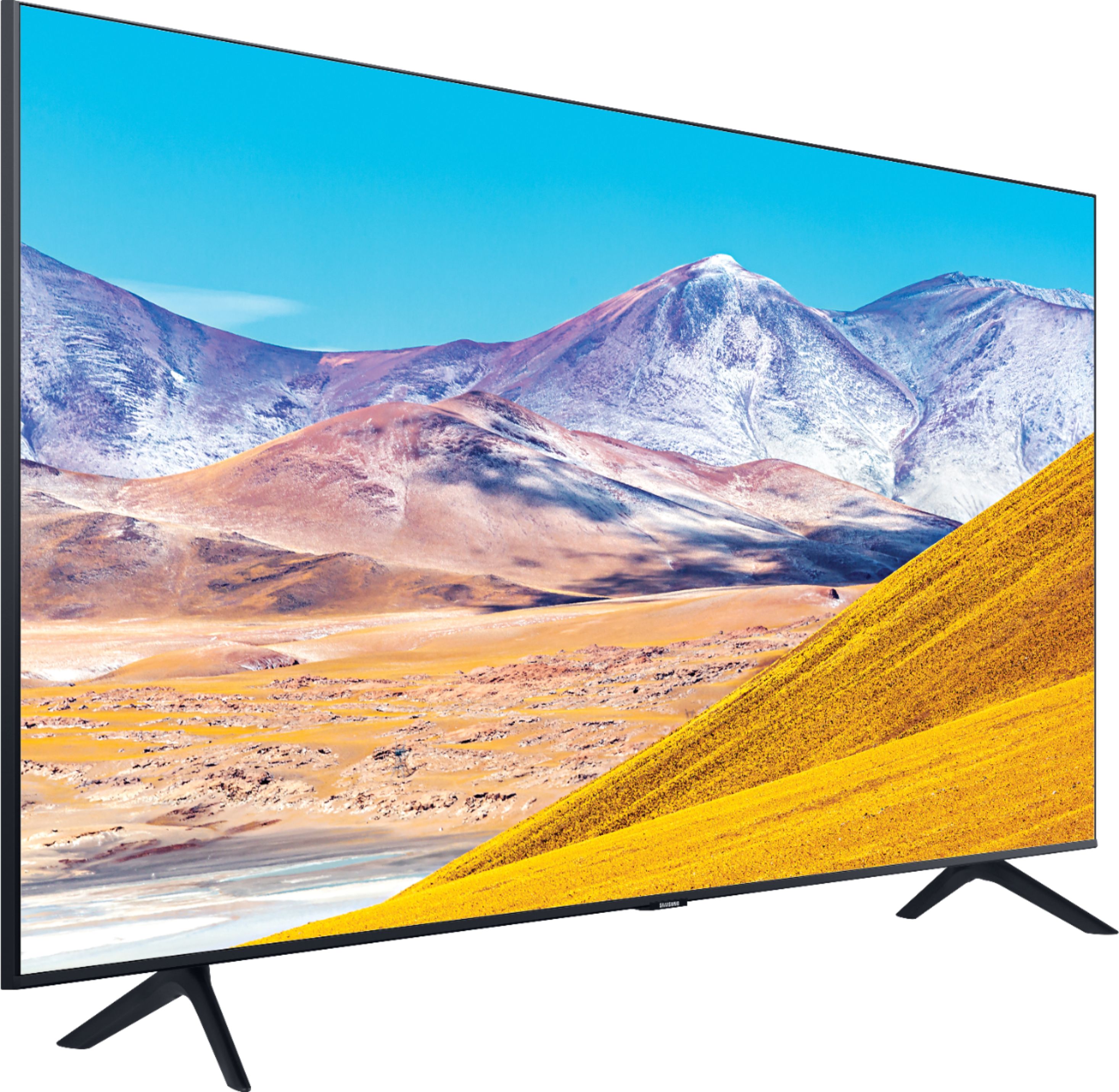
A:AnswerHi Rick, you can wall mount the 55" TU8000 or 55" TU7000 with any wall mount that has a VESA Standard of 200mm x 200mm. All holes (top to bottom & right to left) will be 200mm apart (7-7/8"). ^Val
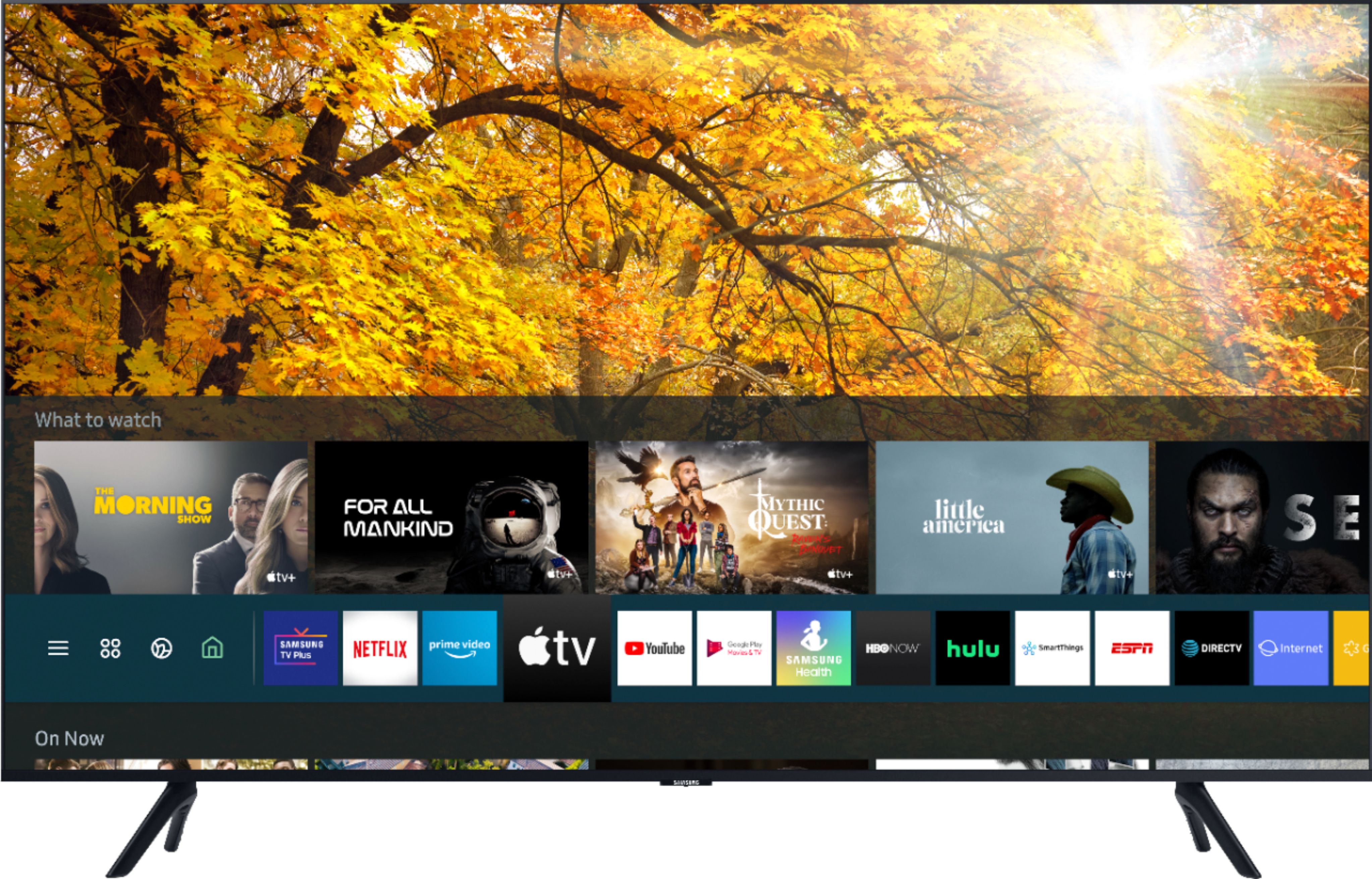
A:AnswerTo me, the biggest difference other than the price is that the 8 Series has a voice-activated remote similar to those in Samsung's top-of-the line TVs. It lets you change channels, ask questions such as "what's today's weather?" and search for programming by voice commands, rather than pushing buttons. You get a choice of 3 apps: Alexa, Google Assistant, and Samsung's Bixby. There's also Ambient mode, which lets you match your TV screen display to your wall color, show stock images, or load your own photos. I haven't found that nearly as useful as the remote. A third difference that I like is that the 8 series has 3 HDMI ports compared with 2 in the 7 series.
A:AnswerI just realized you were asking about the UN55TU8000FXZA like the one I now have, not your current UN55H6203A. Val with Samsung is right; my TU8000 does have Airplay, and it pairs with my iPhone. I use screen mirroring to cast what I see my phone to the TV, including videos that use AirPlay. I did have to buy a WiFi extender, though, to get a signal from my router around a corner and strong enough to stay connected. As I understand, the Samsung Smart Things app gives you more functions through an iPhone, such as using the phone as a remote for the TV. But it seems I remember there is a subscription cost for anything other than basic functions. Val with Samsung, please correct me if I'm wrong.
A:AnswerI have noticed that some programs are darker than others, and no setting on the TV will make them seem truly bright enough. This is especially true of programs with indoor settings, such as dramas that my wife likes and that I know as "chick flicks." There's no problem with darknesss, though, on sports events or nature programming. You might try the Dynamic setting for a particularly dark program, as well as adjusting the brightness and vividness in Expert Settings. That makes the screen tolerably bright for us.
A:AnswerThank you, Cristian, for your patience in answering all my questions. I had already done the HDMI connection and Anynet+ setting that Cristian recommended, So I was able to do most, but not all, of the cable box's functions with the TV's One Remote. I certainly can live with that, since the One Remote does everything else I need, I found that the One Remote's up and down buttons will match the cable box's buttons that show what has been recorded. They also will match the buttons that show an on-screen TV guide. But the One Remote's buttons won't let me immediately record what is currently showing. They also will not take me to the cable box's A, B, and C functions. Those functions take me to a future-showings TV guide and to future recordings scheduled. They also let me organize or cancel recordings. Others might find that their cable boxes are even more compatible with the One Remote than mine. To check it out, do the connection and settings that Cristian recommends and go to the cable-box icon on the home screen. Then go up (with the up button) to Recordings.
A:AnswerCristian is right. My Edifier speakers don't have the required HDMI input. But here's a bonus I didn't expect: those speakers sync flawlessly sync with the TV speakers, through the TV's sound lag setting. I have to use the Edifier remote to fine-tune the balance between the Edifiers and the TV. But that's no big deal; in fact it's almost fun.
A:AnswerHi! Yes, you can use the standard IR One Remote included with the TU7000 on all Samsung TVs. This remote requires line of sight to the IR sensor on the TV for operation, and will not connect with Bluetooth like the remote with the TU8000. ^Tim

A:AnswerAnswering my own question: my Awei bargain earbuds work perfectly with this TV. It took a while to pair them, but the sound is good. No lag or cutout.
A:AnswerHi Juice! You sure can use both TV and Bluetooth device audio simultaneously on the TU8000. When this function is active, you can set the volume of the Bluetooth headphones higher than the volume of the TV speaker. First, make sure your Bluetooth headphones are paired. Press HOME on your TU8000 remote. Then go to Settings > General > Accessibility > Multi-output Audio. Find the device you'd like to pair. ^Gina