A:AnswerHi ARTIX,
Yes, the AU8000 supports Chroma 4:4:4. However, if you are looking for a TV that will be great for gaming, I recommend starting with the Q70A, which has Smooth, fluid motion at 4K 120Hz with Motion Xcelerator Turbo+.
I hope this helps!
~Samsung Advisor
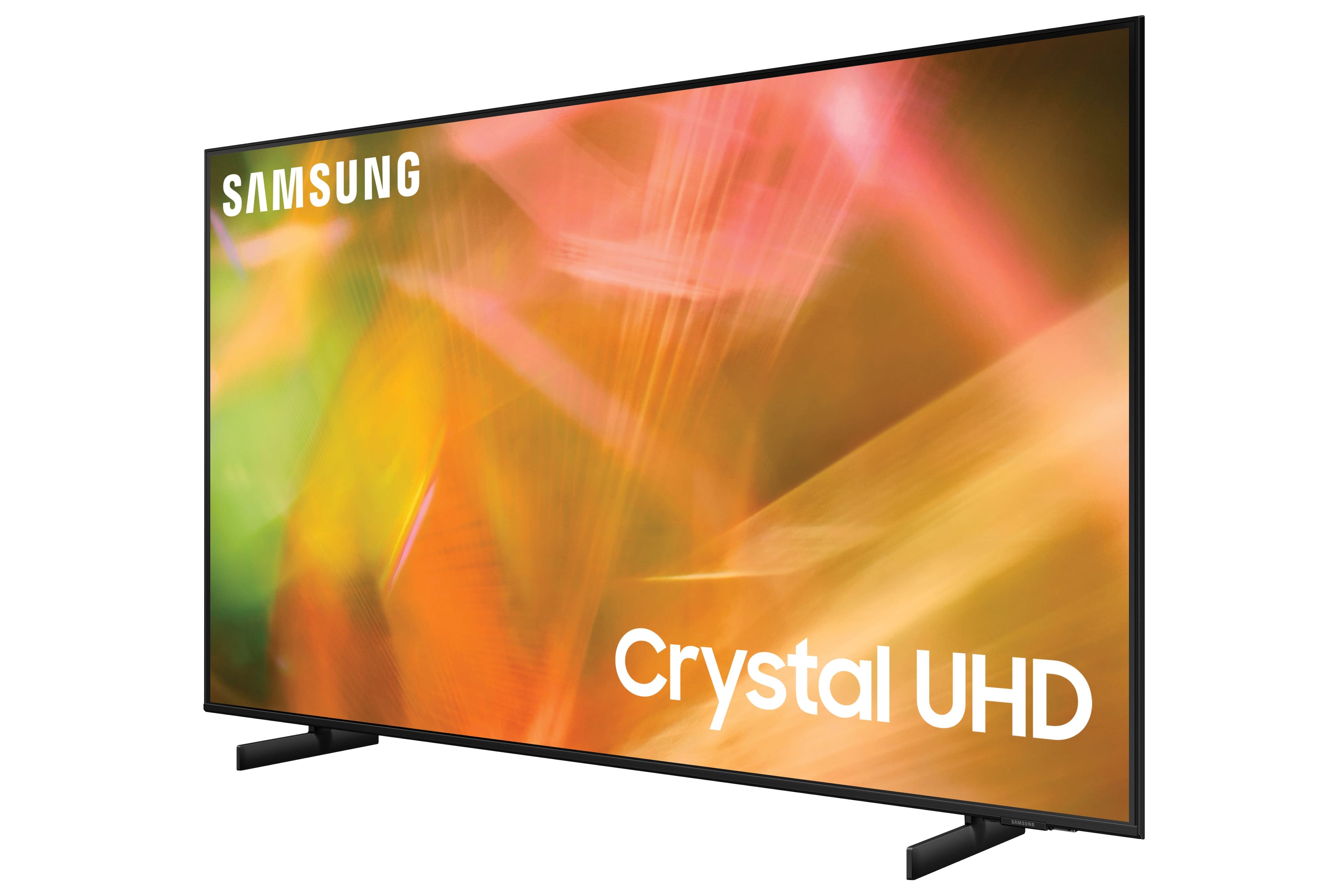
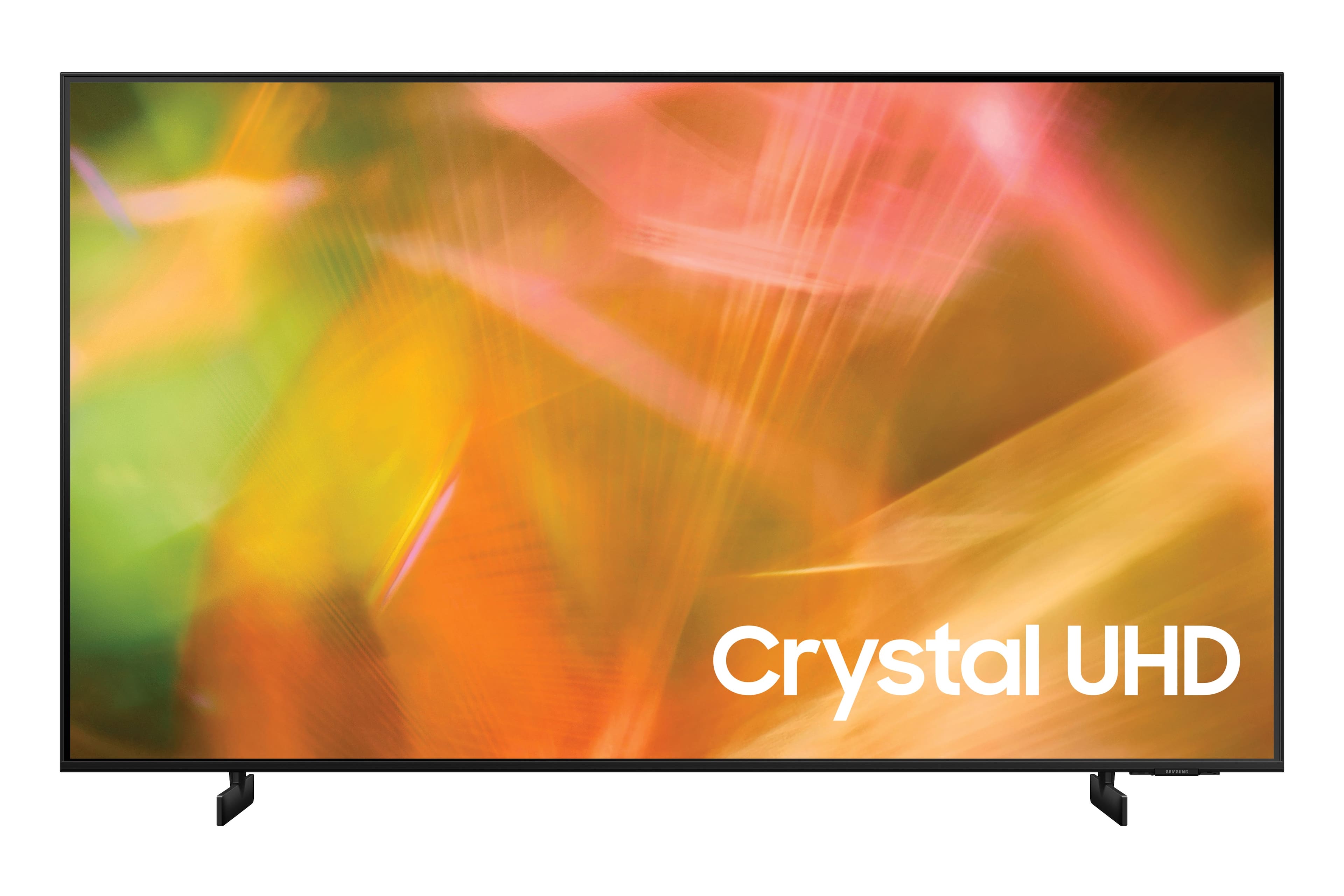
A:AnswerCrystal UHD is the brand name used by Samsung for its standard 4K televisions. As a result, rather than referring to new panel technology, Crystal UHD simply refers to “Ultra HD,” which is defined as anything with a resolution greater than 3840 x 2160 pixels
A:AnswerHi CJB,
So we can better understand your question, please reach out to Samsung Customer Support.
Just call us at 1-800-SAMSUNG, 8 AM - 12 AM EST, seven days a week. Or visit us on the Samsung website and click on the ‘Support’ link for:
1) LiveChat with an agent
2) Manuals, Software, & Warranty Info
^Brie
A:AnswerYou need to go with the HDMI cable. And get a quality cable. Coaxial cable will loose a lot of the 4K and the QUALITY HDMI cable will take out a lot of the sparkles that you may see with the coaxial cable.
A:AnswerHi AudioConnection,
I'm not sure what converter you used, but when connecting an audio system with RCA plugs, you will need an RCA to HDMI converter like this one https://www.bestbuy.com/site/insignia-rca-to-hdmi-converter-black/6134312.p?skuId=6134312
^Brie

A:AnswerNo. Just plug one end of an hdmi double ended cable into the out hdmi out socket of your DVD player and the other end into one of your tv hdmi ports. Then the tv detects it and tells you how to set it up. I wrote which hdmi port mine was on and stuck it on top of my DVD player.
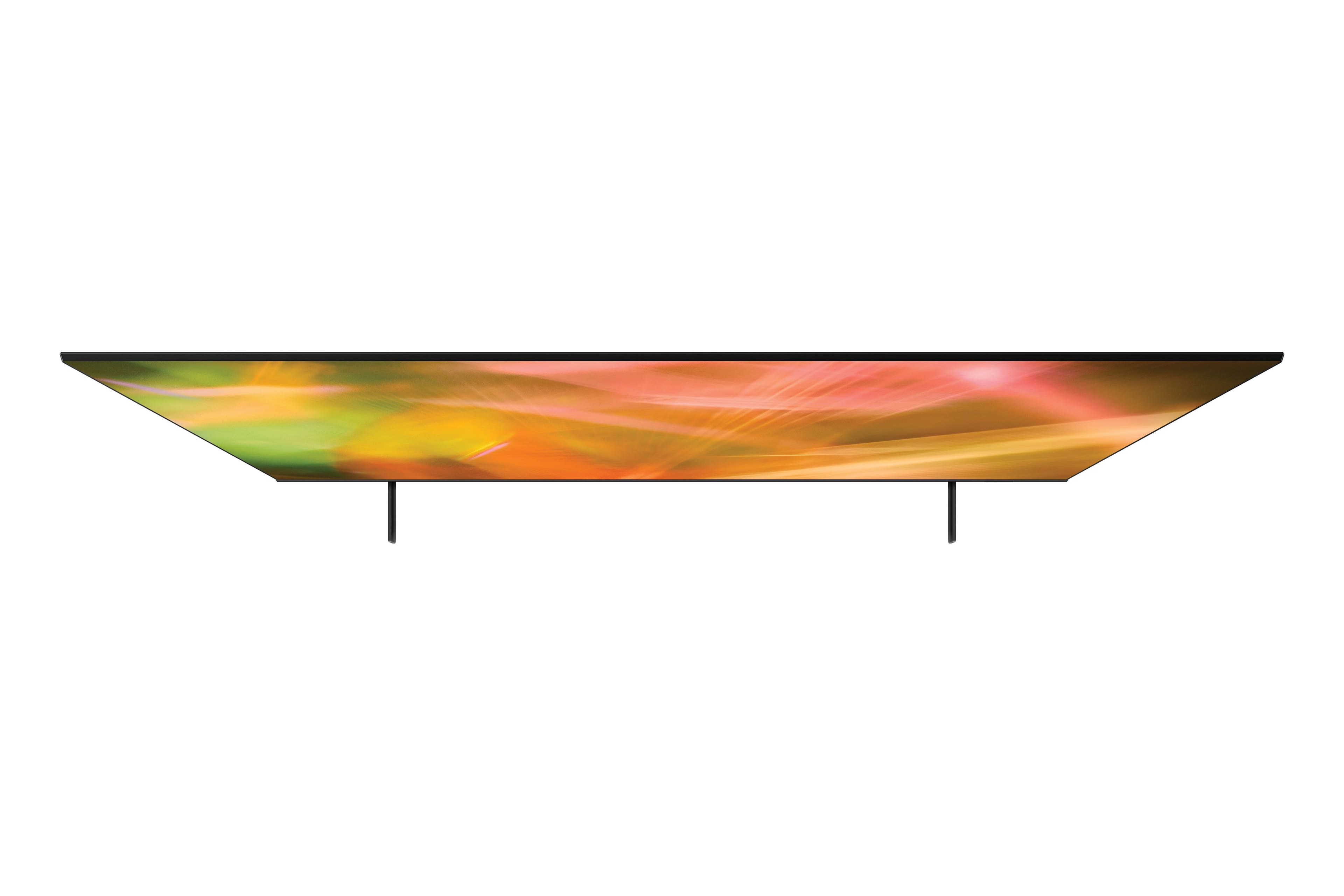
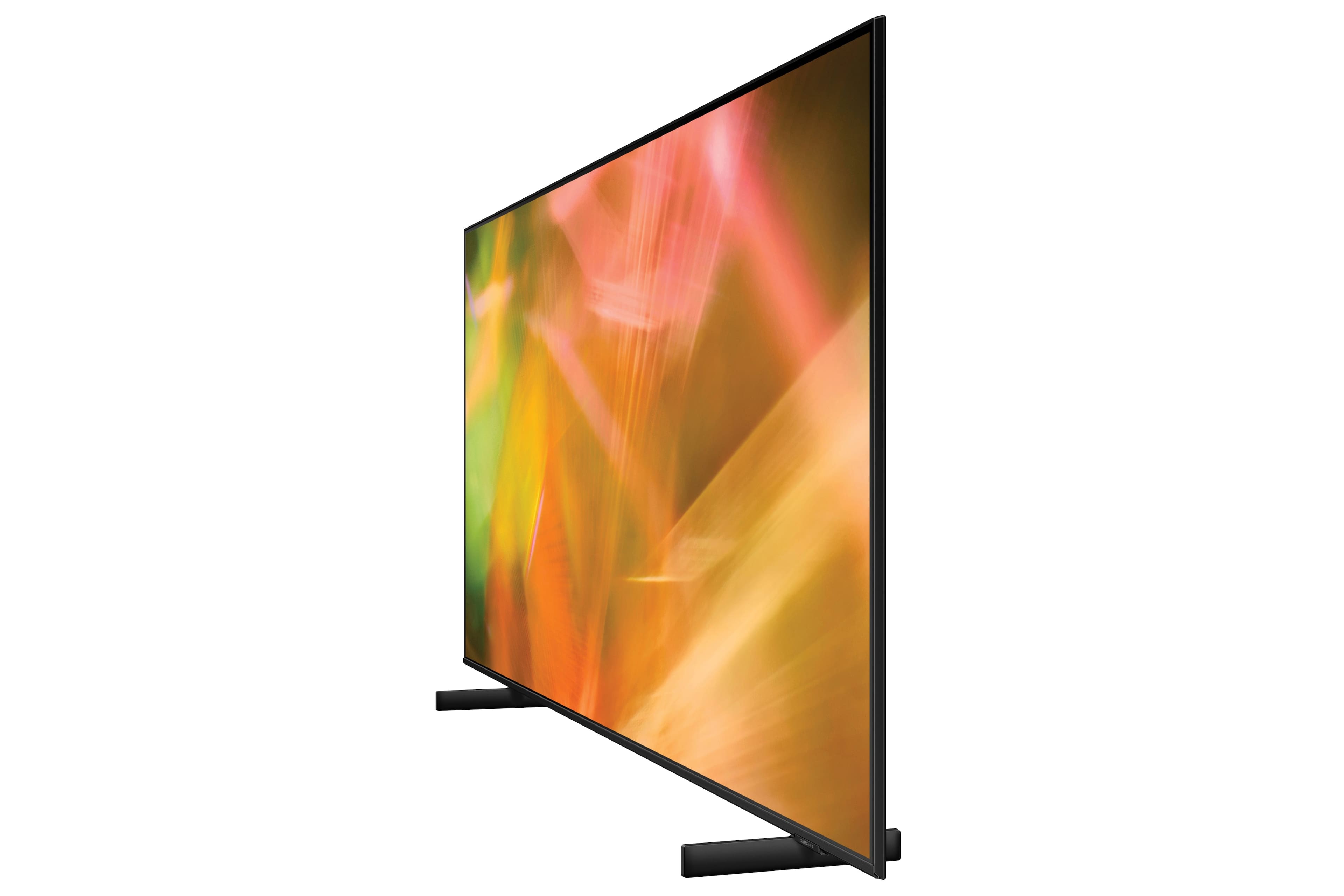
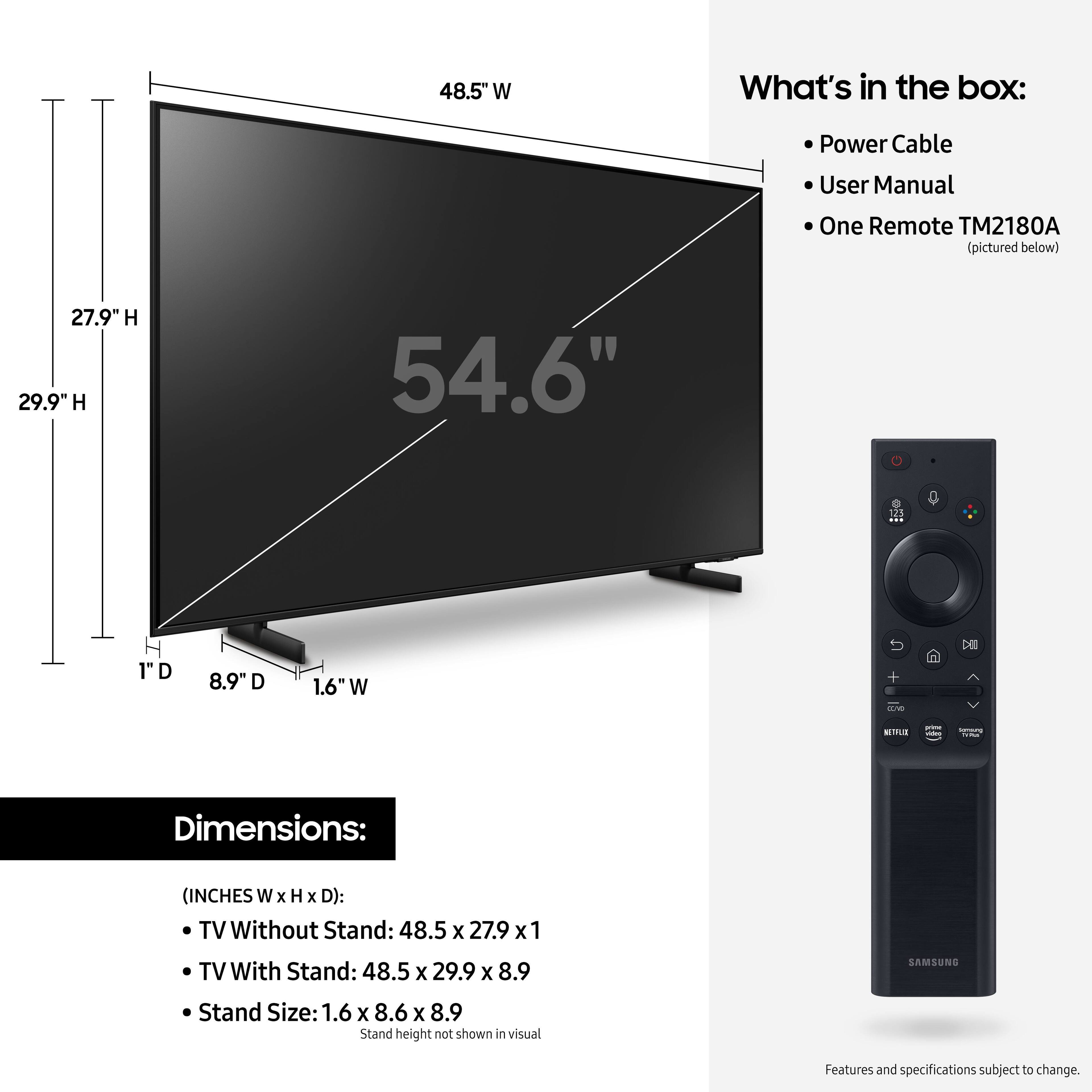
A:AnswerI dont know the exact distance, but if you re looking at the 55 inch Samsung it should fit fine. My tv stand is 47 1/2 inches wide and the legs fit fine with about 6 inches or so on both sides. The sides of the tv are almost flush with the end of the tv stand.