A:Answer808geek - Please give us the opportunity to better assist with this by reaching Samsung Support at: 1-800-SAMSUNG, 8AM - 12AM EST, 7 days a week, or Chat with us on Samsung.com: https://www.samsung.com/us/support/contact/
~ Samsung Specialist
A:AnswerHi there - Please give us the opportunity to better assist with this by reaching Samsung Support at: 1-800-SAMSUNG, 8AM - 12AM EST, 7 days a week, or Chat with us on Samsung.com: https://www.samsung.com/us/support/contact/
~ Samsung Specialist
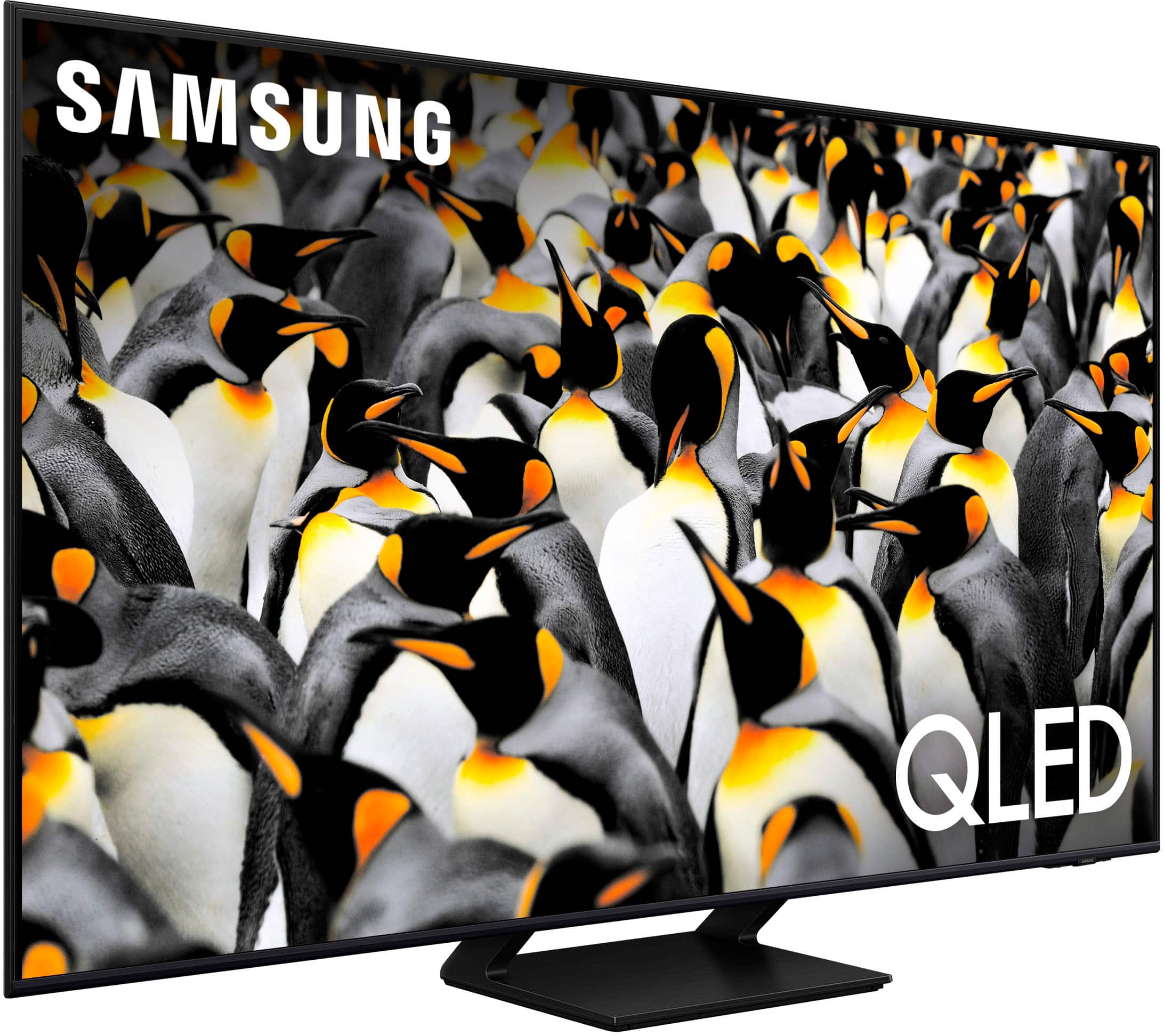
A:AnswerCody - Please give us the opportunity to better assist with this by reaching Samsung Support at: 1-800-SAMSUNG, 8AM - 12AM EST, 7 days a week, or Chat with us on Samsung.com: https://www.samsung.com/us/support/contact/
~ Samsung Specialist
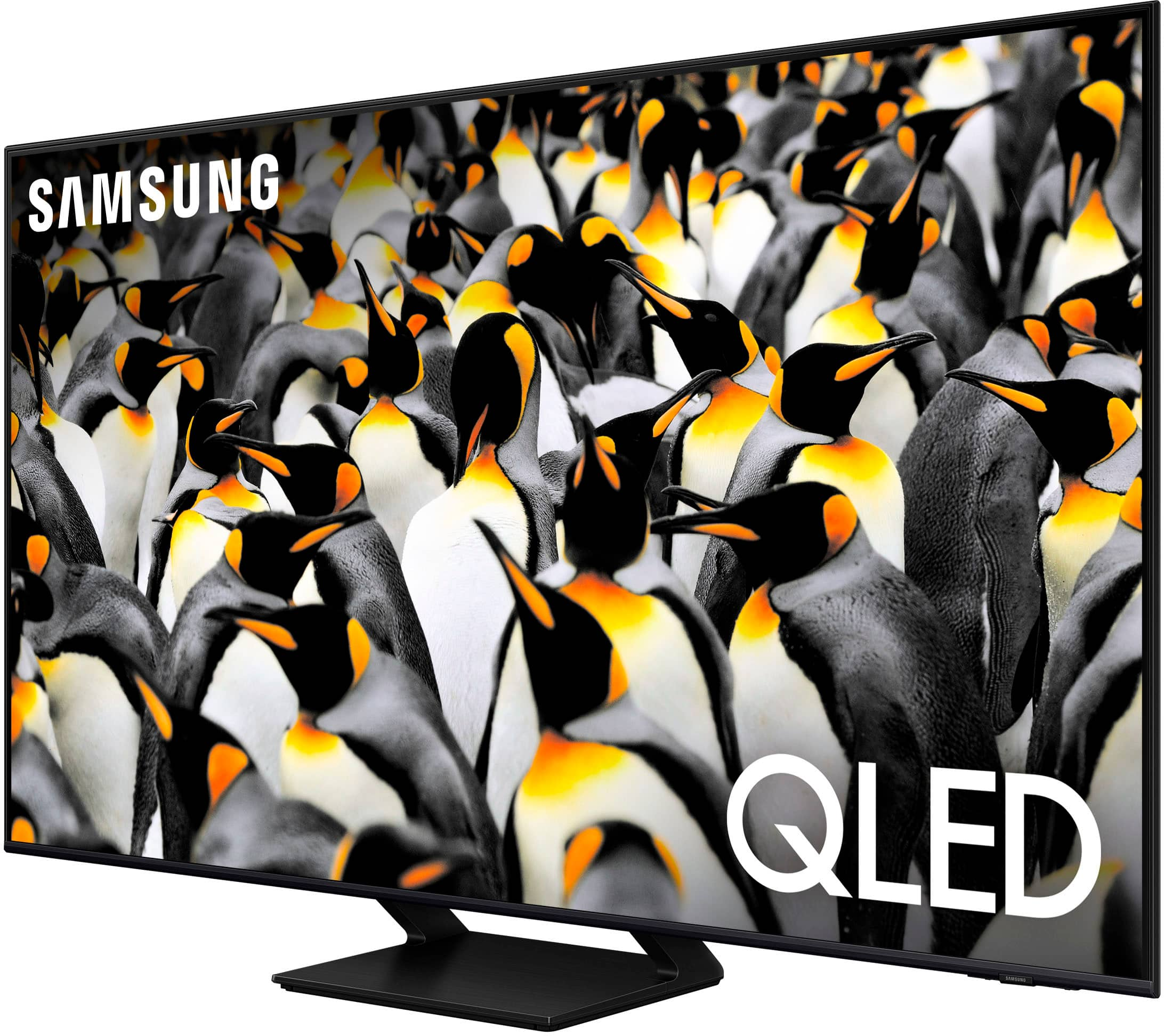
A:AnswerAlthough the remote can’t be paired to a specific TV as it uses an IR signal, you can take advantage of the remote control function within the SmartThings app. If both TVs have been added to your SmartThings app on your tablet or mobile device, you can use the app to control each device individually.
~ Samsung Specialist

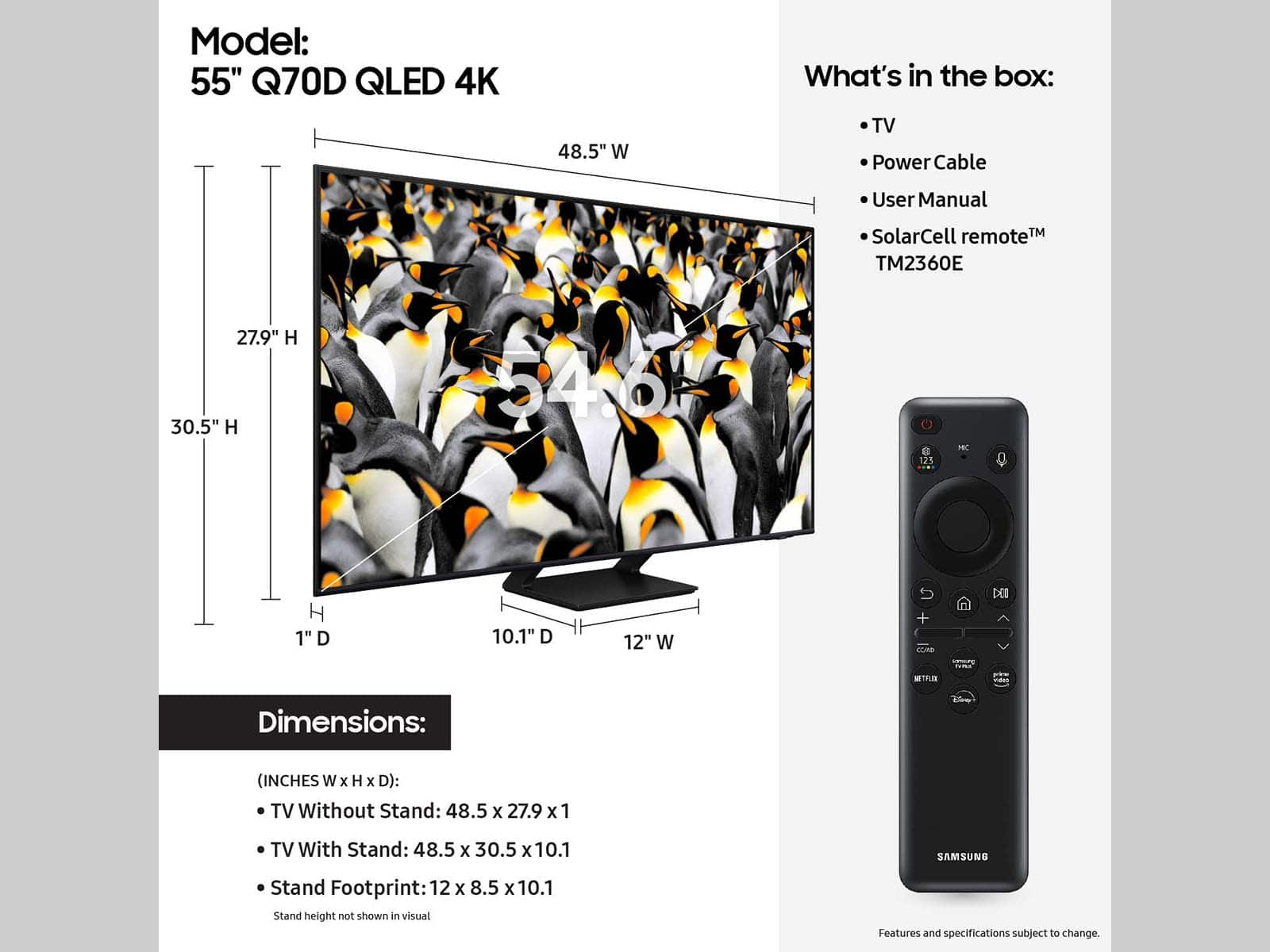
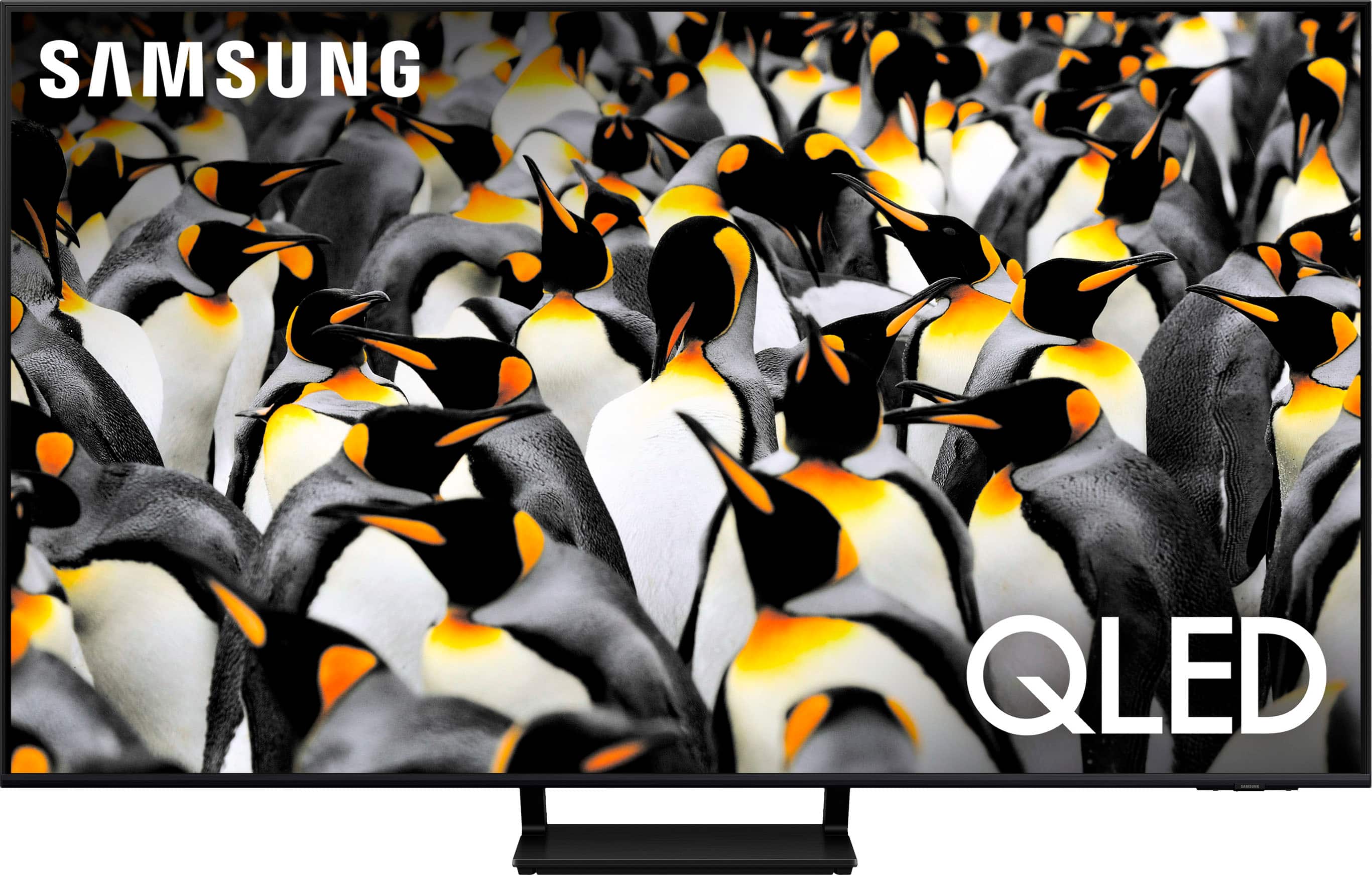
A:AnswerThe stand footprint is 12 x 8.5 x 10.1 (WxHxD in INCHES). Please know you can find these measurements on this model’s product page – just click Show Full Specs and scroll down to Dimension: https://www.bestbuy.com/site/samsung-55-class-q70d-series-qled-4k-smart-tizen-tv/6576592.p?skuId=6576592
~ Samsung Specialist