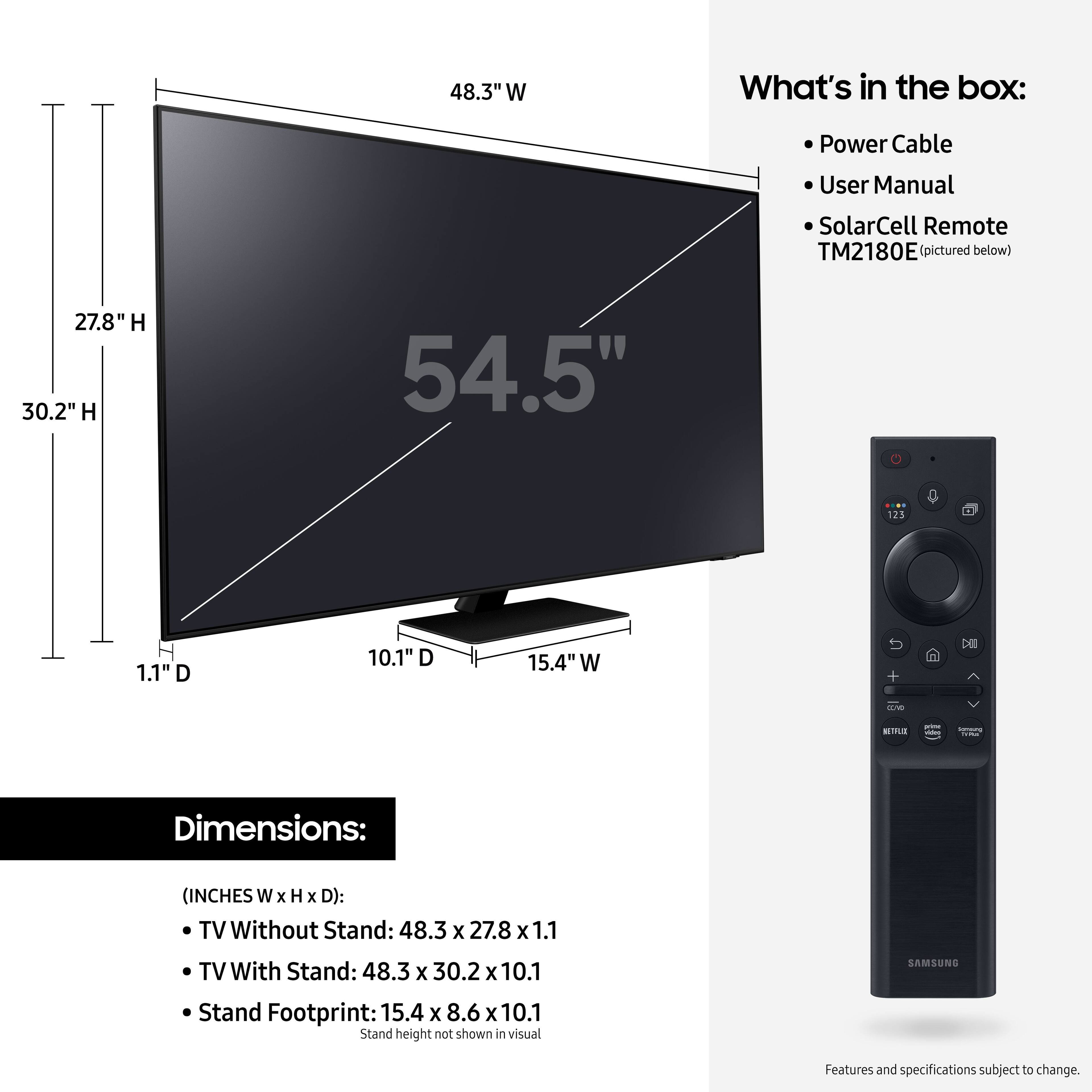
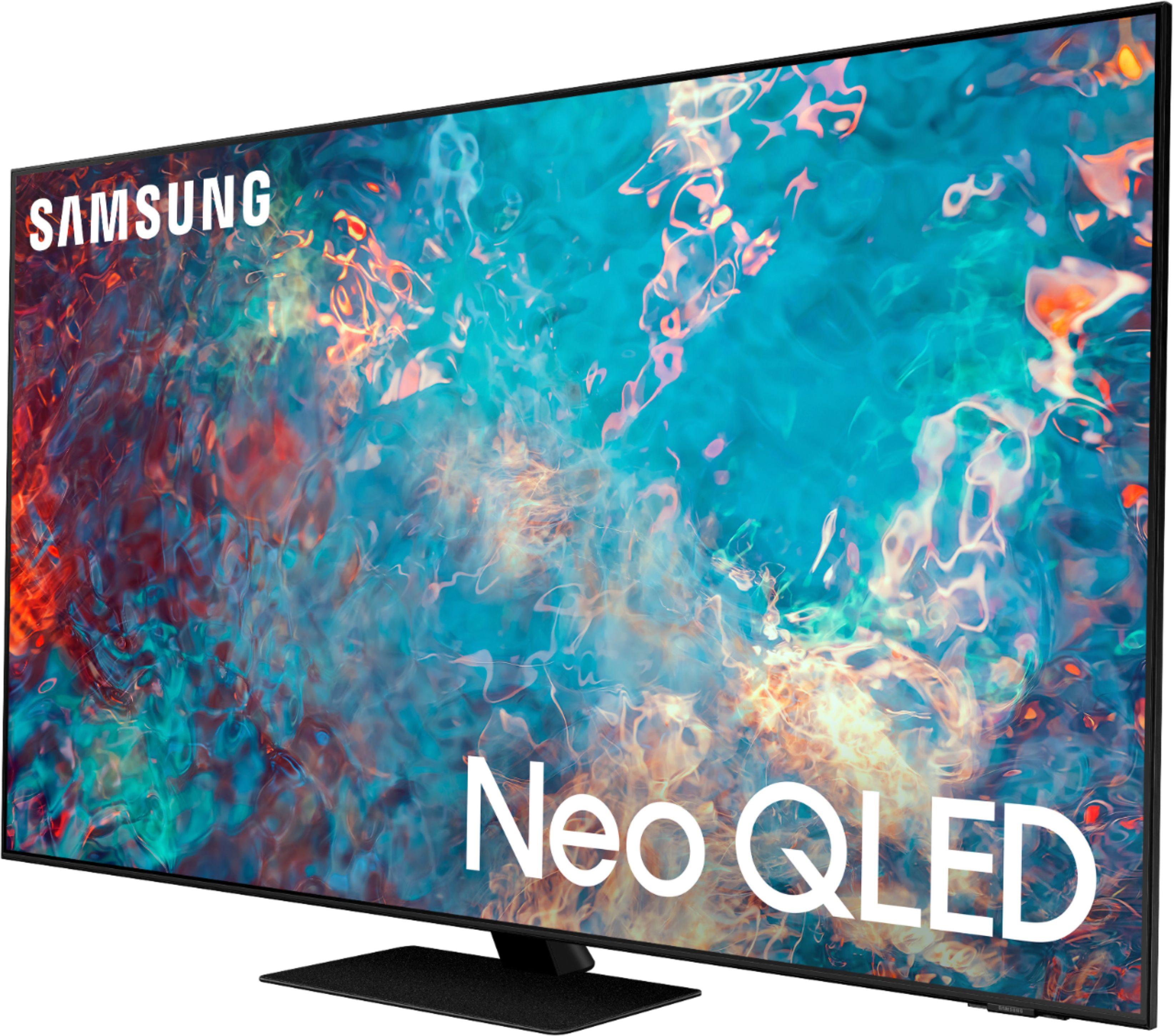
A:Answertnt - The 55" QN85A features a VESA Pattern of 200mm x 200mm; if the wall mount you are referring to supports this VESA Pattern, it is absolutely compatible with this model. ^Gina
A:AnswerHi there! Unfortunately, your existing wall mount is not compatible with the 55" QN85A, which features a VESA pattern of 200mm x 200mm. Check out some great options at Best Buy that will work with this model: https://www.bestbuy.com/site/searchpage.jsp?id=pcat17071&qp=maxtvsizerange_facet%3DMaximum%20TV%20Size~50%22%20-%2059%22&st=wall+mount ^Gina
A:AnswerToma - You may want to go through these steps to check your network connection:
1) Make sure that no items that can generate electromagnetic interferences are placed between the TV and the wireless/wired access point.
2) Check if the access point is turned on. If it is on, turn it off, wait 1 or 2 minutes, and then turn it on. Enter the correct password if required.
3) If the wireless connection fails, connect the TV to the access point via a LAN cable. If the TV can connect to the Internet normally via the wired connection, there might be a problem with the access point. In this case, try using a different access point.
4) Perform a network test to check if there is a network problem. Press the Home button on your remote. Navigate to Settings > Support > Device Care > Self Diagnosis> Smart Hub Connection Test
5) Try a cold reboot of your TV by pressing and holding the power button for 5+ seconds until the TV turns off and on again.
Please also be sure you have the latest firmware update. You may want to enable automatic updates for convenience. Select Settings > Support > Software Update, then select Auto Update. Should you need further assistance, please reach out to Samsung Support at: 1-800-SAMSUNG (ask for TVs), available 8AM -12AM EST M-F (9AM – 6PM EST Sat), text HELP to 62913, LiveChat on Samsung.com, or Email: https://www.samsung.com/us/support/#contact_us_for_support ^Gina
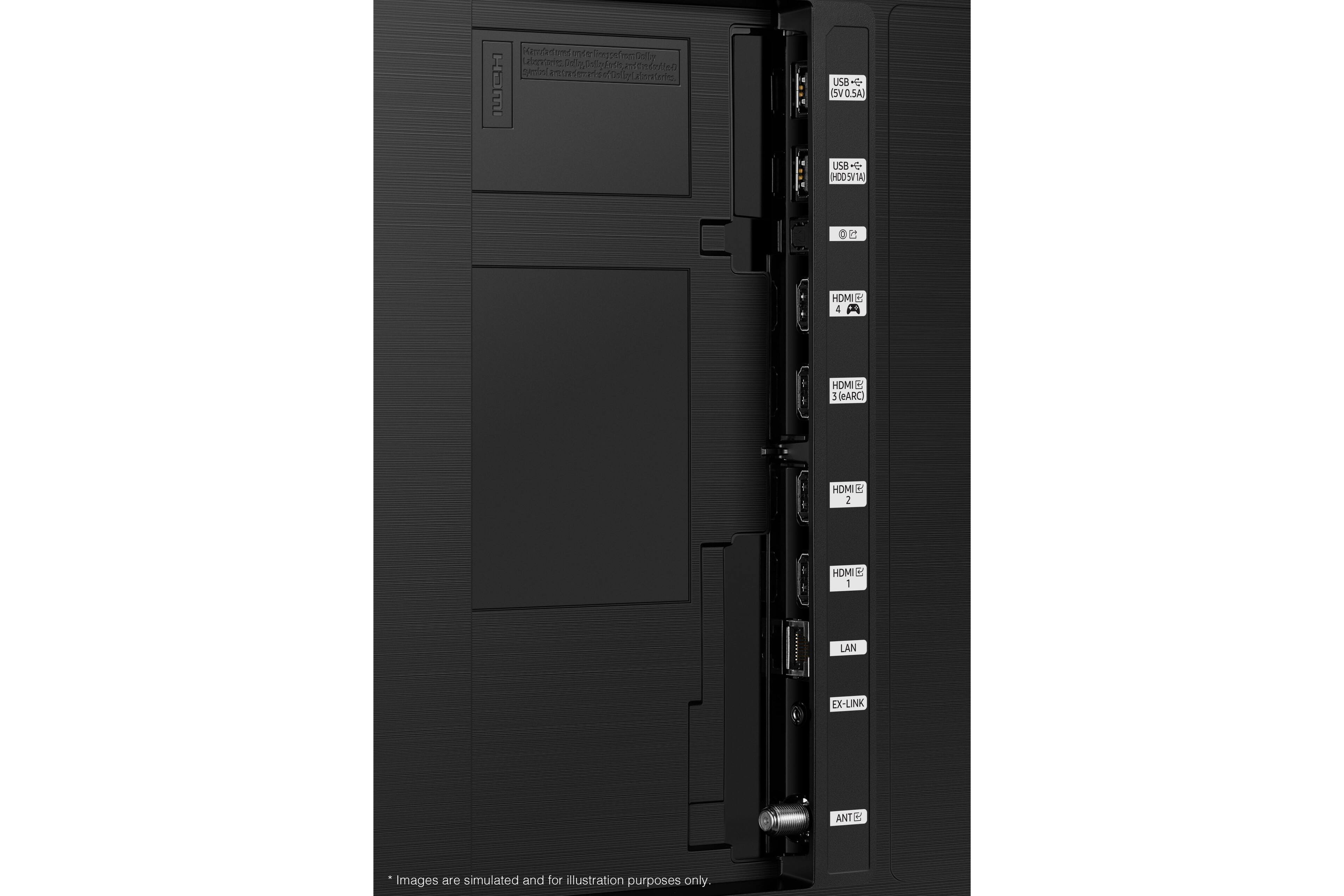
A:AnswerHi Vijay - The HW-MS750 Soundbar & QN85A TV both feature HDMI and Optical inputs, as well as Wi-Fi and Bluetooth connectivity; you can connect your soundbar to this TV via any of those connection options. ^Gina
A:AnswerHi Maddie - Yes, the QN85A has Bixby, Alexa, and Google Assistant. Control your TV with just your voice. Use built-in voice assistants to easily change the channel, play music, control smart home devices, and more. ^Gina

A:AnswerHi HEAVENLYONE, The One Connect box allows you to connect your cable or satellite box or video game system to your TV without having any unsightly wires dangling from the TV. Your TV is connected to the One Connect Box with the One Invisible Connection – a translucent cable allowing you to place your TV accessories wherever works best for you. It comes with the Frame TV and the Slim One Connect comes with our 8K Neo QLED lineup. ^Val

A:AnswerHi tnyfresquez, starting from the Q60T and higher, SmartThings on your TV allows you to manage your smart home. It will automatically detect, connect, and intuitively control your compatible devices from your TV. ^Val