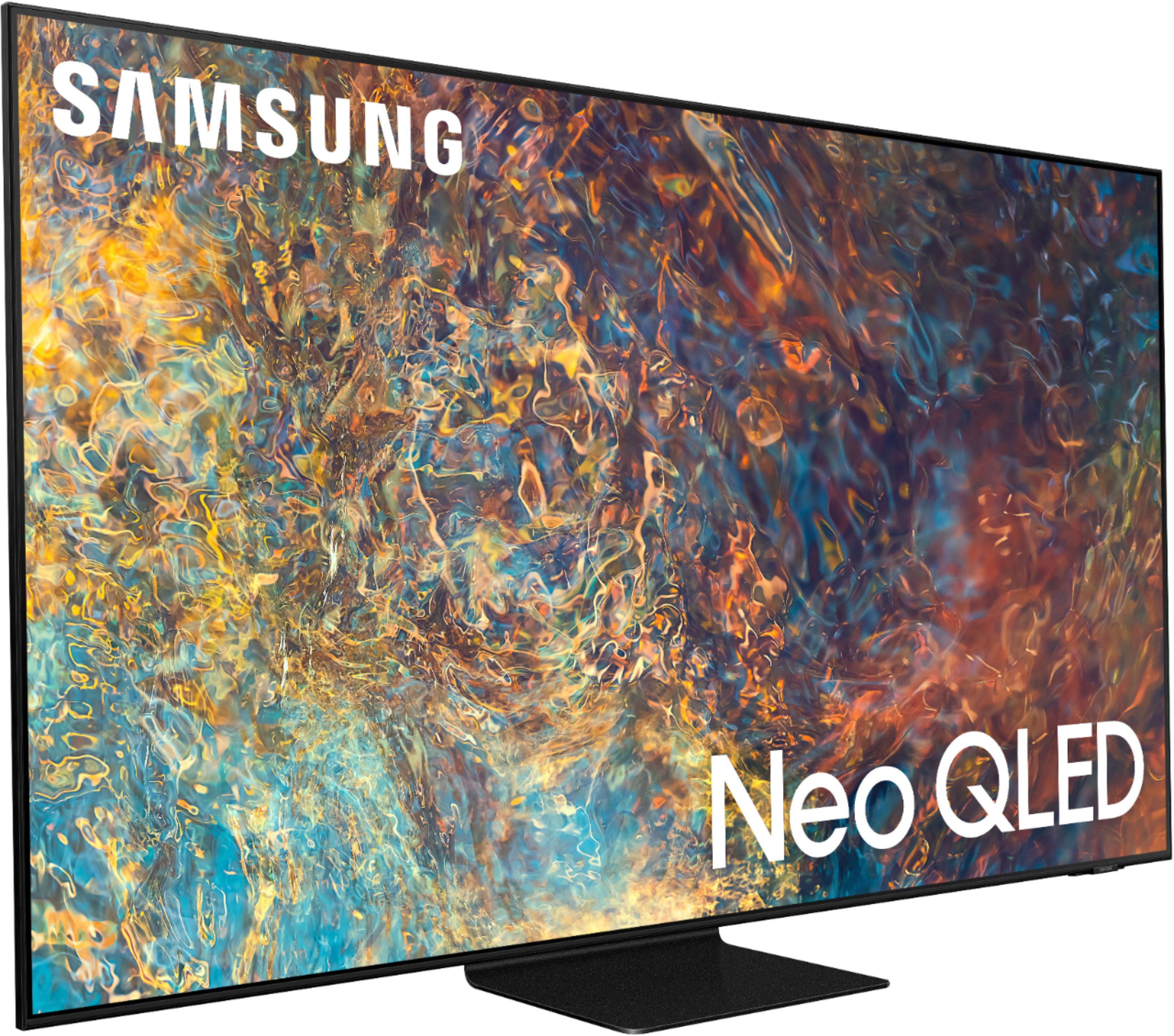
A:AnswerMaybe? I never set mine up. And I dont think it's like a big brother always listening thing like alexa. You have to hit a button before you give a voice command. Don't let the voice remote stop you from buying this tv. It's amazing.
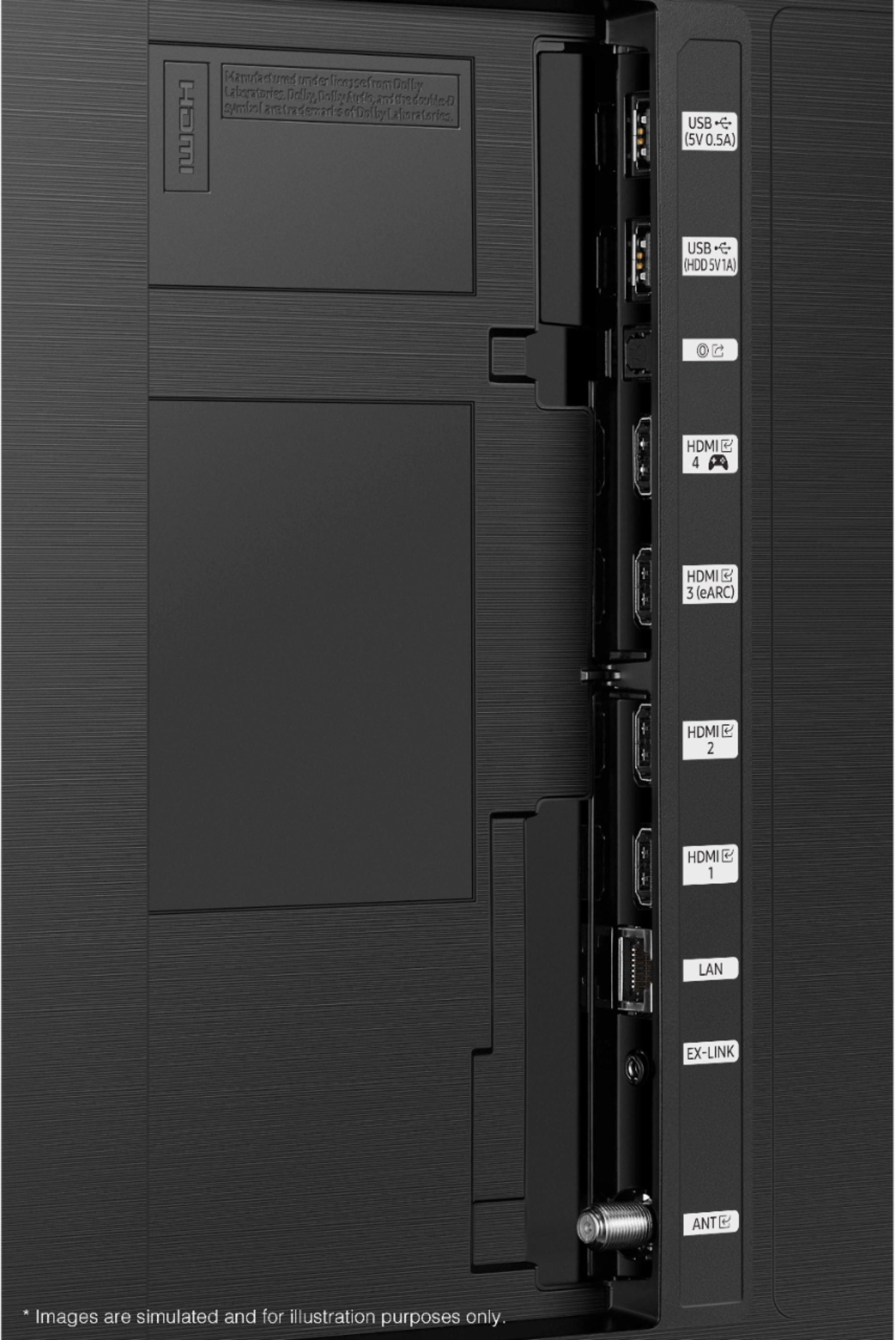
A:Answerlightstorm22 - You can set the TV to allow Dolby Digital+ with Atmos streams that are input from external devices. Set to ON if the audio device connected via HDMI (eARC) supports Dolby Atmos. eARC will allow uncompressed Atmos. As long as your external device supports Atmos, you can pass-through Atmos via eARC without issue. ^Gina
A:AnswerI am still trying to learn t.v.. my first smart t.v. is 4k.
I purchased the Q - Symphony 3.1.2. Soundbar to complement t.v. with left & right surround & center voice .No problem hearing conversion. There is sound settings on t.v.. I haven't changed anything. Try out one in store mabey. May help. Hope this helps some.
A:Answerbbuser1 - For optimal motion image performance, you can adjust the picture clarity setting by going to: Settings > Picture > Expert Settings > Picture Clarity Settings. ^Gina
A:AnswerHi Sidney! In addition to manually fine tune your image's brightness (Settings > Picture > Expert Settings > Brightness), the QN90A TV features Intelligent Mode which enables the TV to recognize and analyze the surroundings, noise, content, and your usage patterns to provide the best viewing experience. You can enable Intelligent Mode by going to Home > Settings > General > Intelligent Mode Settings. Adaptive Picture, which is among the options, optimizes brightness and provides the best picture quality in real time, based on the lighting condition and your content. ^Gina
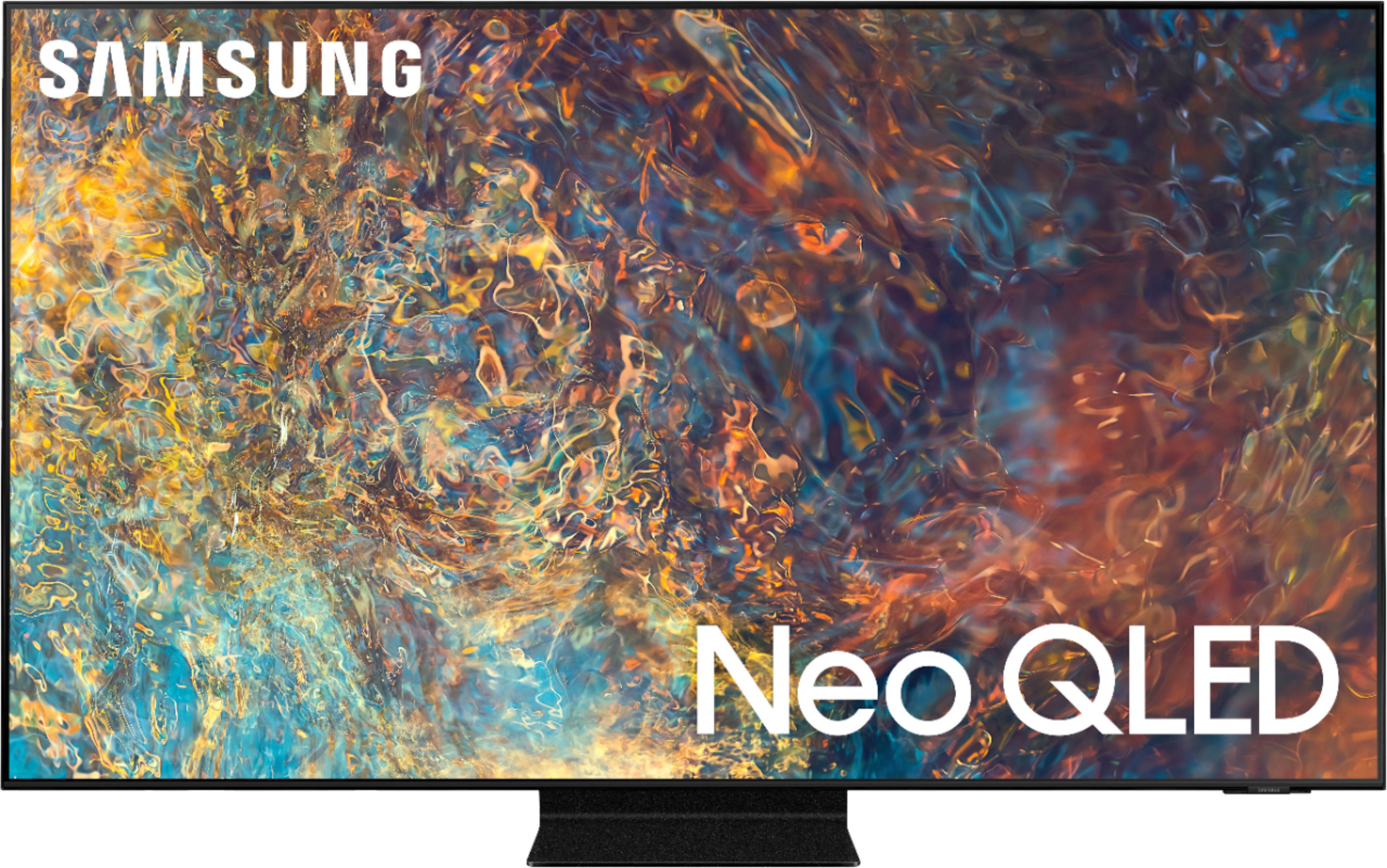
A:AnswerHi - When watching HDR content, it will display as such (HDR or HDR10+); this is a feature of the content itself, and the TV will automatically detect video with HDR/HDR10+ and apply the adaptation. ^Gina