A:Answerbe aware that the hole position is not in the center of the tv. therefore when purchasing a mount, you might see the wall mounting brackets. You can purchase adapters to reposition the tv to the center if you wall mount it.
A:Answerruss - Please give us the opportunity to better assist with this by reaching Samsung Support at: 1-800-SAMSUNG, 8AM - 12AM EST, 7 days a week, or Chat with us on Samsung.com: https://www.samsung.com/us/support/contact/
~ Samsung Specialist
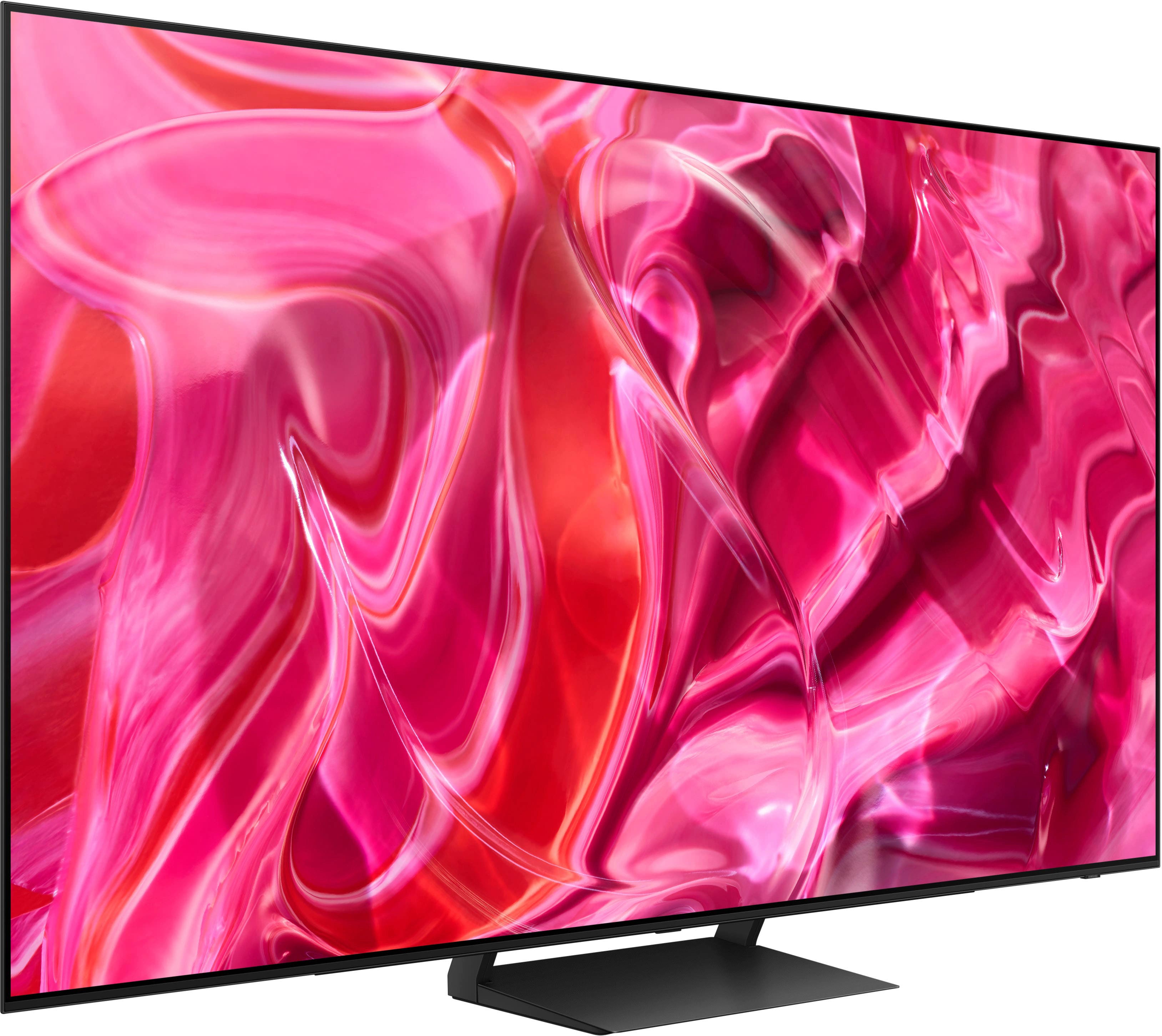
A:AnswerThe wall mount type used will depend on your preference; if you prefer the mount stationary, we recommend using a fixed mount. If you prefer the mount to move, take a look at tilting or full motion mounts. The 55" S90C TV can use any type of universal wall mount with a VESA pattern of 300mm x 200mm.
~ Samsung Specialist
A:Answerwren - Under Picture Size, you can change the size of the picture displayed on the TV screen to 16:9 Standard, Custom, or 4:3. Please keep in mind supported picture sizes differ with the input signal and content you’re watching.
~ Samsung Specialist
A:AnswerSamsung,
Rob said while he is actively watching TV.
I just bought the same TV today and while watching with constant movement on the screen it goes into screensaver mode. Just like Rob’s. From what I have read this is a common problem.
What is the solution. This can’t be how this was designed. Is there a software update that deals with this?
Marty