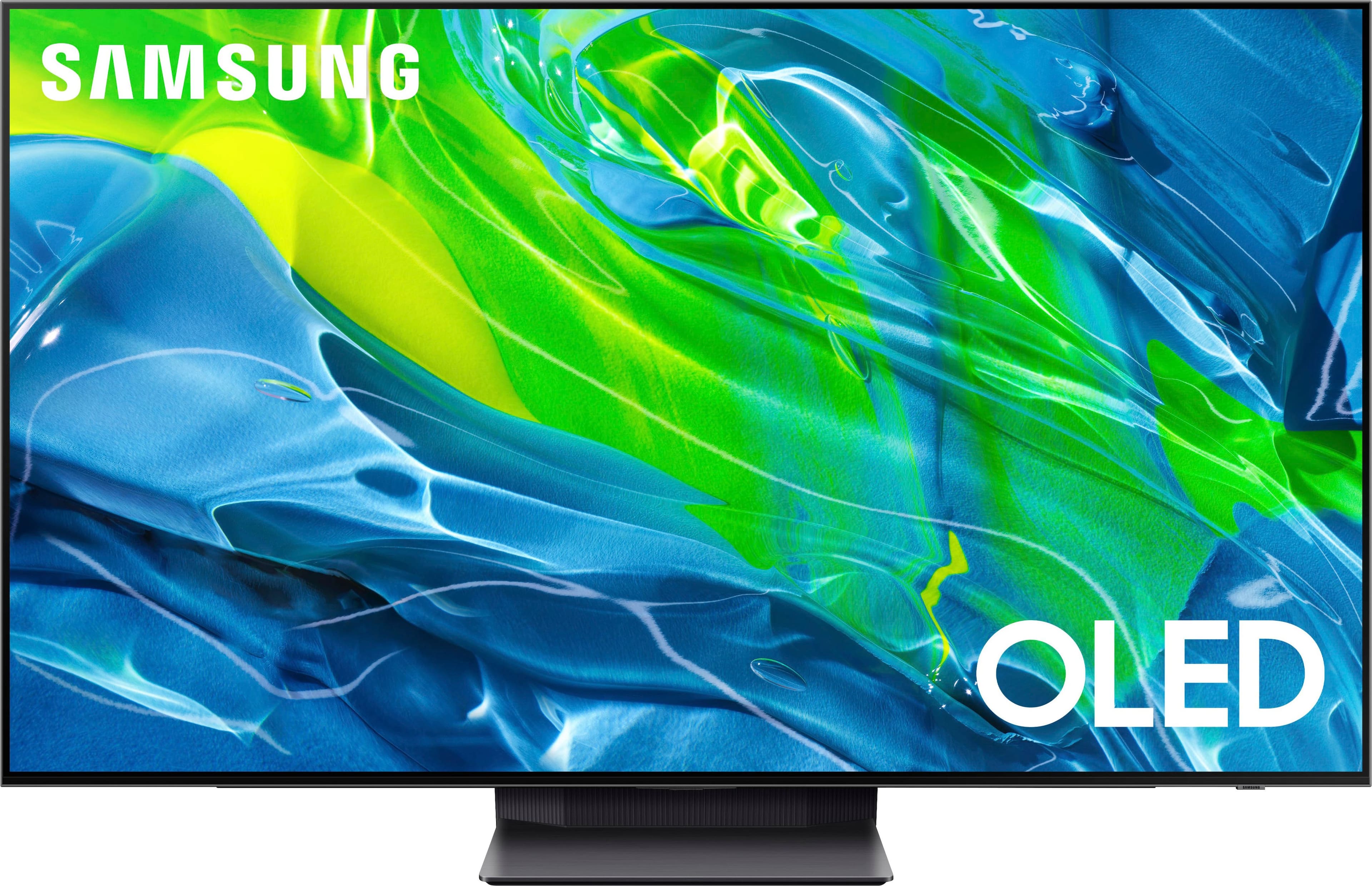
A:AnswerBathiany - The S95B TV comes with several pre-installed streaming apps, and you can choose and download from hundreds of additional apps directly from the built-in App Store.
~ Samsung Specialist
A:AnswerHi Tuckie! The S95B TV remote can be set up as a universal remote to control HDMI-connected external devices. To set up this function, check out this link: https://www.samsung.com/us/support/answer/ANS00089902/ ^Gina
A:AnswerI agree....For watching SDR content, the picture is best with Peak Brightness turned OFF.
But for HDR content, it should be turned on HIGH. Otherwise it interferes with other HDR settings.
A:AnswerHi Lily - So that we can best assist you with this, please reach out to Samsung Support at: 1-800-SAMSUNG, 8AM - 12AM EST, 7 days a week, or Chat with us on Samsung.com: https://www.samsung.com/us/support/contact/ ^Gina
A:AnswerTomP - The S95B features Q-Symphony which synchronizes the TV speakers and soundbar audio simultaneously. This feature is available when the S95B is paired with a Samsung Q-Series Soundbar (such as our Q700A Soundbar). Q-Symphony can be enabled when a compatible soundbar is connected via Optical, HDMI, or Wi-Fi. ^Gina
A:AnswerBobbyjoe - Samsung incorporates the latest advancements in technology to minimize the potential for burn-in (such as Pixel Shift settings), solidifying our lineup as the most high-quality OLED TV offering in the market.
~ Samsung Specialist