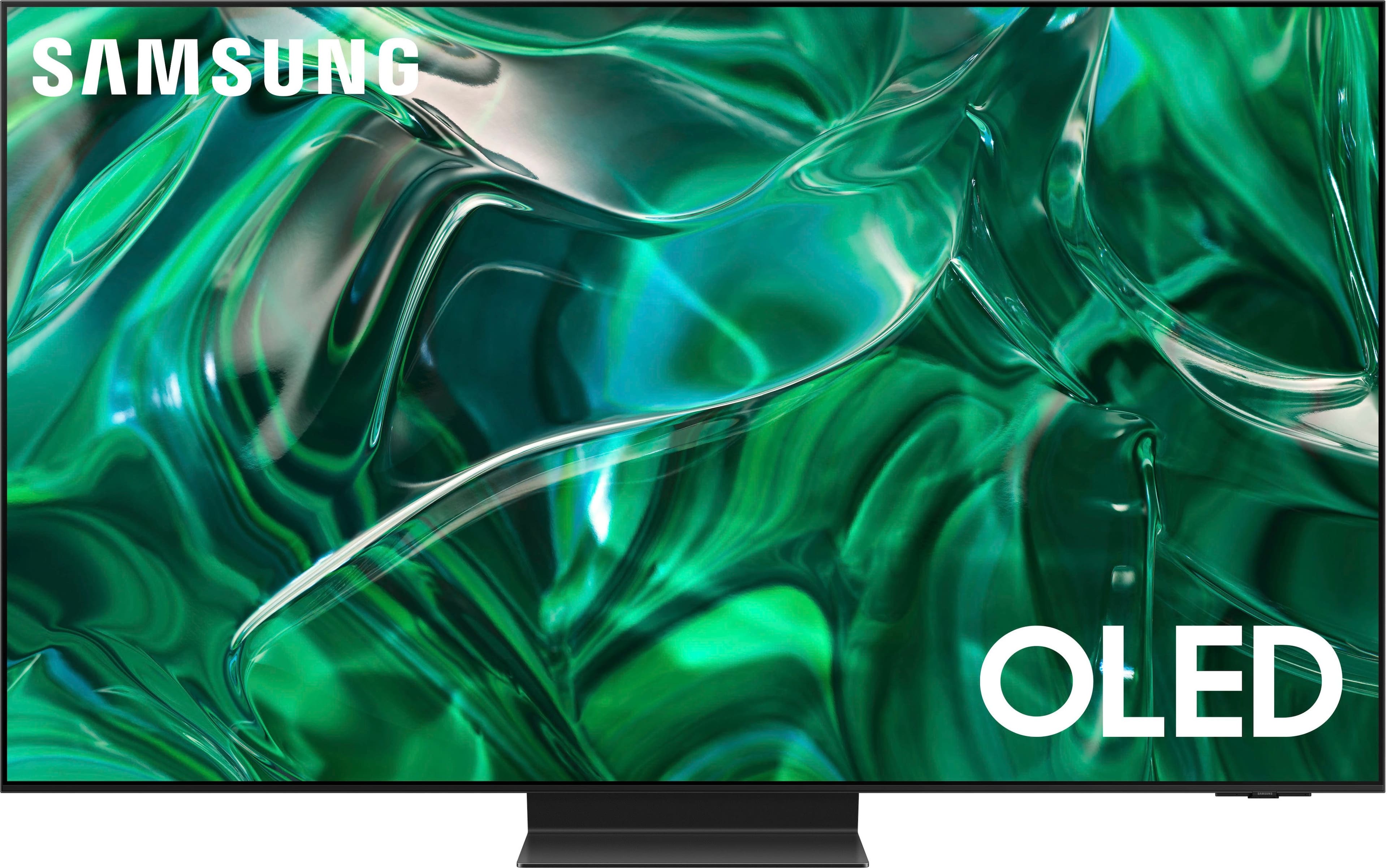
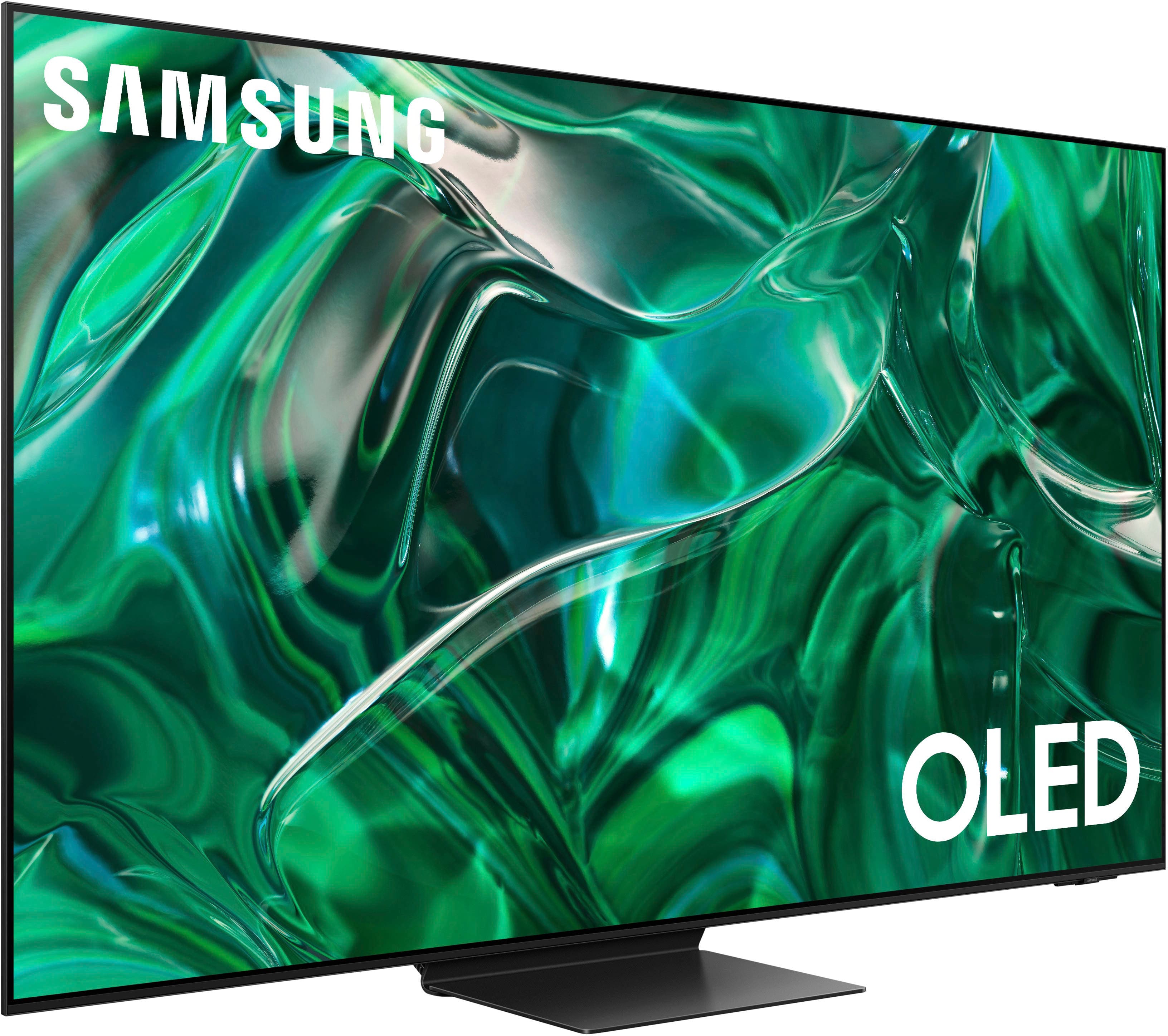
A:Answerdriley8785 - Please give us the opportunity to better assist with this by reaching Samsung Support at: 1-800-SAMSUNG, 8AM - 12AM EST, 7 days a week, or Chat with us on Samsung.com: https://www.samsung.com/us/support/contact/
~ Samsung Specialist

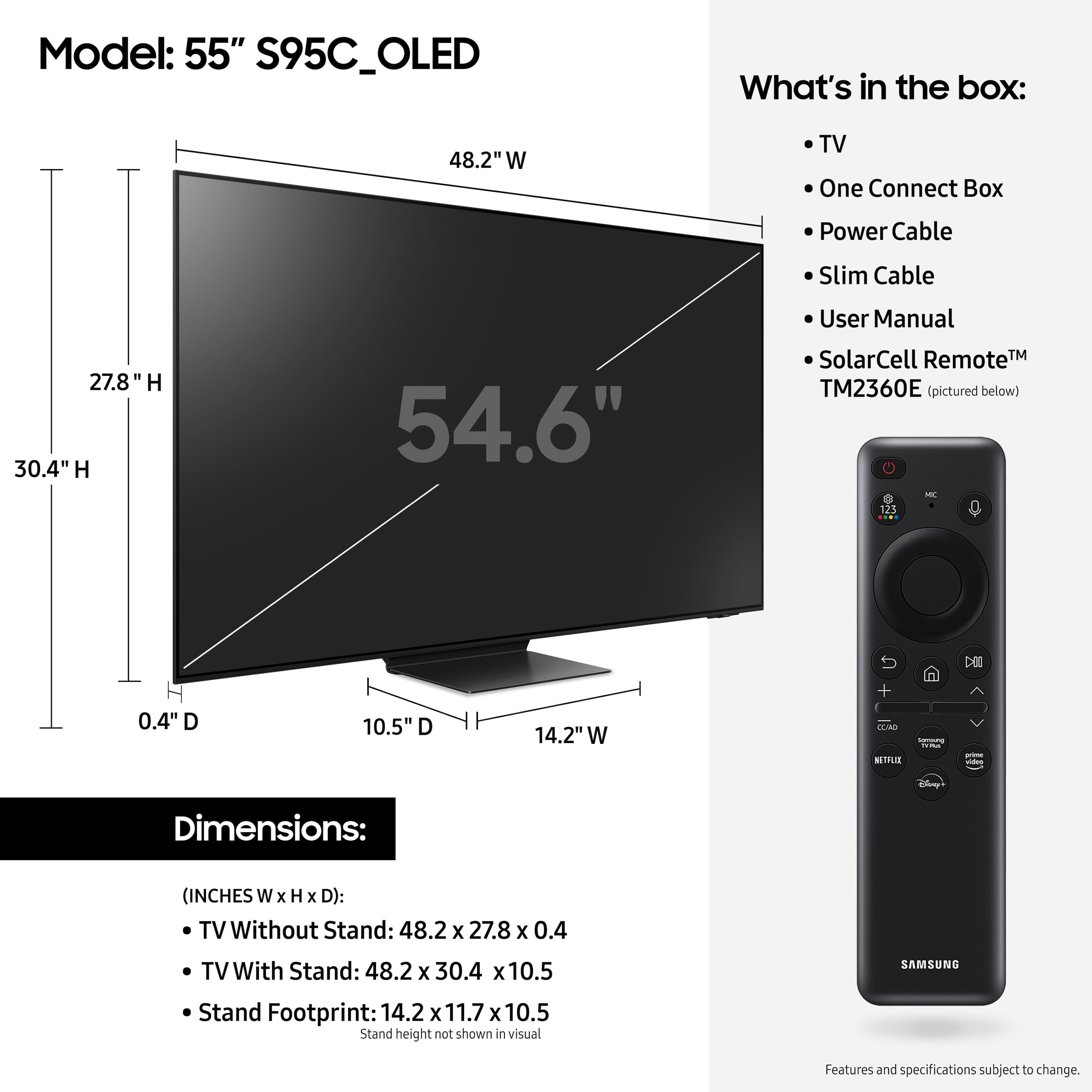
A:AnswerHi BRYAN - You can find all measurements on this model's product page - just click Show Full Specs and scroll down to Dimension: https://www.bestbuy.com/site/samsung-55-class-s95c-oled-4k-uhd-smart-tizen-tv/6536967.p?skuId=6536967
~ Samsung Specialist
A:AnswerNO. the connectors are to the left side** when the One Connect box is attached to the back of the stand. The AC plug is then at the bottom of the One Connect Box. The AC plug into the One Connect is an IEC type and wold need extra clearance if you want to use an aftermarkeut cord. The supplied AC cord fits without extra clearance.
**(The Left when looking from the front of the TV the One Connect box can only be attached to the stand one way.)
There are two cables that come with the TV to connect the One Connect box to the back of the TV. A short one for using the One Connect Box placed on back of stand. And much longer one to have the One Connect box further away.
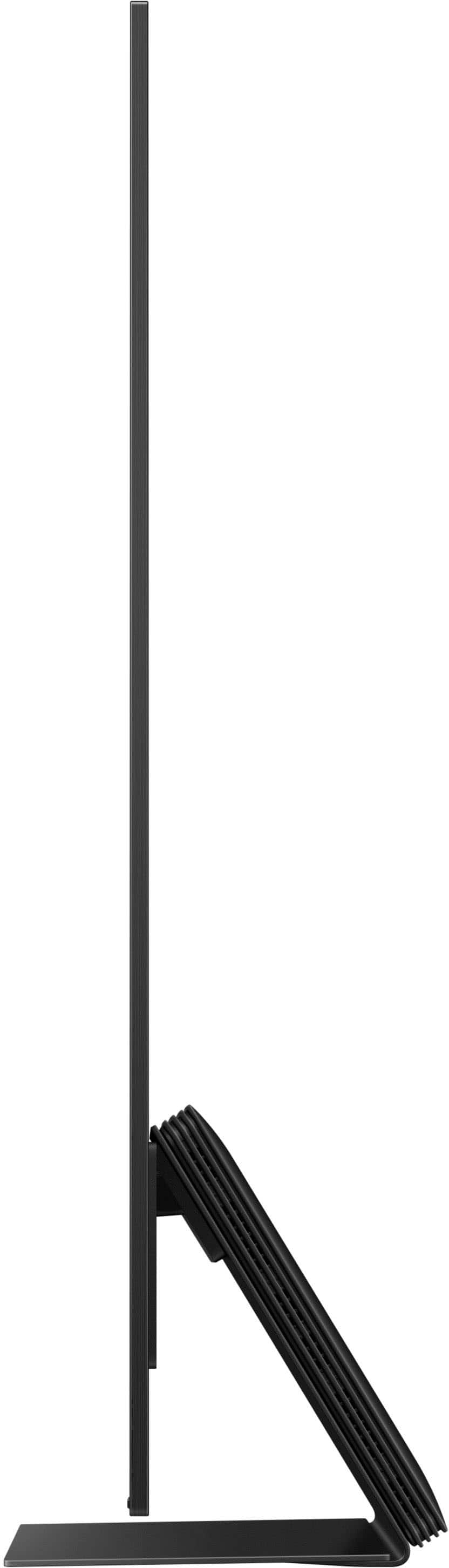
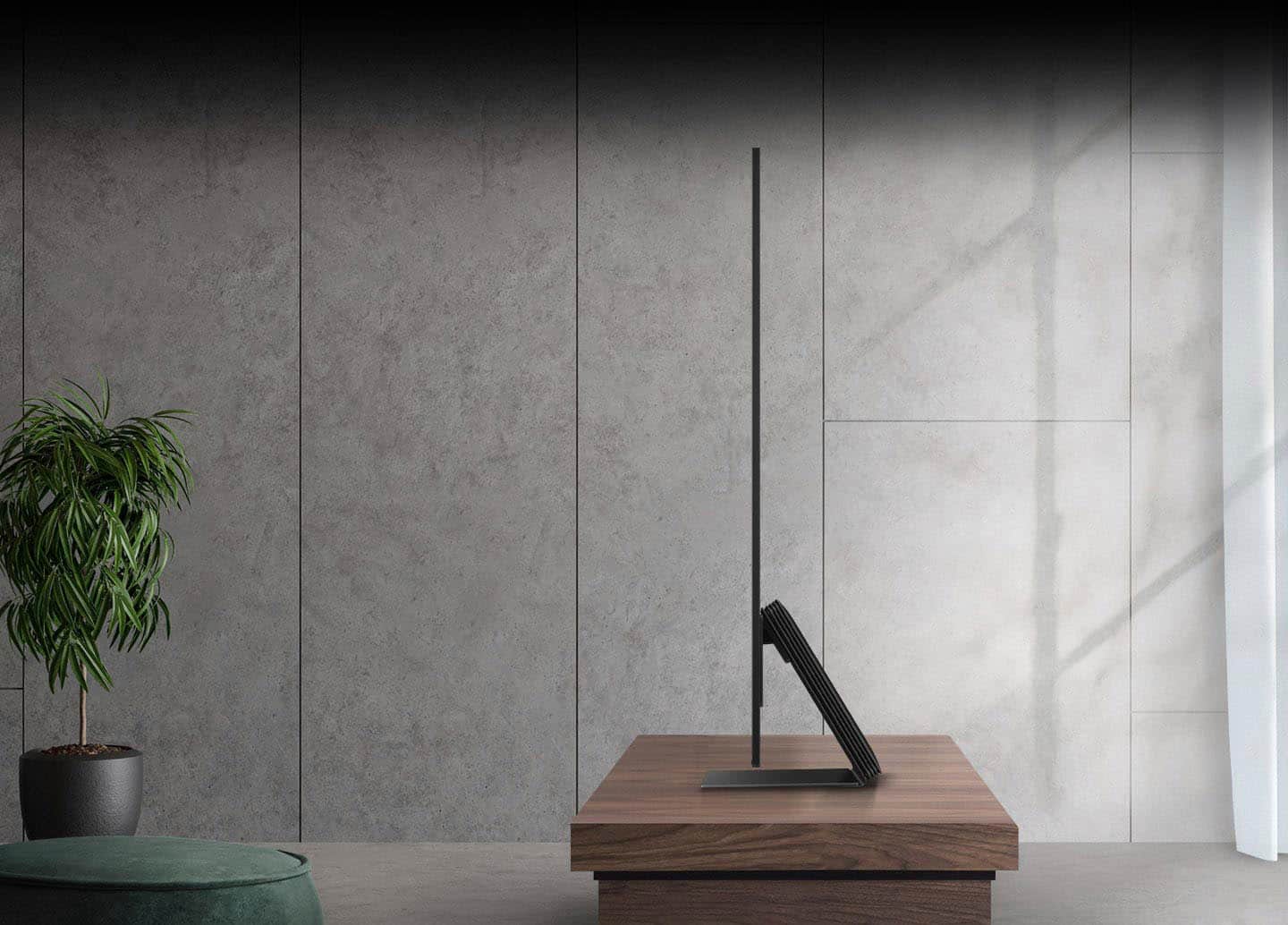
A:AnswerThe stand that comes with this TV weighs about 30 lbs. Its main purpose is to stabilize the TV, and it does a good job.
Unless you have a mounting kit with your stand (is it like a console?) which is compatible with this TV, it's best to attach the Samsung stand onto this TV and place the whole thing on your existing console. Roughly, the Samsung stand is about 14 inch (w) X 12 inch (d). Most TV consoles would be able to handle it.
A:AnswerKitty - The S95C TV has 70-Watt 4.2.2 Channel sound with Dolby Atmos, as well as OTS+ (Object Tracking Sound+) which uses strategically placed speakers, allowing you to hear what happens where it happens, with sound that flows from all sides of the TV — including the center — to track the on-screen action with pinpoint accuracy for an enhanced, realistic 3D experience.
~ Samsung Specialist