A:AnswerNo, the S95D TV does not feature RCA inputs; you'll need to utilize an RCA to HDMI converter like this item found at Best Buy: https://www.bestbuy.com/site/insignia-rca-to-hdmi-converter-black/6134312.p?skuId=6134312
~ Samsung Specialist
A:AnswerHi mikey - Please directly contact or visit your local Best Buy for assistance in choosing the wall mount that works best for your preference.
~ Samsung Specialist
A:AnswerWhile professional installation isn't mandatory, it can be helpful depending on the complexity of the setup and your own experience with similar installations. For more information on installation services, please contact your local Best Buy or visit:
https://www.bestbuy.com/site/tv-home-theater-services/tv-mounting-packages/pcmcat748300648009.c?id=pcmcat748300648009#1
~ Samsung Specialist
A:AnswerThank you for considering the S95D for your gaming needs. This model is equipped with 4 HDMI ports, all of which support Auto Low Latency Mode (ALLM), Dynamic Metadata (HDR10+), Variable Refresh Rate (VRR), and 4K@120Hz (up to 144Hz for PCs). HDMI port 3 further offers Enhanced Audio Return Channel (eARC).
~ Samsung Specialist
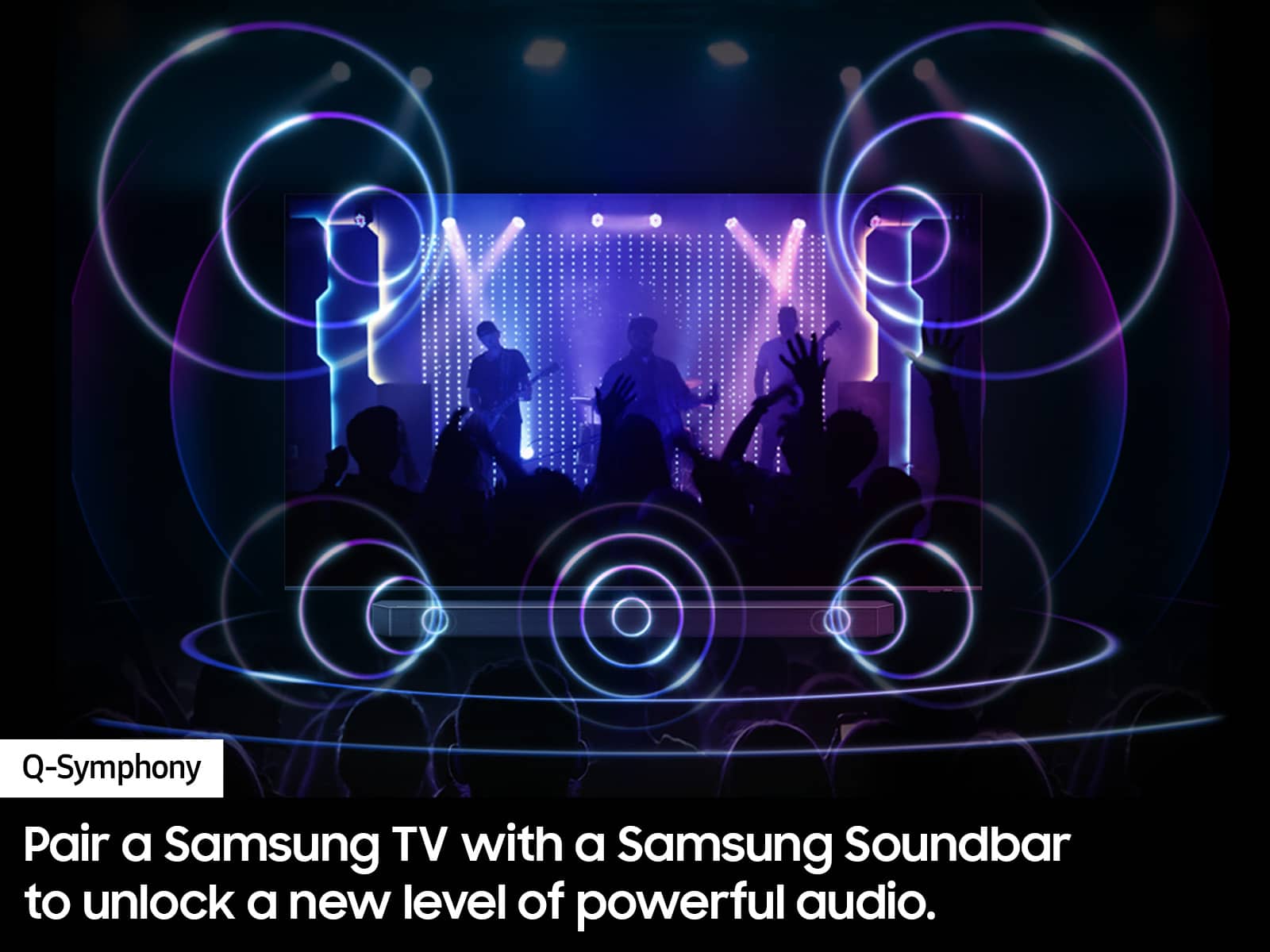
A:AnswerThe S95D TV has 70-Watt 4.2.2 Channel sound with Dolby Atmos, as well as OTS+ (Object Tracking Sound+) which uses strategically placed speakers, allowing you to hear what happens where it happens, with sound that flows from all sides of the TV — including the center — to track the on-screen action with pinpoint accuracy for an enhanced, realistic 3D experience.
~ Samsung Specialist

A:AnswerYou can connect an external streaming device via HDMI; you can also take advantage of the hundreds of available apps that can be installed directly from the TV.
~ Samsung Specialist

A:AnswerMajoofi - You can find these measurements on this model’s product page – just click Show Full Specs and scroll down to Box Dimension: https://www.bestbuy.com/site/samsung-55-class-s95d-series-oled-4k-glare-free-smart-tizen-tv-2024/6576559.p?skuId=6576559
~ Samsung Specialist

A:AnswerLeo - The S90D TV is backed with a limited 1-year Manufacturer’s Warranty when purchased brand-new from an authorized dealer. You can enter the model number to review the full warranty details here: https://www.samsung.com/us/support/legal/LGL10000312/#standard-limited-warranty
~ Samsung Specialist

A:AnswerHi Maryann,
You will not be able to record directly onto this TV. You will need to use an OTA (over air) DVR like one of these: https://www.bestbuy.com/site/searchpage.jsp?id=pcat17071&st=over+the+air+dvr .
~Samsung Advisor
A:AnswerYes it can. There are keyhole slots on the back. Also, tilt your screen forward a little , and you will never have to clean it because dust can't cling to it when it is tilted forward.
A:AnswerJohnM - You will not be able to record to directly to this TV. You will need to use an OTA (over air) DVR like one of these: https://www.bestbuy.com/site/searchpage.jsp?id=pcat17071&st=over+the+air+dvr .
~ Samsung Specialist

A:AnswerThe directions say to only use a "Magic Eraser." I used a new one (for obvious reasons), It took some scrubbing, but the finger prints are gone. i also discovered (for those who use a wall mount) that if you tilt the top of the TV forward, dust won't/can't cling to your screen.

A:AnswerBorren - The S95D features OLED Glare Free to further limit light distraction on your screen and for increased color, contrast, and clarity.
~ Samsung Specialist