A:AnswerTry resetting and then reconnecting. Setting this particular product up for my mother, I did have some connection issues, but it was because the i.p. address wasn't recognized at first, but I did a reset and it connected.
A:AnswerHi Dan,
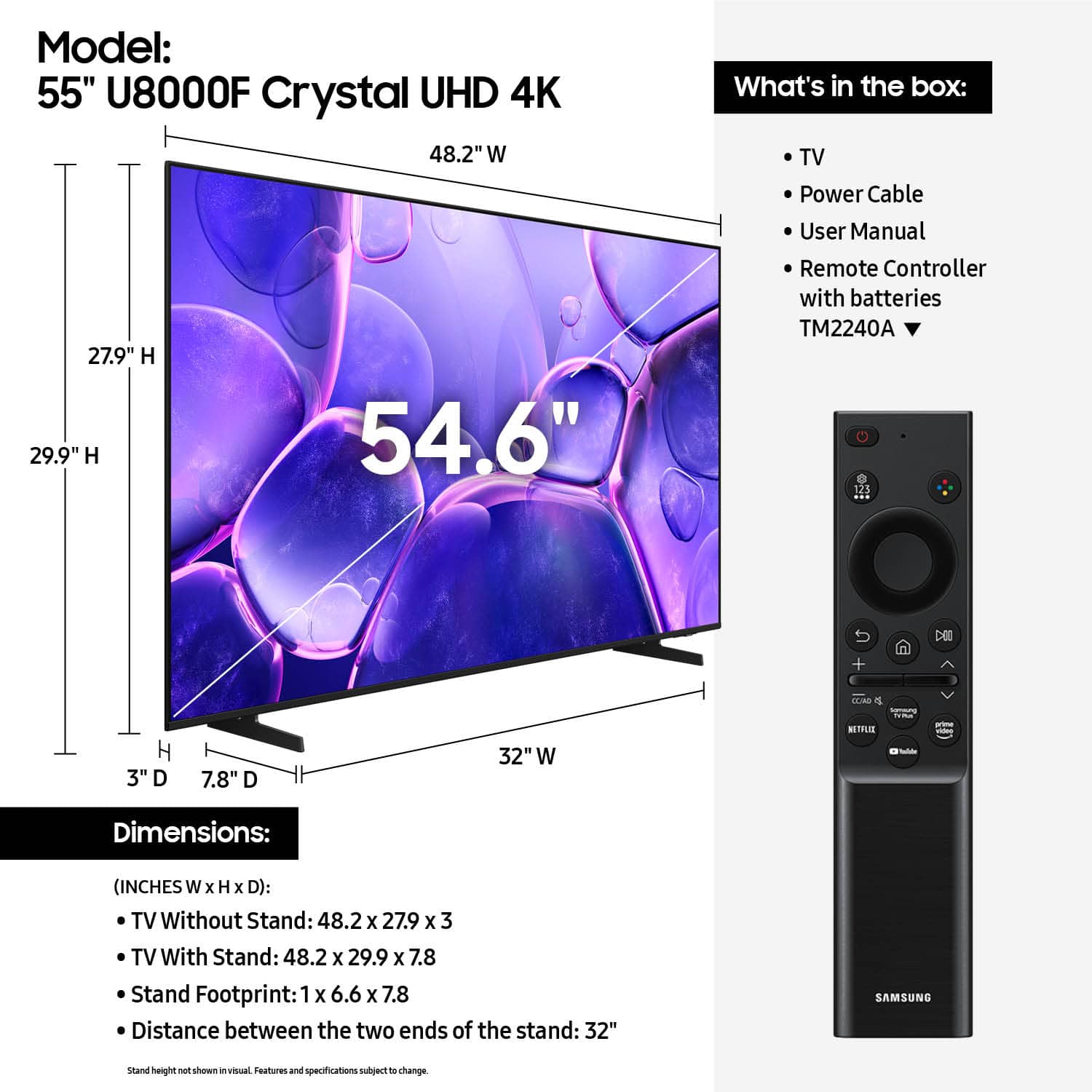
On the 55" U8000F, the distance from the top VESA mounting holes to the top of the TV is 10.8". The distance from the bottom VESA holes to the bottom of the TV is 9.2".
I hope this helps!
~Samsung Advisor
A:AnswerTo make the most of your Samsung TV - like using apps or receiving updates - a Samsung Account and agreement to Terms are required. Basic functions such as HDMI and antenna use remain available without sign-in.
~ Samsung Advisor
A:AnswerUnless you’re hiring someone to install wall mount you can DIY get a stud finder to make sure you’re hitting the proper place then follow installation instructions, or install feet that come with it yourself they pop in I did my own until I get a chance to install mount
A:AnswerHi Hello,
The U8000F has 3 HDMI ports, one USB, and is Bluetooth and Wi-Fi capable. You can connect your external devices using those methods, depending on your device.
~Samsung Advisor