A:AnswerHi - You can set the TV to allow Dolby Digital+ with Atmos streams that are input from external devices. Set to ON if the audio device connected via HDMI (eARC) supports Dolby Atmos. eARC will allow uncompressed Atmos. As long as your external device supports Atmos, you can pass-through Atmos via eARC without issue. ^Gina
A:AnswerHi Tony - Yes, any Samsung Soundbar will be fully compatible with the Q60A TV. To enjoy the best sound experience, you will need to make sure of all the right settings once you connect a Dolby Atmos soundbar. You will need to select Dolby Digital from the Digital Output Audio Format menu. Now the connected soundbar should automatically activate Dolby Atmos whenever it detects Dolby-compatible media coming from the TV. ^Gina
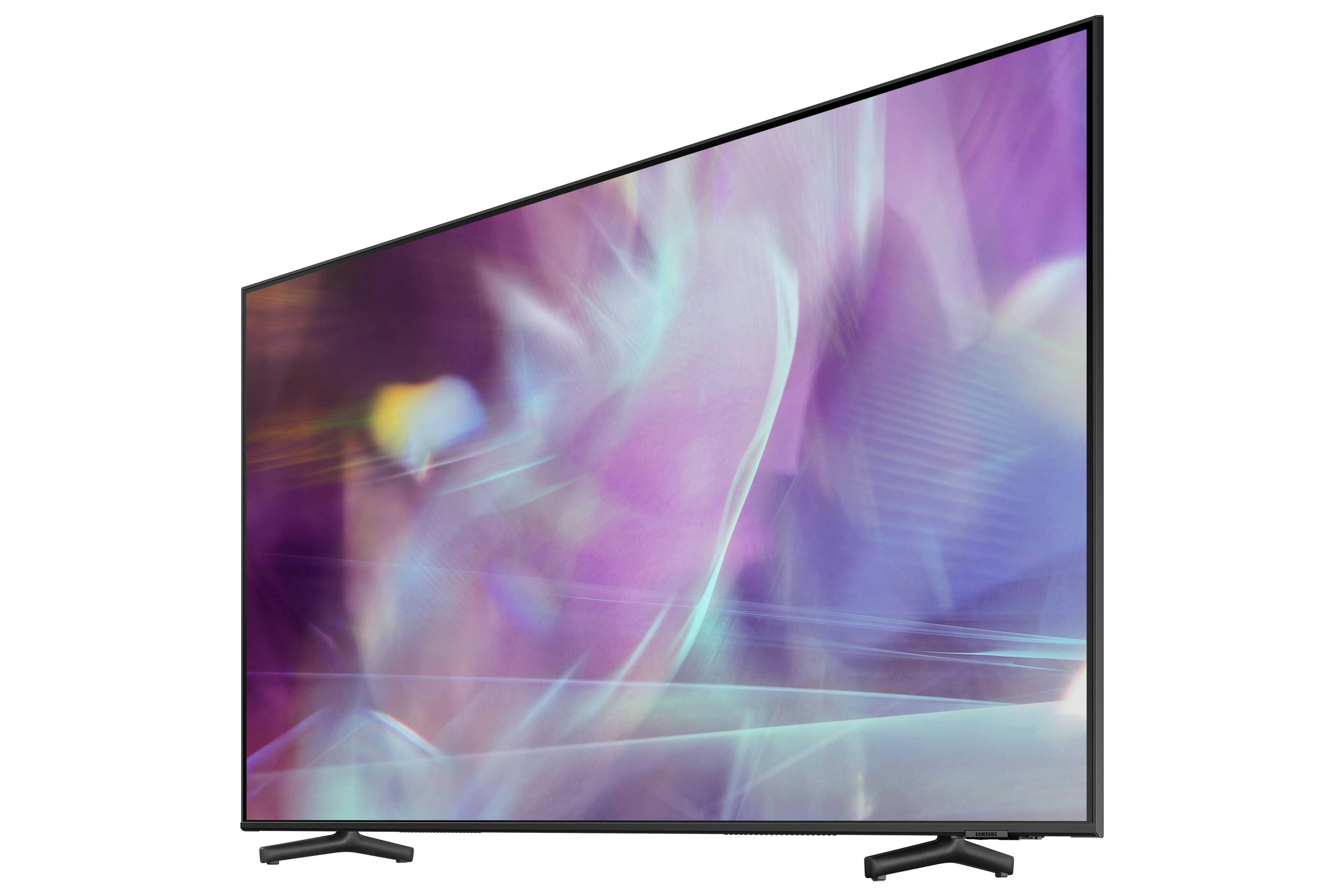
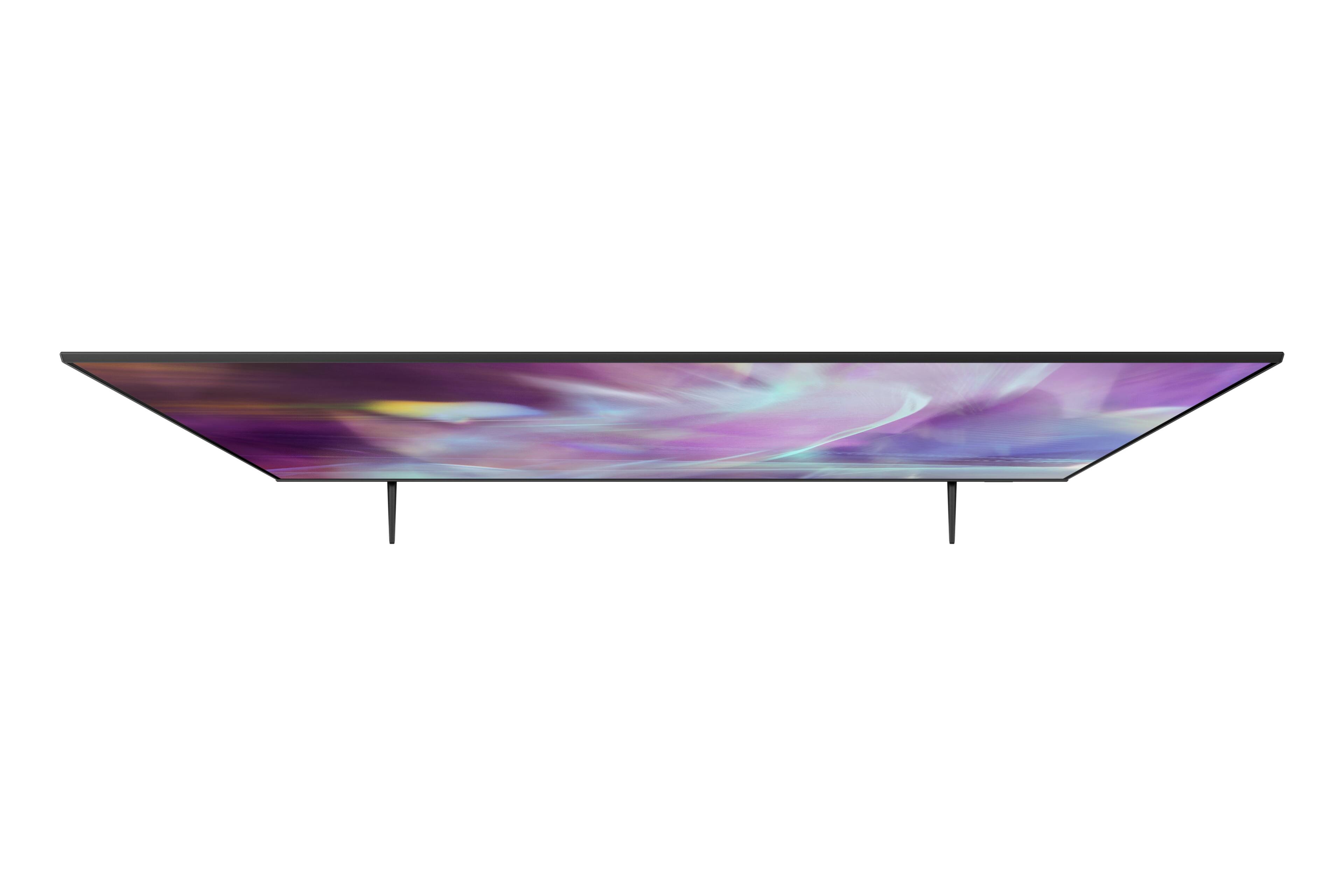
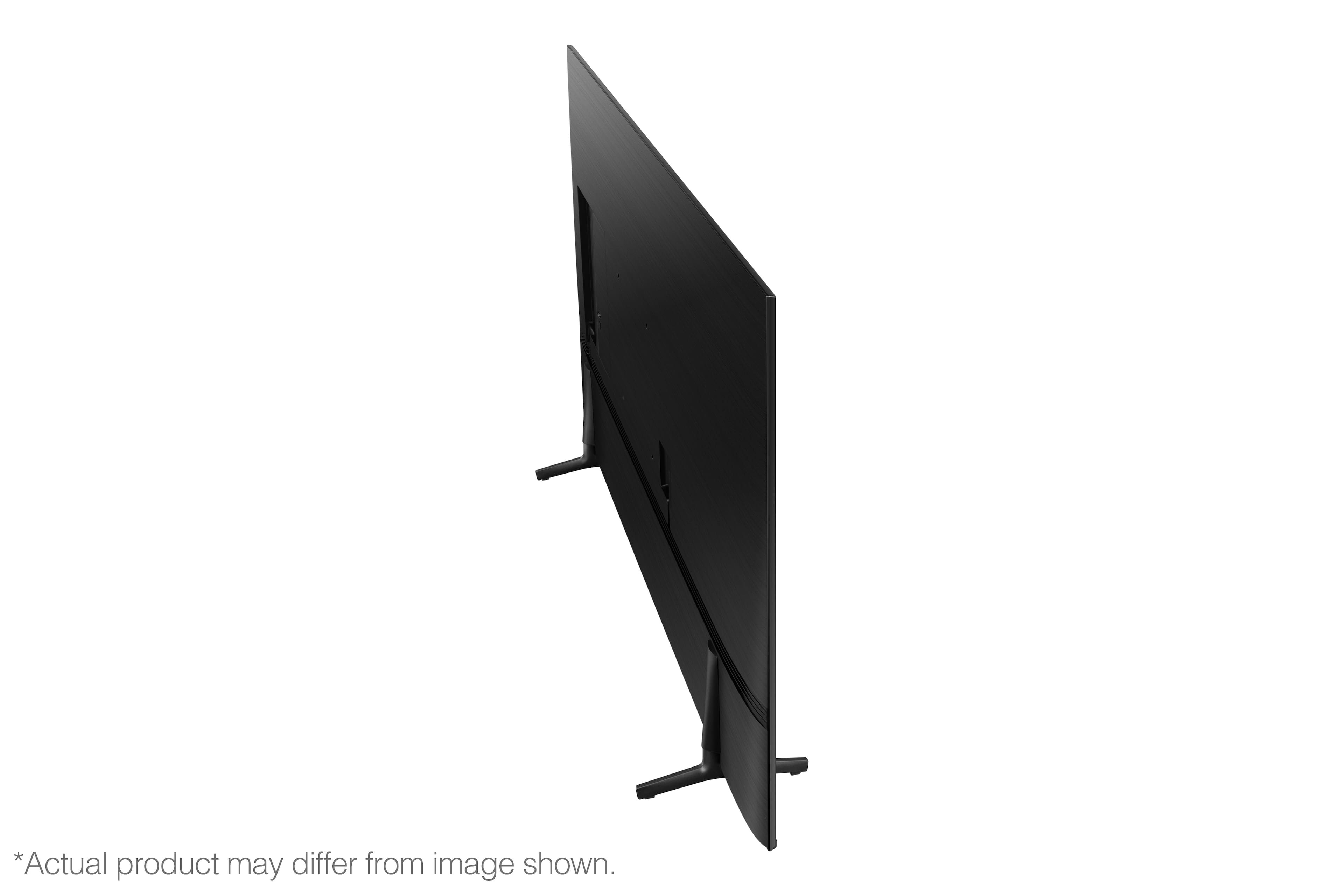
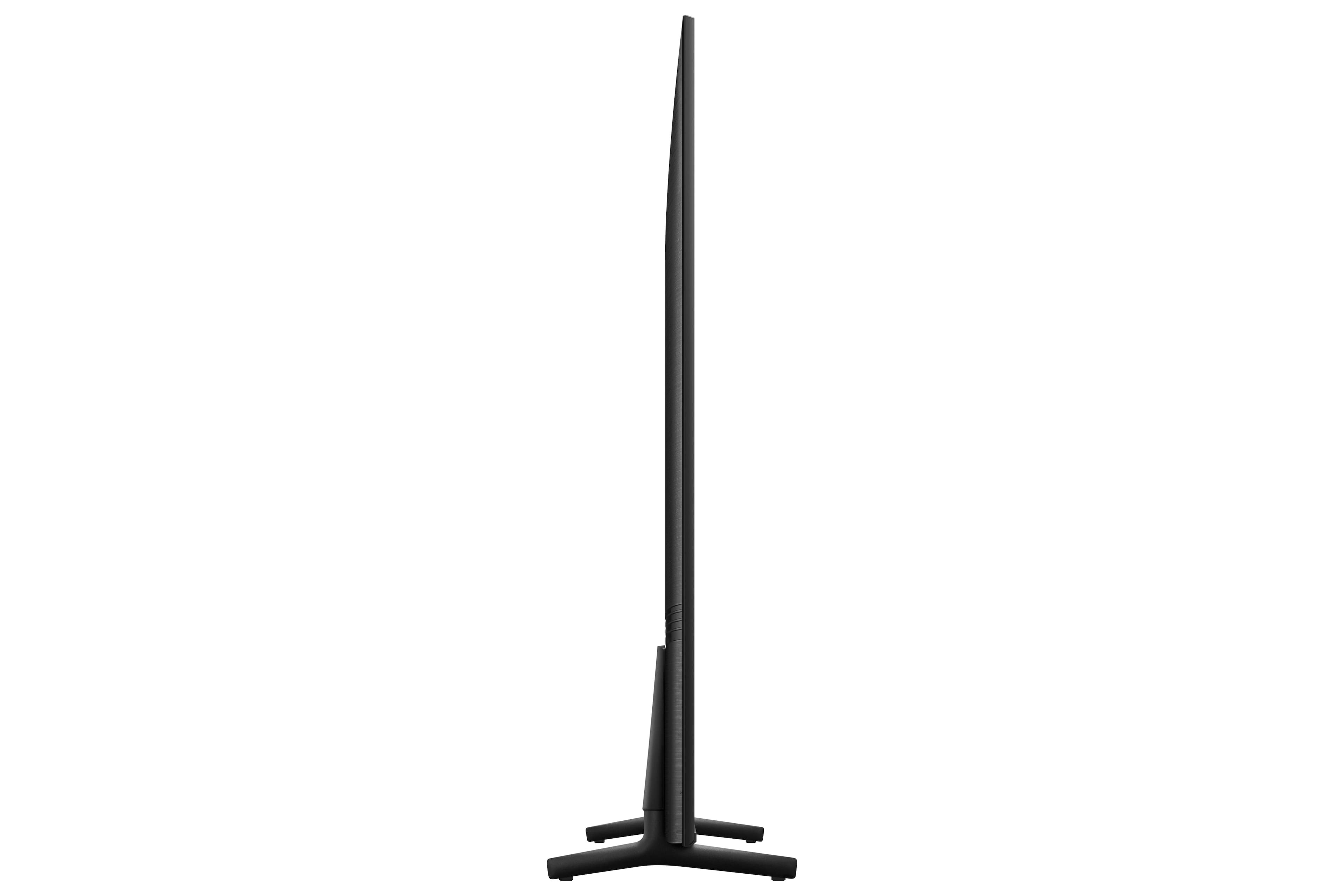
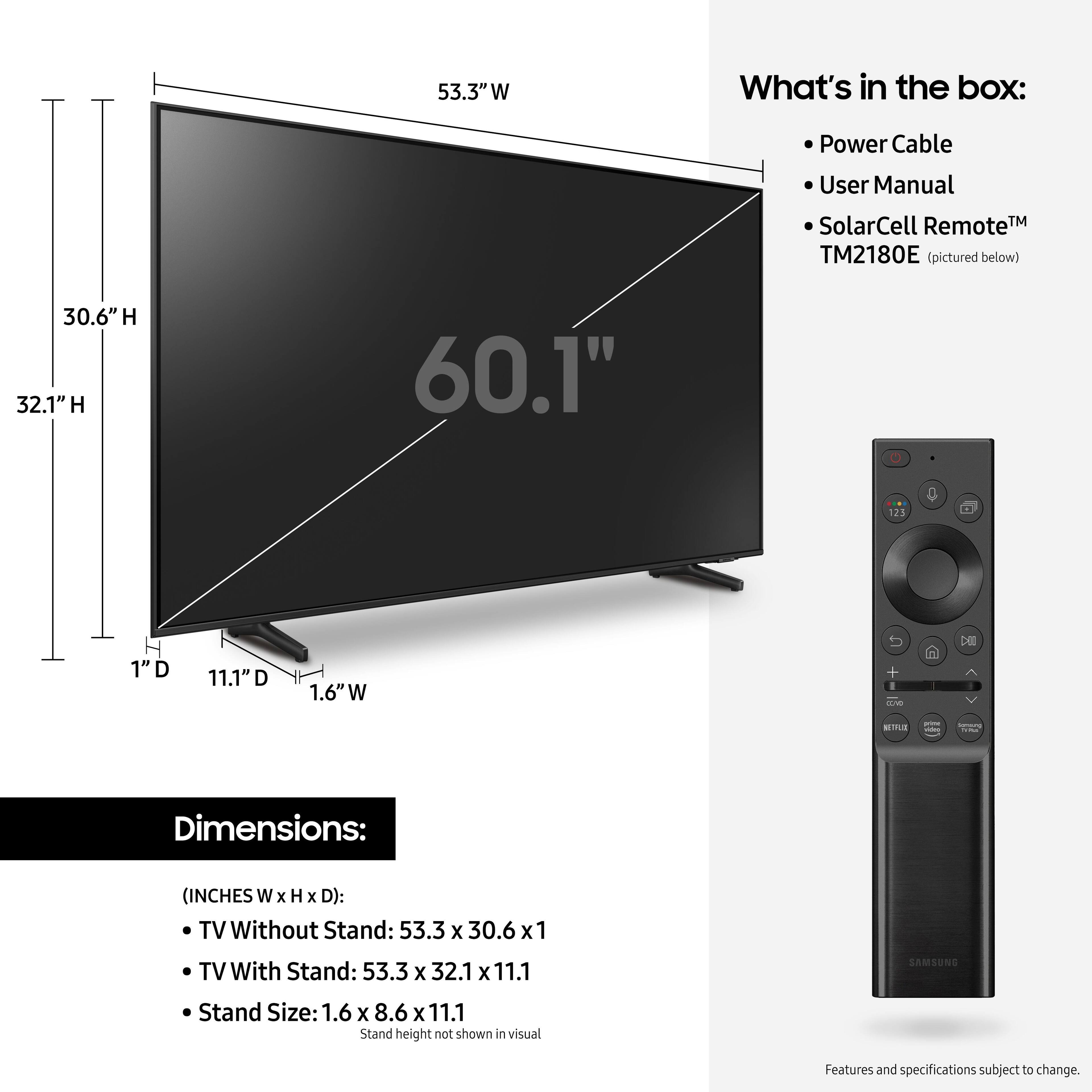
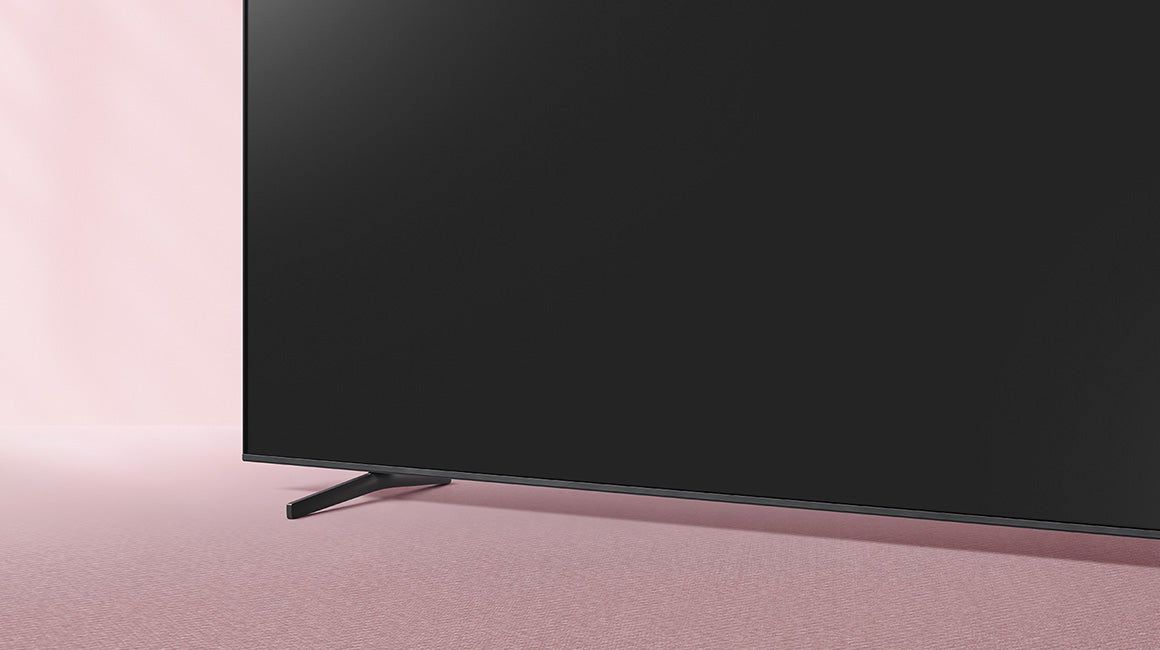
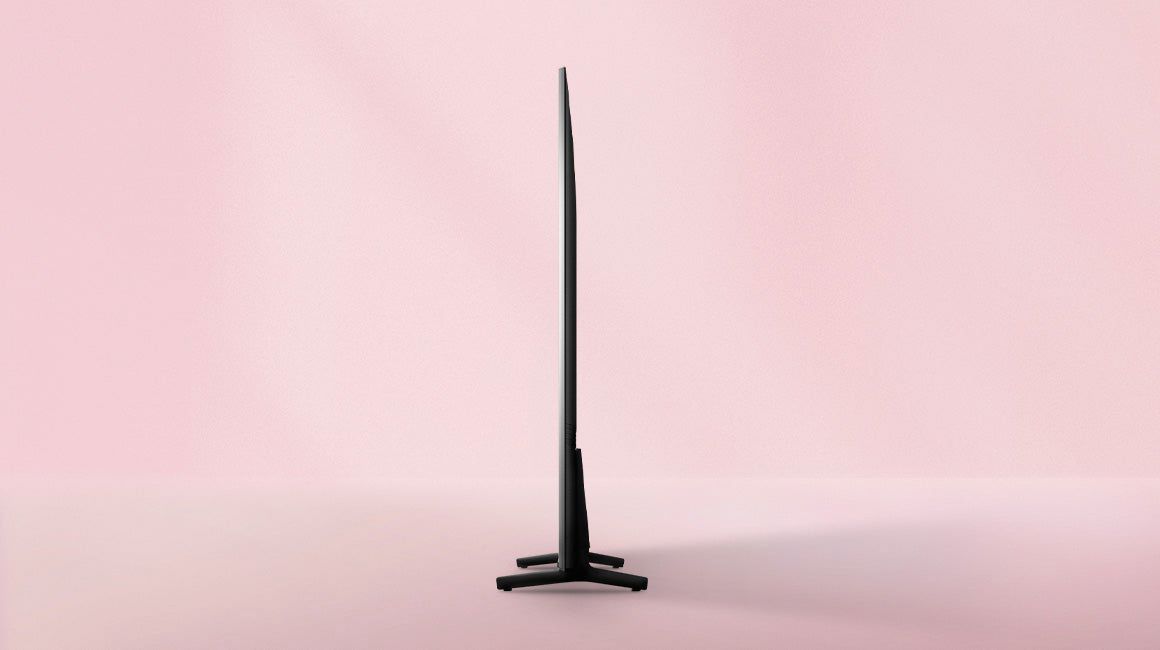
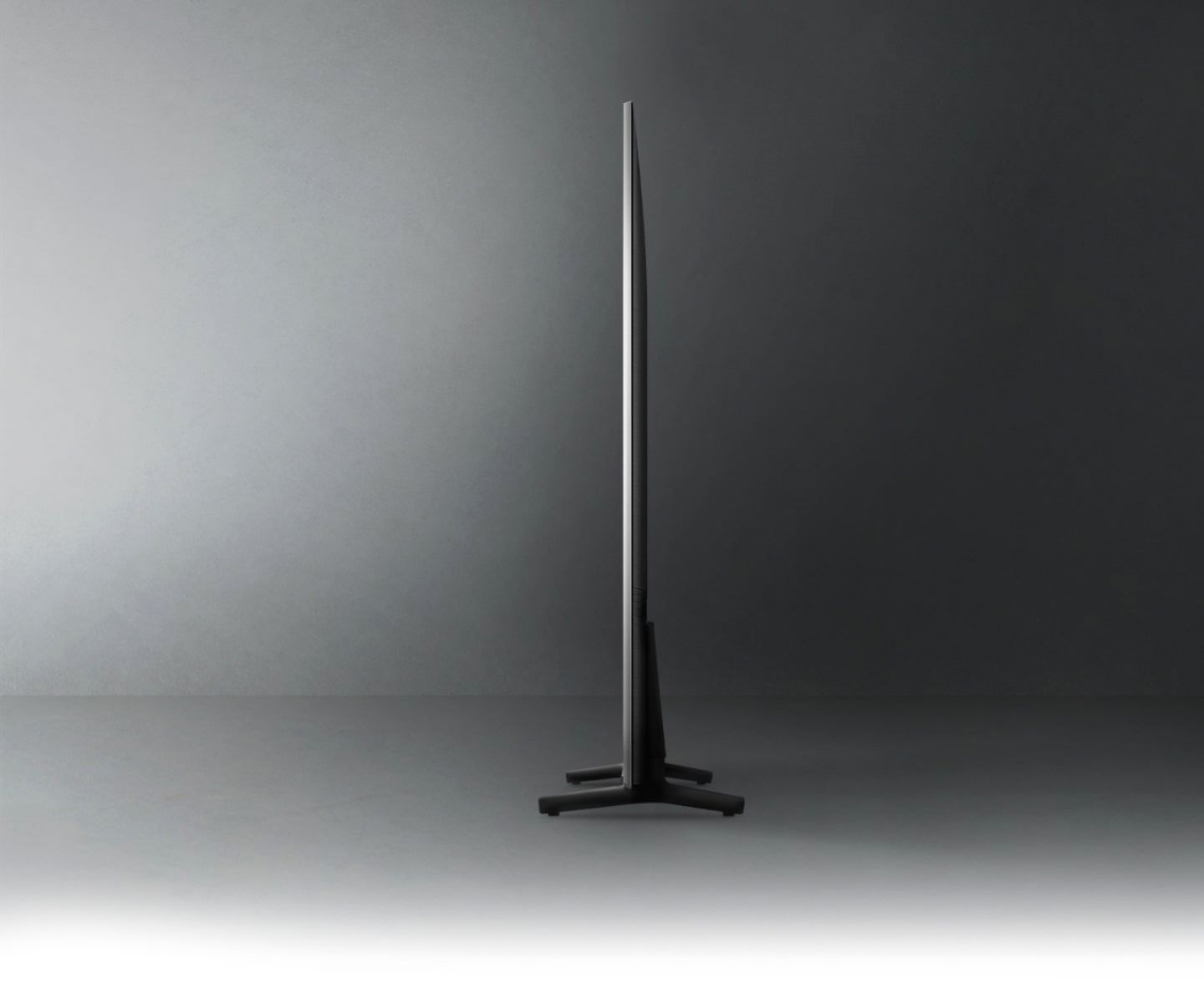
A:Answerilovecats54 - You can connect any Bluetooth or USB keyboard to the Q60A TV. The 60" Q60A TV legs are height adjustable between 2 positions (32.1" with 1.5" of clearance, or 33.1" with 2.5" of clearance); this will allow you to adjust each leg in each of these positions. ^Gina
A:AnswerHi Grannyjg - Bluetooth enabled headphones must be paired using the TV's Bluetooth function. To pair, go to: Settings > Sound > Sound Output > Bluetooth Speaker List. Bluetooth headphones will disconnect when your TV is turned off, and will require you to manually re-pair with your TV, as these devices are used on demand only. ^Gina
A:AnswerHi Blind - You can activate voice guides that describe the menu options aloud to aid the visually impaired. With Voice Guide on, the TV provides voice guides for channel change, volume adjust, information on current and upcoming programs, schedule viewing, other TV functions, and various content in the Internet, and in Search. You can easily turn on/off the functions, such as Voice Guide, Picture Off, Video Description, Caption, High Contrast, Enlarge, Learn TV Remote, Learn Menu Screen, Multi-output Audio, Slow Button Repeat, Accessibility Settings, etc. ^Gina
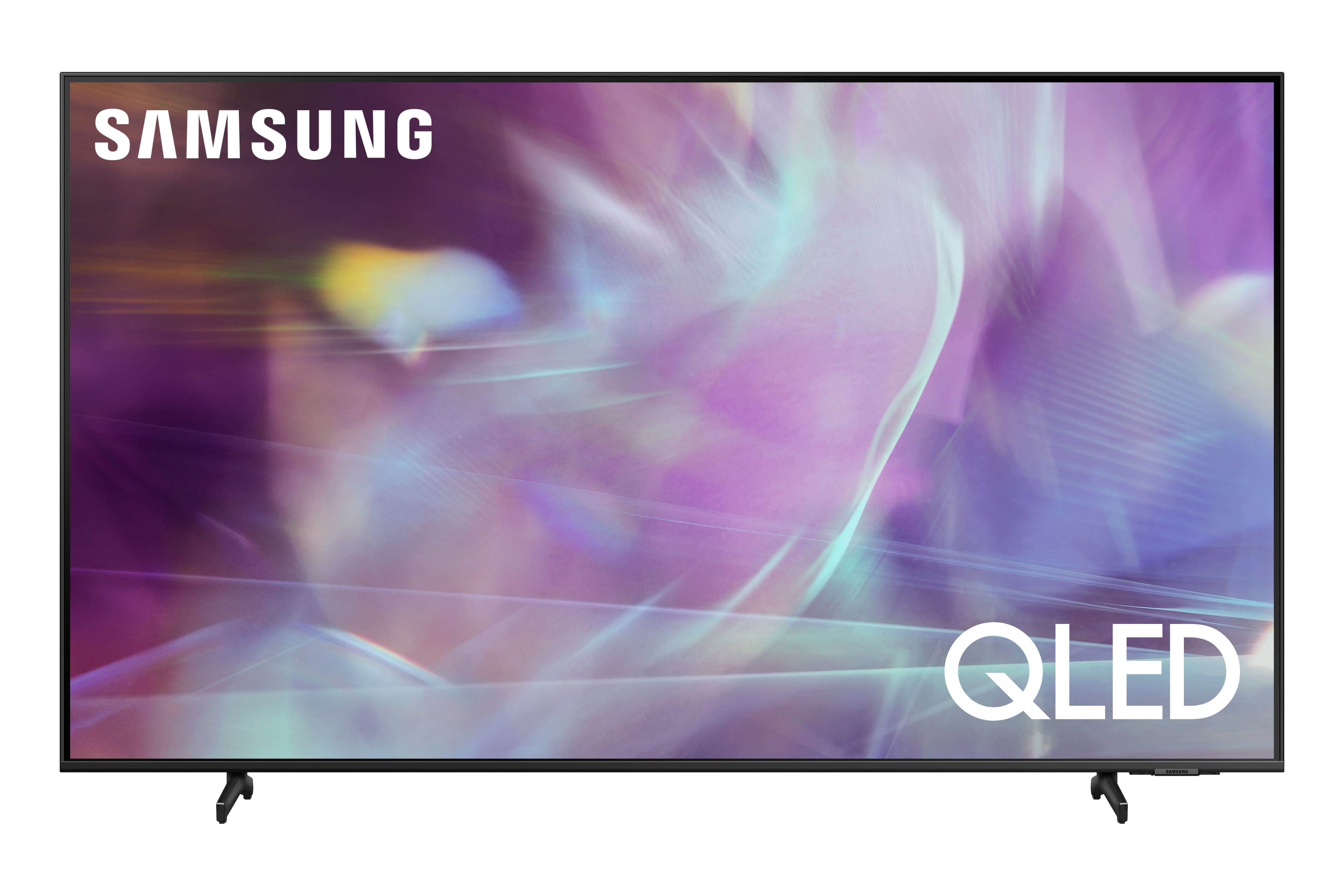
A:AnswerWoudy500 - The NBA app is not available at this time, but the built-in App Store allows you to choose from and download hundreds of apps such as discovery+, HBO Max, Disney+ and many more. We are continuously adding more premium content and new services to our Smart TV platform. It also comes with Samsung TV Plus which offers hundreds of free channels of news, sports, movies, and much more. ^Gina

A:AnswerHello. On mine, it only had the sticky vertical edge strips that are there so you can grab the TV to lift it. Under that in the right-hand corner was the yellow energy guide. Mine did not have anything else to remove from the screen than that.