A:AnswerHi golffing2,
Yes, you can use both TV and Bluetooth device audio simultaneously using the Multi-Output Audio feature. When this function is active, you can set the volume of the Bluetooth headphones higher than the volume of the TV speaker.
~Samsung Advisor
A:AnswerHi there,
The TU690T comes with several streaming services available for download such as Netflix, Prime Video, Hulu, Disney+, Apple TV, VUDU, YouTube, Gallery, Apple Music, Facebook Watch, YouTube TV, and tubi.
I hope this helps!
~Samsung Advisor
A:AnswerHi Bizz,
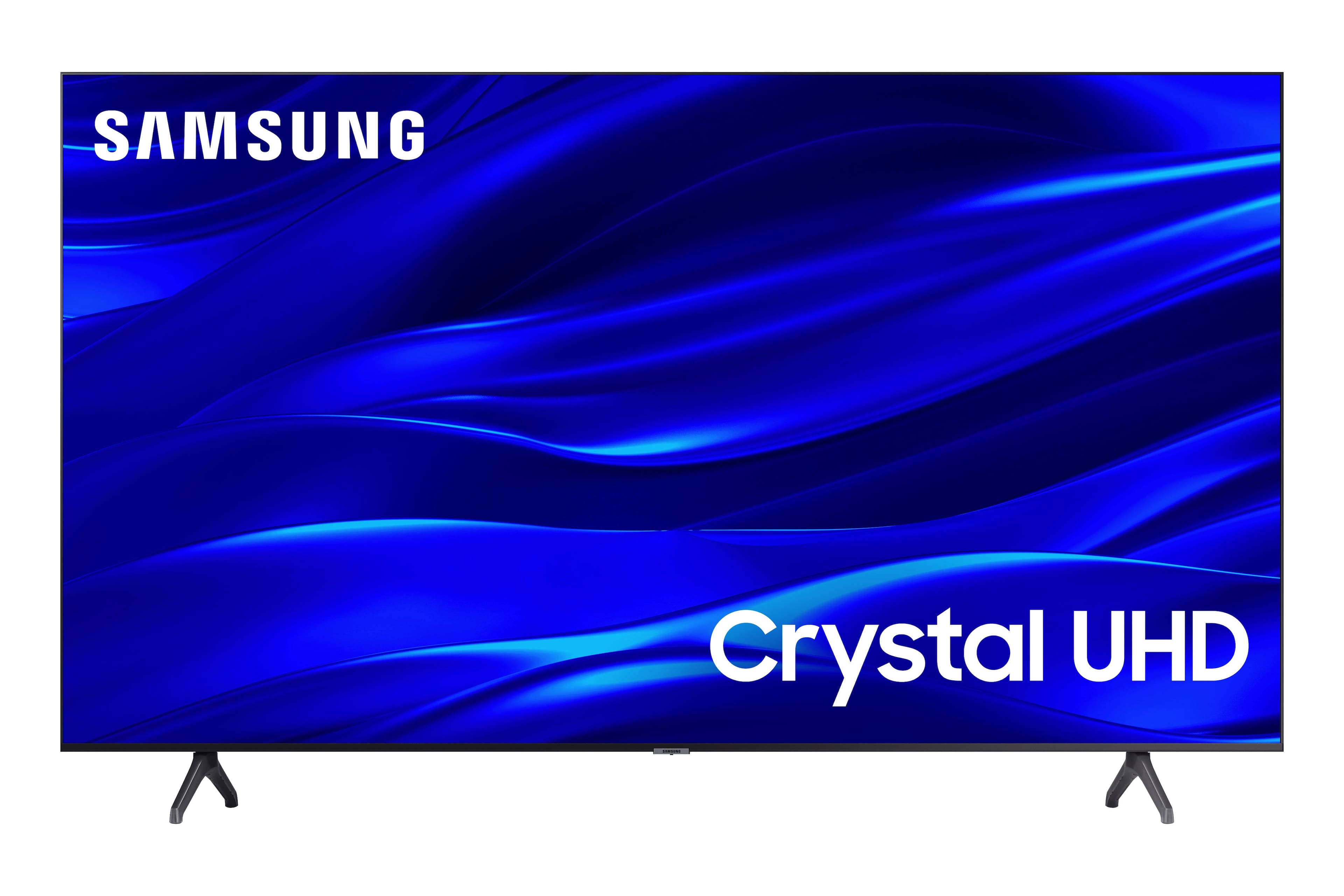
Yes, the TU690T TV does offer Multi-Audio output which allows you to use Bluetooth and the TV speakers at the same time.
~Samsung Advisor

A:AnswerHi Raf,
Yes, the Spectrum app is available for download on the TU690T TV.
If you are experiencing Apple Airplay issues, please try the following steps to resolve the connection issue:
1. Unplug the TV from the wall for 30 seconds.
2. Restart Router or unplug the ethernet cable from the TV and then reconnect.
3. Ensure your Apple device and TV are up to date with the latest Firmware. For your TV, go to Settings> Support> Software Update.
4. If connected to your TV via Wi-fi, try connecting via ethernet cord instead.
5. Disable Blue-tooth on your Apple Device. Sometimes this can cause issues when trying to pair the TV to your Apple device.
If you continue to have issues or need help connecting your Chrome Cast device, please call us at 1-800-SAMSUNG, 8 AM - 12 AM EST, seven days a week. Or visit us on the Samsung website and click on the ‘Support’ link for:
1) LiveChat with an agent
2) Manuals, Software, & Warranty Info
~ Samsung Advisor

A:AnswerHi Oblivion,
To connect via Airplay, go to Source > Connection Guide > Smartphone > Apple AirPlay and pair your devices from there.
~Samsung Advisor