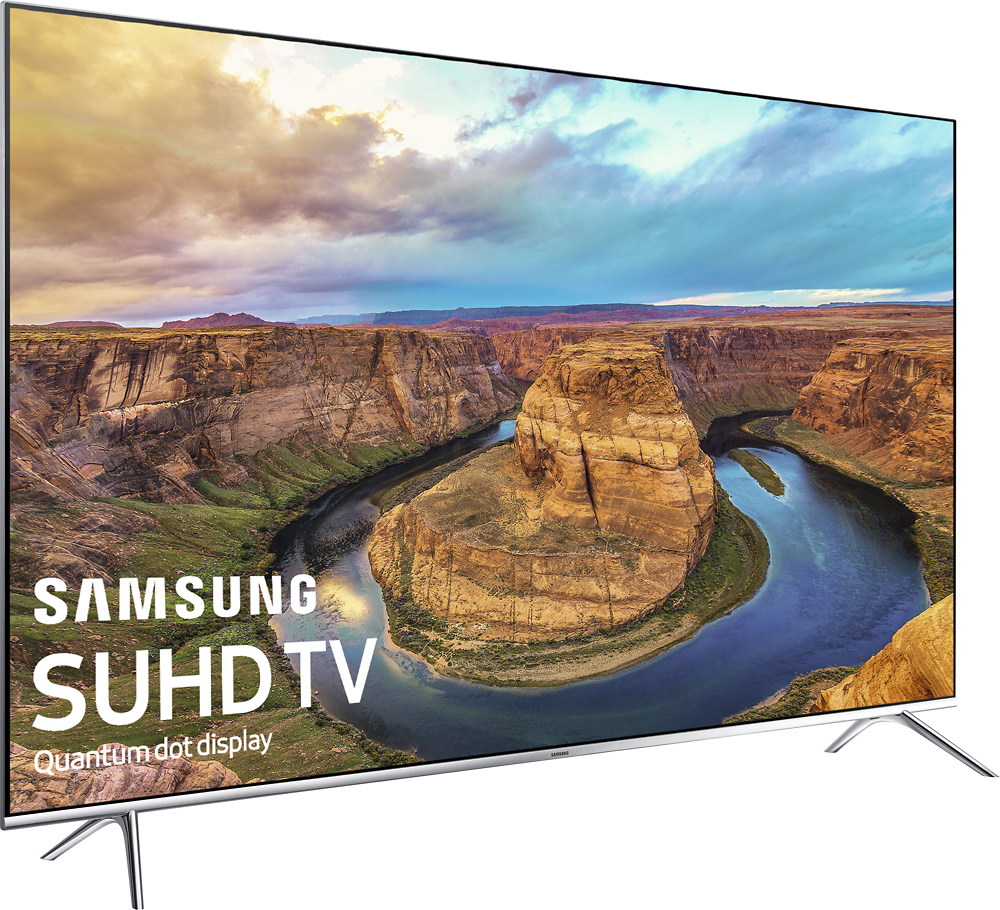
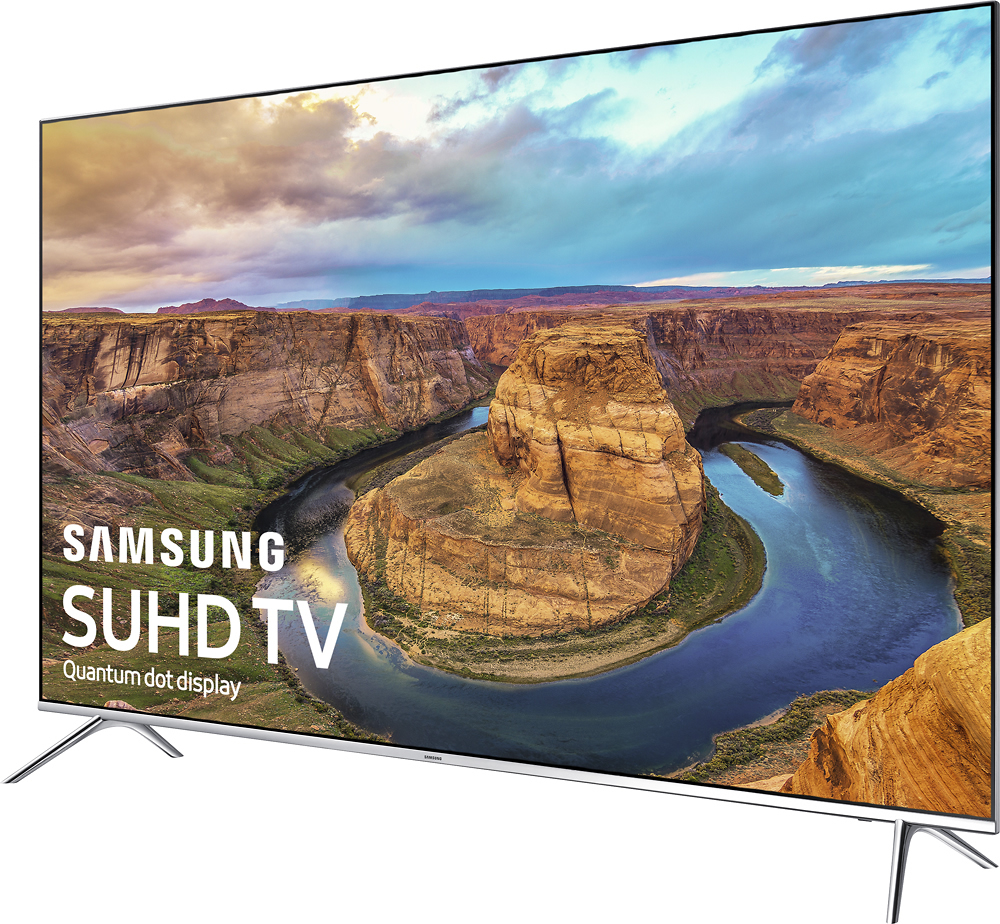
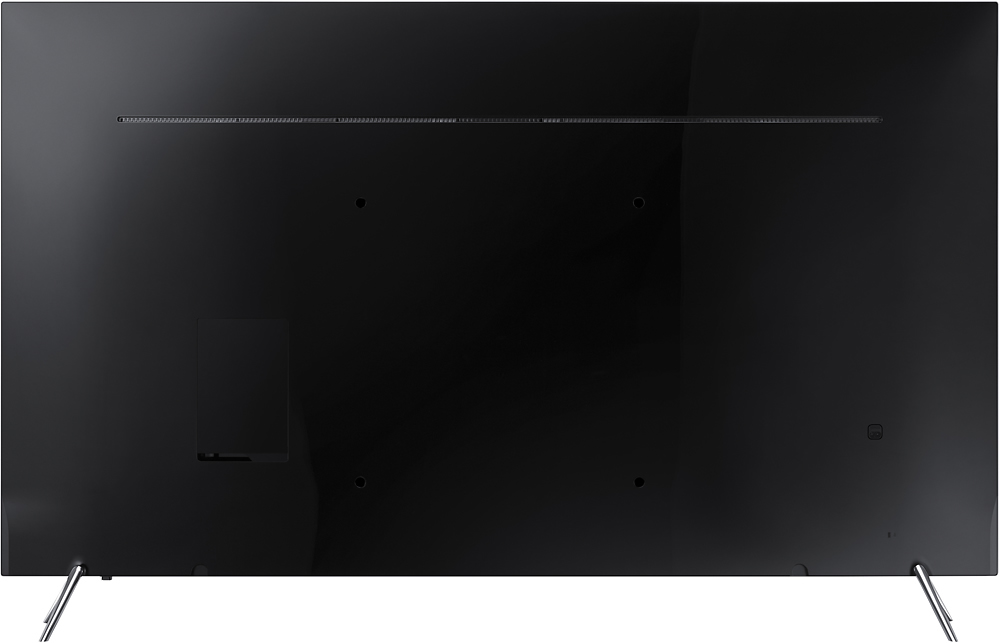
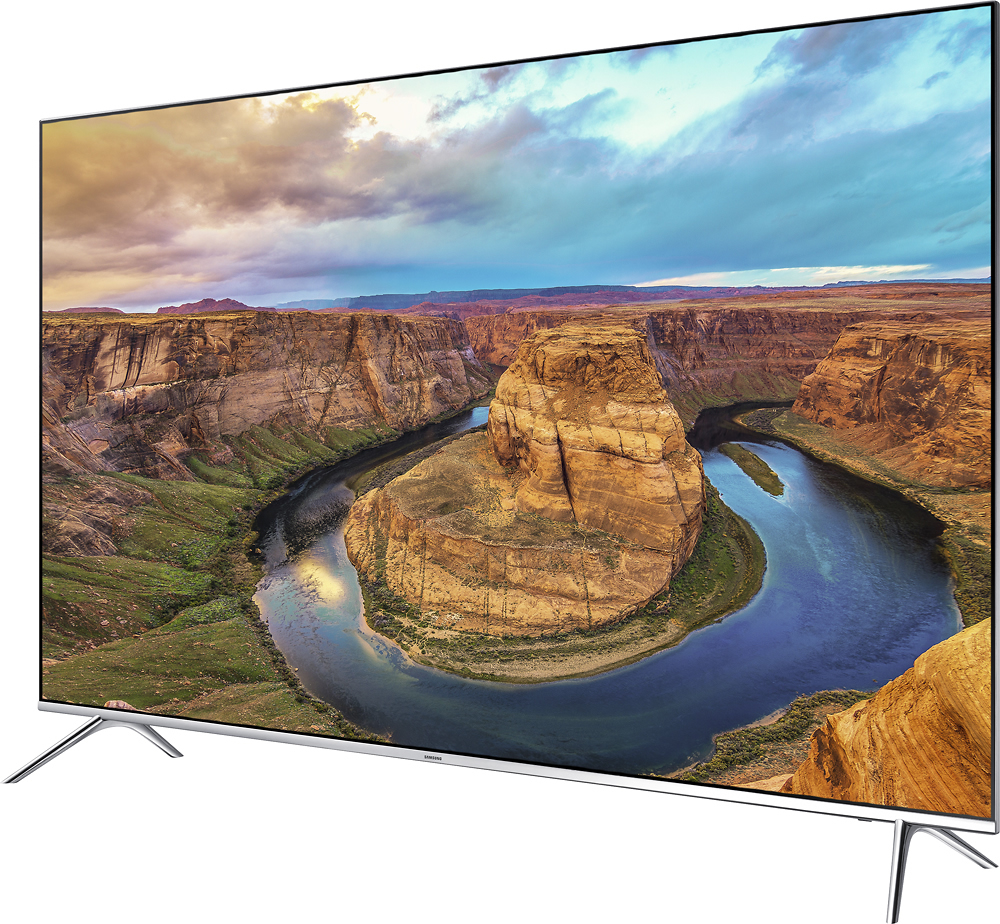
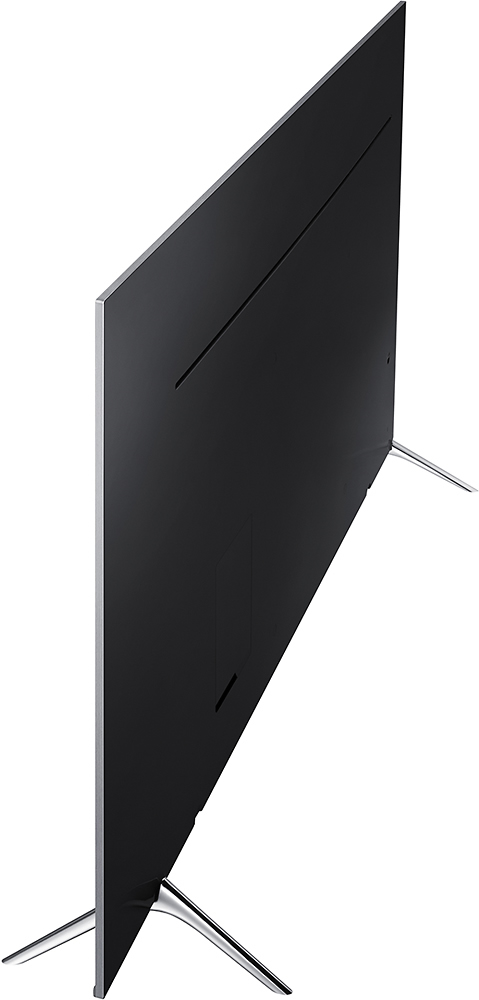
A:AnswerI would think that if you were careful in placing the TV on your wood stand, there wouldn't be any scratches. After all, the TV isn't going to be moving around.
A:AnswerMeans you have better more true color schemes, everything is brighter and more life like. See here:
http://lifehacker.com/5991508/what-is-hdr-and-when-should-i-use-it-in-my-photos
A:AnswerThere is a light sensor on the front of the TV, when the room gets darker or brighter the TV will dim or brighten to match. There is a feature to turn it off or limit the amount of dimming or brightening to suit your personal taste.
A:AnswerEasy to integrate. Just put in your network password and get easy access to YouTube, Hulu, Amazon etc. It has ALL the major players in the interface. My kids have actually taken over the TV watching their crazy videos on YouTube and they figured that out by themselves.
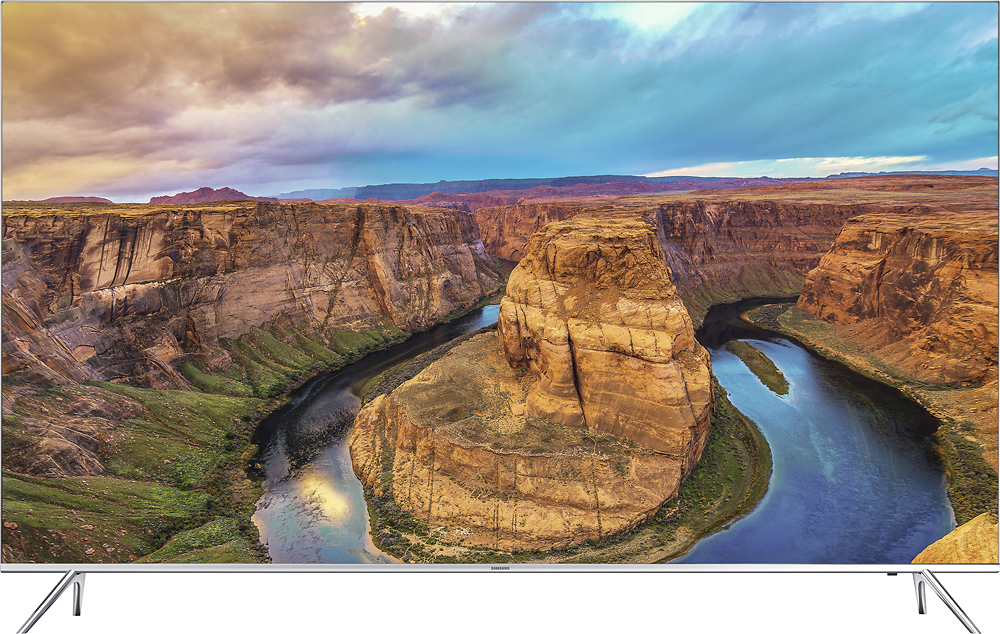
A:AnswerSilver and black is a reference to the outer bezel that goes around the screen. That bezel is about a 1/2 inch wide. The bezels have nothing to do with the High Dynamic Range.
A:AnswerIt's 57 inches wide. It has legs that are inserted in to the bottom of the screen at either 54" or 43" (I think it's 43). Make sure your surface is wide enough.
A:AnswerIf your Whalen is 57" wide (like mine) you should be ok. I used to have a 46" on it. My new 65" fits perfectly. When in doubt take a video of your Whalen and show it to a sales person.