A:AnswerHi, Eco Sensor, is the option that will change the brightness of your TV depending on the ambient light. You can turn this on or off by going to Menu>System>Eco Solutions. ^Rosi
A:AnswerHi Jason, our TVs are VESA compatible. http://support-us.samsung.com/cyber/popup/iframe/pop_troubleshooting_fr.jsp?idx=642662&modelname=UN65JU6700F&modelcode=UN65JU6700FXZA on this chart you will be able to see which wall mount is compatible with your TV and screw size needed for each mount. ^Rosi
A:AnswerWhatever your input is needs to be capable. Whether a bluray or computer. Also make sure that you have high sleed hdmi cables. When I put my computer on, resolution from the TV automatically switches.
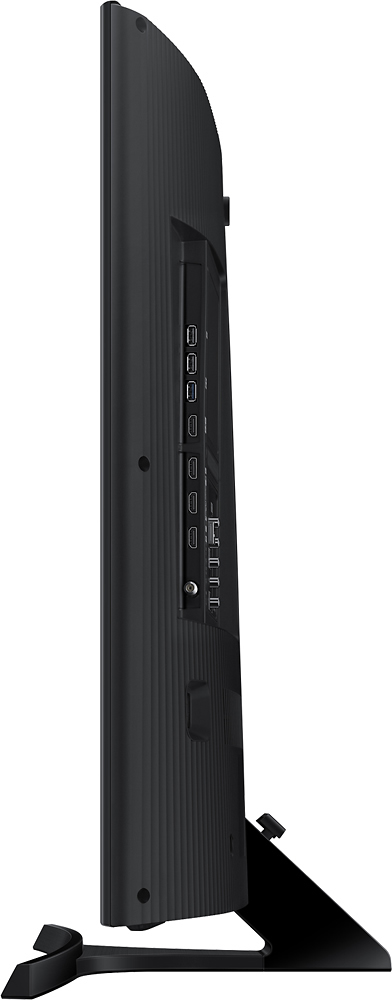
A:AnswerYes, this TV is connected to my SONOS system. The TV has a digital optical output, connect that output to your SONOS sound bar with a fiber optic cable, then follow the SONOS app instructions and you are done. It's incredibly easy.
A:AnswerWe found the same thing with our TV, and after the fact. I called Samsung and also looked online. Not all of the Samsung models can broadcast Hulu. It so happens if you have the same model as we do and Hulu won't work.
A:AnswerCheck your audio source, audio / video cable, and if any apps are running on the TV. Sometimes the volume will go down if app is doing something or you get alerts. Also check settings - there may be something saying to lower sound or interrupt sound when there is an alert or background activity.