A:AnswerHi Mike415,
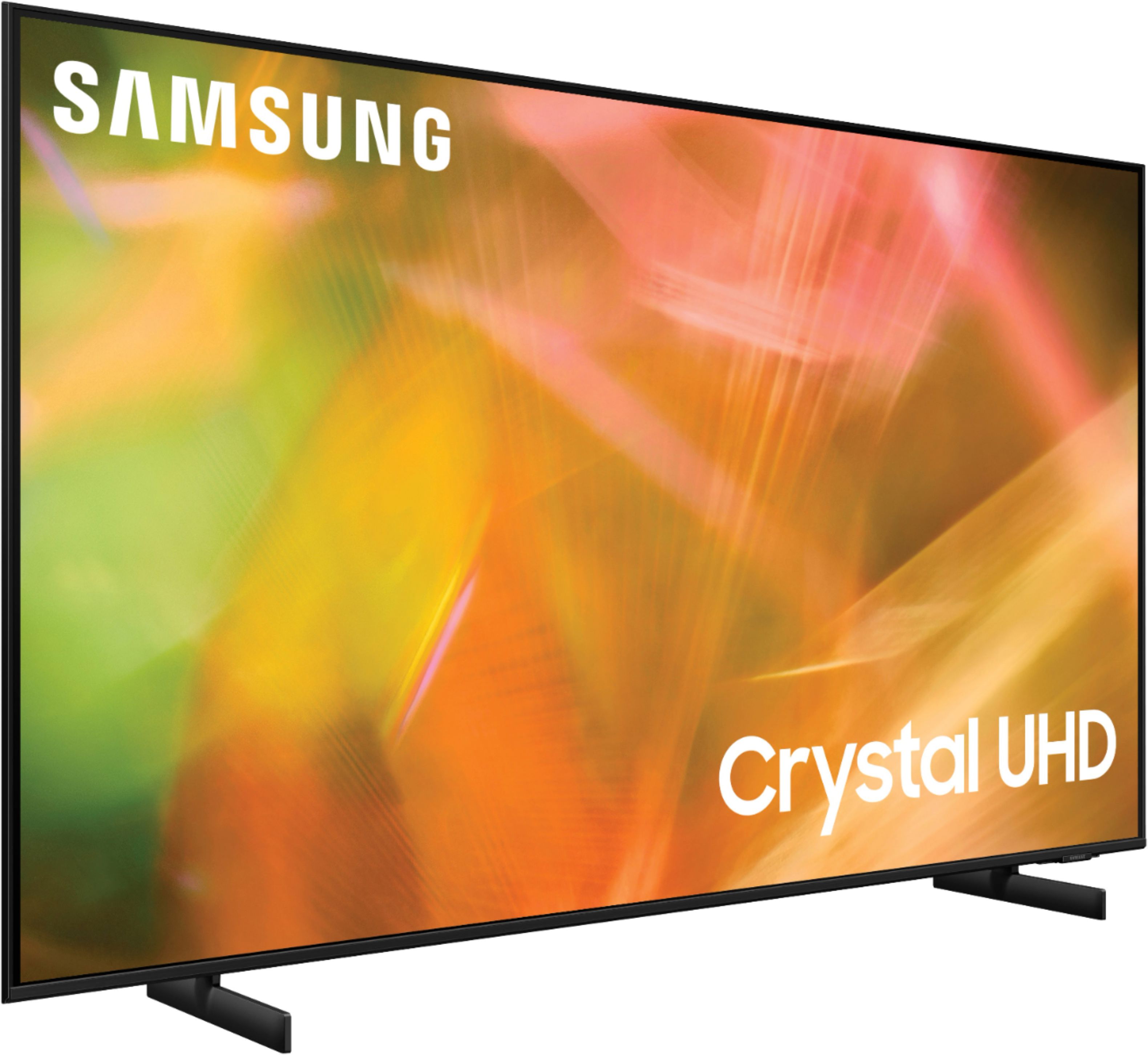
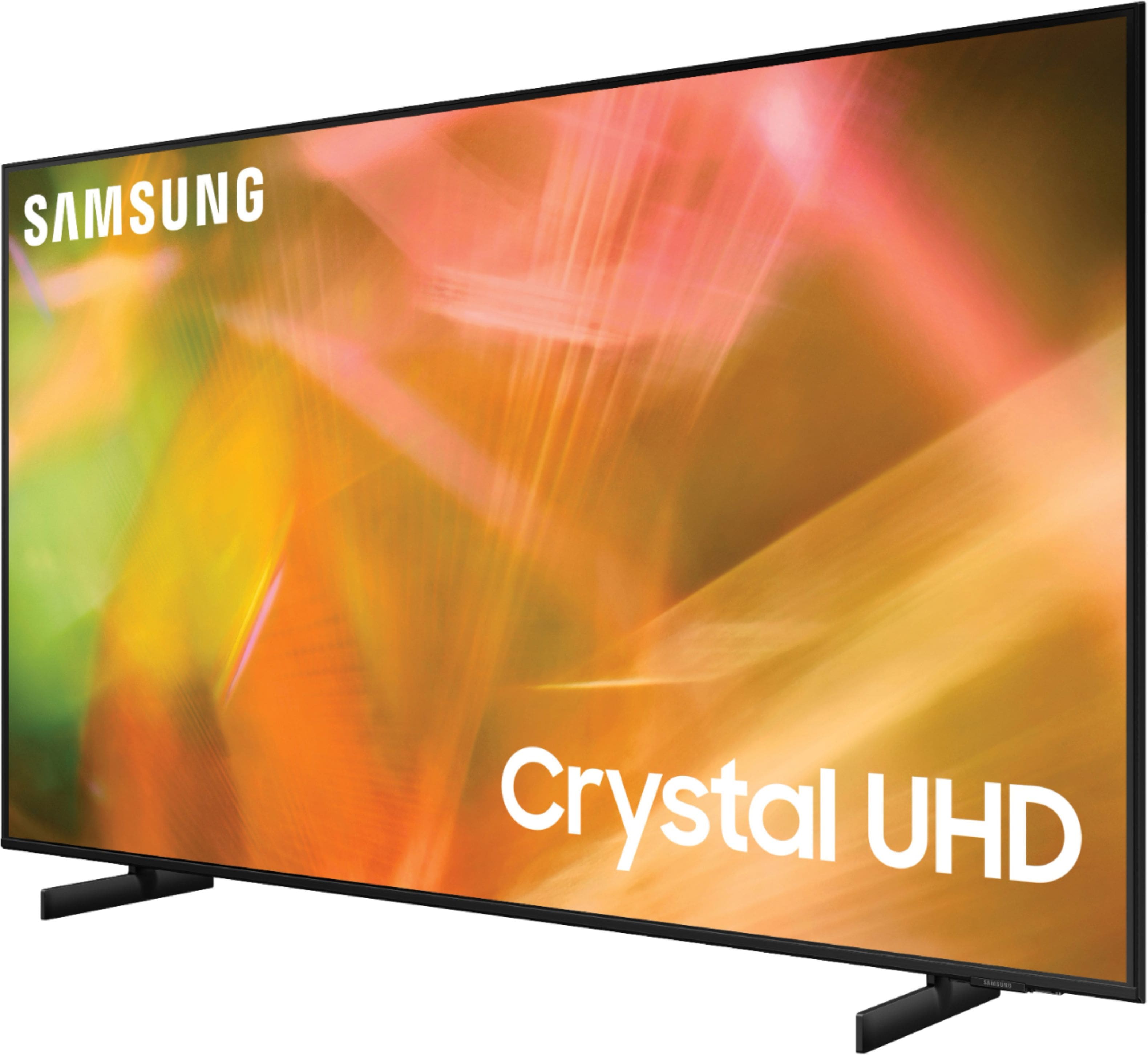
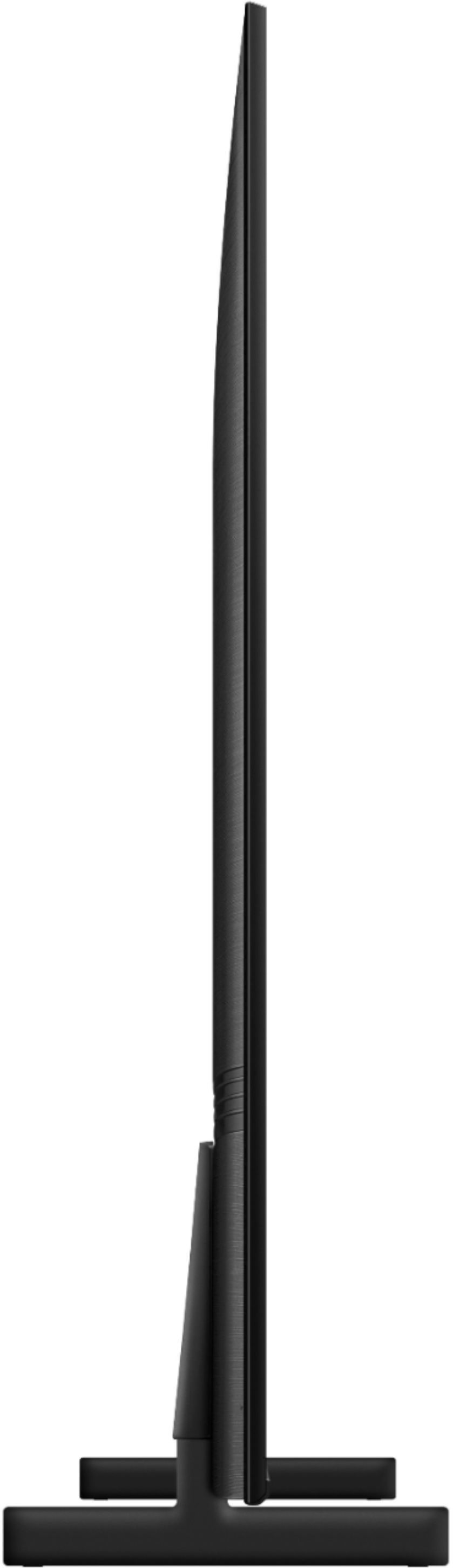
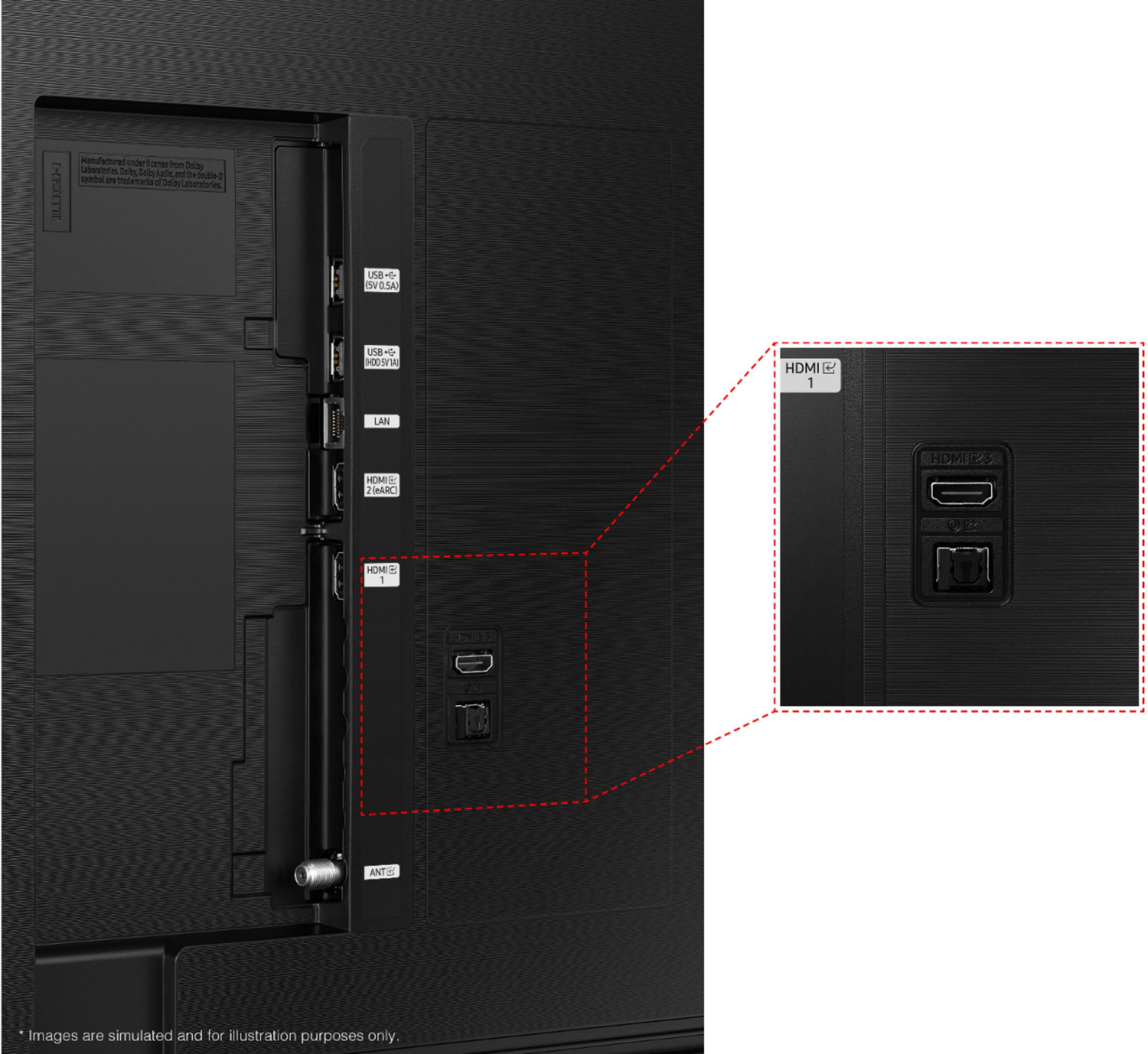
The Samsung AU8000 features eARC/ARC support for a simple one-cable solution for connecting to external audio devices like the Sonos ARC.
^Brie
A:AnswerHi there,
Refer to your headphone's user manual for how to pair. Once paired to the TV, press HOME on the TU7000 remote. Then go to Settings > Sound > Sound Output > Bluetooth Speaker List. Choose the headphones you wish to use for sound output. For more help, please contact Samsung TV Support at 1-800-SAMSUNG, available 8 AM - 12 AM EST, 7 days a week.
^Brie
A:AnswerHi there,
Yes, the Samsung AU8000 TV does come with Q Symphony, which allows you to relive the cinema experience with rich, synchronized sound that flows from your TV and sound bar in perfect harmony.
^Brie
A:AnswerHi TheHeat85,
No, you will not have access to the Samsung Gaming hub on the Samsung AU8000 TV. Samsung Gaming Hub is only available on our 2022 TV Models; QN900B, QN800B, QN95B, QN90B, and the Q60B.
^Brie
A:AnswerHi Alabama11,
You can turn Closed Captions on/off and change the settings such as separating it from the broadcast screen, font color, background color, size, position, language, etc. by going to Settings > General > Accessibility > Caption Settings.
^Brie
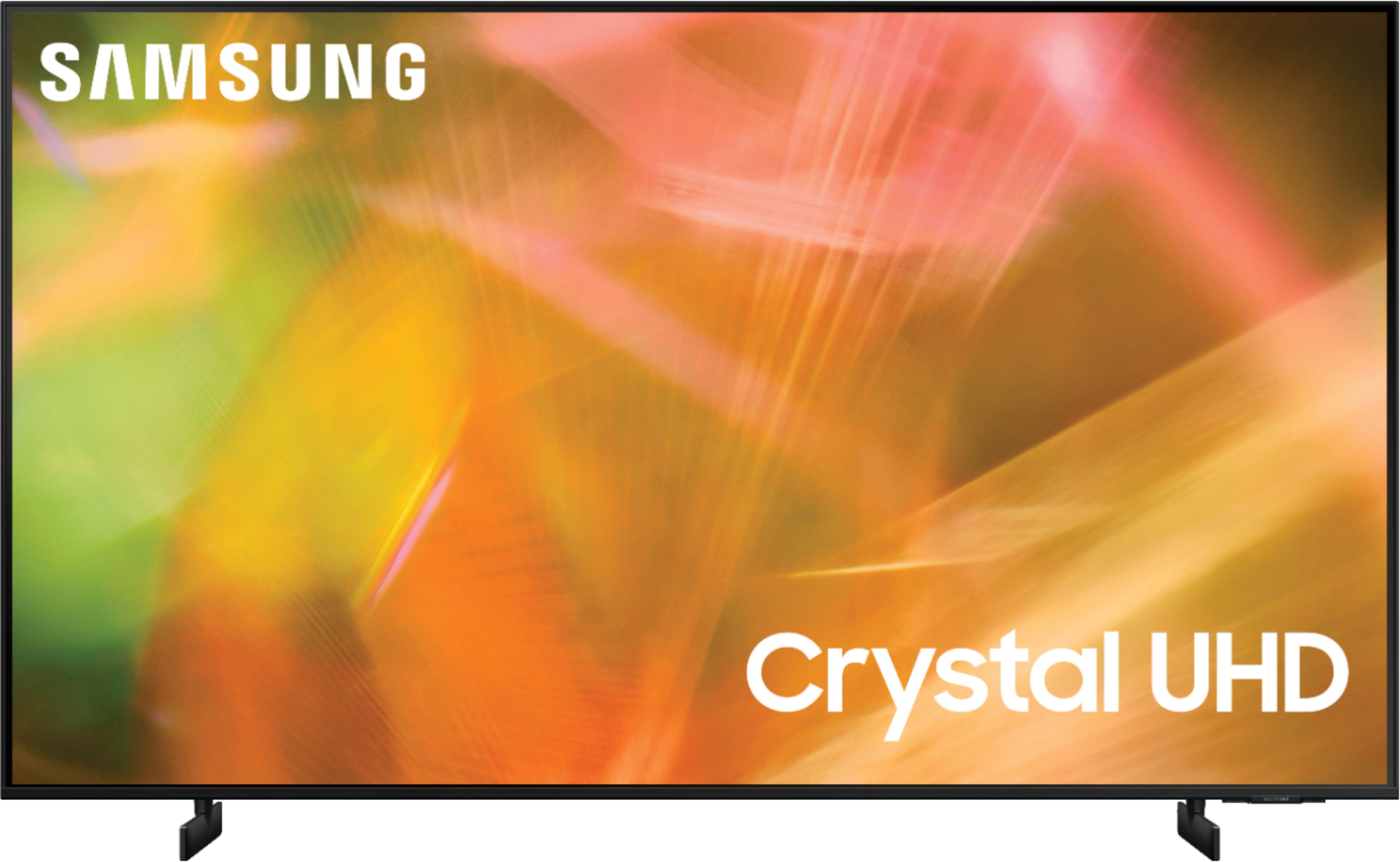
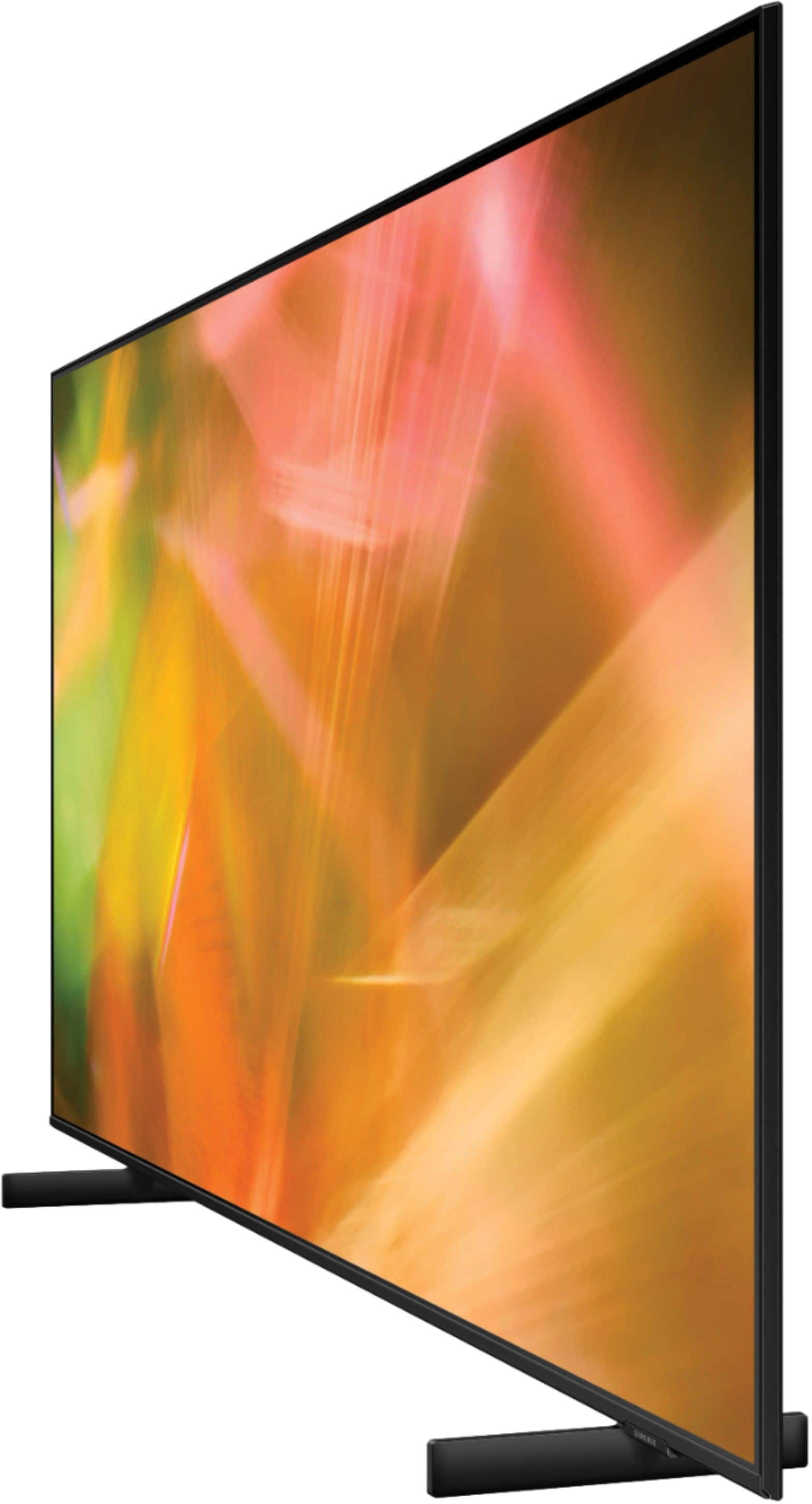
A:AnswerQueenie - The 65" AU8000 TV's adjustable height legs have two positions. In the lower position, you will have a clearance of about 1.7" and the raised position gives you about 2.7" ^Gina
A:AnswerLindaCrelin - So that we can better troubleshoot towards a solution, please reach out to Samsung Support at: 1-800-SAMSUNG, 8AM - 12AM EST, 7 days a week, or Chat with us on Samsung.com: https://www.samsung.com/us/support/contact/ ^Gina