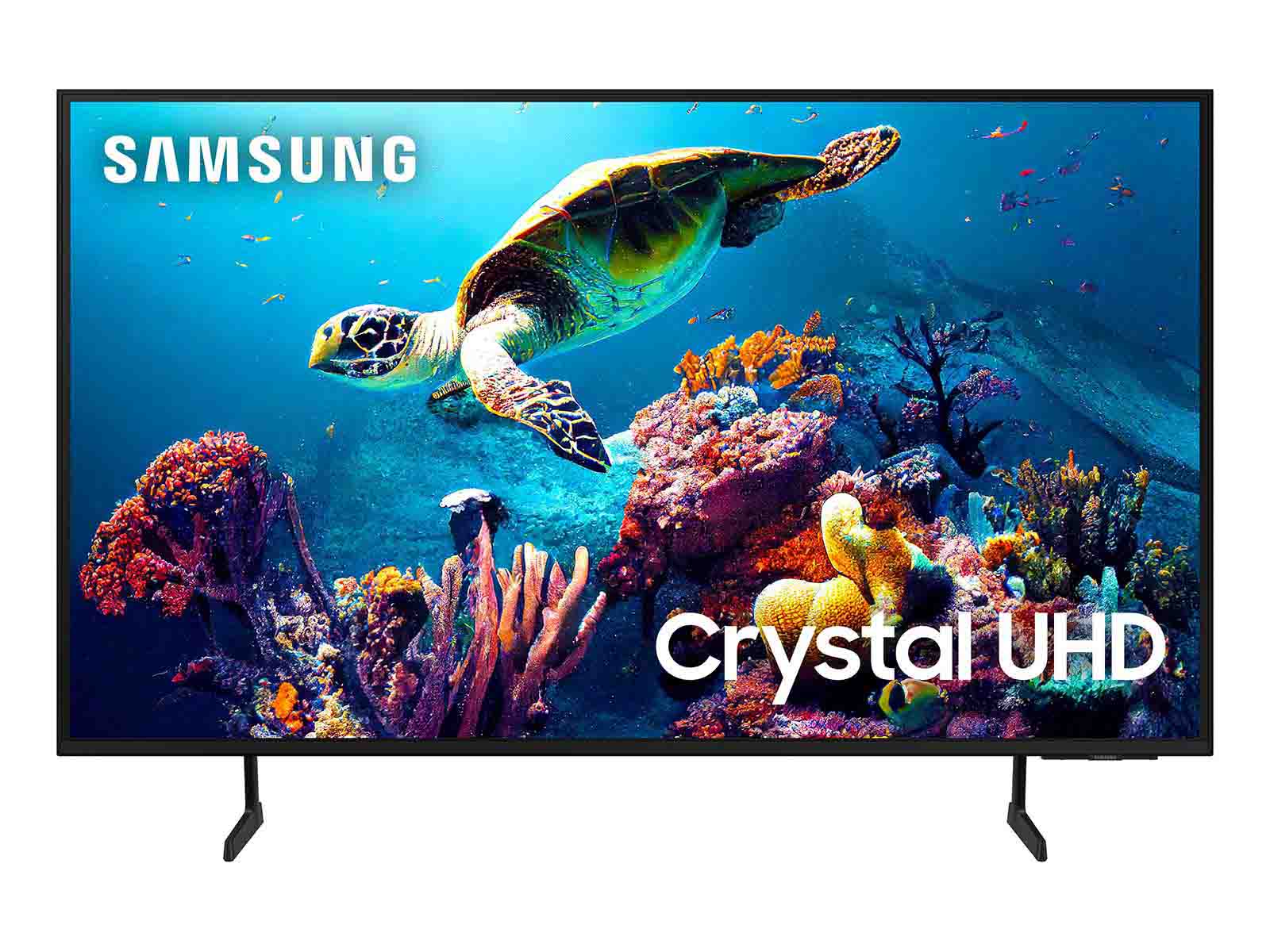
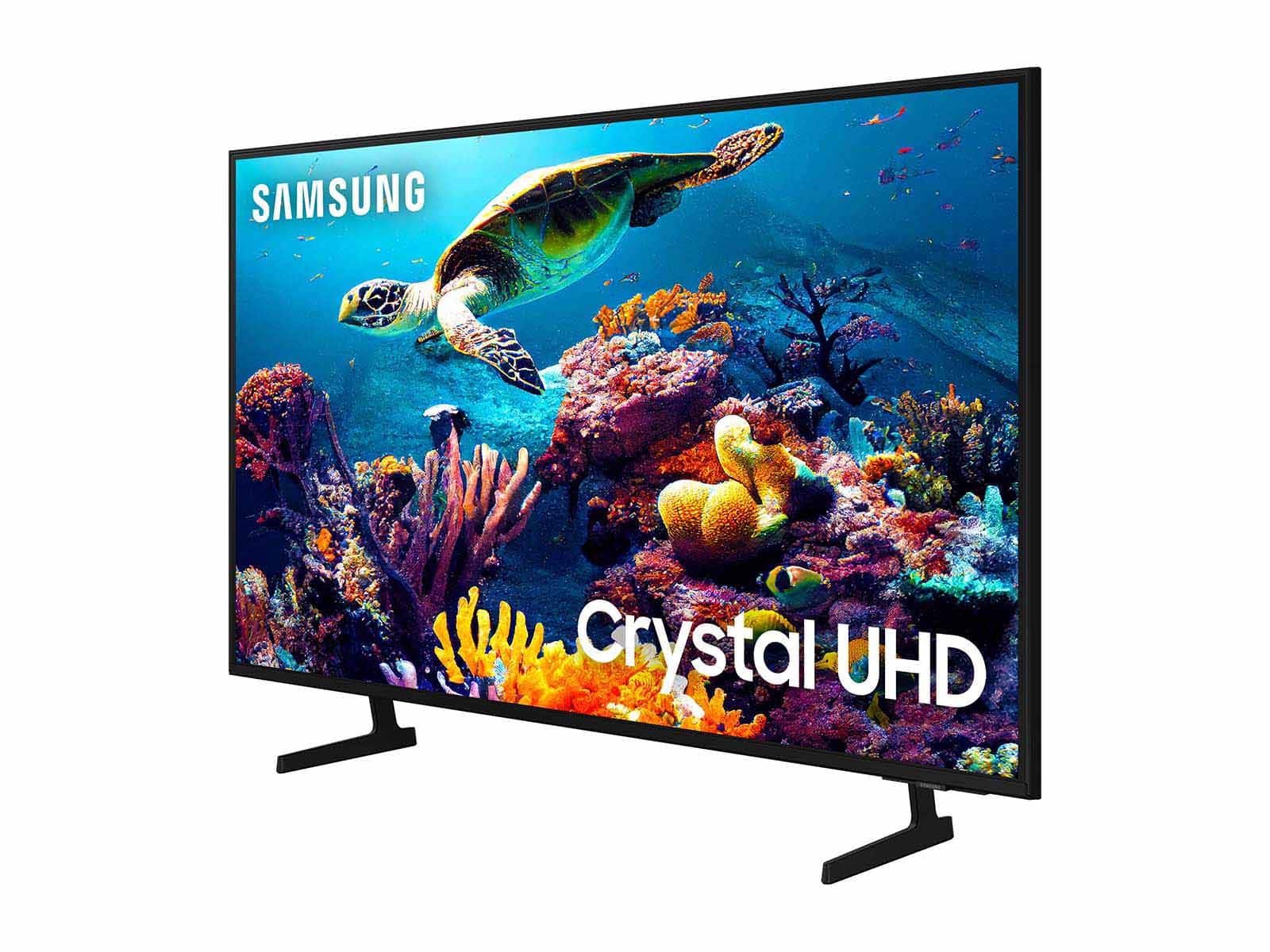
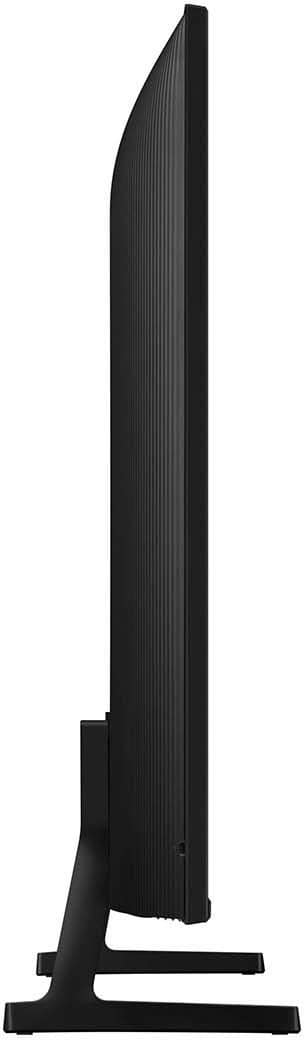
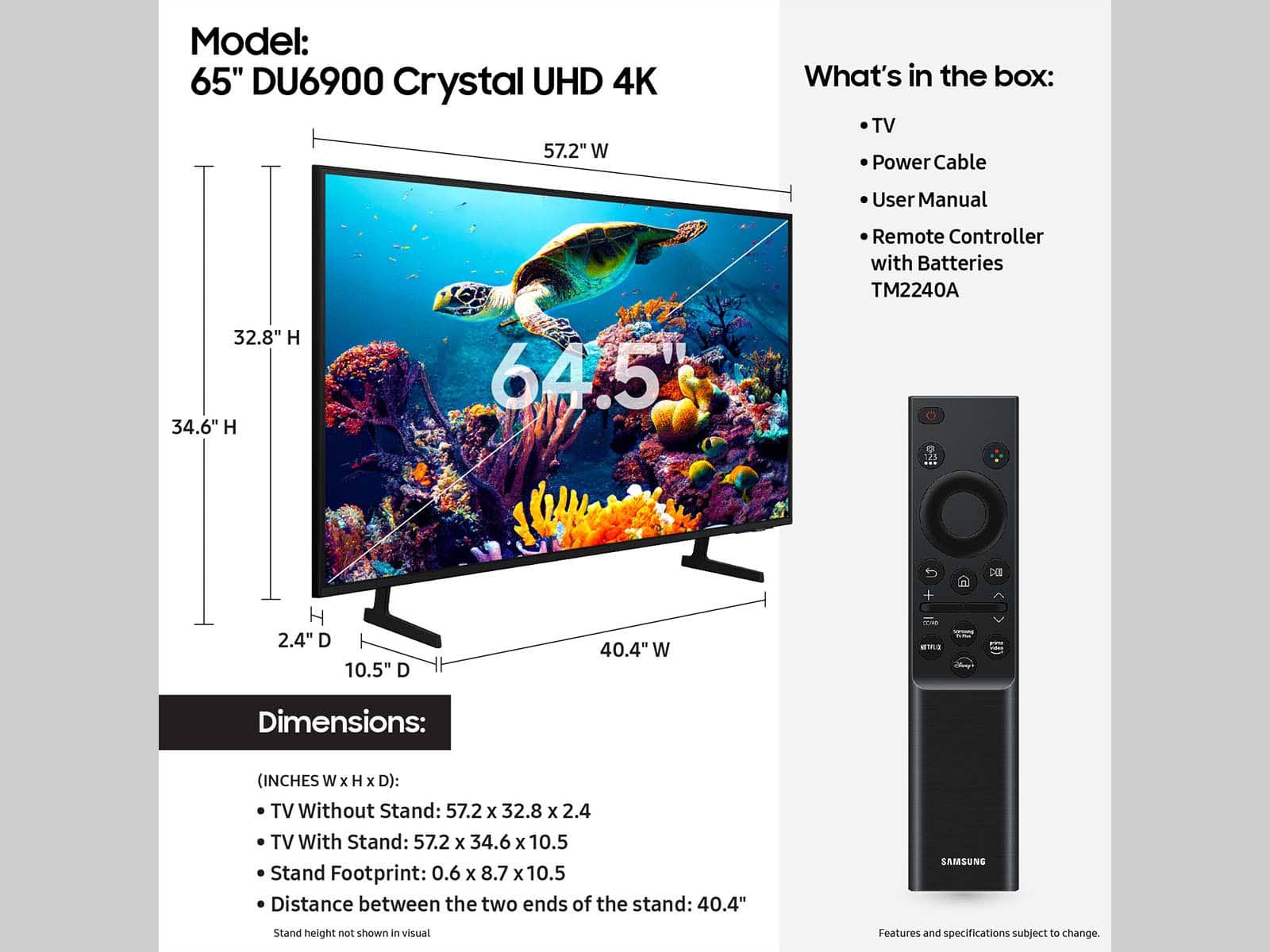
A:AnswerYes and no it has two spots to put the feet but if you read the instructions for the 65in your supposed to put the feet on the outer side instead of the inner sides
A:AnswerI have not been able to find that option on this TV so I'm unable to answer this question I would assume no since I have not been able to find an answer for that and going through my settings I cannot find an automatic gain control to have the TV go up louder or quieter with sound or no sound I have also read to the instructions for your question and I cannot find it in the instructions either
A:AnswerNo one person cannot wear headphones with Bluetooth and have this TV speakers going at the same time with this TV unfortunately that is not something that is doable
A:AnswerYes the feet are adjustable there's only two spots for them though adder and inner left and right it's recommended for the 65-in though if you read the instructions!! It's for the 65 you're supposed to put the feet on the outer sides are further out instead of the inner sides
A:AnswerA regular HDMI cable will work you can get a $20 HDMI cable I would recommend a gold plated one just because I go Overkill you can also do just an internet Cat5 cable to it and do Straight streaming with it you don't have to have an HDMI cable connected to it unless you're doing cable TV than an HDMI would be perfect to connect to it it's fine
A:AnswerYes however every tv from 2016 and newer should have a parental control setup in the systems menu setting. But this one does make it simple and give you the option to set it up during the tv setup.