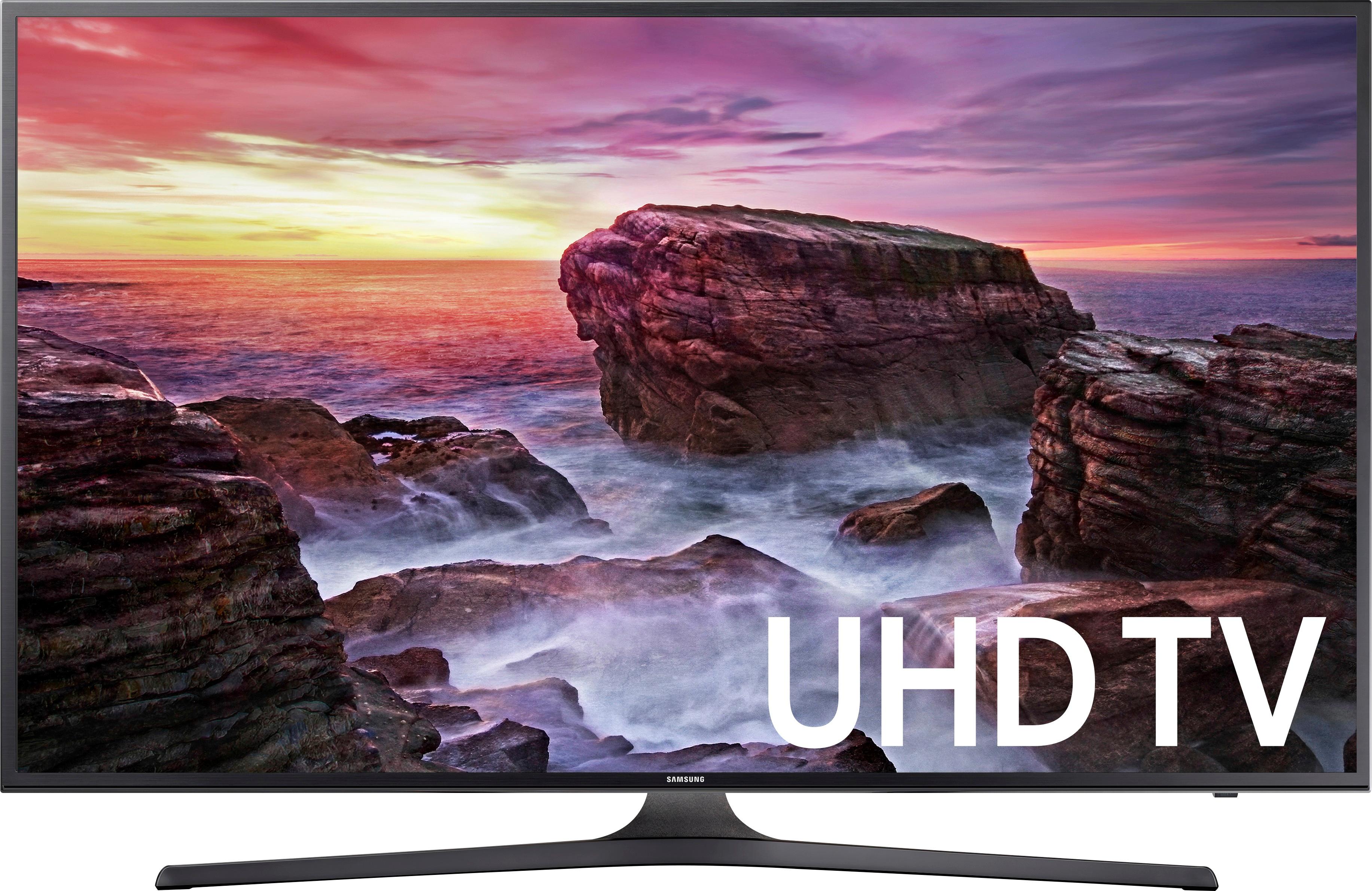
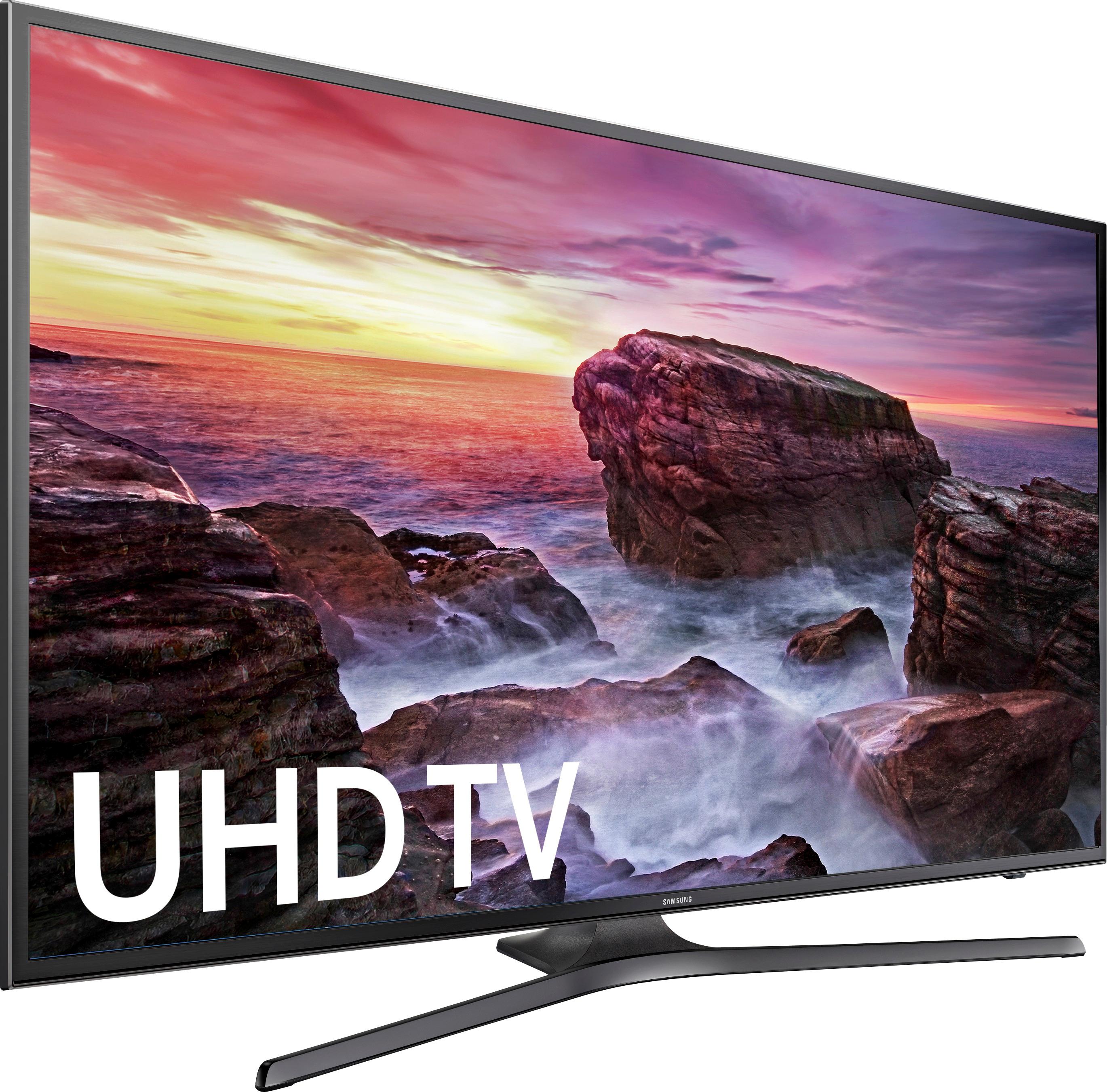
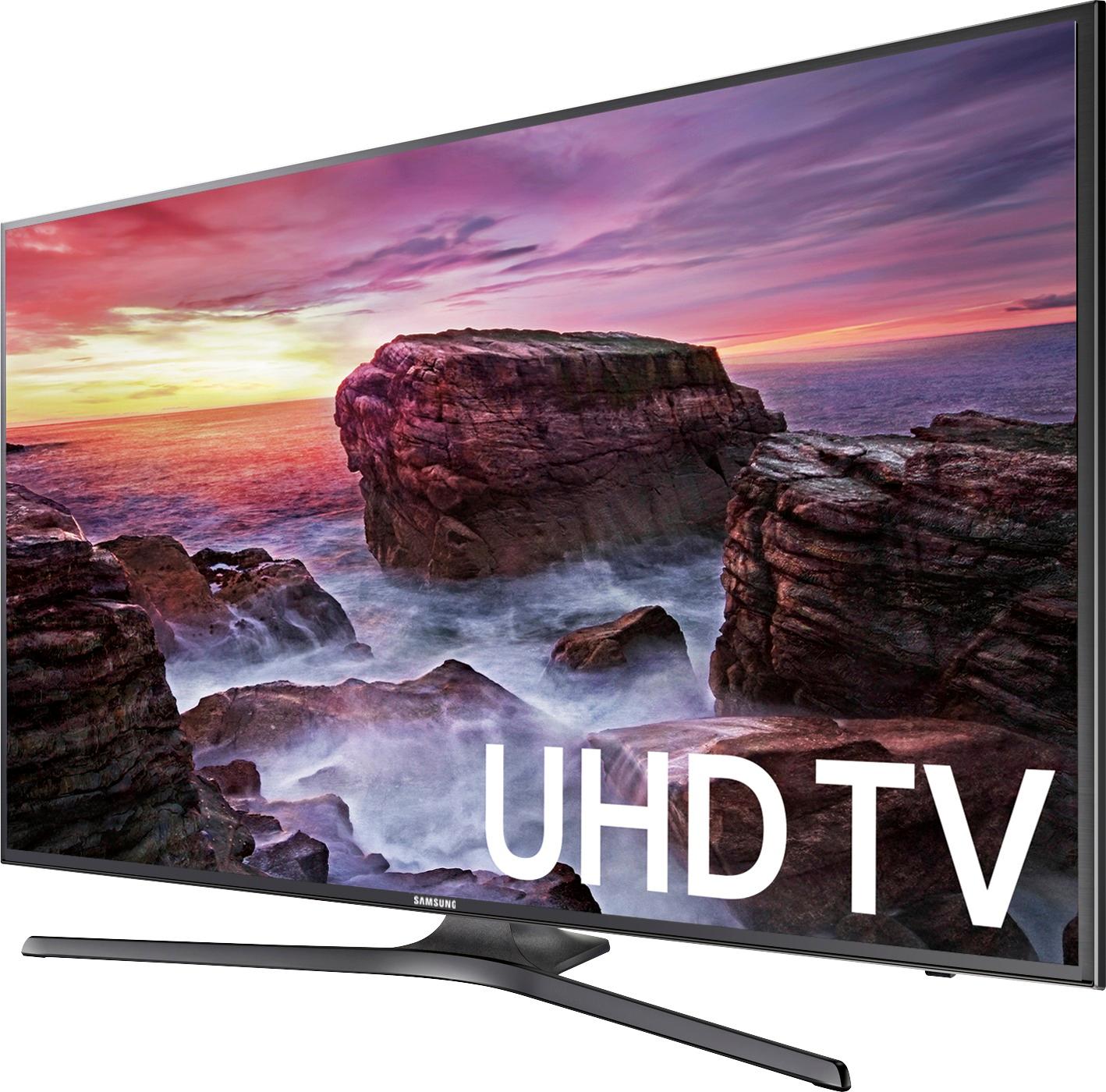
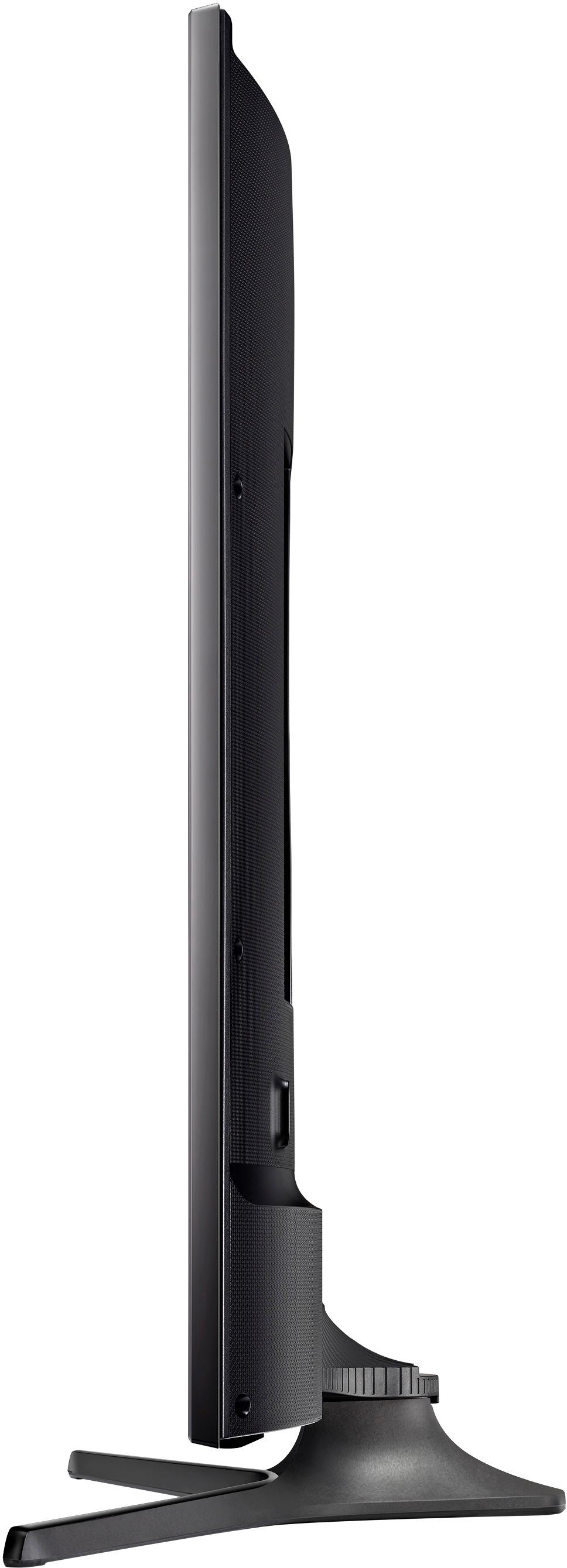
A:Answer All you have to do is go into settings in your new TV with your TV remote, go to audio and select (I can't remember the name) the audio to go out from the TV. This turns off the internal speaker and turns on the external out. Go right into your Surround Sound receiver from the optical audio out. Depending what kind of receiver you have you may have to select "Media Out", Aux, or another setting other than Cable /Sat and wait 5 seconds. When you find the correct one in your receiver, it will come through loud and clear. If you have hooked up your TV correctly to your Surround Sound. You just stay on HDMI 1 source in your TV and find the correct selection on your surround sound. Then enjoy !!