Questions & Answers
- Model:
- QN65Q60AAFXZA
- |
- SKU:
- 10906790
$399.99
Page Showing 141-148 of 148 questions
Q: QuestionCan I use my AMAZON ALEXA STUDIO and SUB BASE AS THE TV SPEAKERS?
Asked by Anonymous.
- A:Answer Hi - The Q60A TV features HDMI and Optical inputs, as well as Bluetooth and Wi-Fi connectivity. If your audio devices support any of these types of connections, you can absolutely connect them to the Q60A. ^Gina
Answered by Samsung

Q: QuestionYou know, it seems to me that the two most important questions should be answered in the specifications on the product page and they are nowhere to be found. Those are: Nits value and True refresh rate. I see neither! Why? Please list them!
Asked by Spirit.
- A:Answer Hi Spirit - The Q60A TV features Motion Rate 120 (60Hz Refresh Rate). This information is found under 'Specifications' on the product page on Best Buy's website. ^Gina
Answered by Samsung

Q: Questioni have been told, that in terms of att tv, samsung has the app built it for att tv. is that the case? i am very interested in your tv, but am not computer savvy, so dont really want to have to use roku, etc to get att tv. thank you very much.
Asked by bird.
- A:Answer The app is right there on the screen. No Roku or any other device required. Very simple to use and I'm not computer savvy either.
Answered by MikeV
Q: QuestionWhat is outside length of stand for tabletop purposes ?
Asked by Anonymous.
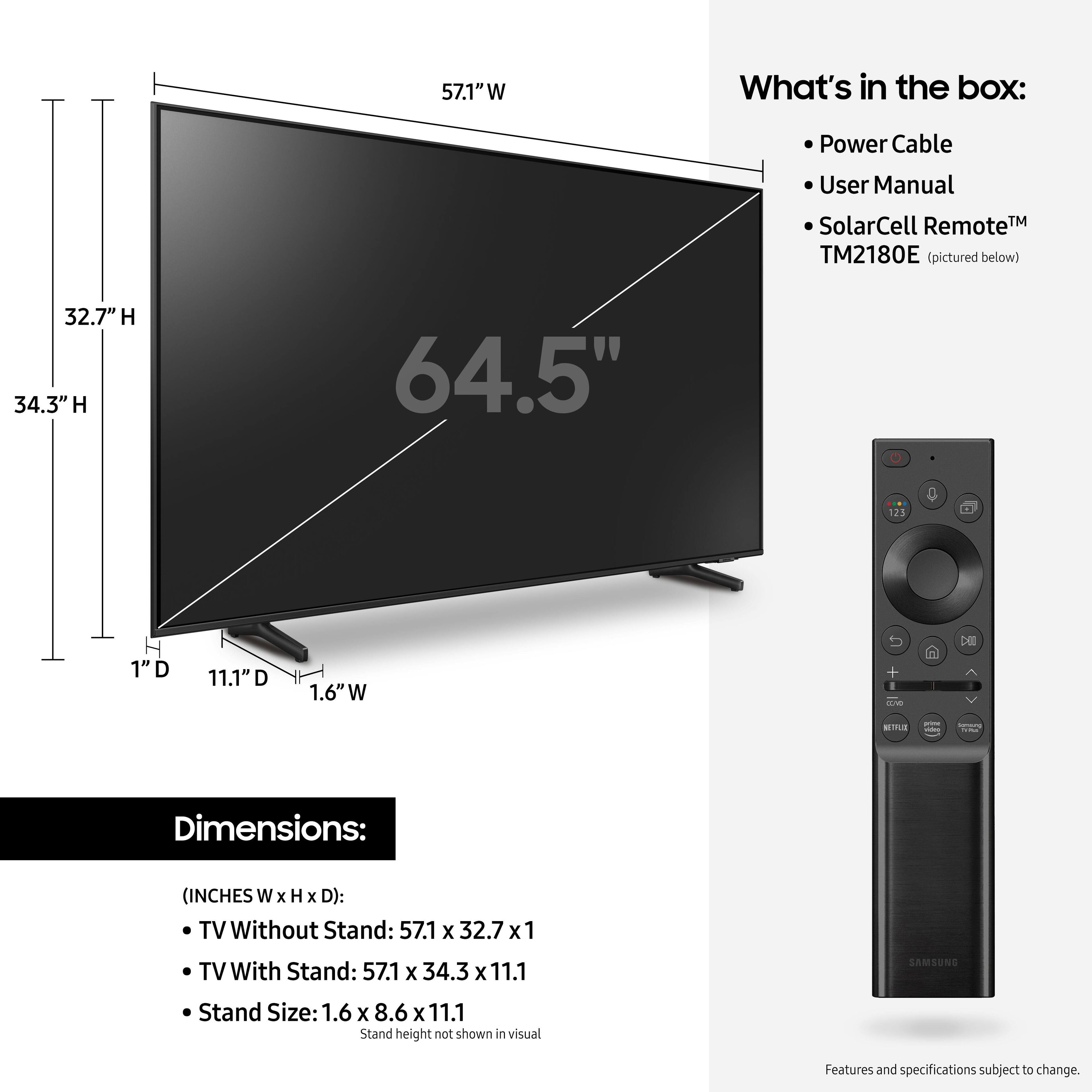
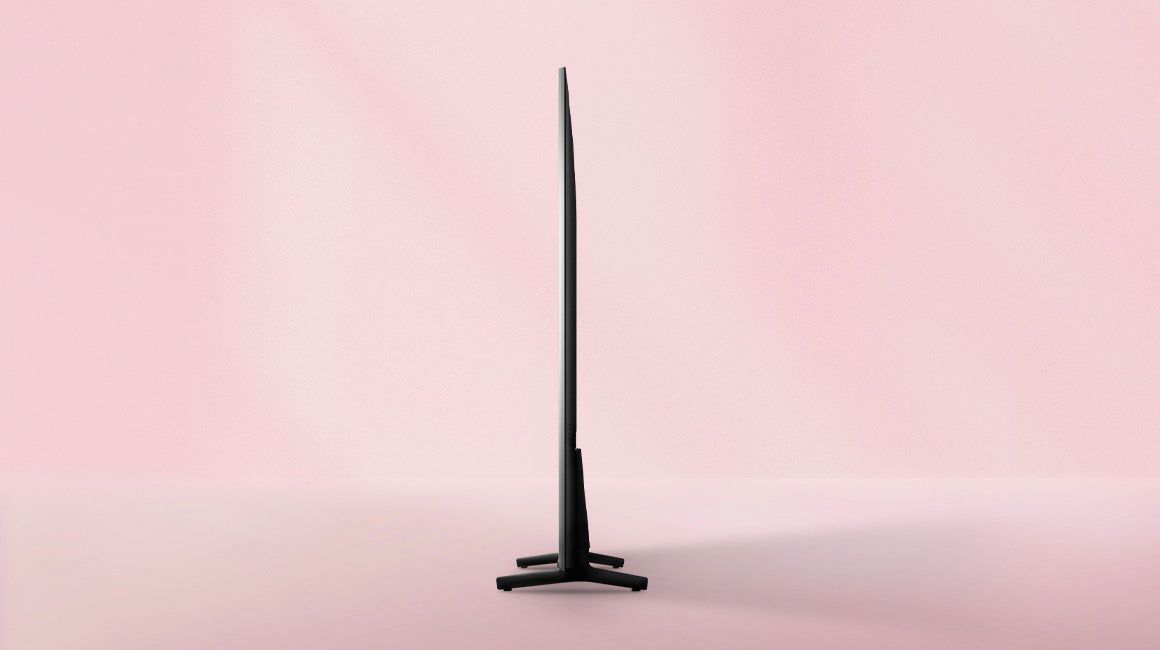
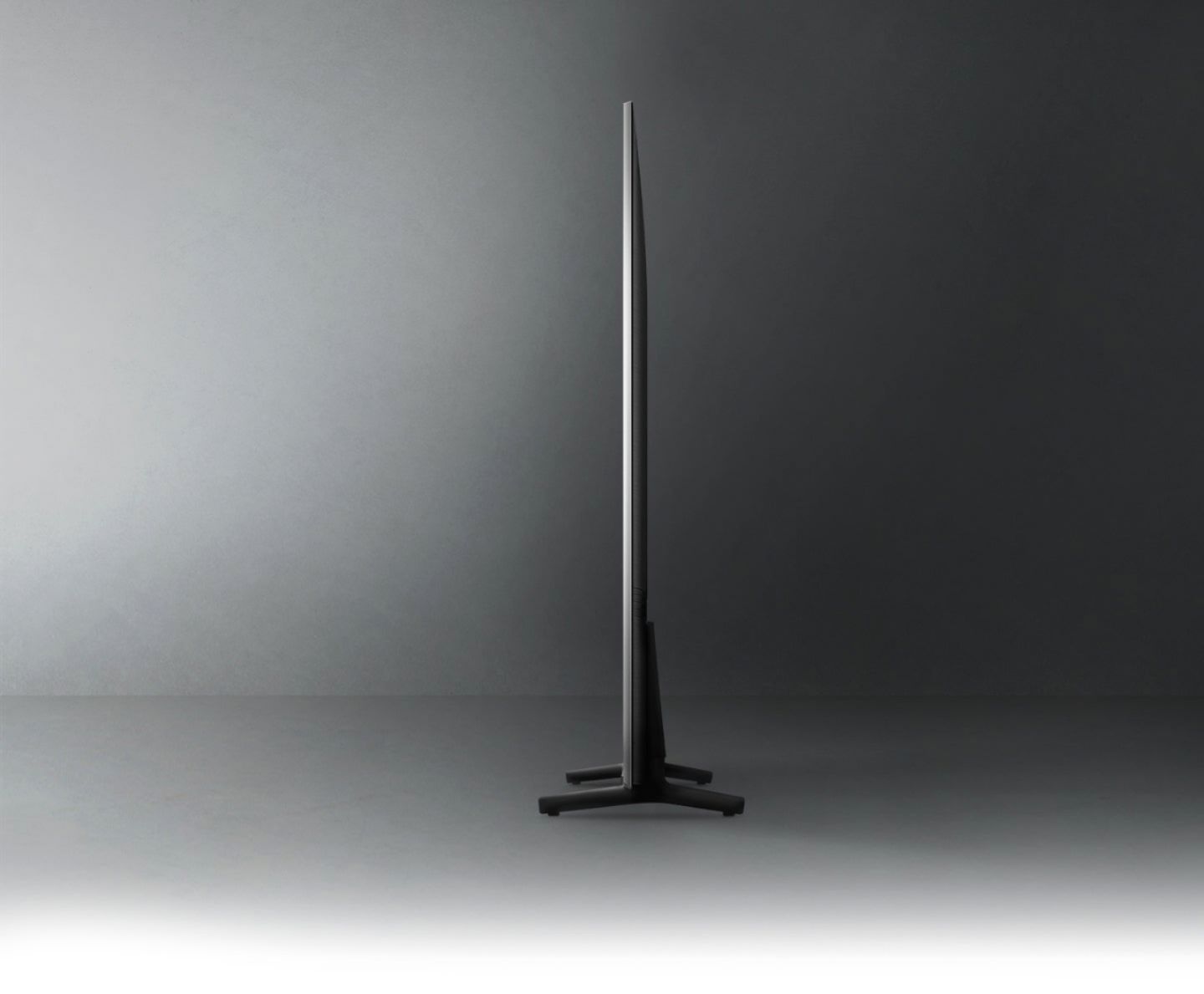
- A:Answer Hi, the legs of the 65” Q60A are 42.7" apart. ^Val
Answered by Samsung

Q: QuestionWhat are the dimensions of the tv
Asked by Anonymous.
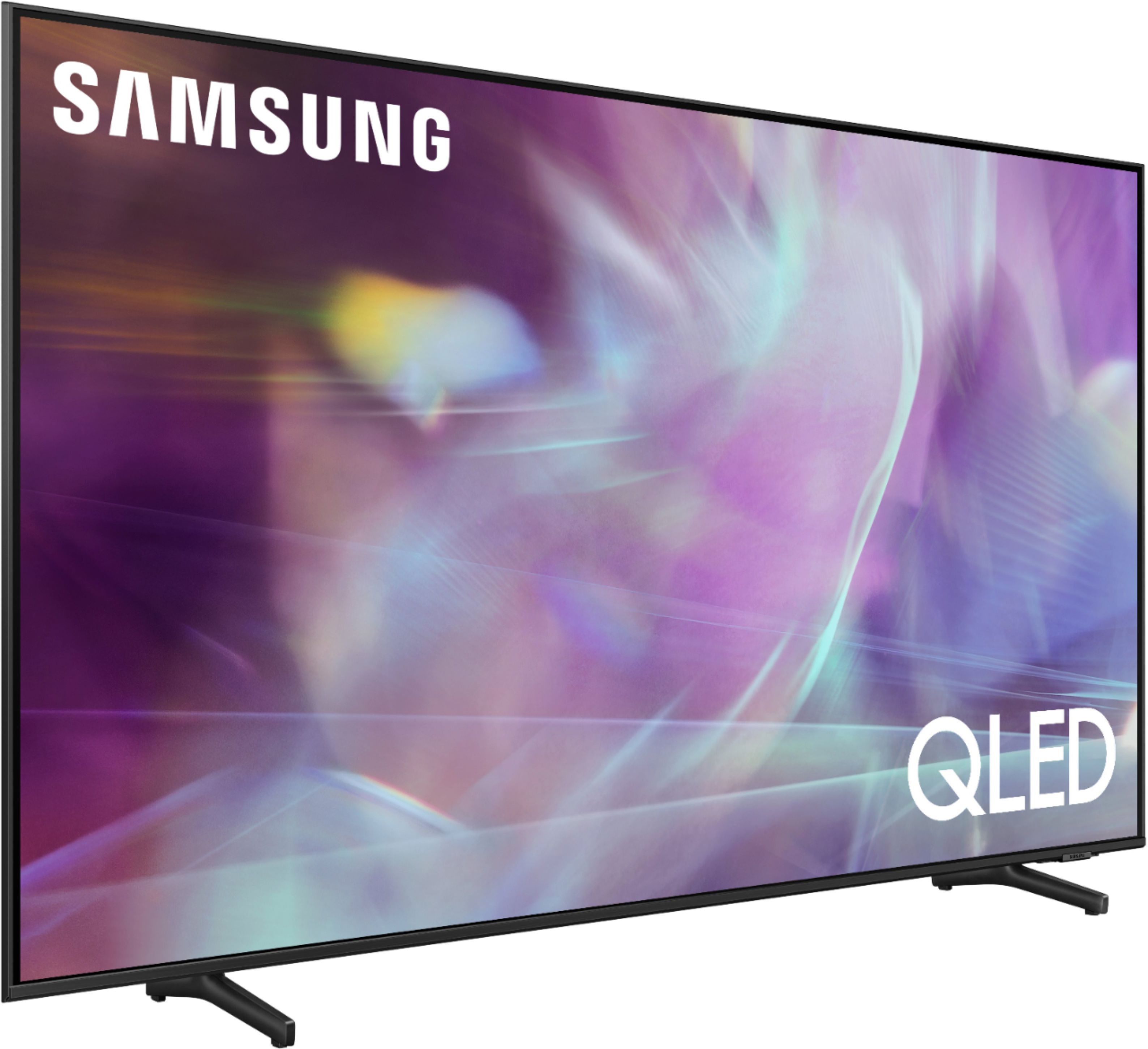
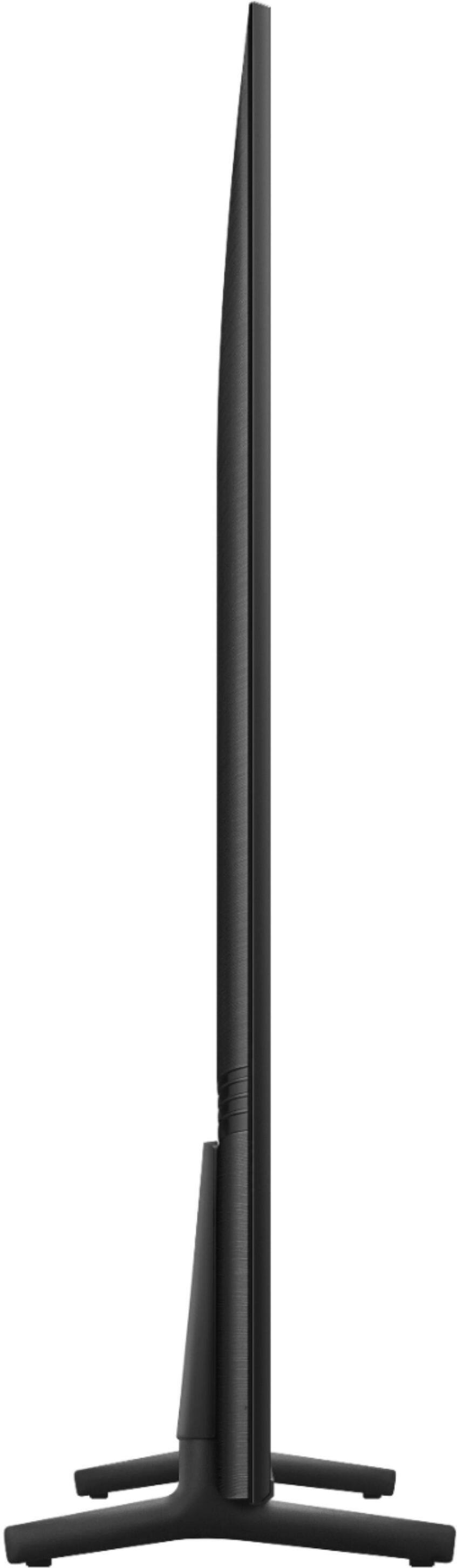
- A:Answer Hi, the full dimensions of the 65" Q60A are: (INCHES W x H x D): - TV without stand: (57.1 x 32.7 x 1) - TV with stand: (57.1 x 34.3 x 11.1) ^Val
Answered by Samsung

Q: QuestionWhere is the output for sound bar?
Asked by Anonymous.
- A:Answer Depending on your sound bar you can either use the Optical output from the TV or you can use the HDMI (ARC) input/output. The nice thing about using HDMI (ARC) is that you can use the Samsung TV remote to control the volume of your sound bar. A quick Google search for “how to setup HDMI (ARC)” will walk you through on how to go about hooking the HDMI cable up correctly. The Samsung TV should automatically recognize your sound bar once it is hooked up. Just make sure you purchase a high quality HDMI cable to hook up the TV to the sound bar. Not only will the sound quality be better but some cheap HDMI cables don’t support HDMI (ARC). Best of luck!
Answered by MoPug
Q: QuestionIs it WiFi compatible want to stream off of internet
Asked by Tvguy.
- A:Answer Yes, it connects to your home WiFi.
Answered by WilRXR
Q: QuestionIs this hdmi 2.1
Asked by Michael.
- A:Answer Hi Michael, Thank you for your question. With HDMI 2.1 being such a complex topic, we feel it is clearer to highlight the specific features supported by each TV model. This model has 3 HDMI ports, all of which support HDR10+ and Auto Low Latency Mode (Auto Game Mode). The “HDMI In 2” port further supports eARC. If you are looking for a TV capable of 4K@120fps (FRL), please consider a step up to Q70A Series, which supports “FRL on HDMI In 4”. ^Val
Answered by Samsung