



Black Friday is hereShop new DoorbustersShop now

Skip to content
Gift Ideas
26 Cypress St
Williston, VT 05495
Open until 10 pm
Find Another Store
Main Content

Questions & Answers

Page Showing 1-20 of 59 questions
  • QuestionHow many speakers does this Samsung TV have?

    • Answer This Samsung TV is equipped with 2 speakers.
    This question and answer was generated by AI based on customer and product data.

  • QuestionCan I lay the TV flat after taking it out of the box?

    • Answer While you should avoid laying the TV flat during transportation and unboxing, you will need to lay it flat to attach the stand, following the included instructions.
    This question and answer was generated by AI based on customer and product data.

  • QuestionHow many people are recommended for unboxing TVs larger than 32 inches?

    • Answer For TVs larger than 32 inches, it is always recommended to use two people for unboxing.
    This question and answer was generated by AI based on customer and product data.
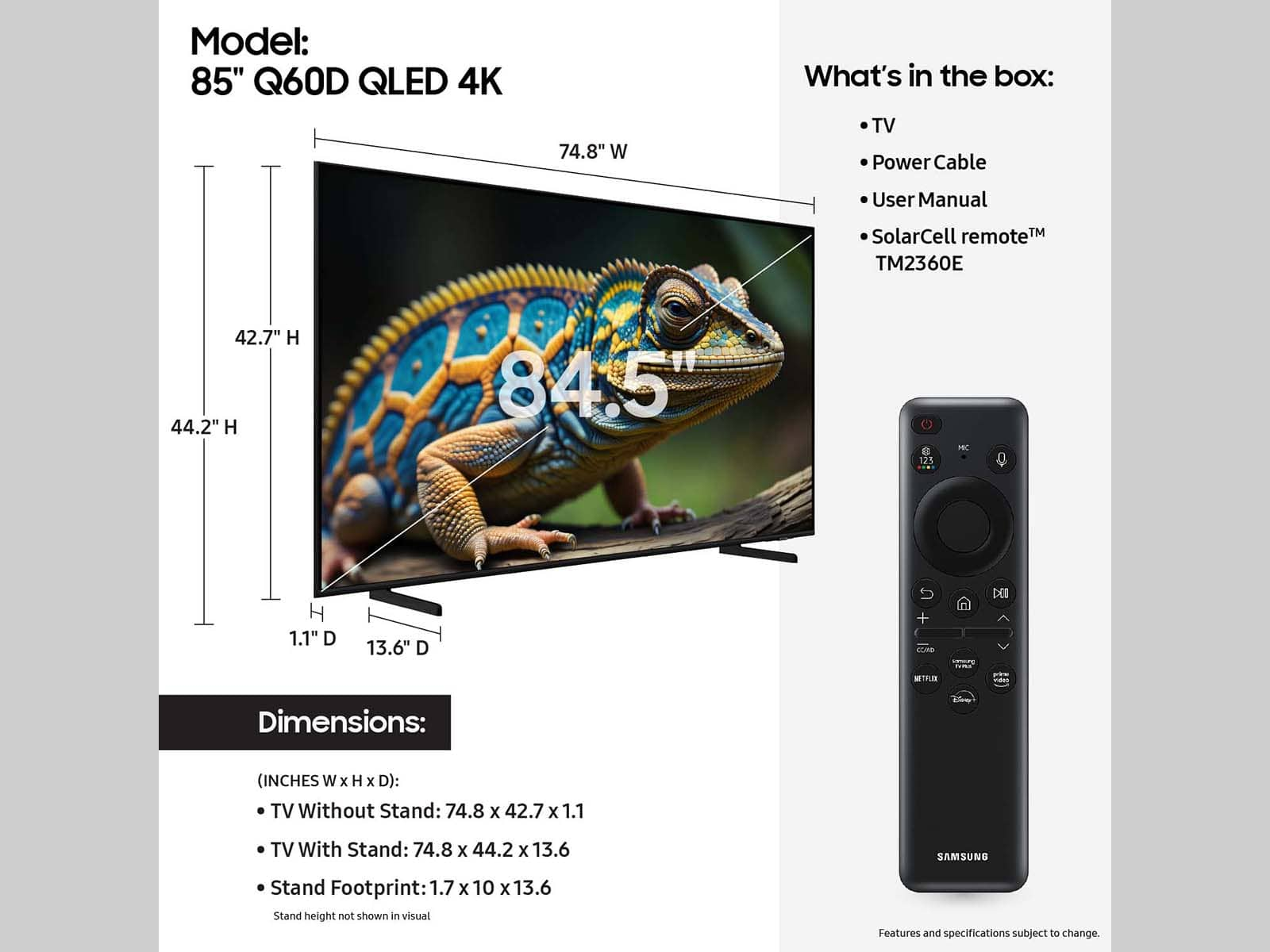
  • QuestionWhat is the stand width of this Samsung TV?

    • Answer The stand width of this TV is 39.4 inches.
    This question and answer was generated by AI based on customer and product data.
  • QuestionWhy should I avoid pinching the screen when unboxing the TV?

    • Answer Pinching the screen can easily cause the glass to crack, as your new TV is fragile.
    This question and answer was generated by AI based on customer and product data.
  • QuestionWhat type of remote control does this Samsung TV come with?

    • Answer This Samsung TV comes with a smart remote control.
    This question and answer was generated by AI based on customer and product data.

  • QuestionDoes this Samsung TV have a headphone jack?

    • Answer No, this TV does not have a headphone jack.
    This question and answer was generated by AI based on customer and product data.

  • QuestionWhat is the resolution of this Samsung TV?

    • Answer This Samsung TV has a 4K (2160p) resolution.
    This question and answer was generated by AI based on customer and product data.

  • QuestionJust set up my tv & the picture isn't as clear as I'd like. Our internet is 5g & we use firestick. Suggestions??

    Asked by PattiD.

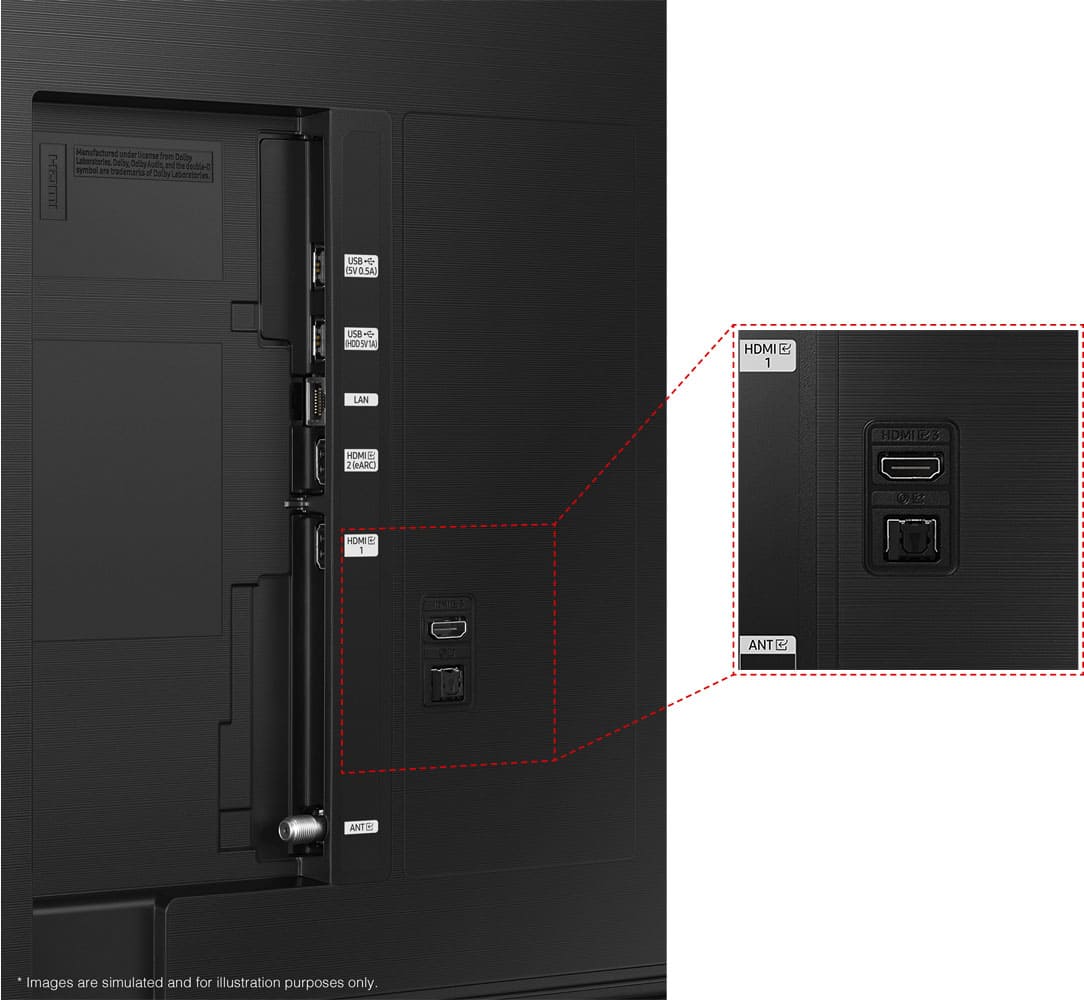
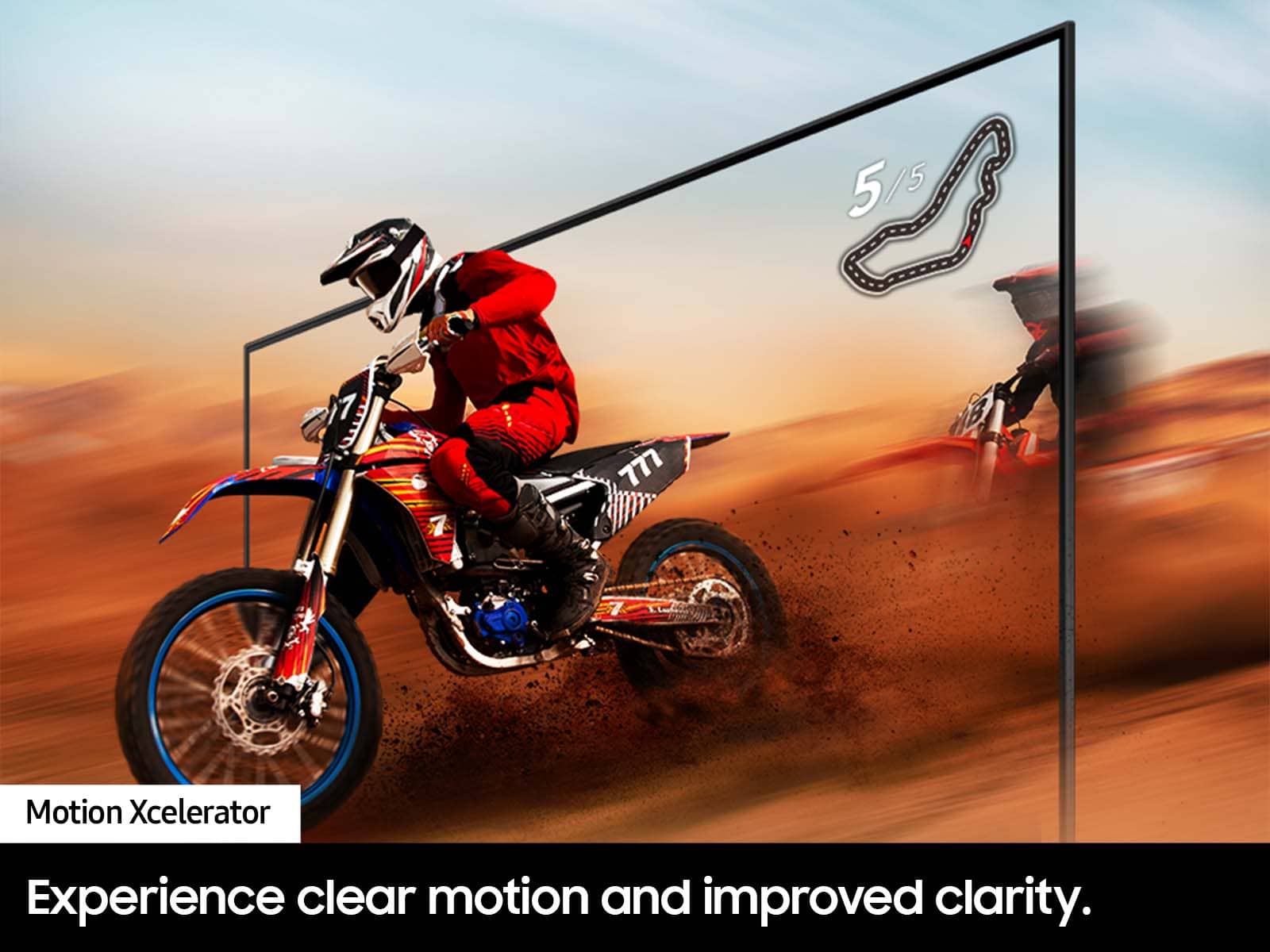
    • Answer Hi PattieD, Thanks for your purchase! I have a few suggestions for you to try. First, let's confirm it isn't the internet connection. 1.Try wired LAN if available 2. Try repositioning the router so there are no obstacles between your TV and the router Please also be sure you are running the latest firmware. You can check to see what software version your TV is using and if there is an available update through the settings on your TV. Go to: Settings > Support > Software Update. For optimal motion image performance, you may want to adjust the picture clarity setting by going to: Menu > Settings > All Settings > Picture > Expert Settings > Picture Clarity Settings. I hope this helps! ~Samsung Advisor

      Answered by Samsung

  • QuestionWill I get a glare in a sunny room

    Asked by Snork.

    • Answer I haven’t noticed any glare at all.

      Answered by MikeT

  • QuestionCan this tv pick up over the air channels with the use of an antenna?

    Asked by Packfan.

    • Answer Packfan - Yes it can, as the Q60D TV has a built-in ATSC 1.0/ClearQAM digital tuner for receiving digital broadcasts. ~ Samsung Specialist

      Answered by Samsung

  • QuestionDo you pick up the tv that’s being replaced

    Asked by Anonymous.

    • Answer For more information on haul away services, please contact your local Best Buy or visit: https://www.bestbuy.com/site/recycling/tv-appliances-haul-away/pcmcat174900050009.c?id=pcmcat174900050009 ~ Samsung Specialist

      Answered by Samsung

  • QuestionWhat is the difference between the CU8000 and the Q60D?

    Asked by Lar.

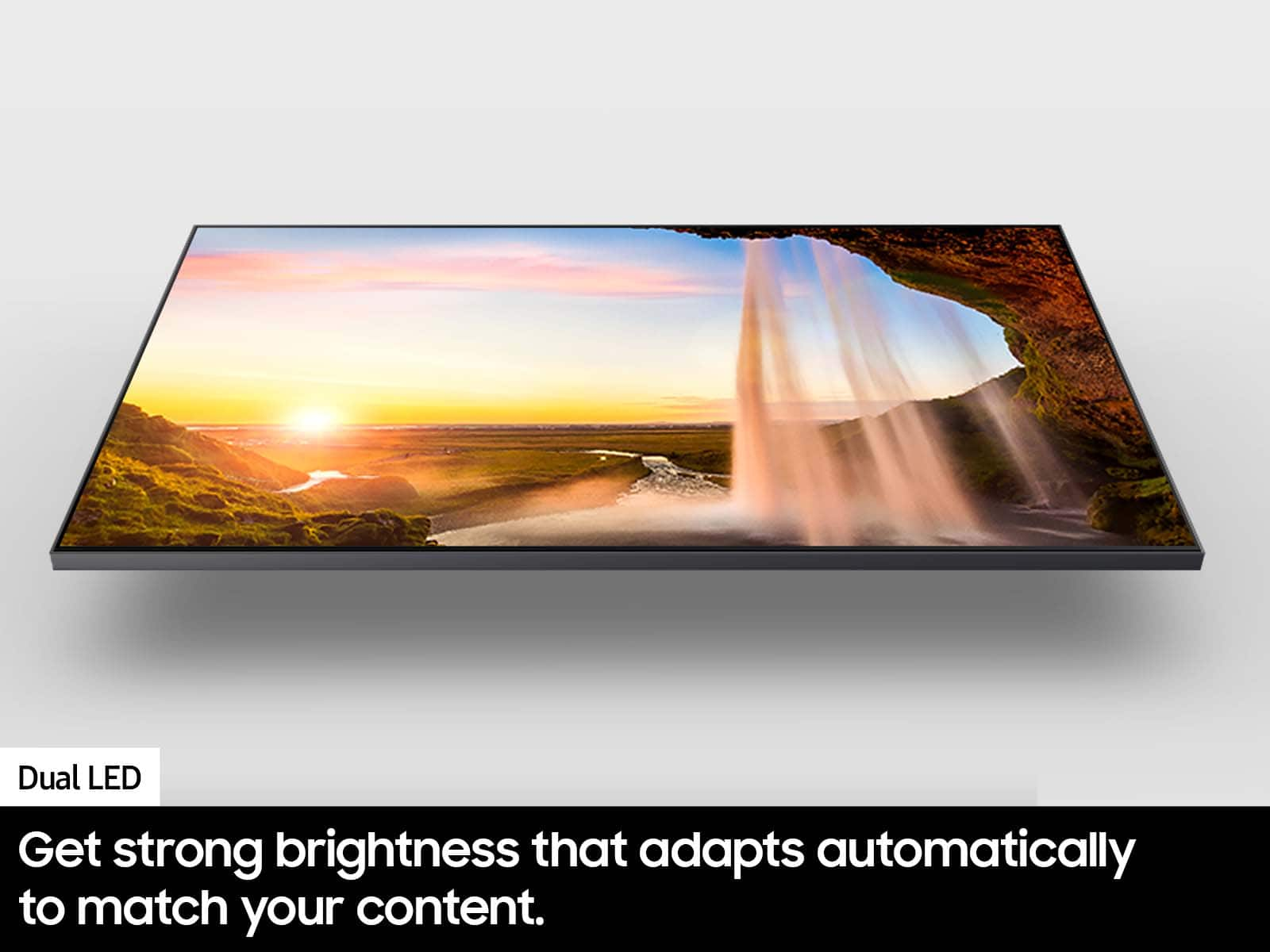
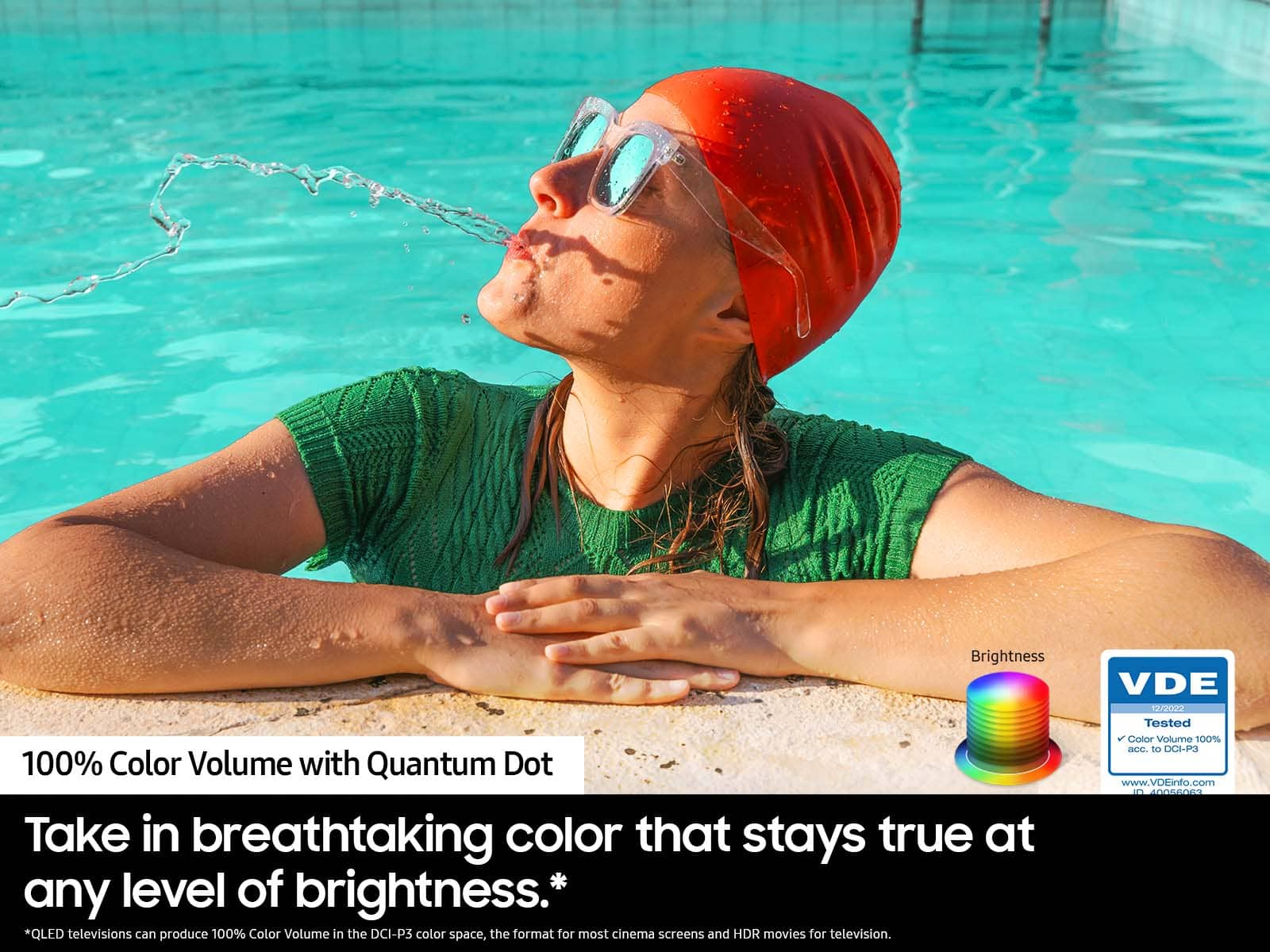
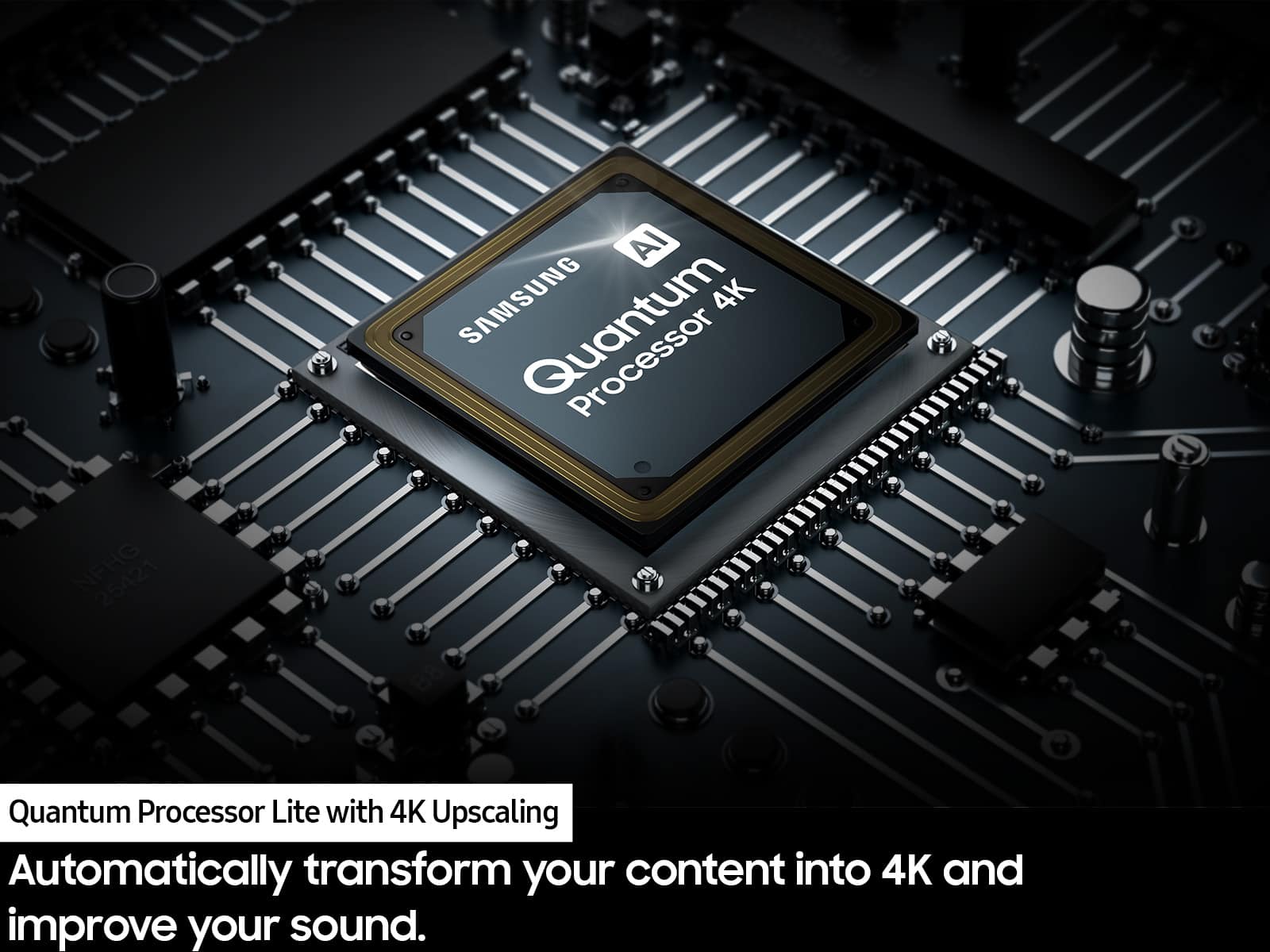
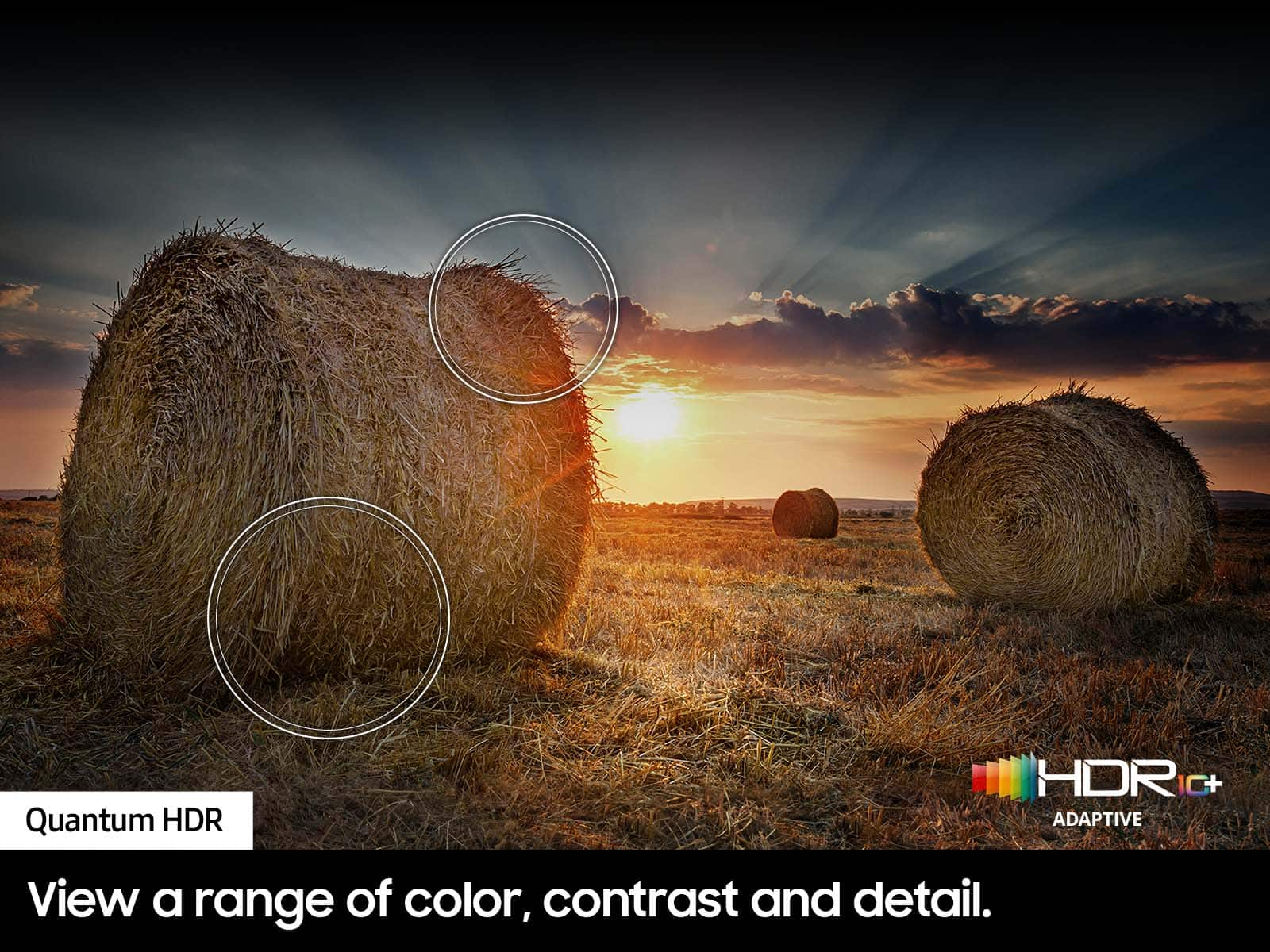
    • Answer Lar - Compared to 2023 CU8000F, the 2024 Q60D offers many advantages such as our fast and powerful Quantum Processor 4K Lite that enhances pictures from any source into crisp 4K, Dual LED backlight technology for beautifully balanced colors, and Quantum HDR for rich details. For gamers, Motion Xcelerator gives you minimized blur and enhanced motion clarity allowing you to catch all the fast-moving action whether you're watching sports or gaming. ~ Samsung Specialist

      Answered by Samsung

  • QuestionDoes this TV have a NextGen atsc 3.0 tuner?

    Asked by Dweeb.

    • Answer Dweeb - The Q60D has a built-in ATSC 1.0/ClearQAM tuner; when stepping up to our Neo QLED 8K Series, you’ll gain a built-in ATSC 3.0 tuner for receiving digital broadcasts. ~ Samsung Specialist

      Answered by Samsung

  • QuestionDoes this model (65") have Apple Airplay?

    Asked by openb.

    • Answer openb - Yes, the Q60D features Airplay. ~ Samsung Specialist

      Answered by Samsung

  • QuestionIs this OLED TV glare free

    Asked by Geoff.

    • Answer Geoff - The Q60D is a QLED 4K TV with Dual LED backlighting to deliver vivid images with improved contrast, off-axis viewing, and color accuracy. Starting with our S85D OLED or QN90D (55 – 85”) TV, you’ll gain Ultra Viewing Angle with Anti-Reflection technology to provide you with wider viewing angles, enhanced color, and minimized glare to help you enjoy shows without distractions. ~ Samsung Specialist

      Answered by Samsung

  • QuestionCan someone confirm dimension from bottom VESA hole to bottom of TV

    Asked by Anonymous.

    • Answer On the 65" Q60D, the distance from the top VESA mounting holes to the top of the TV is 10.3". The distance from the bottom VESA holes to the bottom of the TV is 10.5". ~ Samsung Specialist

      Answered by Samsung

  • QuestionCan you connect your earbuds via bluetooth to the tv?

    Asked by Arly.

    • Answer Arly - Yes, as the Q60D is a Bluetooth enabled Smart TV. ~ Samsung Specialist

      Answered by Samsung

  • QuestionI have a PS5. How good is this tv for gaming?

    Asked by Technerd0928.

    • Answer outstanding.

      Answered by JimmyM

  • QuestionDoes this tv have the Roku app installed? Also, does it support Amazon Fire Stick?

    Asked by JLewis.

    • Answer JLewis – The Roku Channel app can be installed from the built-in App Store; a Fire Stick can be connected via HDMI. ~ Samsung Specialist

      Answered by Samsung







