A:AnswerYou can find the Quick Setup Guide on Samsung's website; here's the direct link: https://image-us.samsung.com/SamsungUS/samsungbusiness/tv-ci-resources/Q80C_50_to_85in_Install_Guide.pdf
~ Samsung Specialist
A:AnswerSamuel - On the 65" Q80C, the distance from the top VESA mounting holes to the top of the TV is 8.8". The distance from the bottom VESA holes to the bottom of the TV is 12.0".
~ Samsung Specialist
A:AnswerHi missyp - Please give us the opportunity to better assist with this by reaching Samsung Support at: 1-800-SAMSUNG, 8AM - 12AM EST, 7 days a week, or Chat with us on Samsung.com: https://www.samsung.com/us/support/contact/
~ Samsung Specialist
A:AnswerOkie - We'll need to know a bit about your speakers to assist with this. Please give us a call at 1-800-SAMSUNG, 8AM - 12AM EST, 7 days a week, or Chat with us on Samsung.com: https://www.samsung.com/us/support/contact/
~ Samsung Specialist
A:AnswerCricax - You can find this information on the 65" Q80C TV's product page by clicking Show Full Specs and scrolling to Dimension in the right side pop-up: https://www.bestbuy.com/site/samsung-65-class-q80c-qled-4k-uhd-smart-tizen-tv/6537330.p?skuId=6537330
~ Samsung Specialist
A:AnswerThanks for asking! The Picture: Samsung’s 2023 Q80C adds our Neural Quantum Processor 4K which uses 20 specialized networks that analyze your content, precisely map color and direct light to optimize it to spectacular 4K resolution, as well as Quantum HDR+ for extra-rich detail and immersive color. Sound: When paired with a Q or S Series Soundbar, you can take advantage of Q-Symphony 3.0 which uses AI to further enhance and amplify your sound for a more accurate and immersive audio solution. Features: The Q80C includes Telemedicine for at-home care, and ConnecTime to make and receive video calls – directly from the TV itself. Lastly, Gaming: Game Bar 3.0 adds MiniMap Sharing and Virtual Aim Point to elevate the experience for every type of gamer.
~ Samsung Specialist
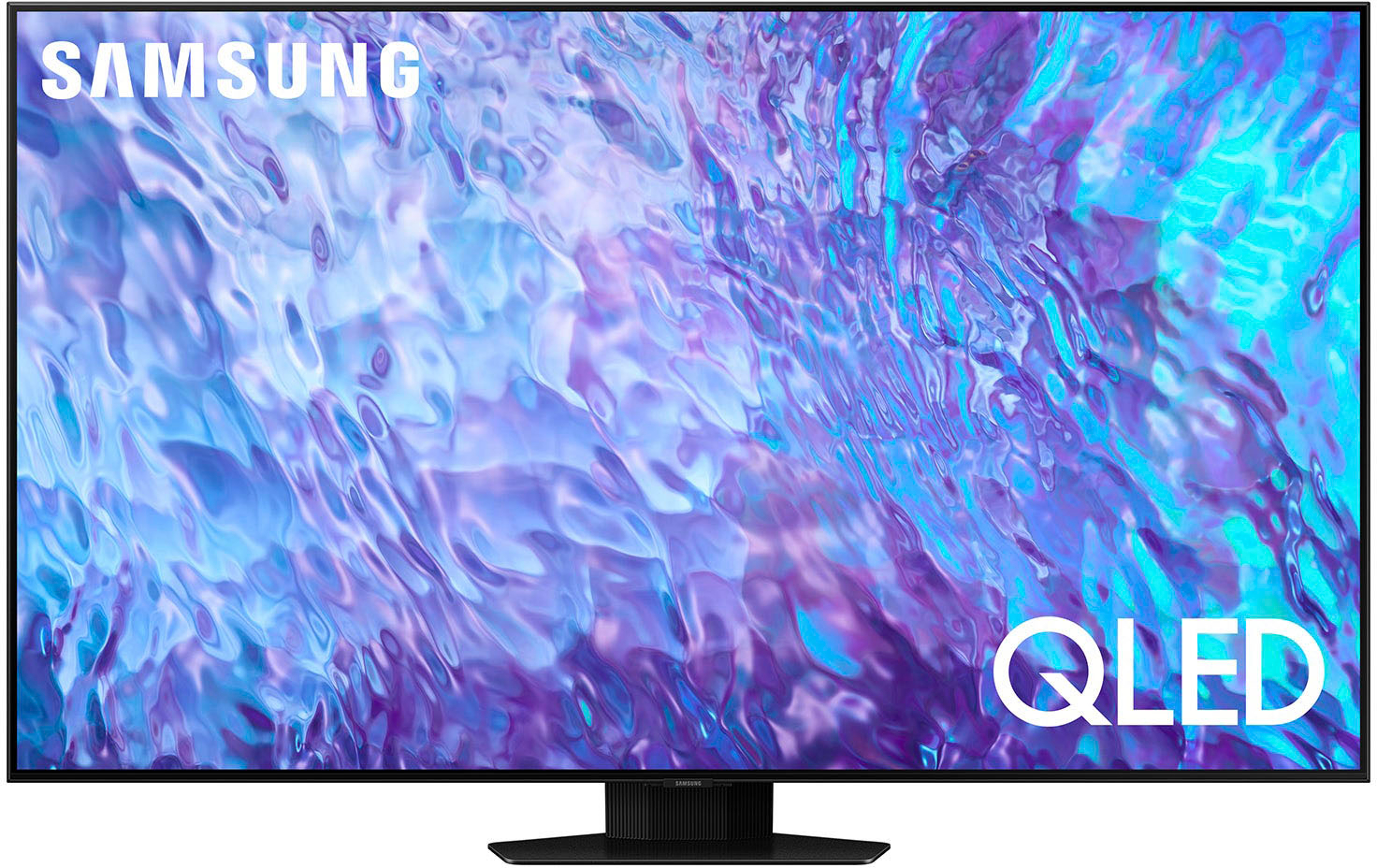
A:AnswerTo locate the storage amount available to be used for Apps please follow these steps: Home > Apps > Settings. In the upper right-hand corner, you can see how much storage you have used and what is available to be used.
~ Samsung Specialist

A:AnswerJoshwataaaaa - The 65" Q80C features FreeSync Premium Pro and supports VRR for less lag, tearing and stuttering combined with peak performance, exceptional high dynamic range visuals, and low latency for effortlessly smooth gameplay.
~ Samsung Specialist