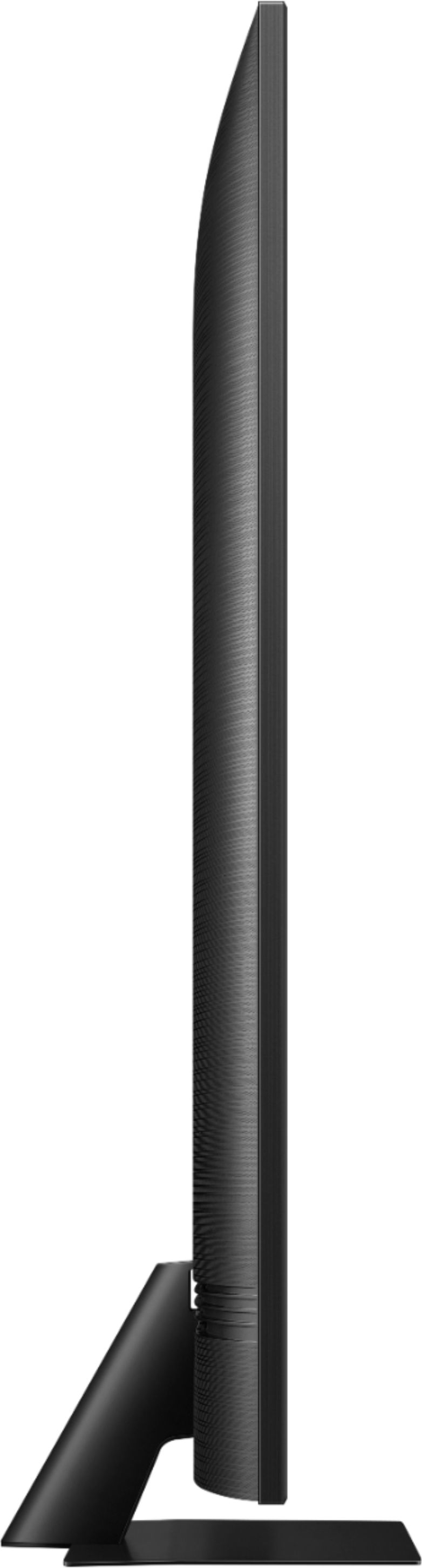
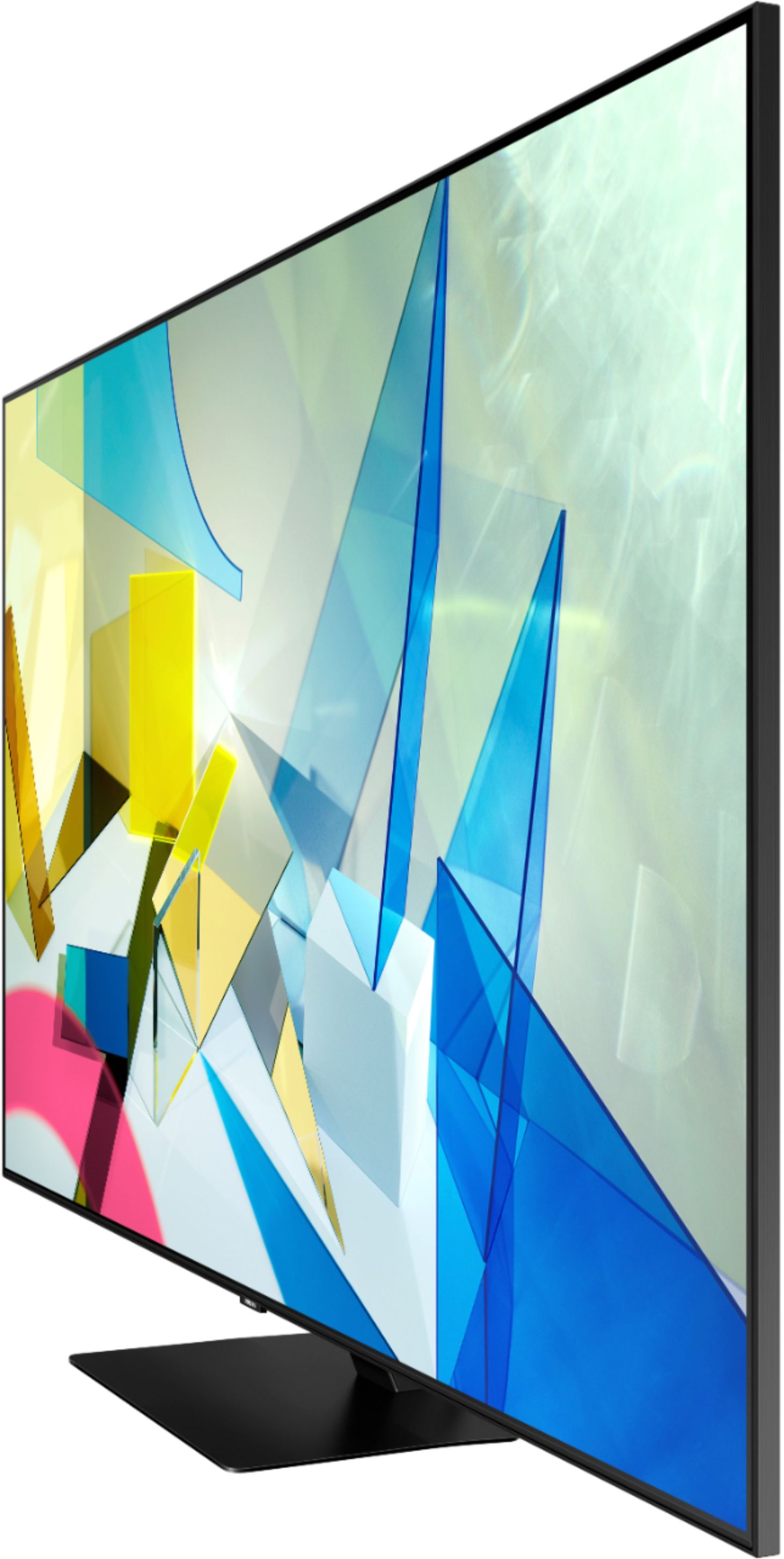
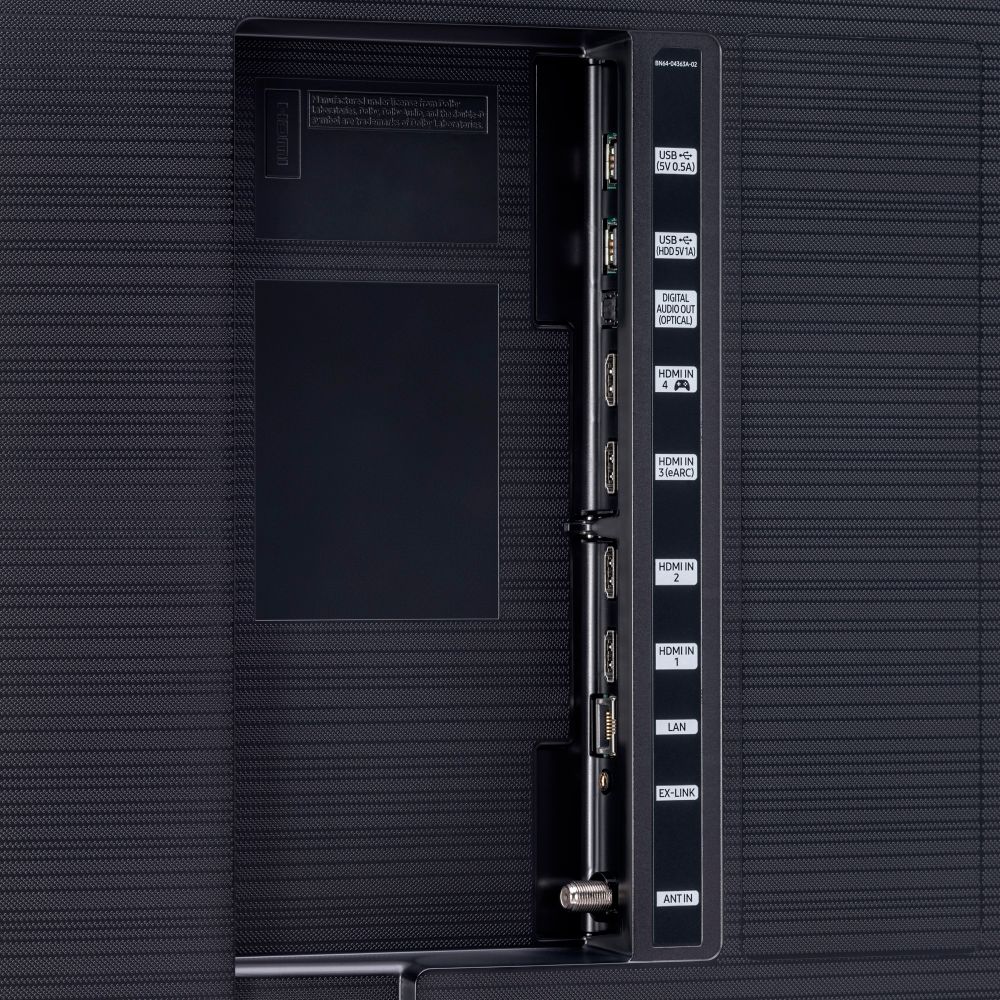
A:AnswerHi Husker, there are 4 HDMI ports located on the back side of the TV. They are on the right hand side when you are facing the TV screen. (left when you are facing the back of the TV) ^Val
A:AnswerHi jpscott - The buttons on your remote have multiple functions. The +/- (volume) button is rocked up or down to adjust the volume. To mute the sound, press the button. When pressed for 1 second or more, the Accessibility Shortcuts appears. You can also check the volume control of the external device (cable box) connected to your TV. Also, check the cable connection between an external device and the TV ^Val
A:AnswerHi grammr - If you will be connecting an eARC audio device, I would recommend a Ultra High-Speed HDMI cable, sometimes labeled HEC/HEAC that supports fast Ethernet connection. ^Val
A:AnswerHi Eben - If you want enhanced sound quality, you will want an external audio device like a soundbar. The Q80T TV has Q Symphony, a feature that allows you to play sound from your Samsung (Q-Symphony supported) soundbar as well as your TV's speakers at the same time for an excellent surround experience. ^Val
A:AnswerHi ANNIE - You can adjust your sharpness, brightness, contrast, color, tint, contrast, white balance, and more by going to Settings > Picture > Expert Settings ^Val