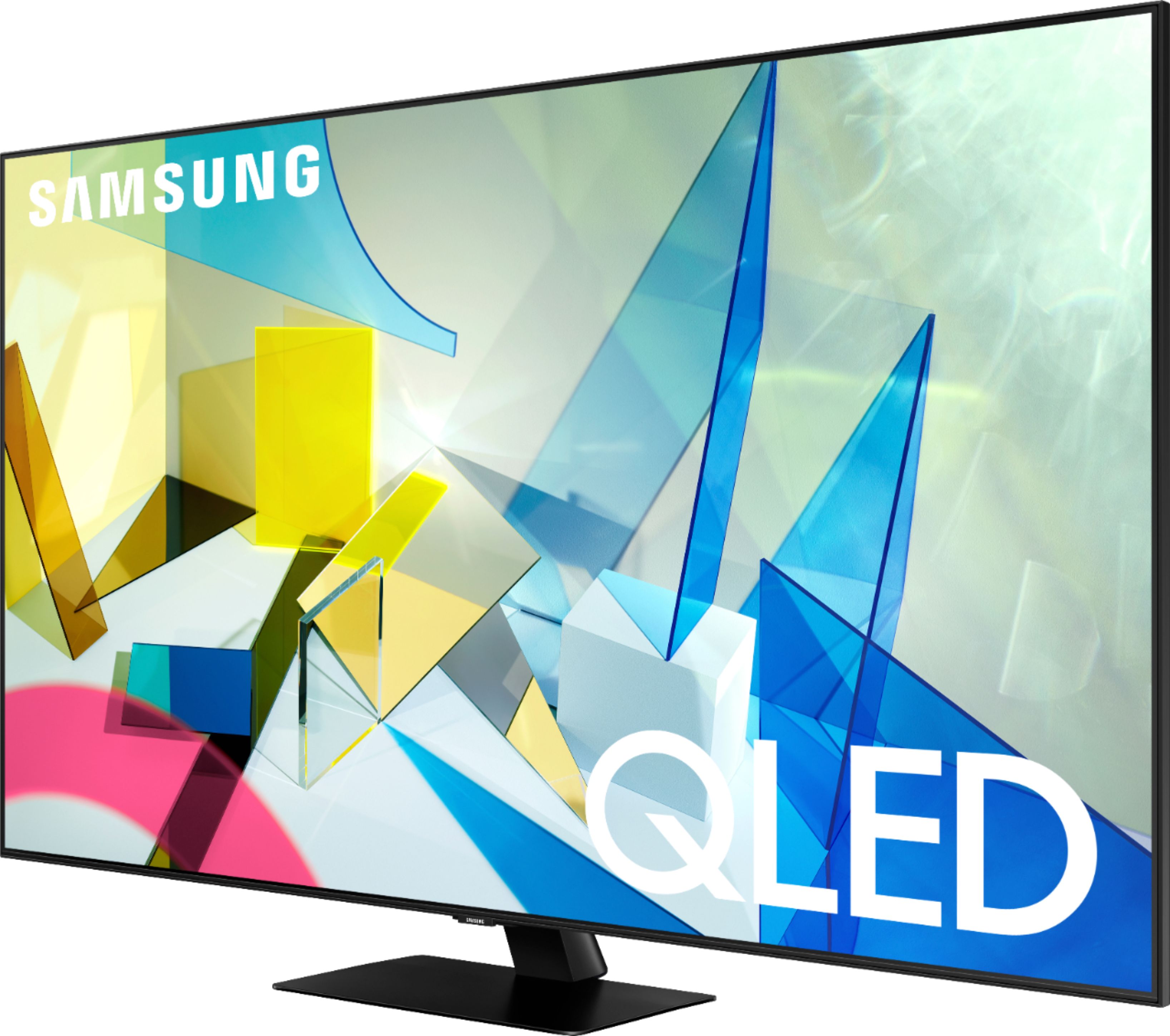
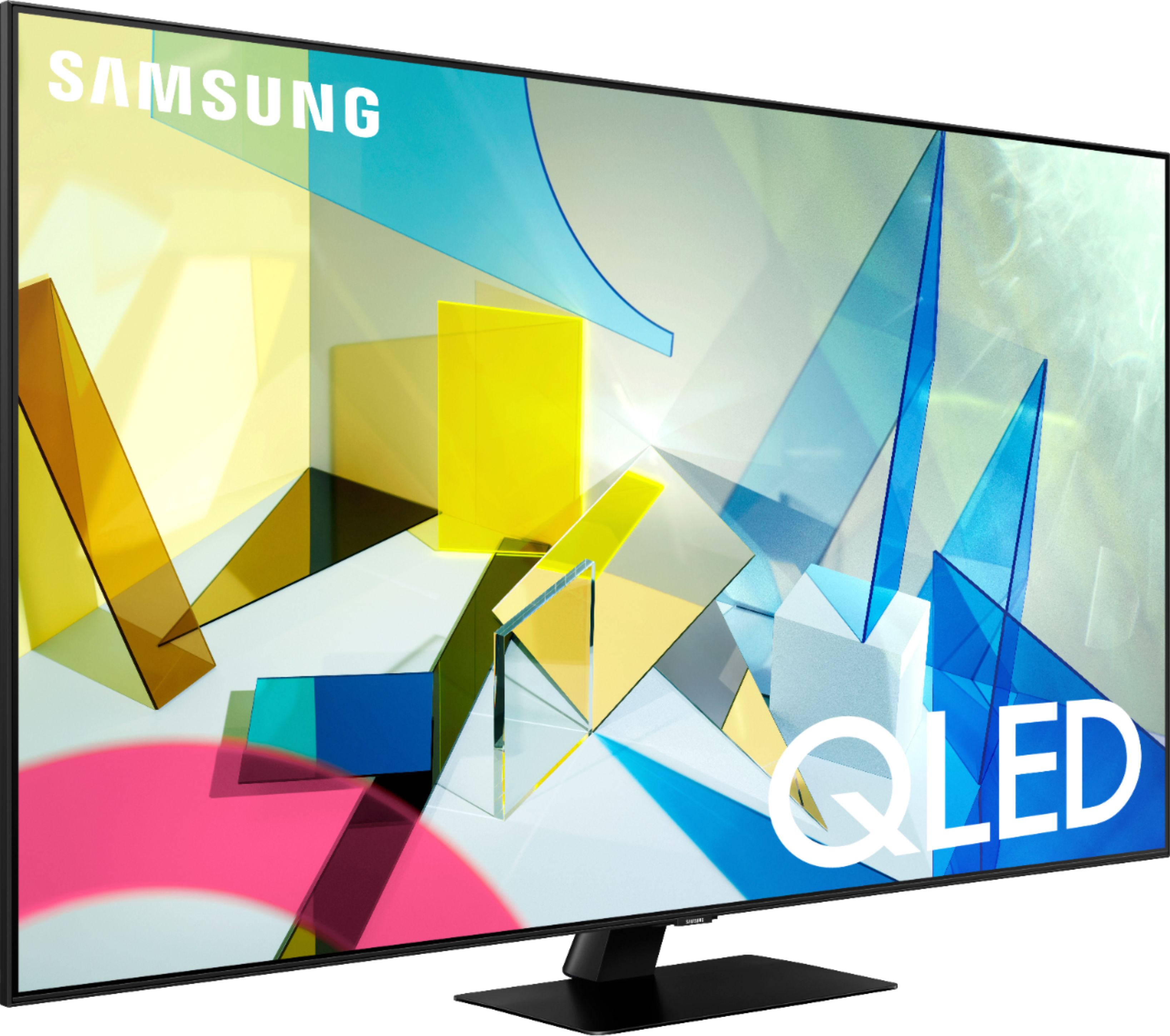
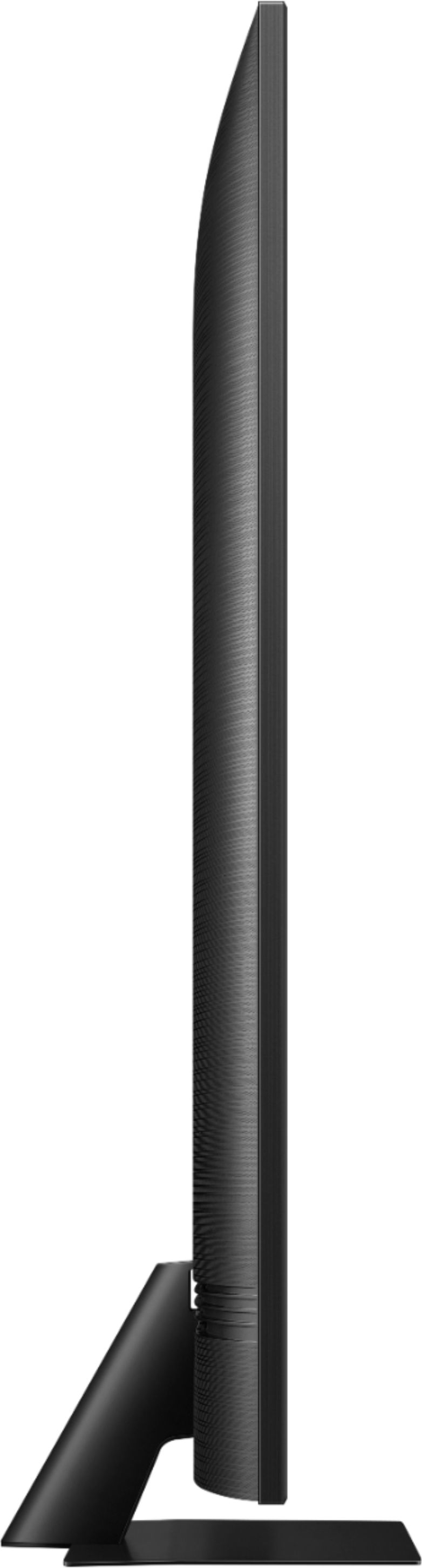
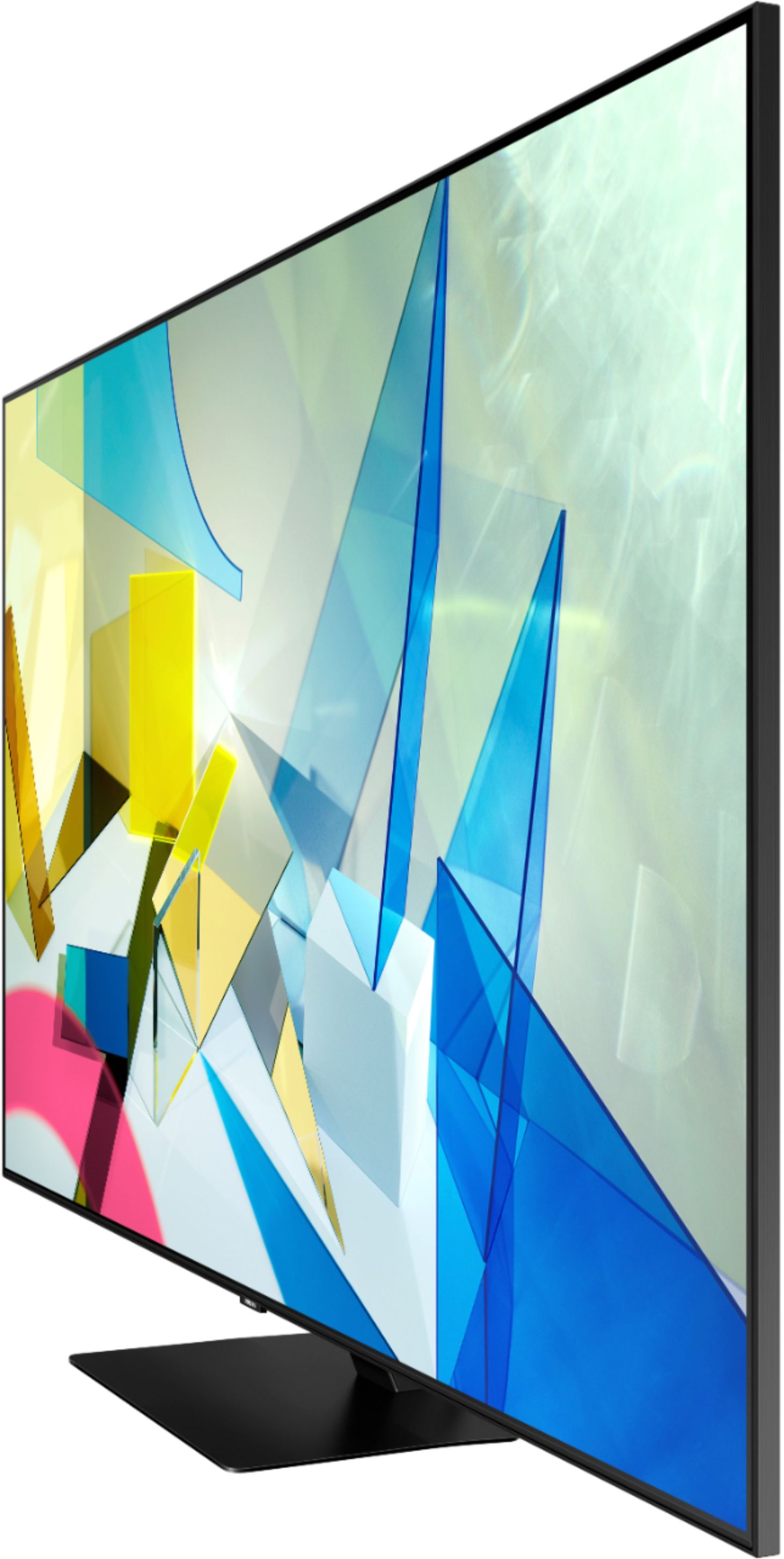
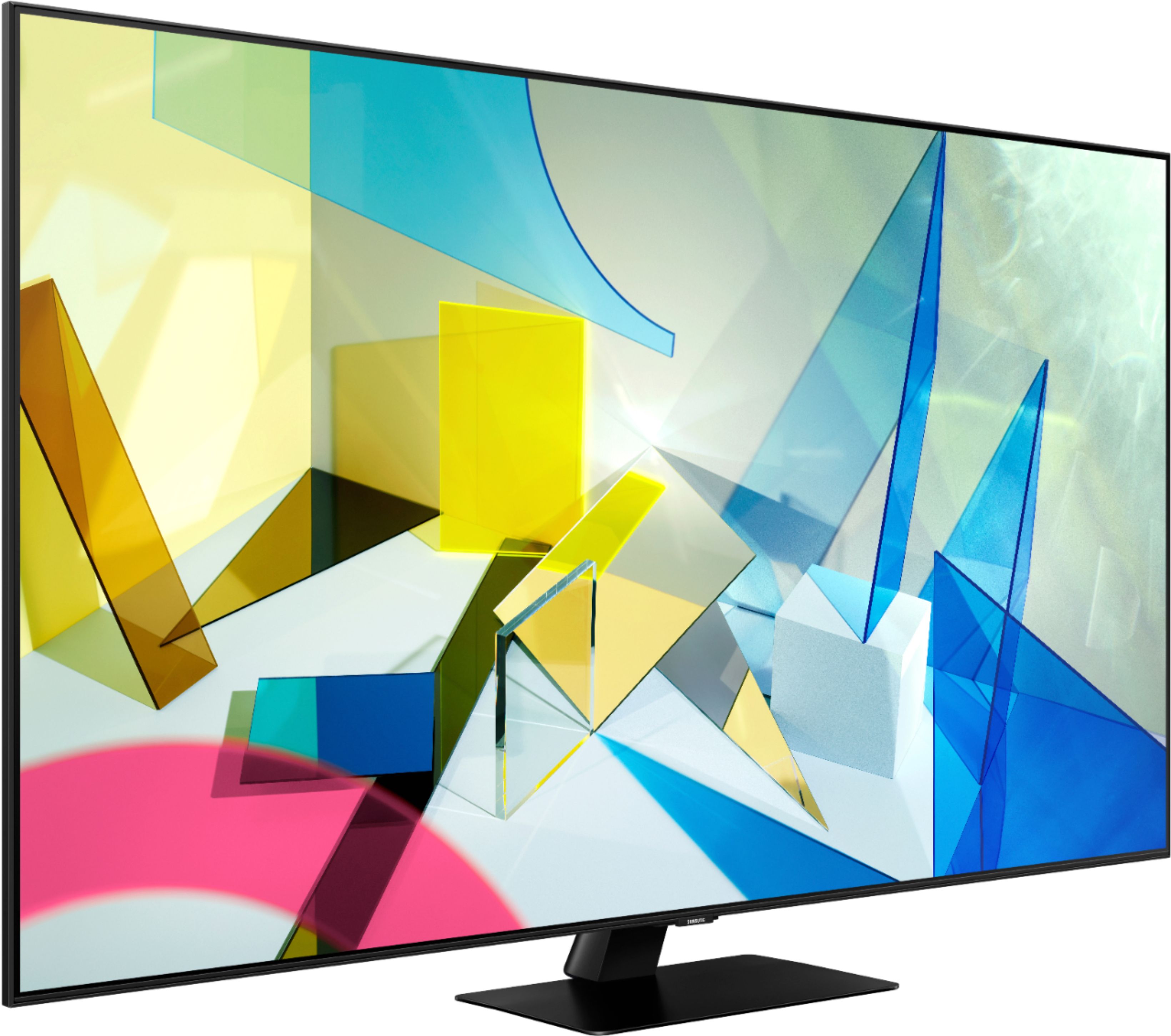
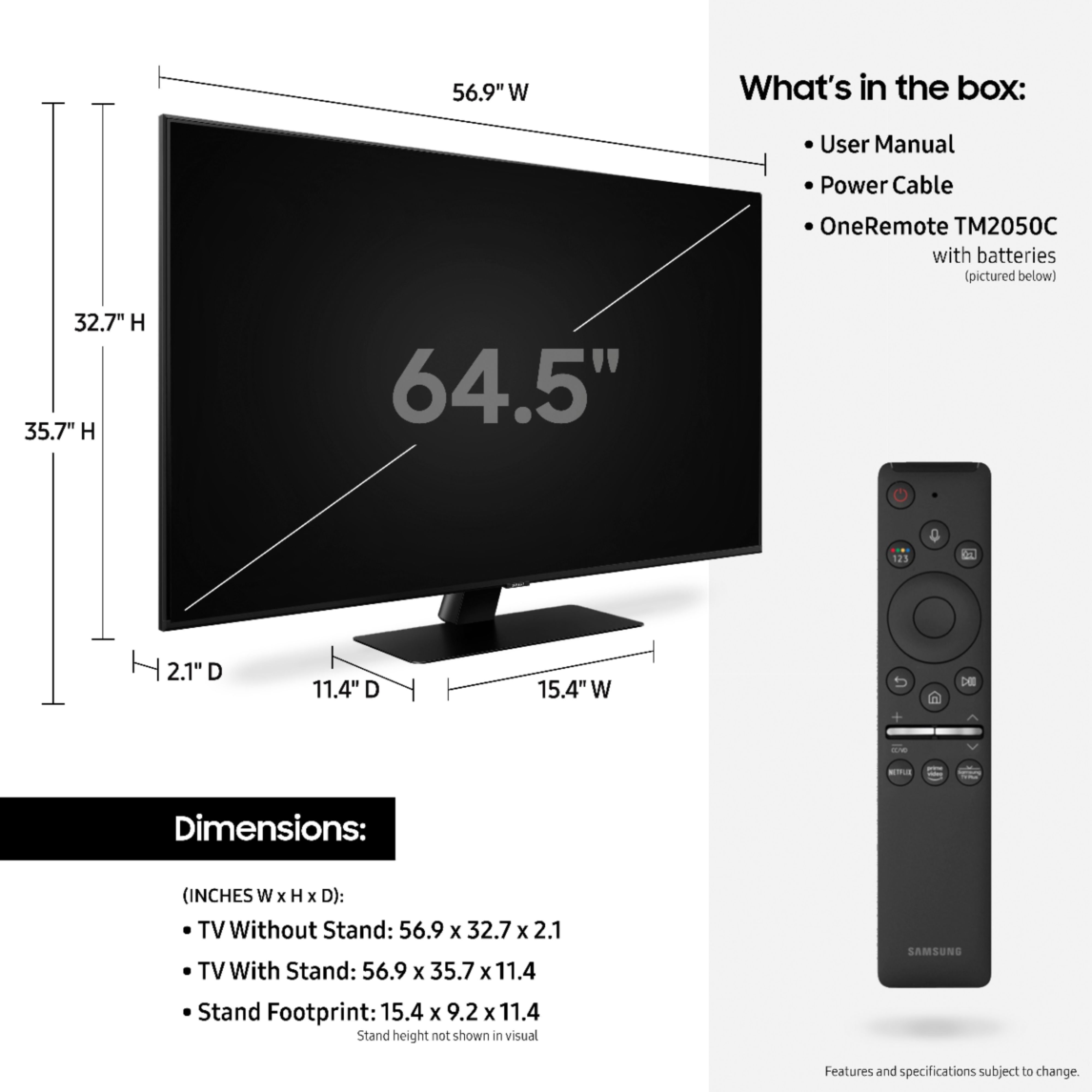
A:AnswerHi Joey! No, the stand for the Q80T is fixed and does not allow to the TV to swivel. The Q80T is equipped with the Ultra Viewing Angle Panel allowing you to see the TV from any angle without loss in quality. If you would like a swivel feature, explore full motion wall mounts from Best Buy at the following link: https://www.bestbuy.com/site/tv-stands-mounts-furniture/tv-mounts/abcat0106004.c?id=abcat0106004&qp=tvmountsize_facet%3DTV%20Size%20Compatibility~65%20-%2074%22
^Tim
A:AnswerHi Derf! Yes, your existing router supports high speed internet capable of 4K streaming on the Q80T. Make sure you also have an internet package from your provider with enough speed to support high quality streaming. ^Tim
A:AnswerHello Lin,
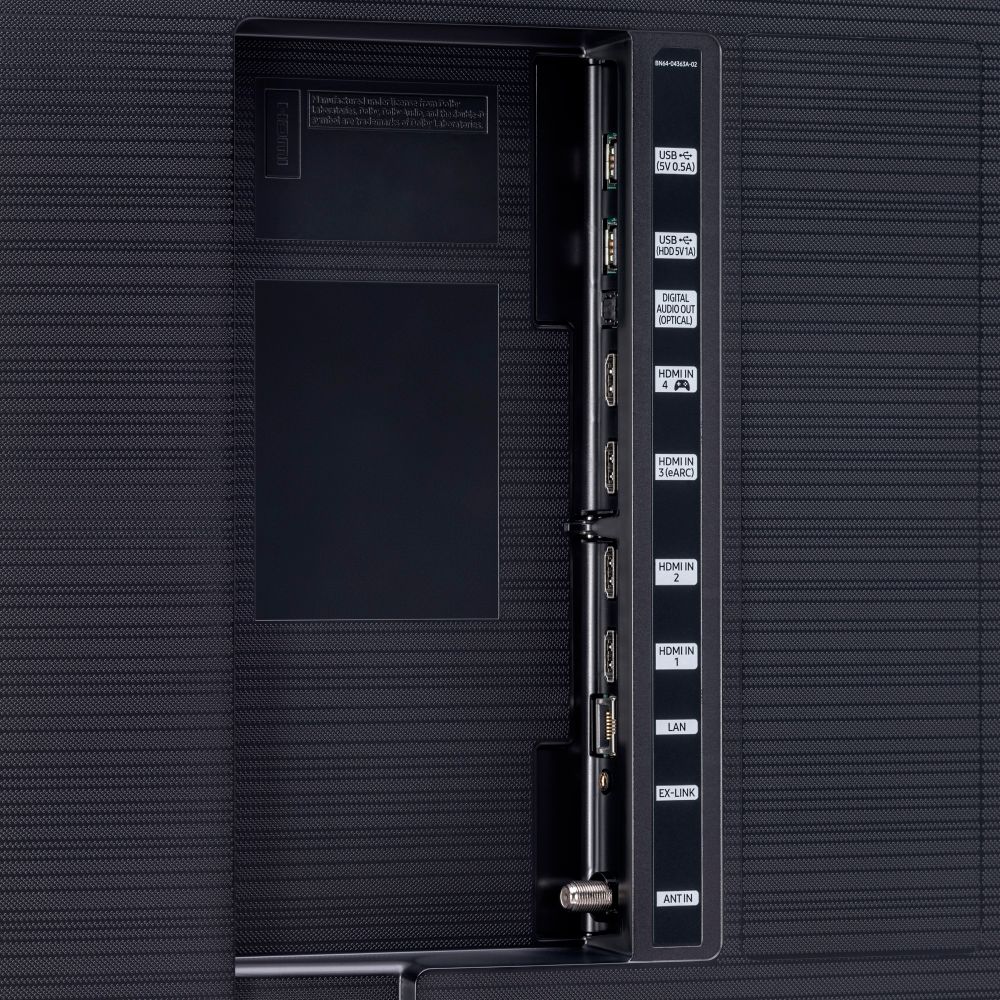
Yes, we recommend using 4K HDMI cables with 4K UHD TVs for the best possible picture quality. Some 4K HDMI cables are in-wall rated. However, this is not a necessary feature to have if you do not plan to run your HDMI cable(s) through your wall. Check out some 4K HDMI cables at Best Buy: https://www.bestbuy.com/site/searchpage.jsp?st=4k+hdmi&_dyncharset=UTF-8&_dynSessConf=&id=pcat17071&type=page&sc=Global&cp=1&nrp=&sp=&qp=&list=n&af=true&iht=y&usc=All+Categories&ks=960&keys=keys
^Cristian
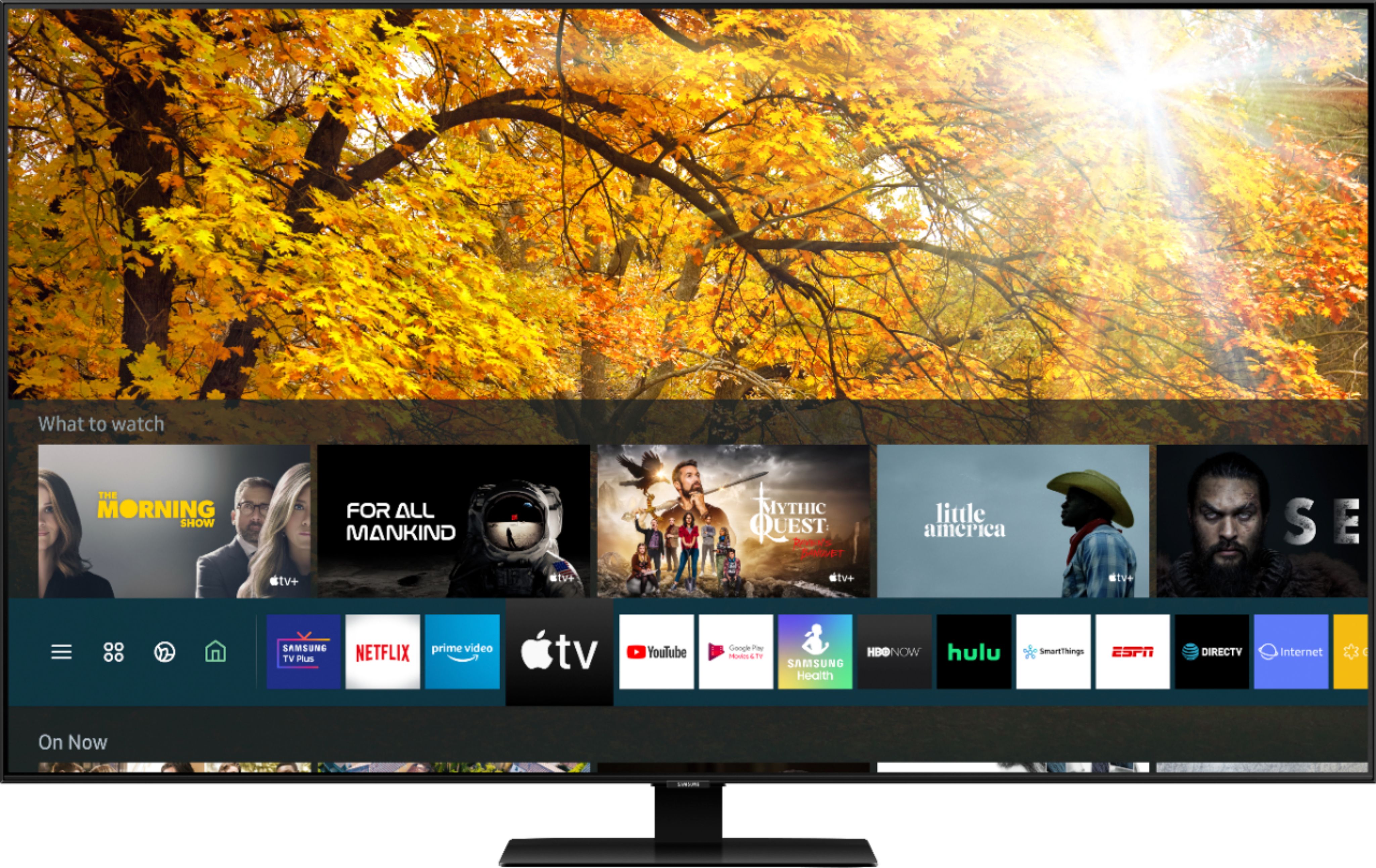
A:AnswerHi Coach, it has Alexa, Bixby, and Google Assistant built in so you get to choose the assistant you are most familiar with and they'll all work with the included voice remote. There is no need to purchase any other streaming accessories, you have everything you need built in. ^Scott
A:AnswerHi Kolie, It sure does, from the Home screen, use the directional pad on the TV Remote and select >Settings >General >Accessibility >Caption Settings >Caption on to turn captions on. Select it again to turn them off. I hope this helps, ^Scott
A:AnswerHello there! If there is a film on your TV, you will see a blue tab in the upper left hand corner. Some TVs do come with film protectors, while some may not. ^Celina
A:AnswerHi Chawk, There are no rotating stands in Samsungs 2020 lineup. There are 3rd party manufacturers who make adjustable stands however: https://www.bestbuy.com/site/sanus-premium-swivel-tv-base-for-most-32-60-tvs-black/5463304.p?skuId=5463304&ref=212&loc=1&extStoreId=591&ref=212&loc=1&gclid=Cj0KCQiAtqL-BRC0ARIsAF4K3WGtGWDvg00AxkVWUpKsBJAmfWymFwL7ucmwiyd6_BkFwCbC0h10-v8aAlI1EALw_wcB&gclsrc=aw.ds Thanks, ^Scott
A:AnswerHi GrandmaD, you sure can hook up to the TV directly with just a coax cable. Just follow these steps: 1. Press the Home button on your OneRemote.
2. Navigate to Settings.
3. Navigate to Broadcasting.
4. Select Auto Program.
Note: Auto Program automatically scans and indexes all channels received through the antenna input connector. If the TV has saved channels, Auto Program deletes the existing list, and then saves the newly scanned channels.
5. Select Start to begin Auto Program. After this you should have full access to your content. I hope this helps, ^Scott
A:AnswerHi! With 4K TVs you can sit much closer to the TV than before without seeing loss of detail or pixilation, this allows you to get a much bigger TV even when sitting closer to the TV. ^Tim
A:AnswerHi there! You will need to utilize an RCA to HDMI Converter to connect your Wii console. Check out the converter at Best Buy: https://www.bestbuy.com/site/insignia-rca-to-hdmi-converter-black/6134312.p?skuId=6134312 ^Gina
A:AnswerHi Dani, the Q7FN is a great TV. Having said that, the Q80T has several advantages, including: Ultra Viewing Angle, Real Game Enhancer, Object Tracking Sound, Active Voice Amplifier, Multiple Voice Assistants, and more. You can see it here for more information: https://www.bestbuy.com/site/samsung-65-class-q80t-series-led-4k-uhd-smart-tizen-tv/6402408.p?skuId=6402408. Thanks! ^Scott
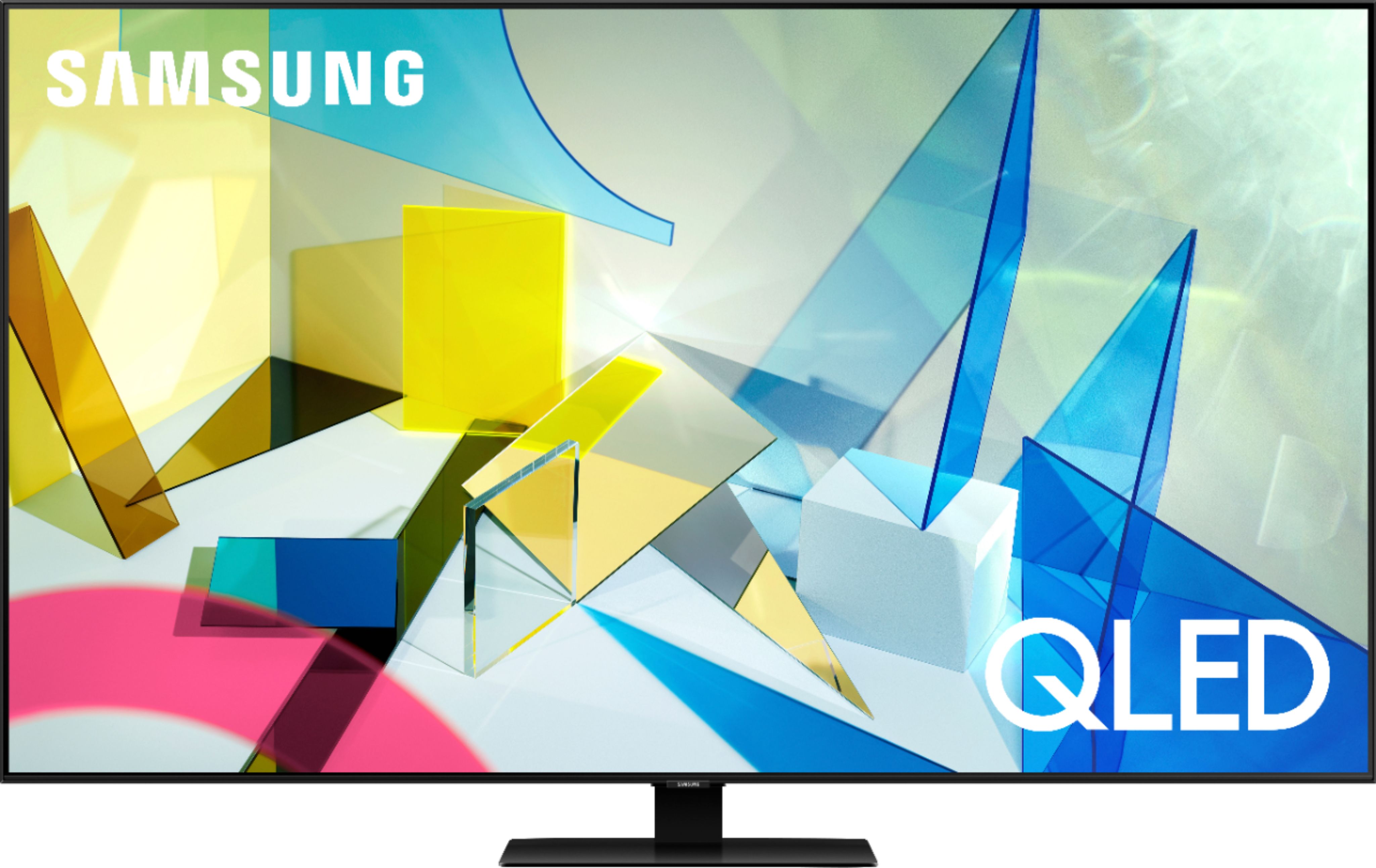
A:AnswerNot sure what you want to call it. I see a rainbow when the TV is off and the light is in it, but the screen is definitely good even in bright room. I have white walls and still an amazing picture.
A:AnswerHi! Yes, the Q80T features built in voice assistant control by using the included One Remote with Voice. You can select which assistant you would like to control your TV with options from Bixby, Google Assistant, and Alexa. ^Tim
A:AnswerHi Kevin! Your Chromecast device should work with the Q80T without any issues; however, Samsung TVs have a Smart Platform built in, and you will be able to download apps and stream directly from your TV without utilizing a separate streaming device. ^Gina