A:AnswerHelpwithPurchase - The One Connect Box dimensions for The Frame TV are 13.7 x 2.6 x 5.4 (WxHxD in inches). The One Invisible Connection cable is 5m (16.4 ft) in length; power cable is approximately 5'.
~ Samsung Specialist
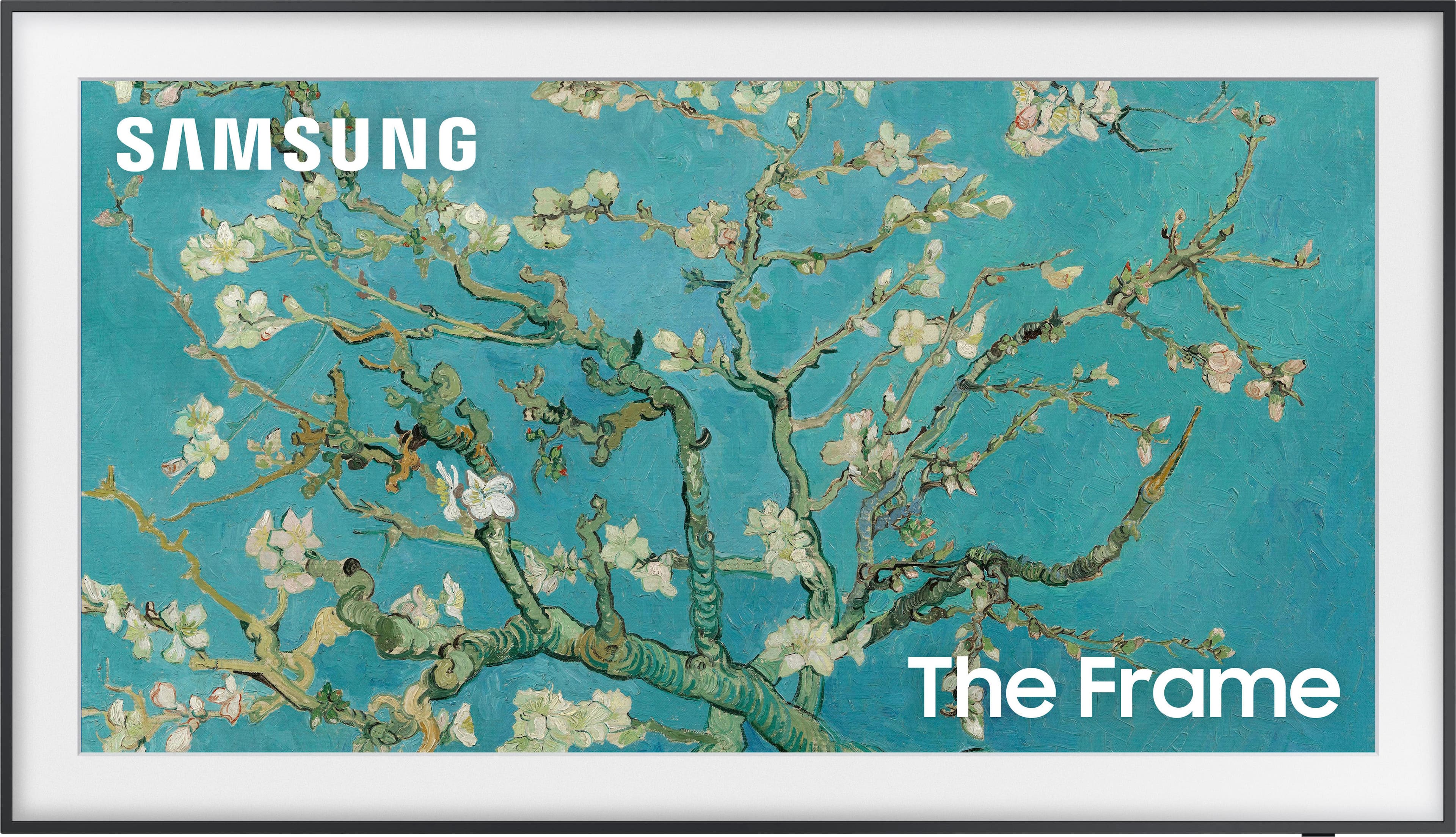
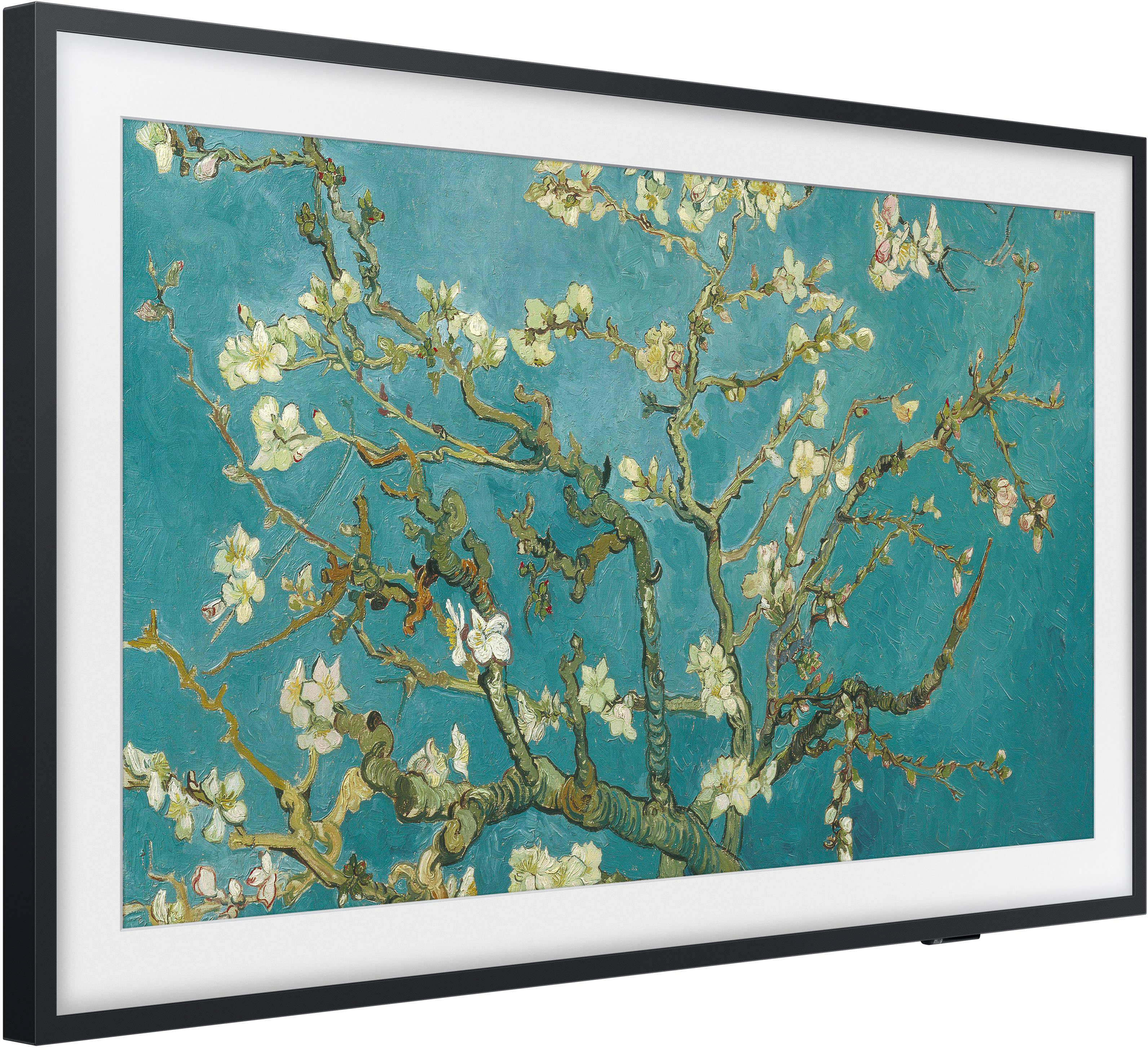
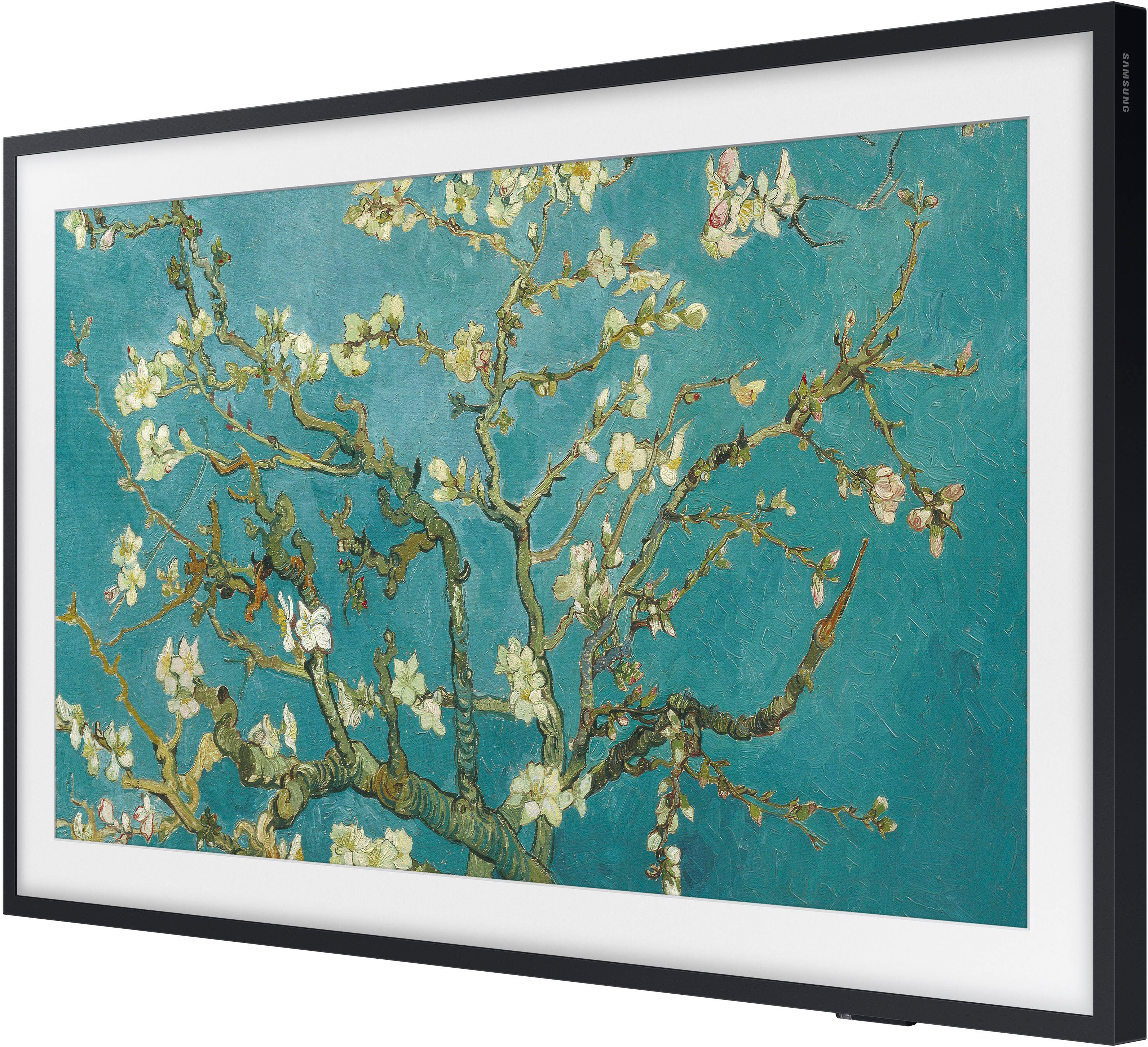
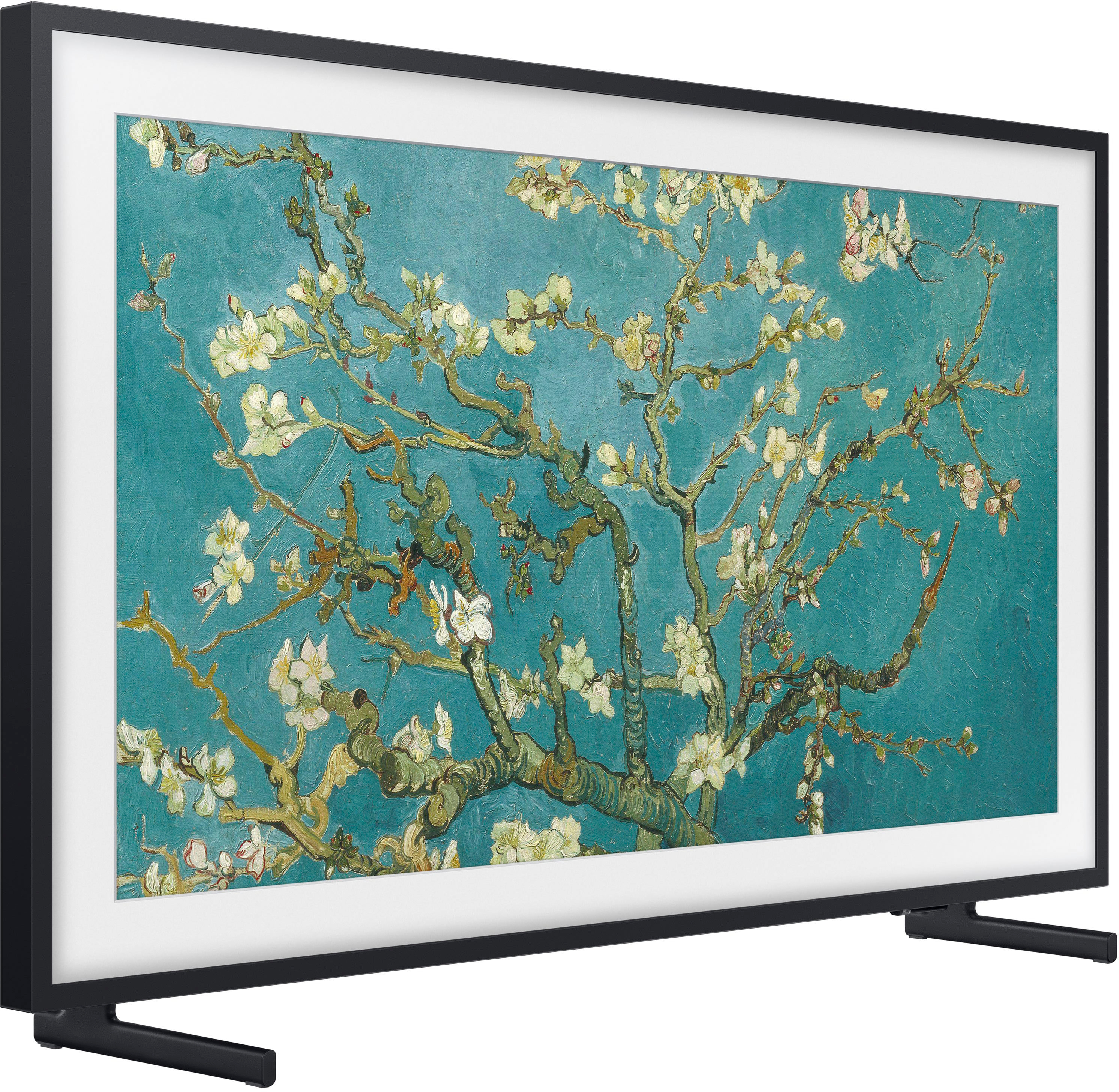
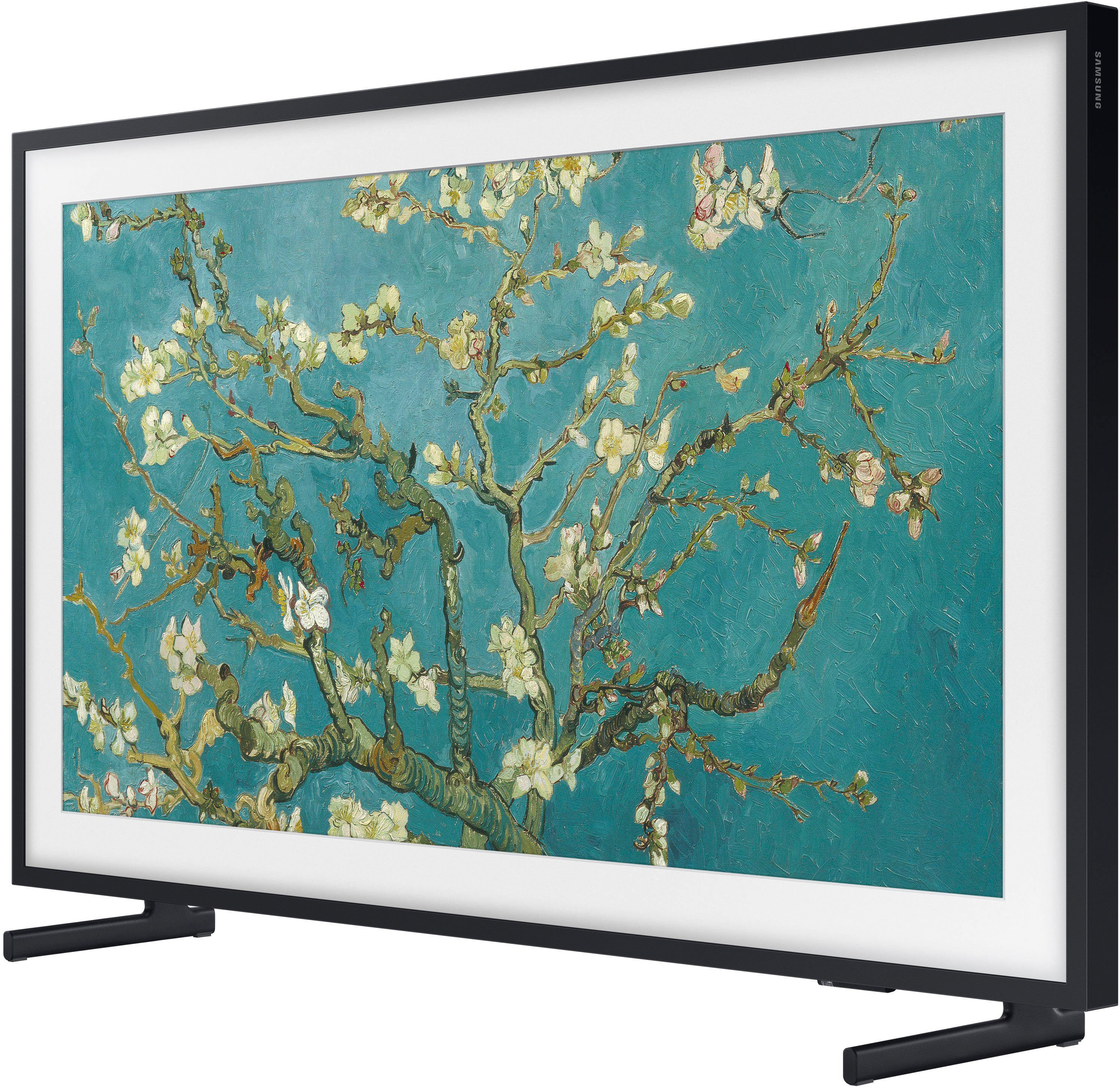
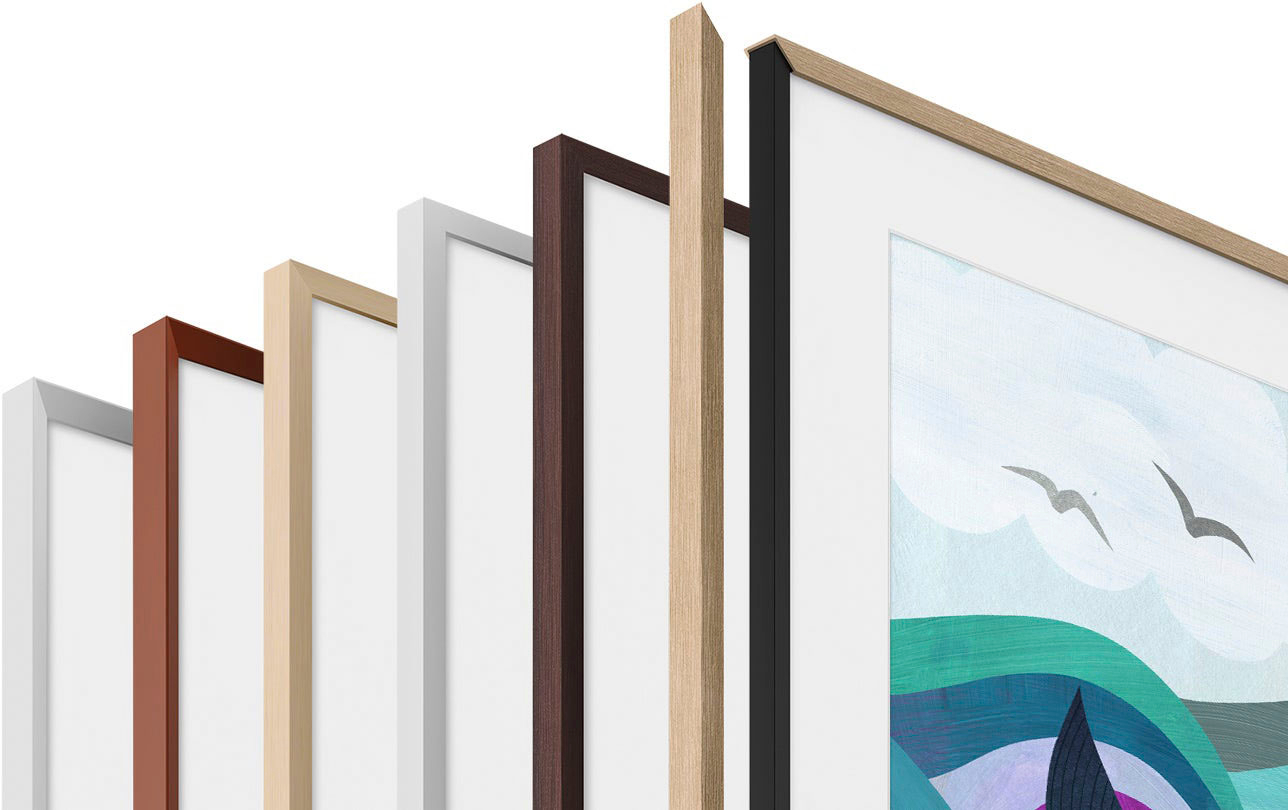
A:AnswerHi - The Frame TV comes with a black frame, which cannot be removed. The Customizable Bezels sold separately are attached directly on top of the black frame and come in Modern Brown, Modern Teak, and Modern White. ^Gina
A:AnswerHi mona - Although The 65" Frame TV (2022) does not feature out-of-the-box Vertical/Portrait support, it can be used in Portrait Mode when attached to the Auto Rotating Wall Mount (coming soon). ^Gina
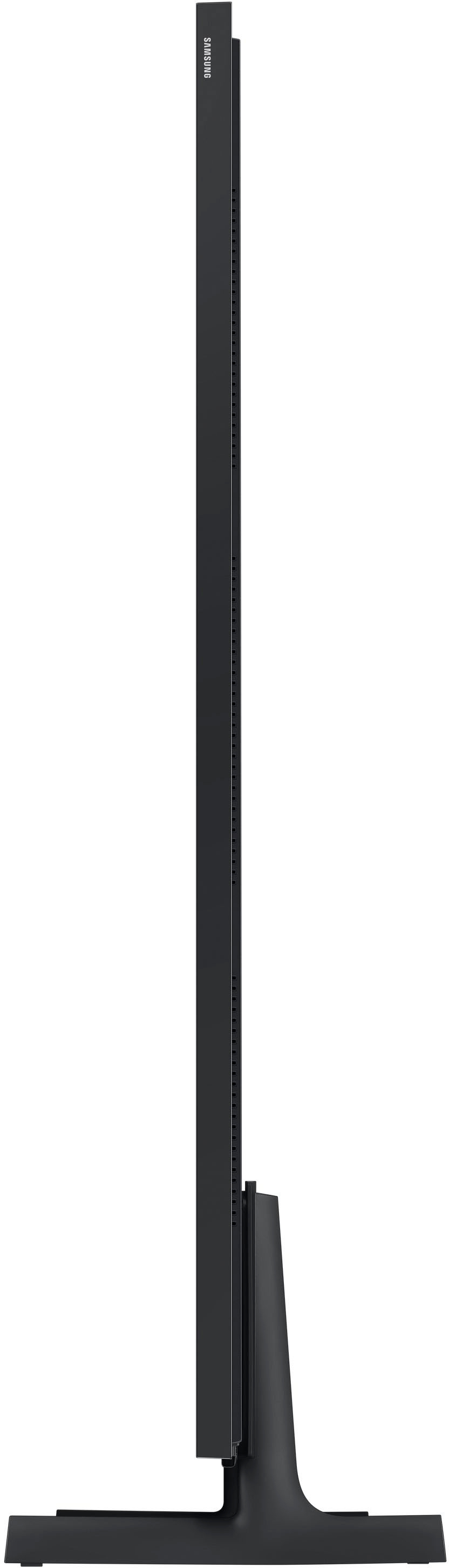
A:AnswerMarT - The dimensions of the 65" Frame TV before attaching the bezel are 57.4" x 32.8" x 1" (WxHxD); when adding the Customizable Bezel, the dimensions are 57.48" x 32.97" x 1". ^Gina
A:AnswerAJ - The Frame TV comes with a SlimFit Wall Mount for mounting flush to the wall and will allow you to tilt the angle of your TV up to an additional 10-15 degrees.
~ Samsung Specialist
A:AnswerThe One Connect Box allows you to connect your cable or satellite box or video game system to your TV without having any unsightly wires dangling from the TV. Your TV is connected to the One Connect Box with the One Invisible Connection – a translucent cable allowing you to place your TV accessories wherever works best for you.
~ Samsung Specialist
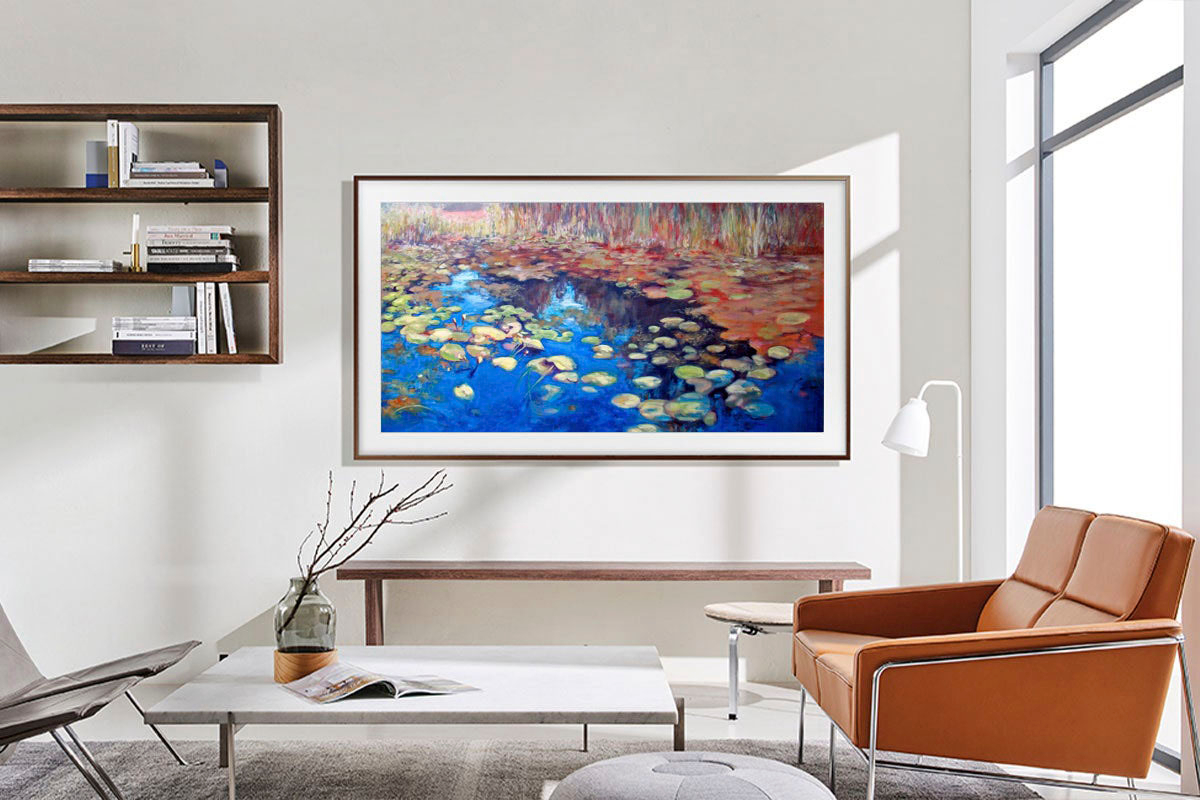
A:AnswerHi artguy! You can absolutely upload your own artwork. You're not limited to the works of art in the Samsung Collection. You can upload your own photography, family portraits and other memories with the SmartThings app or via a USB drive. We recommend using photos with a ratio of 16:9 and resolution of 3840 x 2160 when uploading your own photos. For a list of supported image formats, please refer to The Frame TV's e-Manual: https://downloadcenter.samsung.com/content/UM/202203/20220303092336863/OSNATSCB-3.2.0_EM_Oscar_Pontus_Nike_Kant-SU2e_USA_M-SPA_220216.0.pdf ^Gina