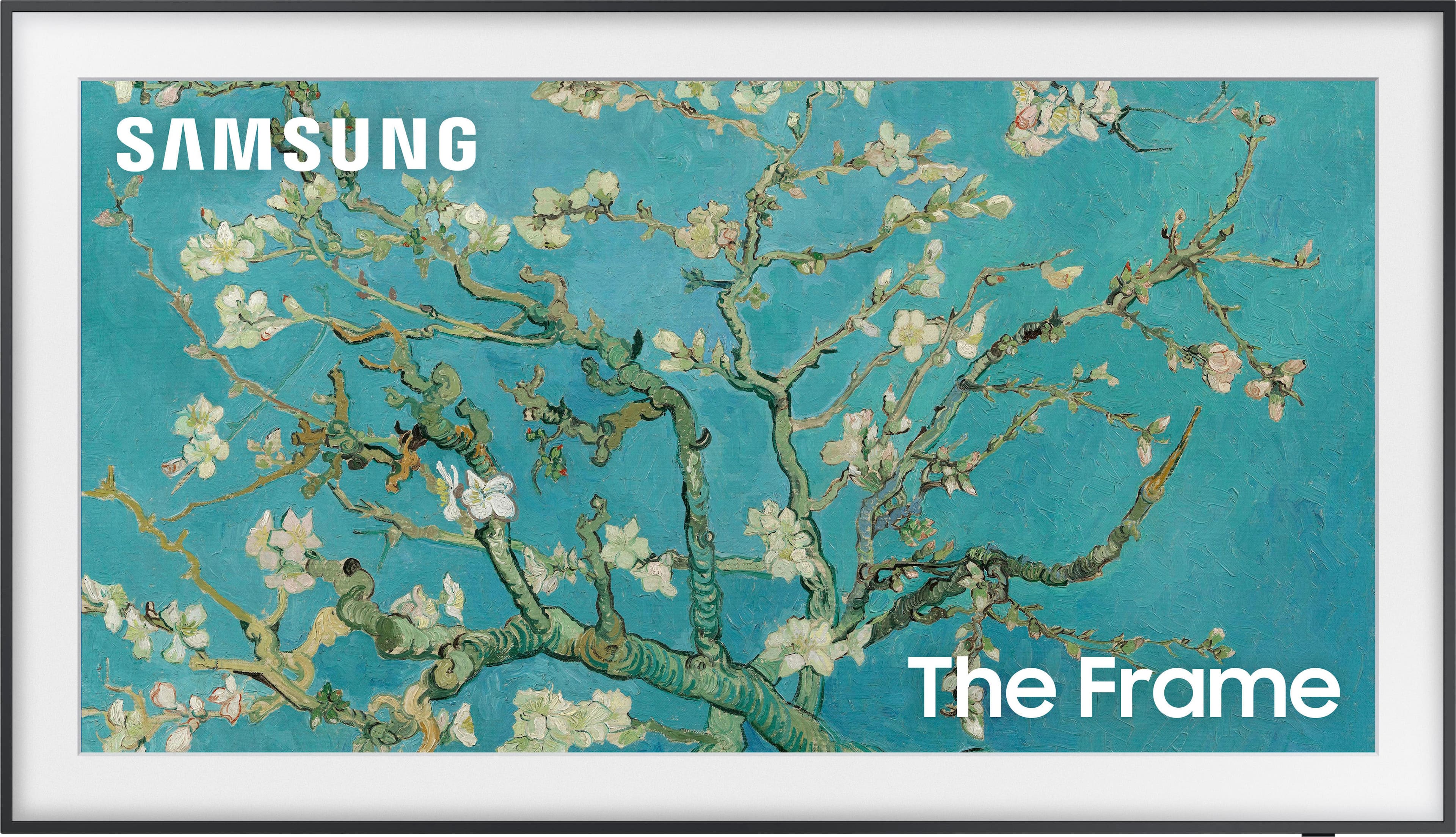
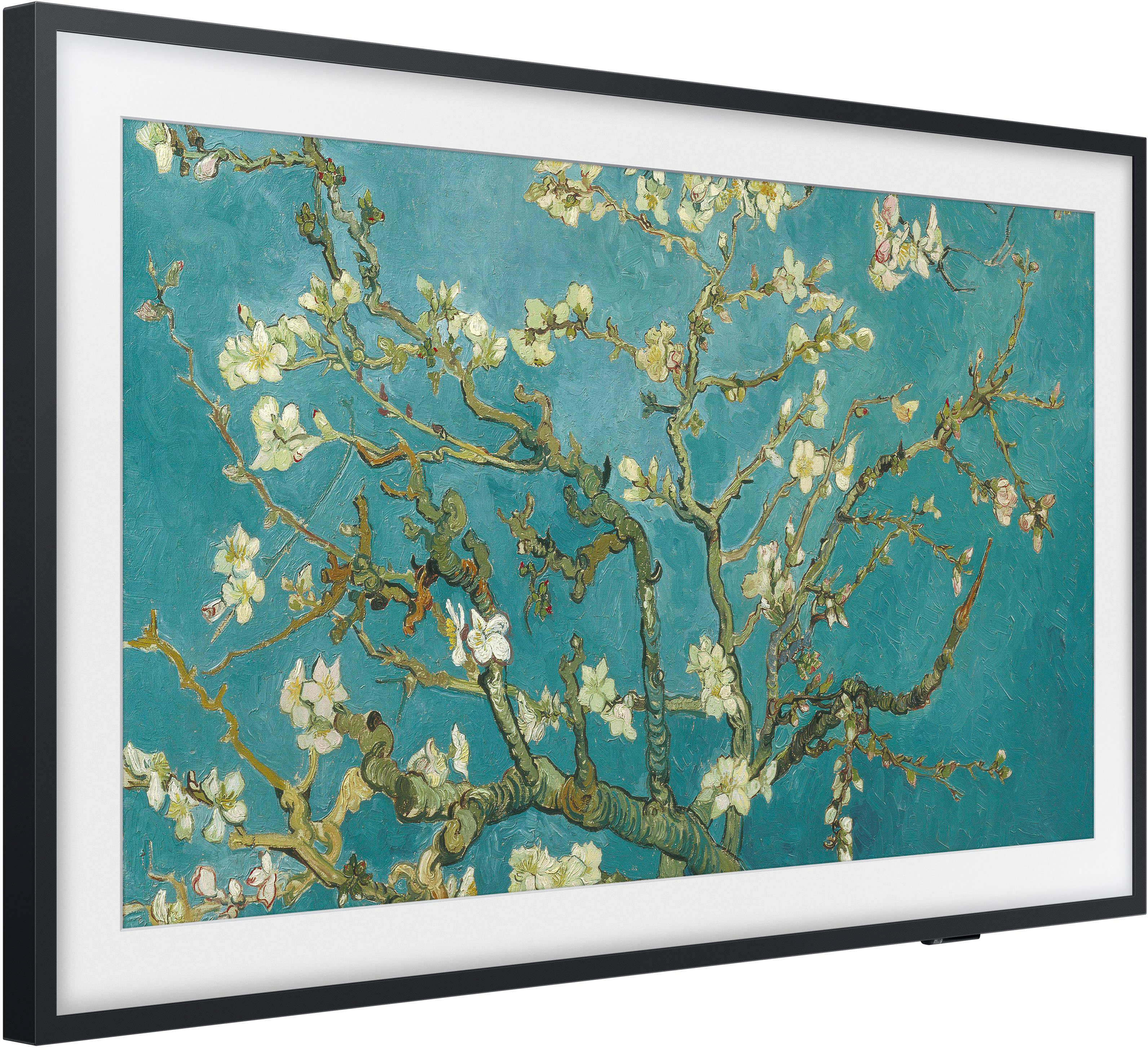
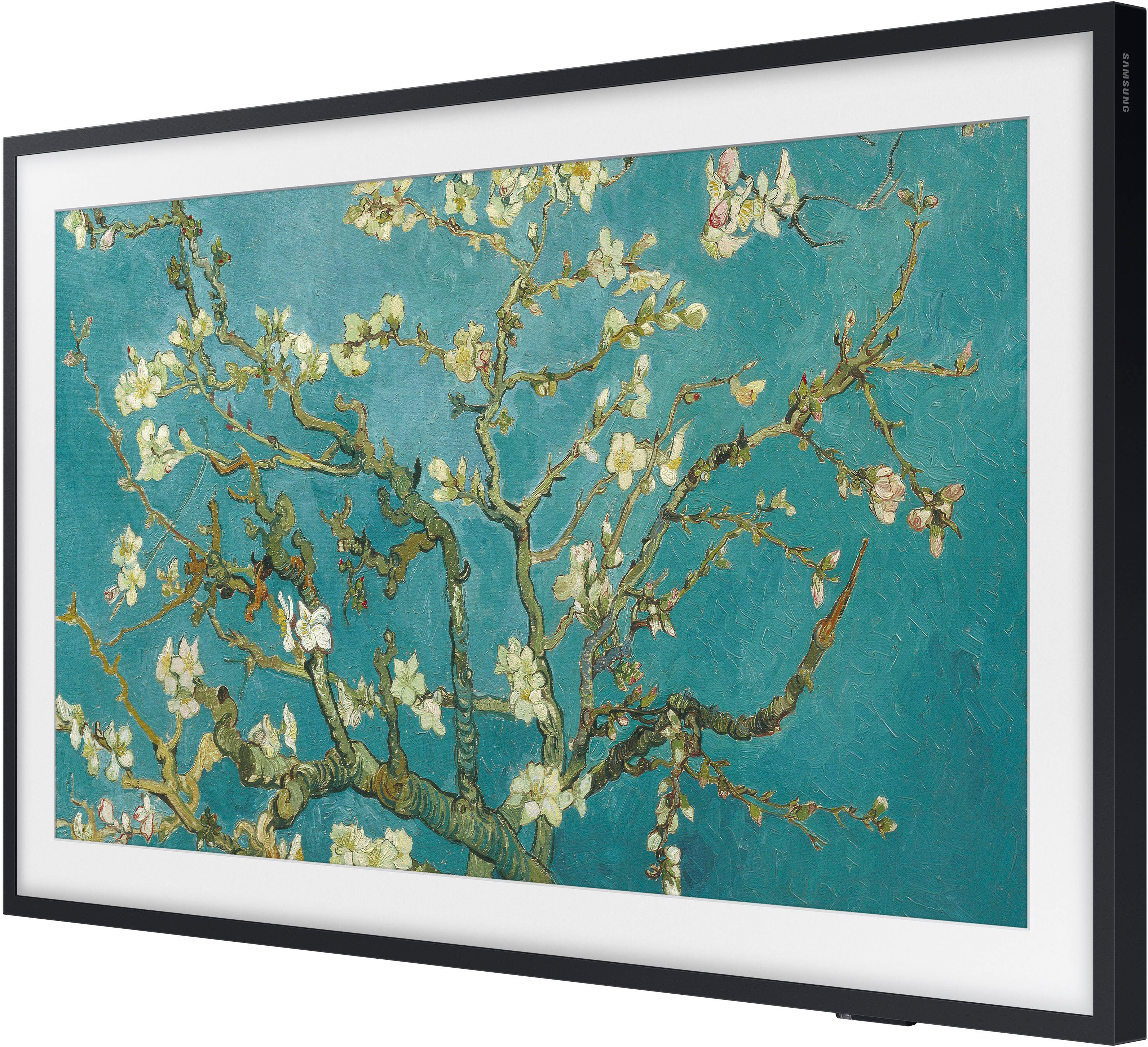
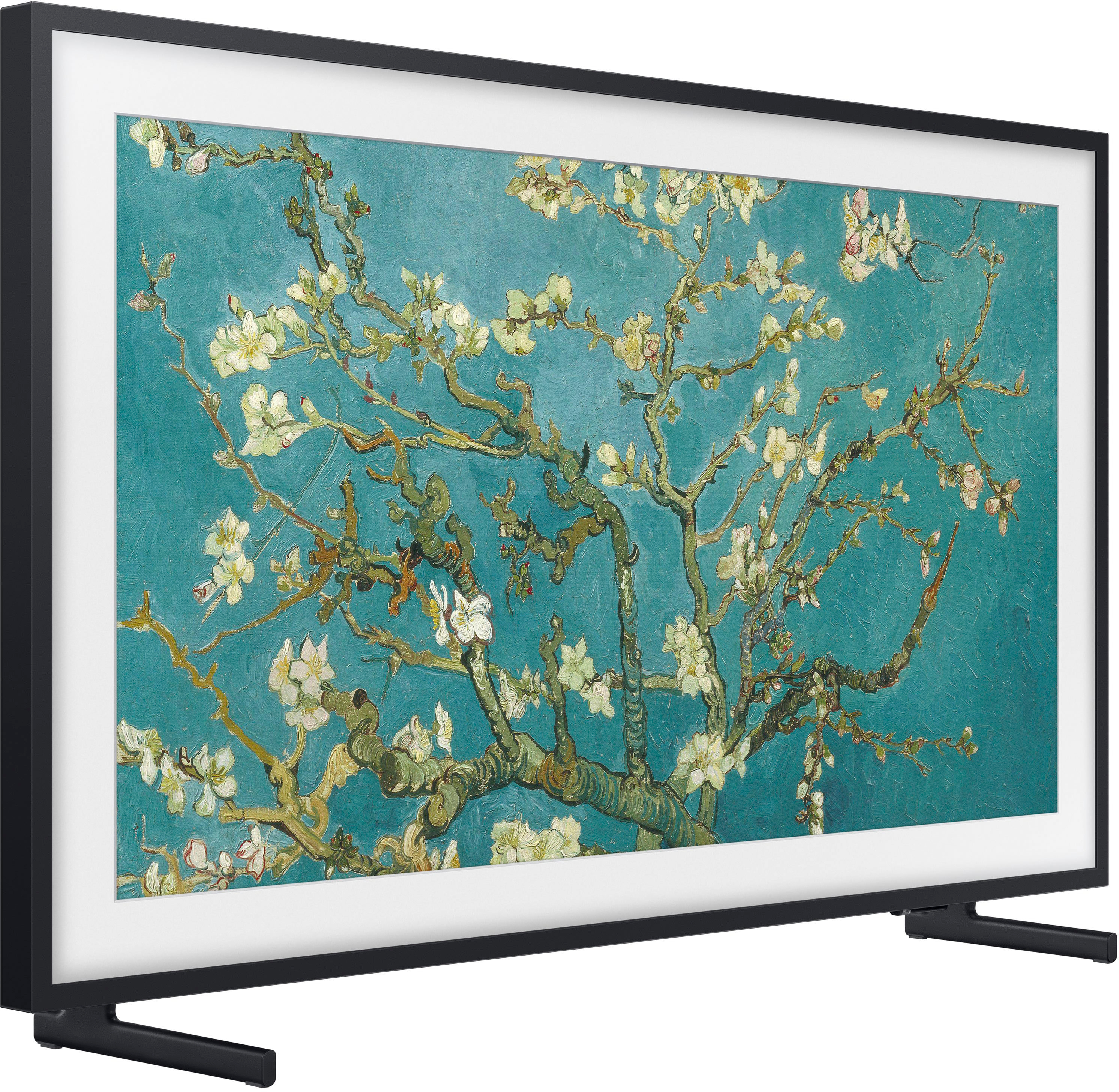
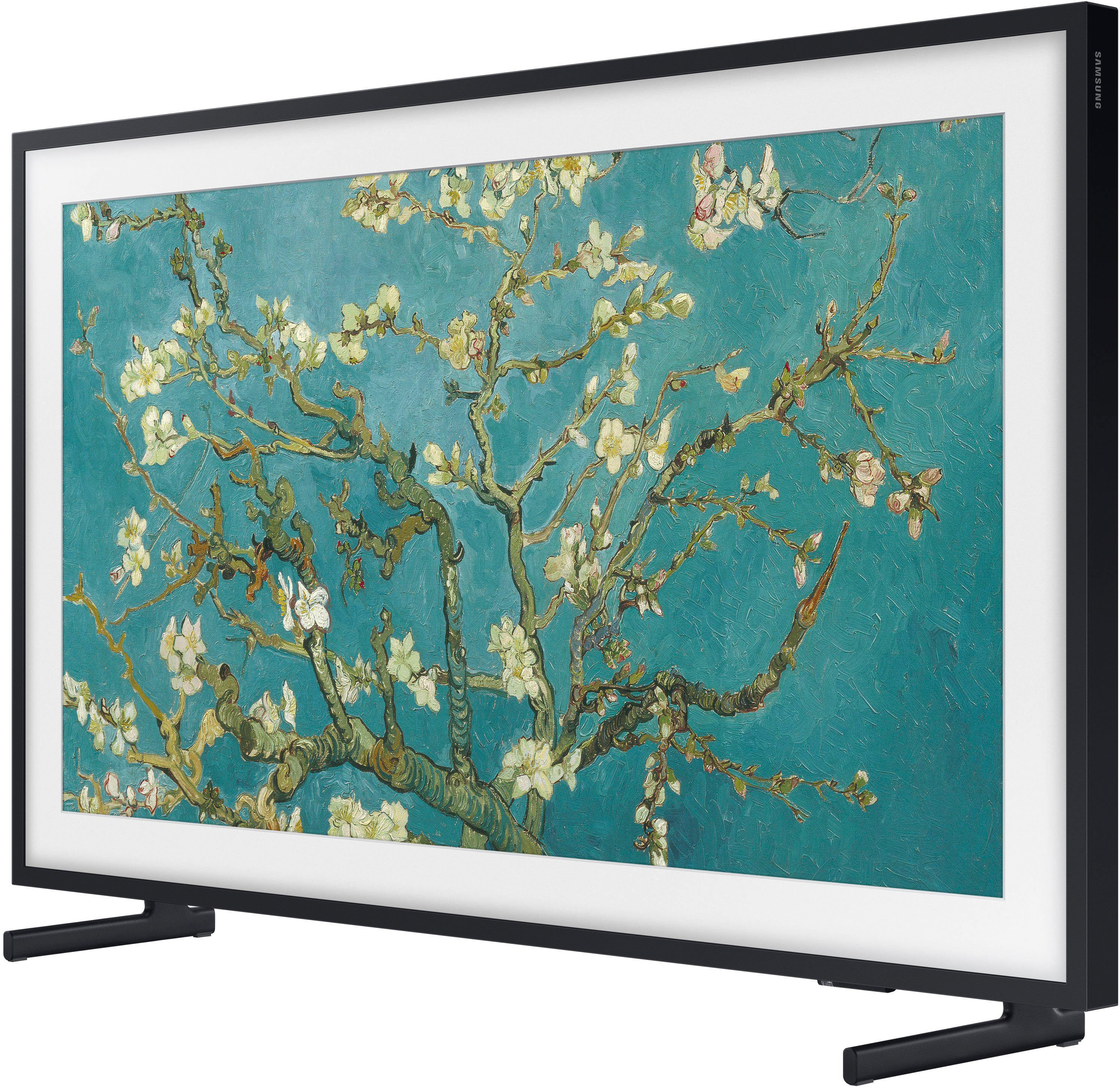
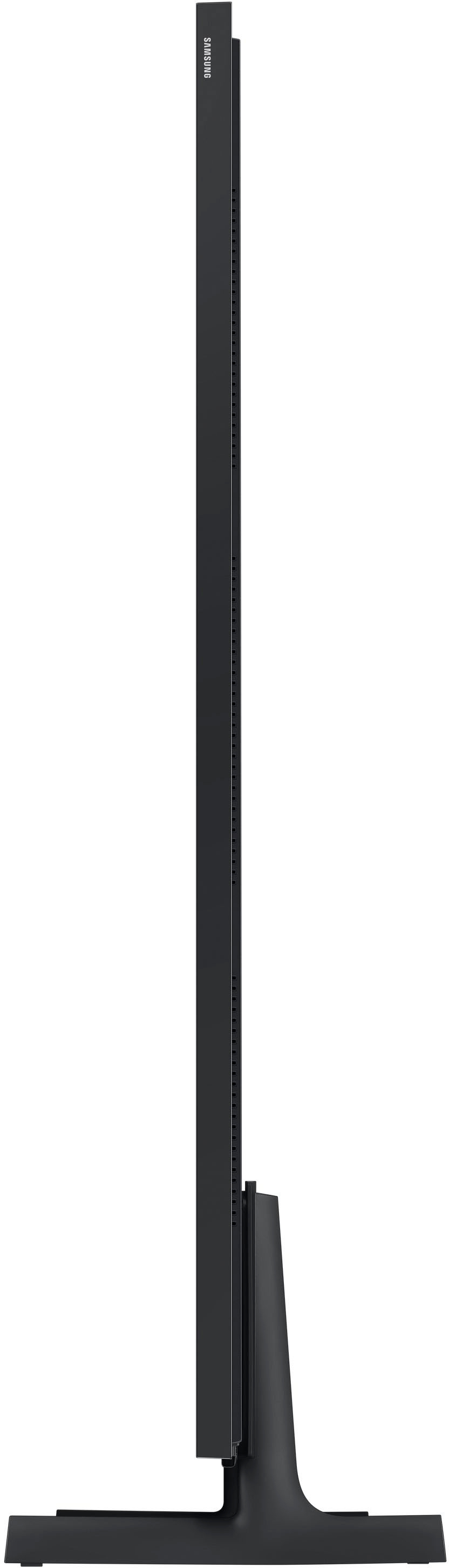
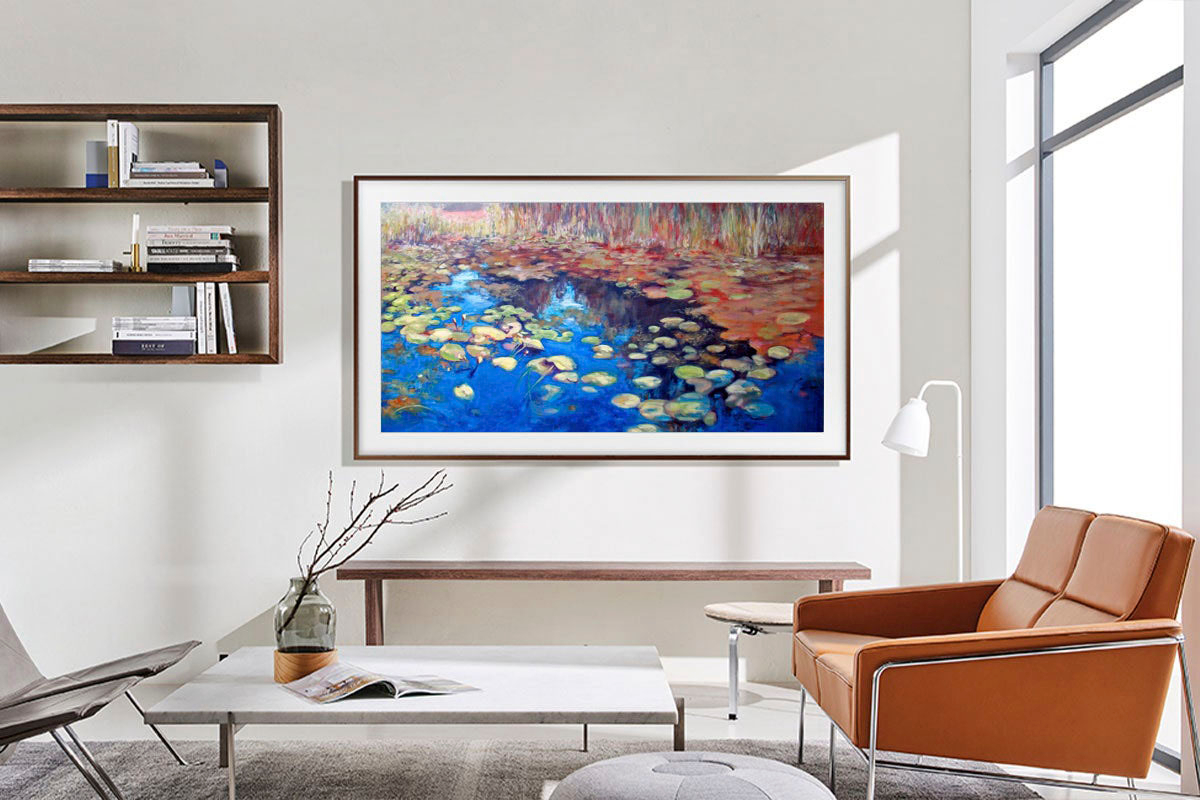
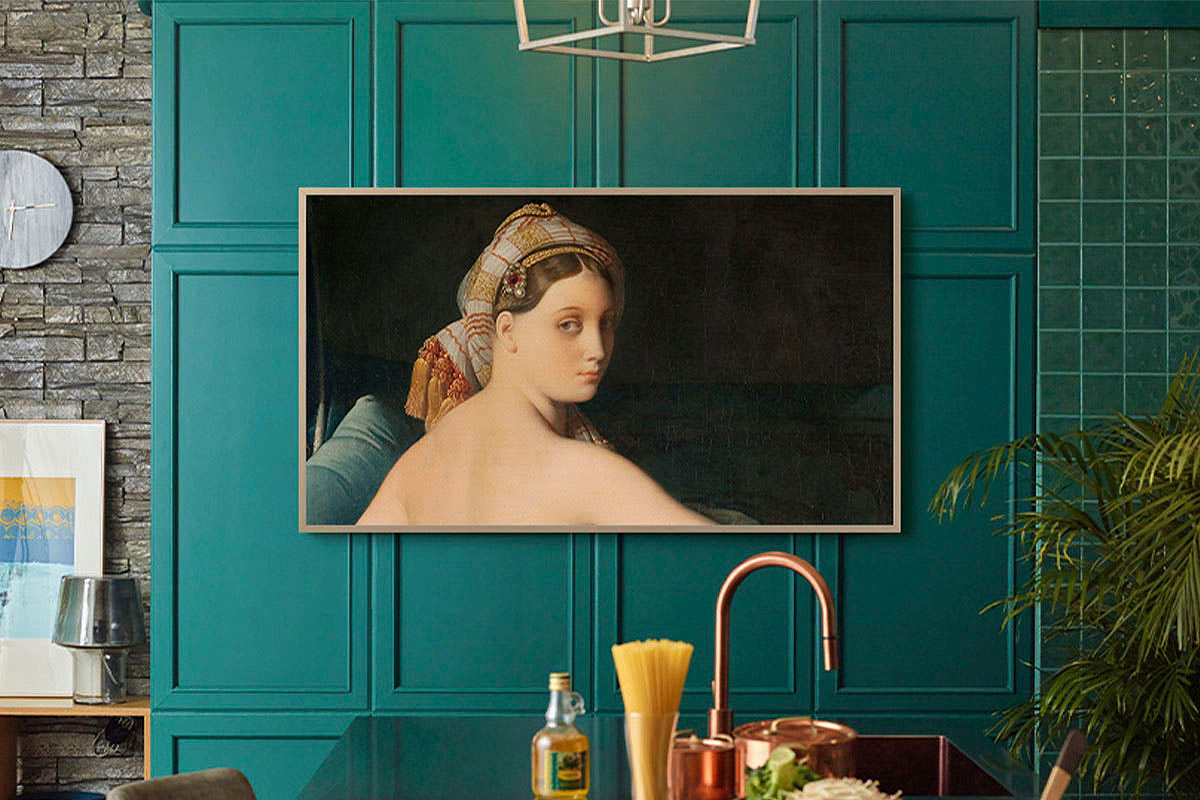
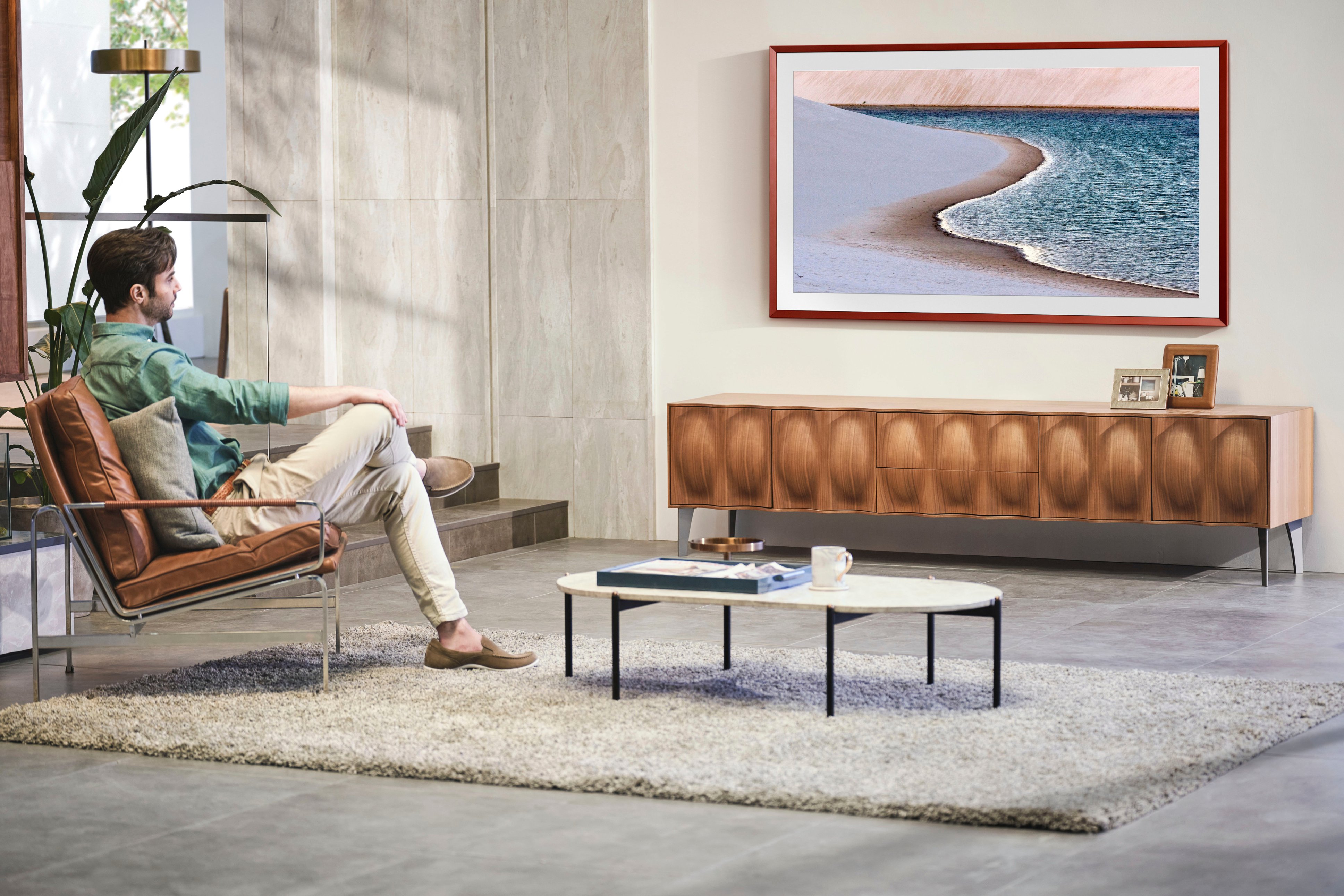
A:AnswerThe Frame TV is designed to withstand prolong display of art and photos and are not prone to screen burn out issues as other TVs. Motion sensors are embedded to display photos only when it detects someone in the room, otherwise the TV will move to standby mode.
~ Samsung Specialist
A:AnswerWhile I don't know the VESA support of your existing wall mount, the 65" Frame TV can use any type of universal wall mount that supports a VESA pattern of 400mm x 300mm.
~ Samsung Specialist
A:AnswerKenny - Yes, an antenna can be connected. If you need help with setup, please give us a call at 1-800-SAMSUNG, 8AM - 12AM EST, 7 days a week, or Chat with us on Samsung.com: https://www.samsung.com/us/support/contact/
~ Samsung Specialist
A:AnswerFitz1234 - You can find these measurements on this model’s product page – just click Show Full Specs and scroll down to Box Dimension: https://www.bestbuy.com/site/samsung-65-class-the-frame-qled-4k-uhd-smart-tizen-tv/6503087.p?skuId=6503087
~ Samsung Specialist
A:AnswerRob - The Frame is a Bluetooth enabled TV that'll seamlessly pair with other Bluetooth enabled devices (such as your soundbar).
~ Samsung Specialist
A:AnswerWhile The Frame TV does not rotate like The Sero, you can still screen mirror on both models (via SmartThings on Android devices and AirPlay on iOS).
~ Samsung Specialist
A:AnswerHi Dan - You can charge the Solar Cell Remote by using the solar cell or the USB-C port on the bottom of the remote. You can charge the solar cell by leaving the back of the remote facing up. It will charge with either sunlight or indoor light. If you use the USB-C port, a red light will let you know that it is charging. The USB-C cable is not included.
~ Samsung Specialist
A:AnswerJames - Although The 65" Frame TV does not feature out-of-the-box Vertical/Portrait support, it can be used in Portrait Mode when attached to the Auto Rotating Wall Mount (Model: VG-ARAB43WMTZA).
~ Samsung Specialist