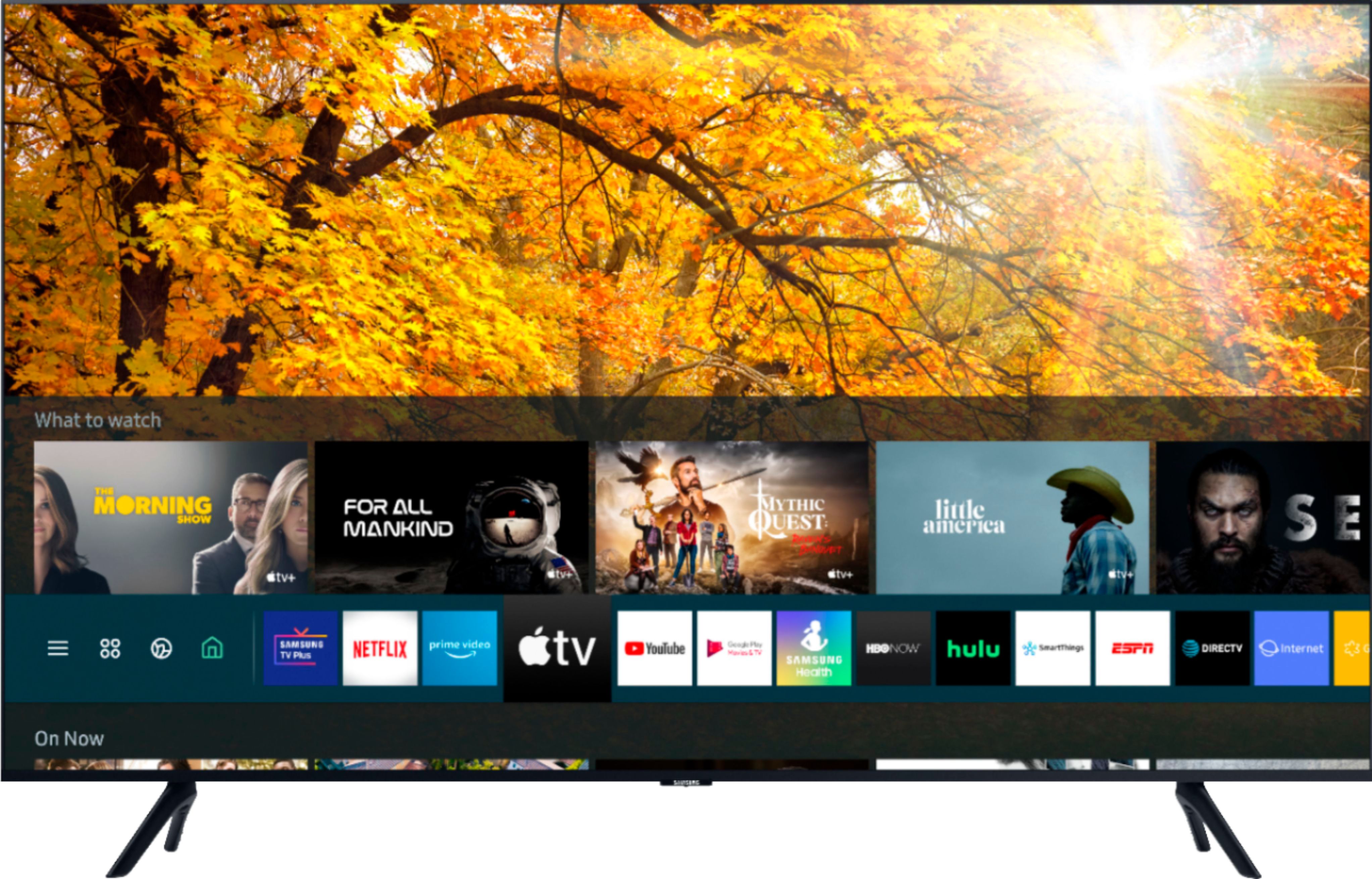
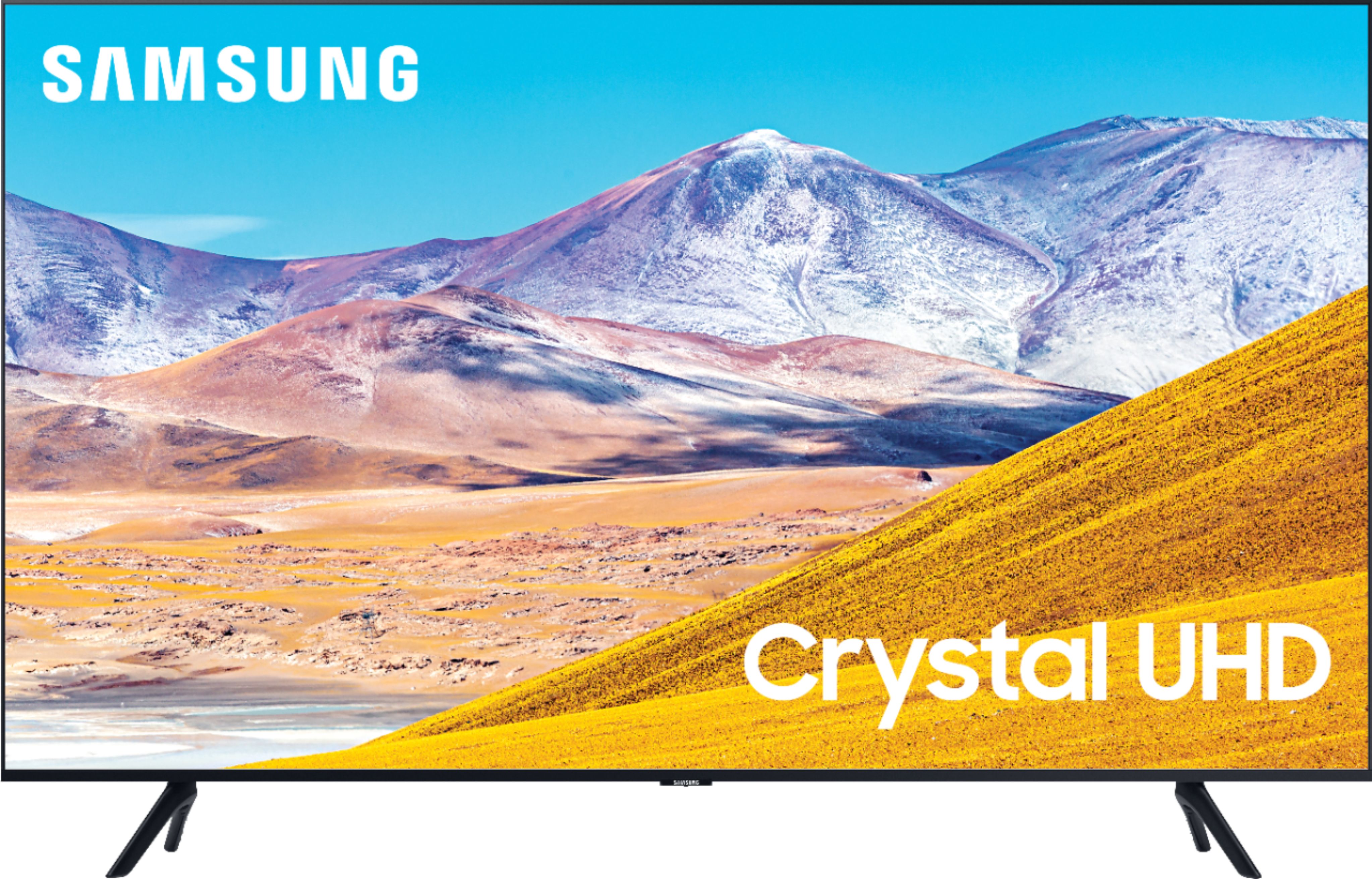
A:AnswerHi Joe, the TU8000 comes with Samsung TV Plus which offers hundreds of free channels of news, sports, movies, and much more. If you do use a Firestick, the included universal remote can be set-up to control all your connected devices, included a Firestick. ^Val
A:AnswerHi Ryan, I’m sorry to see that you are having difficulties playing audio from your stereo when using internet apps. So that we can better troubleshoot towards a solution, please reach out to Samsung Support at:
― Phone: 1-800-SAMSUNG / Available 8AM - 12AM EST, 7 days a week
― LiveChat or Email: https://www.samsung.com/us/support/#contact_us_for_support
We look forward to hearing from you. ^Val
A:AnswerHi Meg! Both Prime Video and Netflix apps will come preinstalled in your TV's App Launcher upon setup. HBO Max is available to download from your TV's built-in App Store. ^Gina
A:AnswerHi Madman! I'm sorry to see you're having trouble with picture quality while streaming Prime Video. So that we can better troubleshoot towards a solution, please reach out to Samsung Support at:
― Phone: 1-800-SAMSUNG / Available 8AM - 12AM EST, 7 days a week
― LiveChat or Email: https://www.samsung.com/us/support/#contact_us_for_support
We look forward to hearing from you. ^Gina
A:AnswerHi Richard, You can use both TV and Bluetooth device audio simultaneously on the TU8000. When this function is active, you can set the volume of the Bluetooth headphones higher than the volume of the TV speaker. First, make sure your Bluetooth headphones are paired. Press HOME on your TU8000 remote. Then go to Settings > General > Accessibility > Multi-output Audio. Find the device you'd like to pair. Check out some Bluetooth compatible headphones here: https://www.bestbuy.com/site/searchpage.jsp?_dyncharset=UTF-8&id=pcat17071&iht=y&keys=keys&ks=960&list=n&qp=features_facet%3DFeatures~Bluetooth%20Built-In&sc=Global&st=bluetooth%20headphones&type=page&usc=All%20Categories ^Jeremy

A:AnswerAbsolutely... I'm an Android user and my fiancé is an apple ios user and we have both streamed to the TV as it has Apple play capability as well.
A:AnswerIf the VGA to HDMI adapter didn't work, I think your only other option is to replace your VGA video card with an HDMI Video Card. You can get one for a desktop PC for $50 and they pop right in.
A:AnswerNo the bolts doesn’t come with it but it’s a quick set up guy in the box that will tell you what size screws to use with them out usually do mount comes with different sizes of bolts and washers in spaces
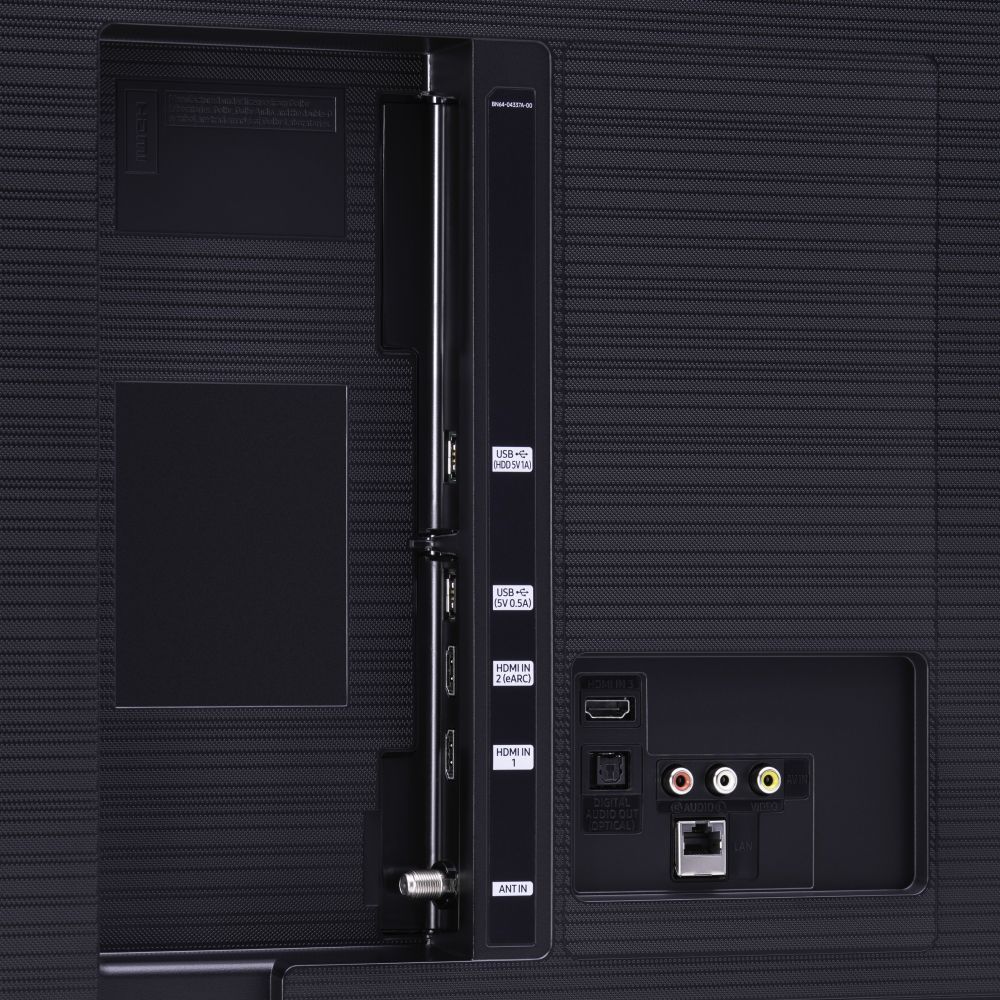
A:AnswerHi Brown! No, the TU8000 does not feature a headphone jack or 3.5mm output. The TU8000 features HDMI, digital optical, and Bluetooth audio technology for connecting to external devices. ^Tim
A:AnswerHi Sam! While we highly recommend keeping your TV straight up while transporting, you may also be able to slightly tilt the TV box in your vehicle as long as the TV screen is facing up. ^Gina