A:Answer Hi TheSump,
The Samsung One Remote doesn’t output infrared (IR) signals by default, so you will need to update a few Settings on your AU8000 TV.
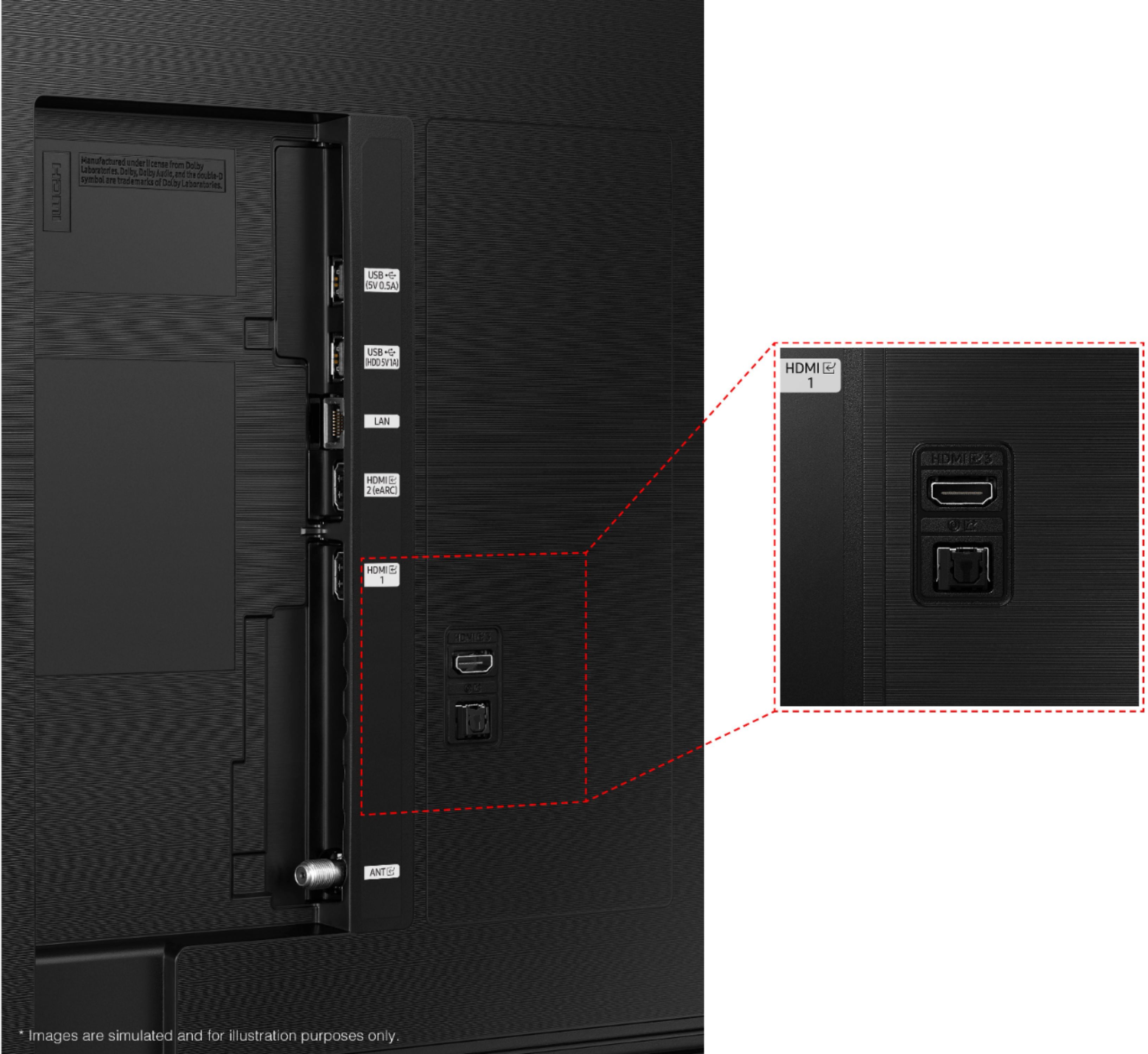
First, to use the Sonos 2 app, you must connect your Sonos System via an Optical cable.
Next, go to Sources>Universal Remote> Start.
Then go to New Device> Home Theater System. Type Sonos in the search box and select Optical for the input.
Then you will be asked to do a power test. Select the Power Test button. When it asks you if it worked, select Yes and then Done.
Finally, go to the Universal Remote setup menu and select one of the other input devices you've added (cable box or Blu-ray player). Select the other input devices and choose Use with Home Theater. The repeat for all active inputs.
If you continue to have issues, please give us a call so we can better assist you. Call us at 1-800-SAMSUNG, 8 AM - 12 AM EST, seven days a week. Our LiveChat agents are also available by clicking on the ‘Support’ link on our website.
~ Samsung Advisor