A:AnswerHi Don,
The DU7200 TV is Bluetooth-enabled, but I would recommend contacting your specific hearing aid manufacturer to make sure it's compatible. When connecting to a Bluetooth device, you can utilize Dual-Audio, which allows you to play the sound through a Bluetooth device and the speakers.
You can connect a Roku stick via USB or HDMI.
I hope this helps!
~Samsung Advisor
A:AnswerHi Memaw,
You can control external devices connected to the TV using the Samsung universal remote control included with your TV. Connect an external device to the HDMI port of the TV, and then power on the external device. Your TV will automatically recognize the device when connected through HDMI, and will switch the output. If it doesn’t automatically detect, press Source and select Universal Remote to continue the setup process for the Universal Remote.
~Samsung Advisor
A:AnswerHi Yahoo808,
TV features built-in 802.11ac Wi-Fi allowing you to connect to both 2.5GHz and 5GHz Wi-Fi bands. Wi-Fi 6e is featured starting at the Samsung QN800D Series TV.
~Samsung Advisor
A:AnswerHi there,
To best understand your question, please reach out to us at 1-800-SAMSUNG, 8 AM – 12 AM EST, 7 days a week, or Chat with us on Samsung.com: https://www.samsung.com/us/support/contact/
~ Samsung Advisor
A:AnswerHi,
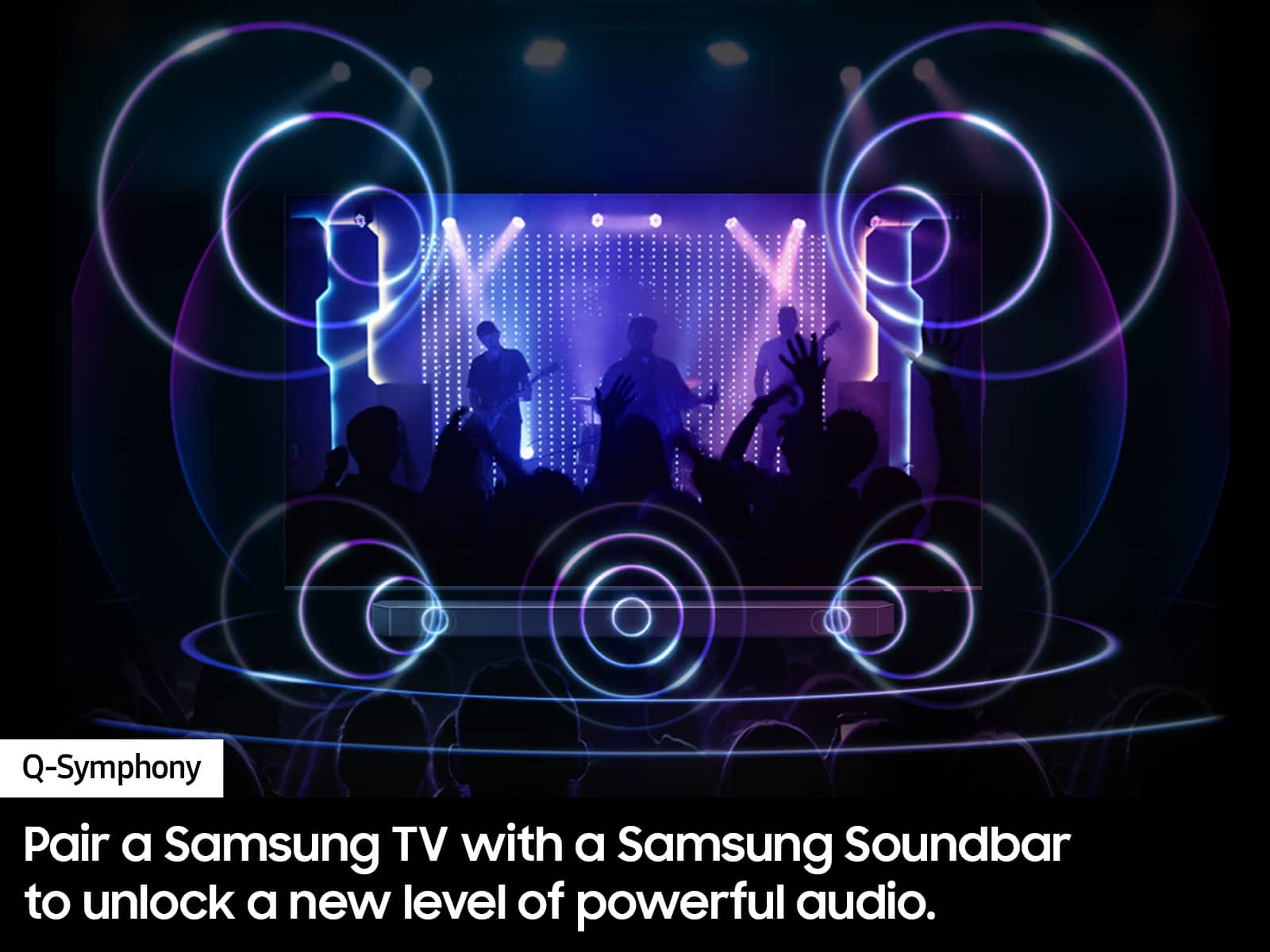
The DU7200 TV features 20 Watt 2 Channel audio with Dolby Digital Plus and Object Tracking Sound Lite (OTS Lite) giving you immersive 3D surround sound with strategically placed dynamic speakers that move the sound around you. However, the Samsung Q-Series Soundbar would be a great addition, as they feature Q-Symphony, which will synchronize with the speakers of your TV for an immersive 3D sound experience.
~Samsung Advisor
~Samsung Advisor
A:AnswerHi there,
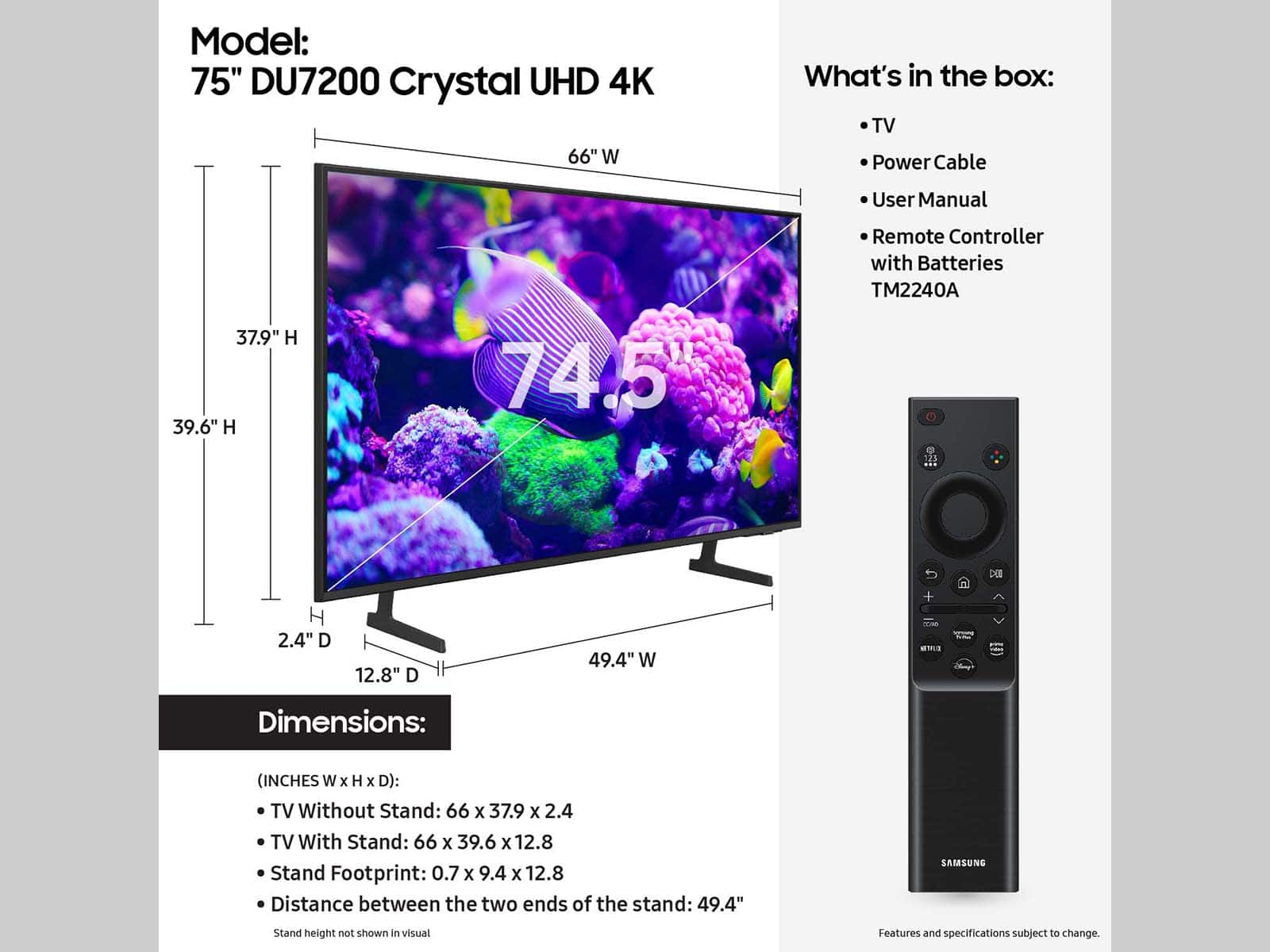
To find the product dimensions, go to the product page and scroll down to "Specs". There you will find the dimensions of the product and the box. https://www.bestbuy.com/site/samsung-75-class-du7200-series-crystal-uhd-4k-smart-tizen-tv/6575097.p?skuId=6575097
~Samsung Advisor