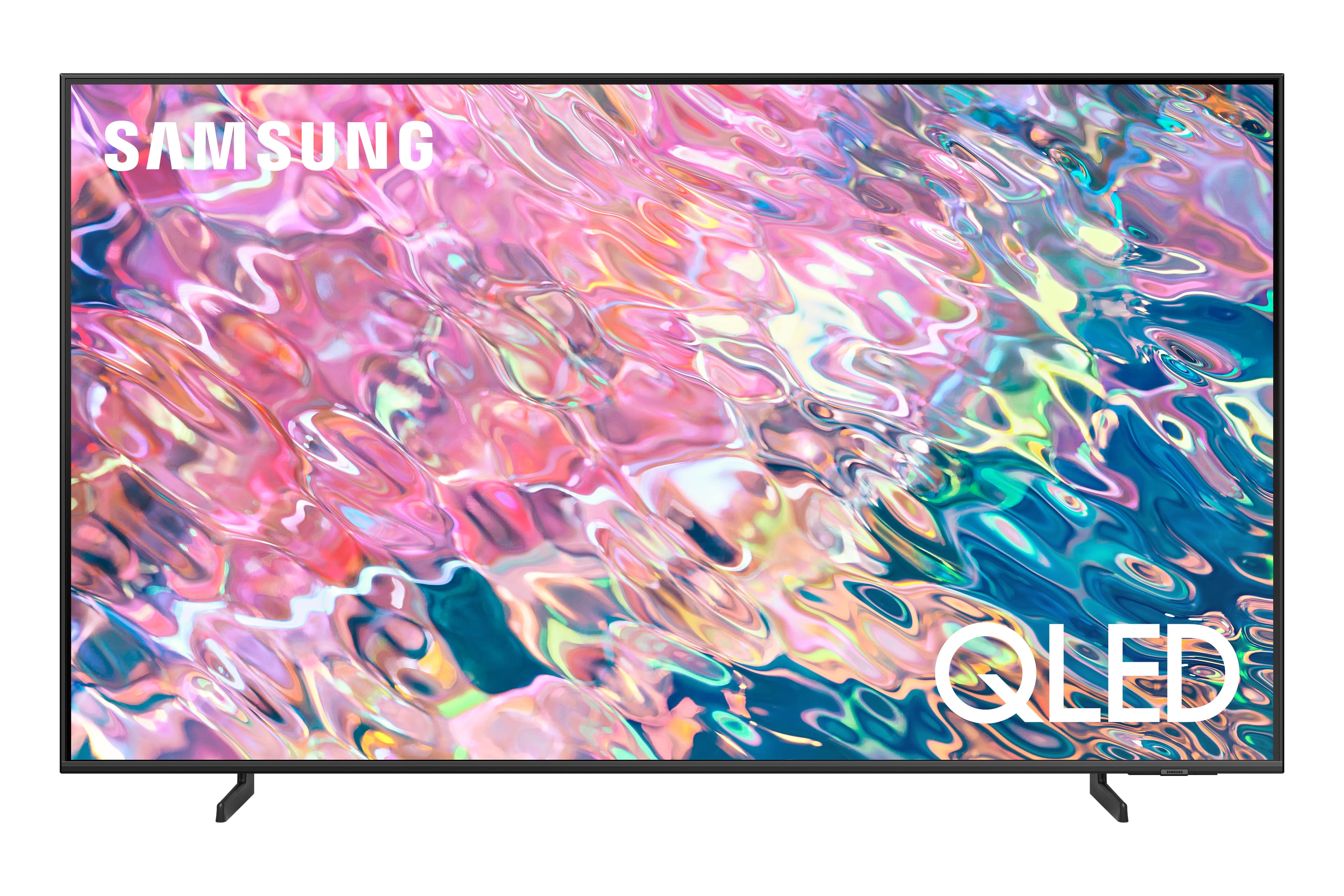
A:Answer FJ - When using Google Assistant on your Q60B, please know your TV needs to be connected to the Internet to receive voice commands. When it's powered off, the Internet disconnects, and your TV will not be able to receive commands. To turn on your TV with Google Assistant, you will need a standalone Google Home device. From there, you will need to ensure:
1. Your Q60B is added to the SmartThings app, which can be downloaded on your Smartphone.
2. Your Google Home device is connected to the Internet.
3. The SmartThings Skill is enabled within the Google Home app.
Should you have further questions, please reach out to Samsung Support at: 1-800-SAMSUNG, 8AM - 12AM EST, 7 days a week, or Chat with us on Samsung.com: https://www.samsung.com/us/support/contact/
~ Samsung Specialist