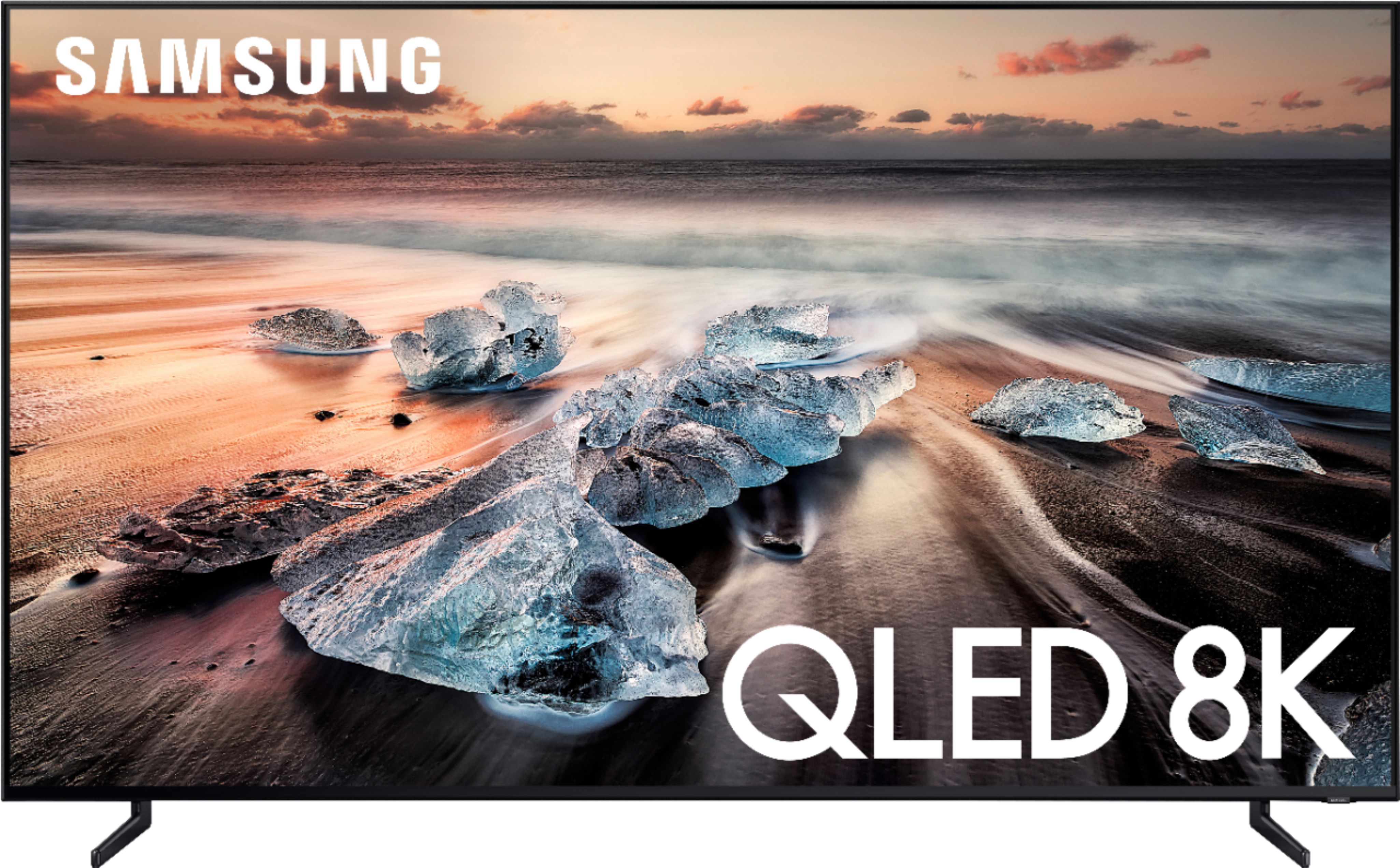
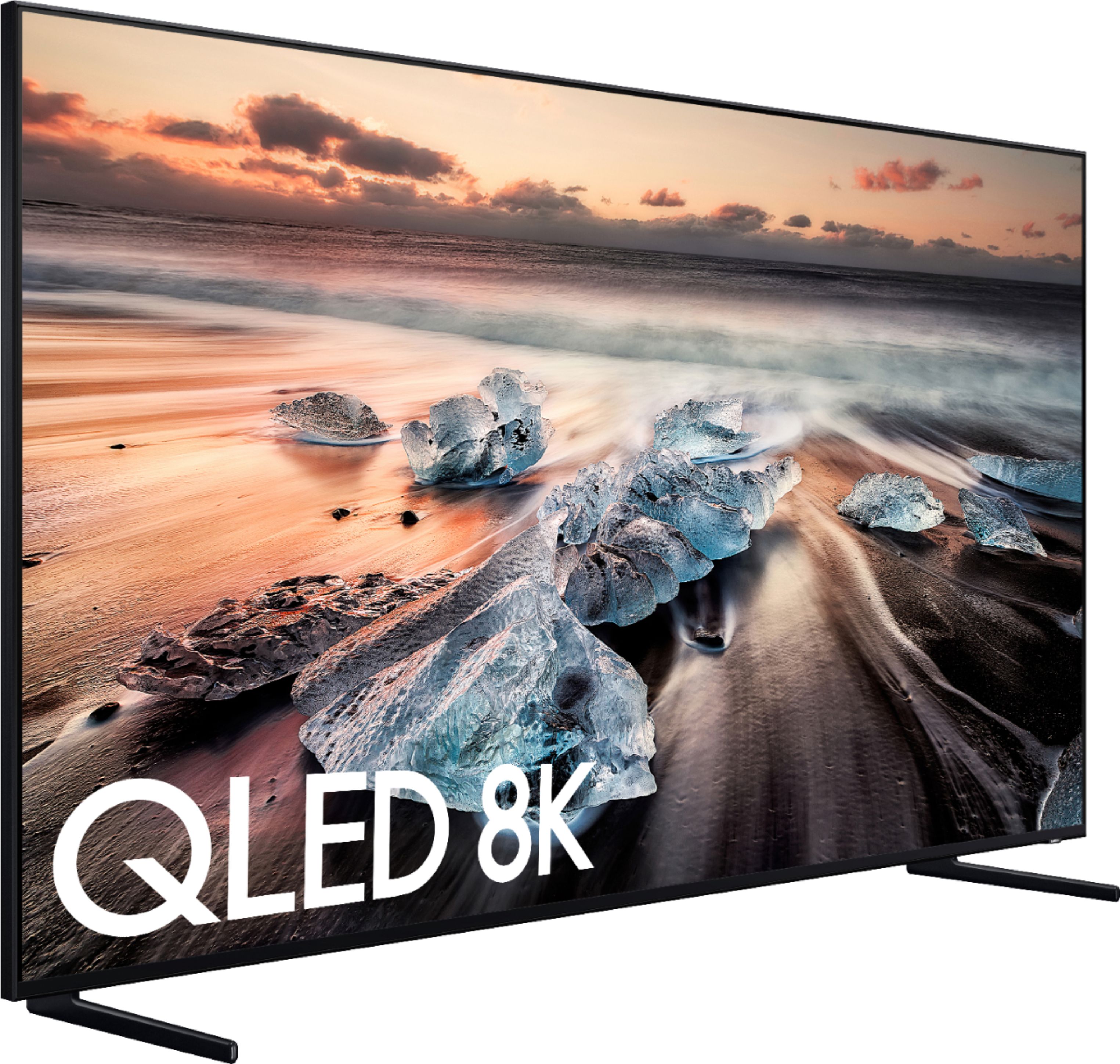
A:Answer8k reduces aliasing and shimmer in pictures and creates a more 3D looking image. It also allows larger TVs to retain their sharpness vs smaller size TVs. Upscaling is the name of the game here.
A:AnswerThere are two options for placement of legs when the TV comes in. I preferred the legs near the outside edges of the TV since I have a fairly large TV stand. I believe the distance between them at the middle sockets would probably be around 2.5 feet.
A:AnswerThe product dimensions are;
Product Height With Stand
40.4 inches
Product Width
66 inches
Product Depth With Stand
13.3 inches
Product Height Without Stand
38 inches
Product Depth Without Stand
1.4 inches
Product Weight With Stand
92.2 pounds
Product Weight Without Stand
89.7 pounds
A:AnswerYour best bet is to go to https://www.samsungparts.com/Default.aspx and try to order one. Other than that I have only seen them for sale by third party or used. Hope that helps.
A:AnswerI started off to buy a Sony 4K, but when my wife and I went to buy we did not like the Sony anymore because of the glare. So we stated to look at the Samsung 4K until my wife looked at the display of the 8K and she said that's the one I want.
I would recommend this TV. WOW WOW what a picture. If you get a chance go to Best Buy and take look at it.
A:AnswerYou definitely don’t need a high end Dolby Atmos supported sound bar to get great quality sound. I have the Samsung 6 series hooked up to this tv and it’s incredibly fine.