











Main Content

Questions & Answers

Your price for this item is $699.99
The comparable value price is $999.99
Page Showing 1-20 of 63 questions
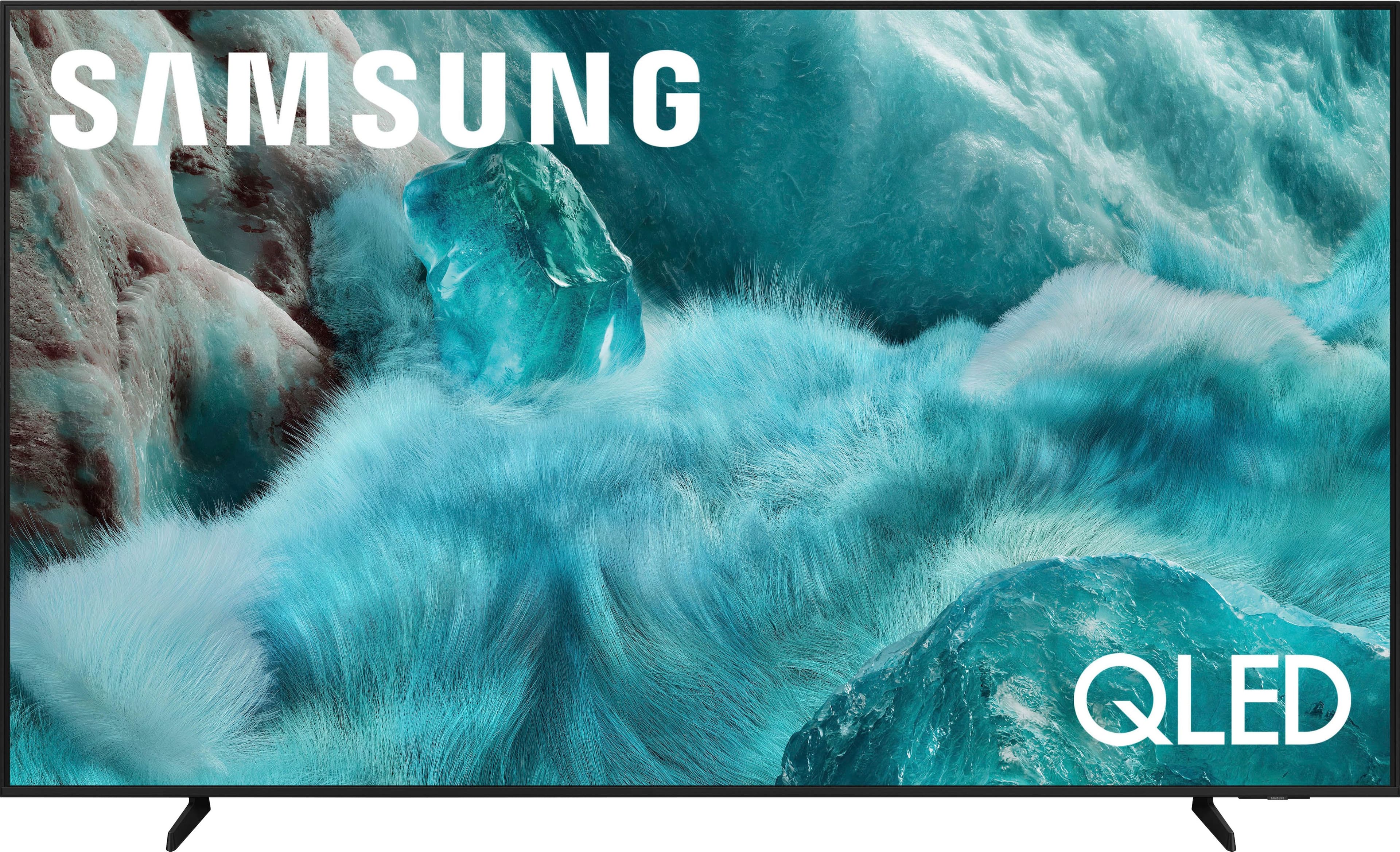
  • QuestionWhat is the benefit of having a QLED panel in this Samsung TV?

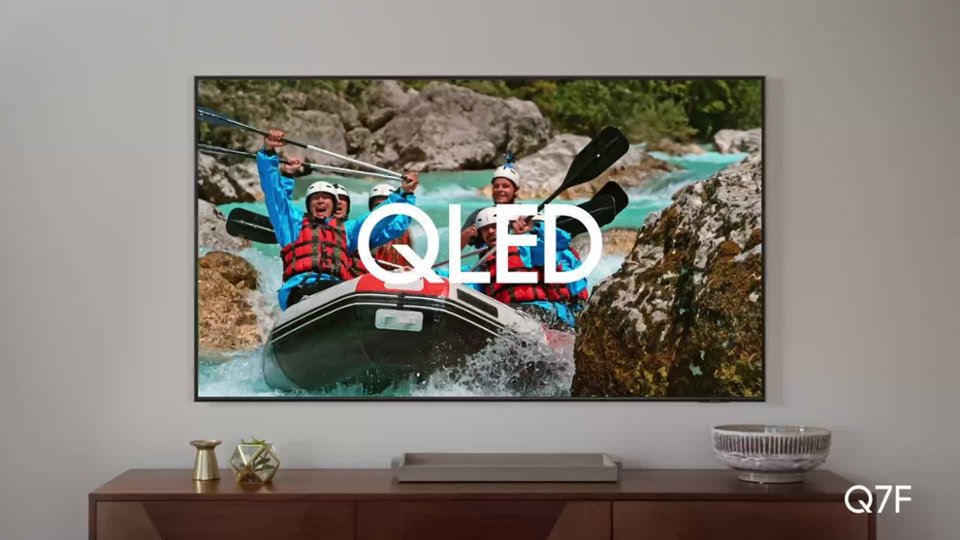
    • Answer With Nano-sized Quantum Dots in the QLED panel, you can see 100% Color Volume in everything you watch, no matter how bright or dark the scene is, allowing you to admire billions of shades at any brightness level.
    This question and answer was generated by AI based on customer and product data.

  • QuestionCan I connect a soundbar to this Samsung TV?

    • Answer Yes, you can connect a compatible soundbar to this Samsung TV and experience the enhanced audio output with Q-Symphony technology.
    This question and answer was generated by AI based on customer and product data.
  • QuestionWhat is the screen resolution of this Samsung TV?

    • Answer This Samsung TV has a 4K resolution (2160p).
    This question and answer was generated by AI based on customer and product data.
  • QuestionDoes this Samsung TV have a built-in speaker system?

    • Answer Yes, this Samsung TV comes with 2 built-in speakers and 2 audio channels.
    This question and answer was generated by AI based on customer and product data.
  • QuestionWhat version of Bluetooth does this Samsung TV use?

    • Answer This Samsung TV is equipped with Bluetooth version 5.2.
    This question and answer was generated by AI based on customer and product data.
  • QuestionDoes this Samsung TV support HDR content?

    • Answer Yes, this TV supports HDR content and features Quantum HDR technology with HDR10+ dynamic tone mapping for an enhanced viewing experience.
    This question and answer was generated by AI based on customer and product data.
  • QuestionHow does the Object Tracking Sound Lite feature enhance the viewing experience?

    • Answer Object Tracking Sound Lite uses a virtual top channel to place and move every sound in sync with the on-screen action, creating a more immersive audio experience.
    This question and answer was generated by AI based on customer and product data.
  • Questiondoes this tv have good brightness? is it good for watching sports? any motion blur?

    Asked by SammyThree.

    • Answer I say that it is good for sports view and have not encountered any blurs.

      Answered by JarrettW

  • QuestionHow is the volume on this tv?

    Asked by Jess.

    • Answer Honestly its fantastic for stock tv speakers my GF argued we didnt need to hookup my reciever and wanted to save space on the tv stand haha sadly im a nerd for audio but i would say the average joe would have no problem rocking the standard speakers they actually sound decent

      Answered by Rmcf

  • Questionwhat is the distance vertically between wall mount holes?

    Asked by Anonymous.

    • Answer The 75" Q7F features a VESA pattern of 400mm x 400mm. ~ Samsung Specialist

      Answered by Samsung

  • QuestionDoes it have the spectrum app?

    Asked by Anonymous.

    • Answer Yes, Spectrum App is preloaded on the tv.

      Answered by user545225

  • QuestionCan I adjust the width of the stand legs?

    Asked by Fred.

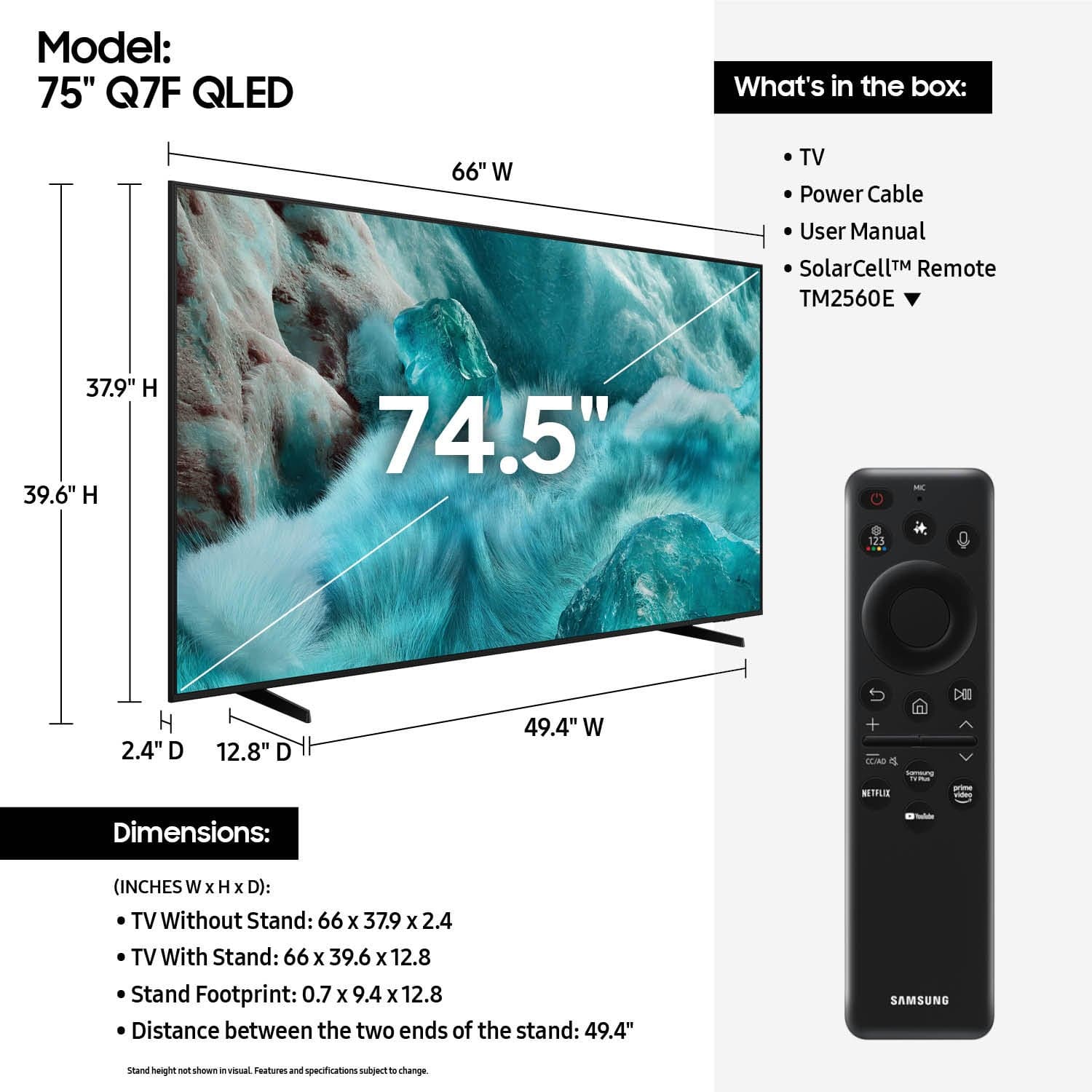
    • Answer Hi Freddie - The leg width of the 75” Q7F is adjustable between two positions: 49.4” or 13.6”. ~ Samsung Specialist

      Answered by Samsung

  • QuestionDoes this television allow for more than one Bluetooth set of headphones simultaneously?

    Asked by Anonymous.

    • Answer Dual Bluetooth Audio allows you to connect multiple Bluetooth devices – for instance, you can pair 2 headsets to your TV simultaneously. You can even stream 2 different audio contents to each headset when using the Multi View feature. To set this up, go to: Home > left directional key > Settings > All Settings > Sound > Sound Output > Bluetooth Speaker List, then connect the devices you’d like to pair (one at a time). When selecting the second device, select Multi Connect. ~ Samsung Specialist

      Answered by Samsung

  • QuestionWhich apps are installed

    Asked by Anonymous.

    • Answer The apps pre-installed on the 2025 Q7F are: SmartThings, Samsung TV Plus, Netflix, Prime Video, Disney+, Hulu, Apple TV, Peacock, Sling TV, YouTube, Bixby, and Internet. ~ Samsung Specialist

      Answered by Samsung

  • QuestionCan I connect my laptop to this tv.

    Asked by Allen.

    • Answer yes

      Answered by RobertS

  • QuestionWill my old Samsung sound bar work with this T.V.?

    Asked by JD.

    • Answer Yes, you can connect it using Bluetooth

      Answered by Great

  • QuestionHow do I put the stand on the tv

    Asked by Anonymous.

    • Answer Yes i have mine on a wall mount, the factory legs comes with two comes where to put it and even the level which is cool

      Answered by JonathanM

  • QuestionCan you easily screen mirror from iPhone using Apple AirPlay code?

    Asked by Hwells.

    • Answer Hi Hwells, Yes, to screen mirror from an Apple device using AirPlay, follow these steps: 1. Enable AirPlay on your Samsung TV. Go to: Home > left directional key > Settings > All Settings > Connections > Apple AirPlay Settings, and make sure AirPlay is turned On. 2. Connect your Apple device to the same Wi-Fi network as your Samsung TV. 3. Use Screen Mirroring on your Apple device I hope this helps! ~ Samsung Advisor

      Answered by Samsung

  • QuestionDoes this TV support Dolby Atmos?

    Asked by Newbie.

    • Answer Newbie - Built-in Dolby Atmos audio begins with our QN80F Neo QLED 4K. ~ Samsung Specialist

      Answered by Samsung

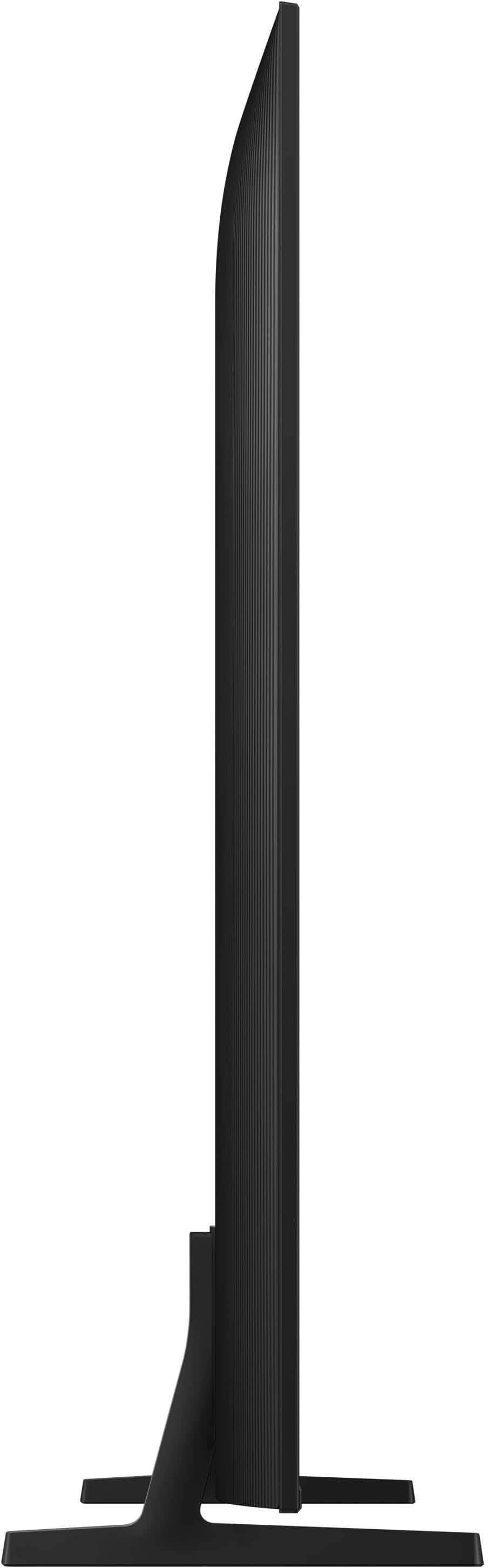
  • QuestionWhat us the side view like on the tv

    Asked by Lois.

    • Answer Hi Lois - The Q7F features Mega Contrast which automatically adjusts brightness and contrast, enhancing the difference between light and dark areas on the screen, so you can enjoy stunning picture quality. When stepping up, our Q8F adds Dual LED backlighting to deliver vivid images with improved contrast, off-axis viewing, and color accuracy. And starting with our QN90F, you’ll gain Wide Viewing Angle and Glare Free technology to provide you with wider viewing angles, enhanced color, and minimized glare to help you enjoy shows without distractions. ~ Samsung Specialist

      Answered by Samsung






