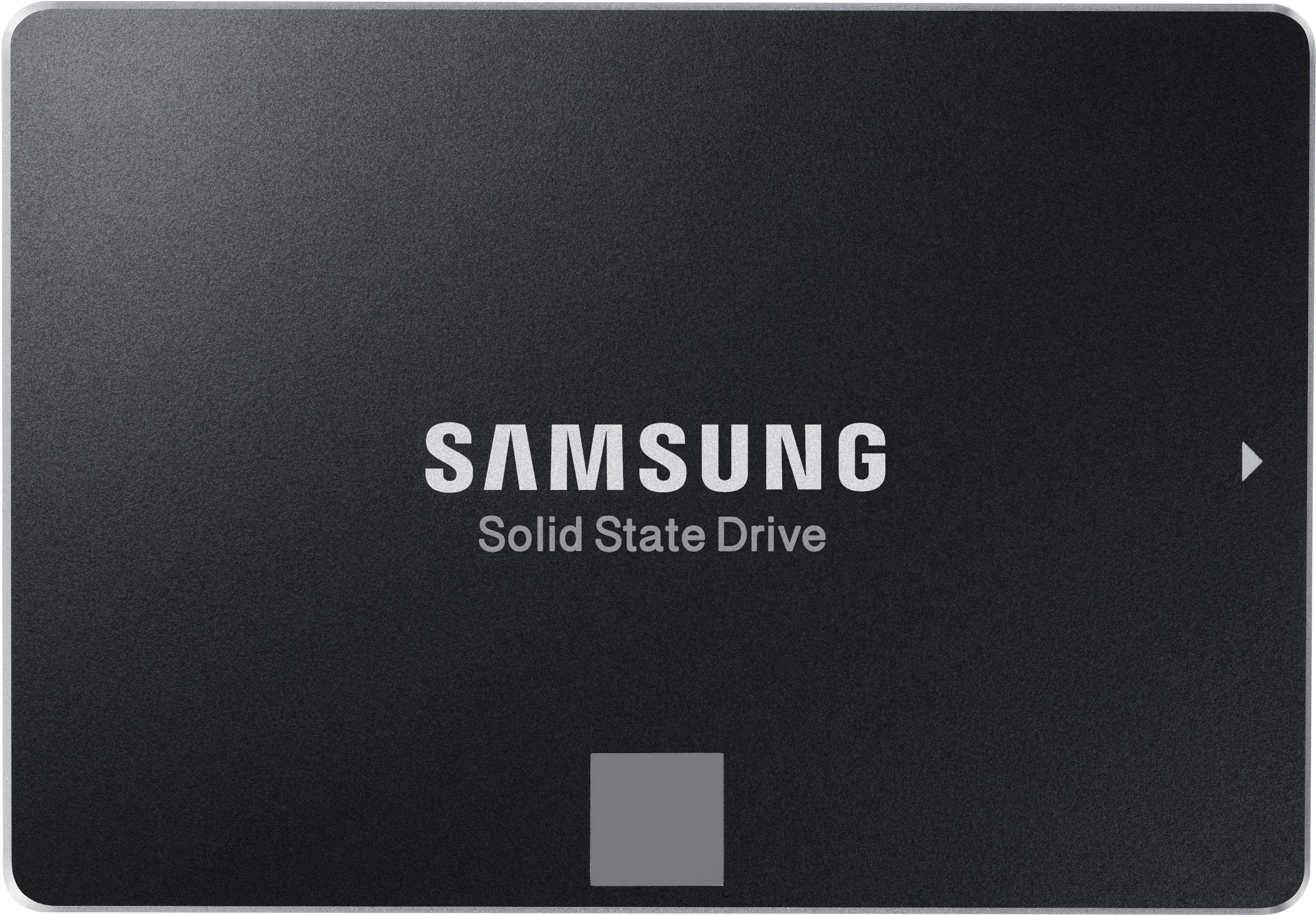
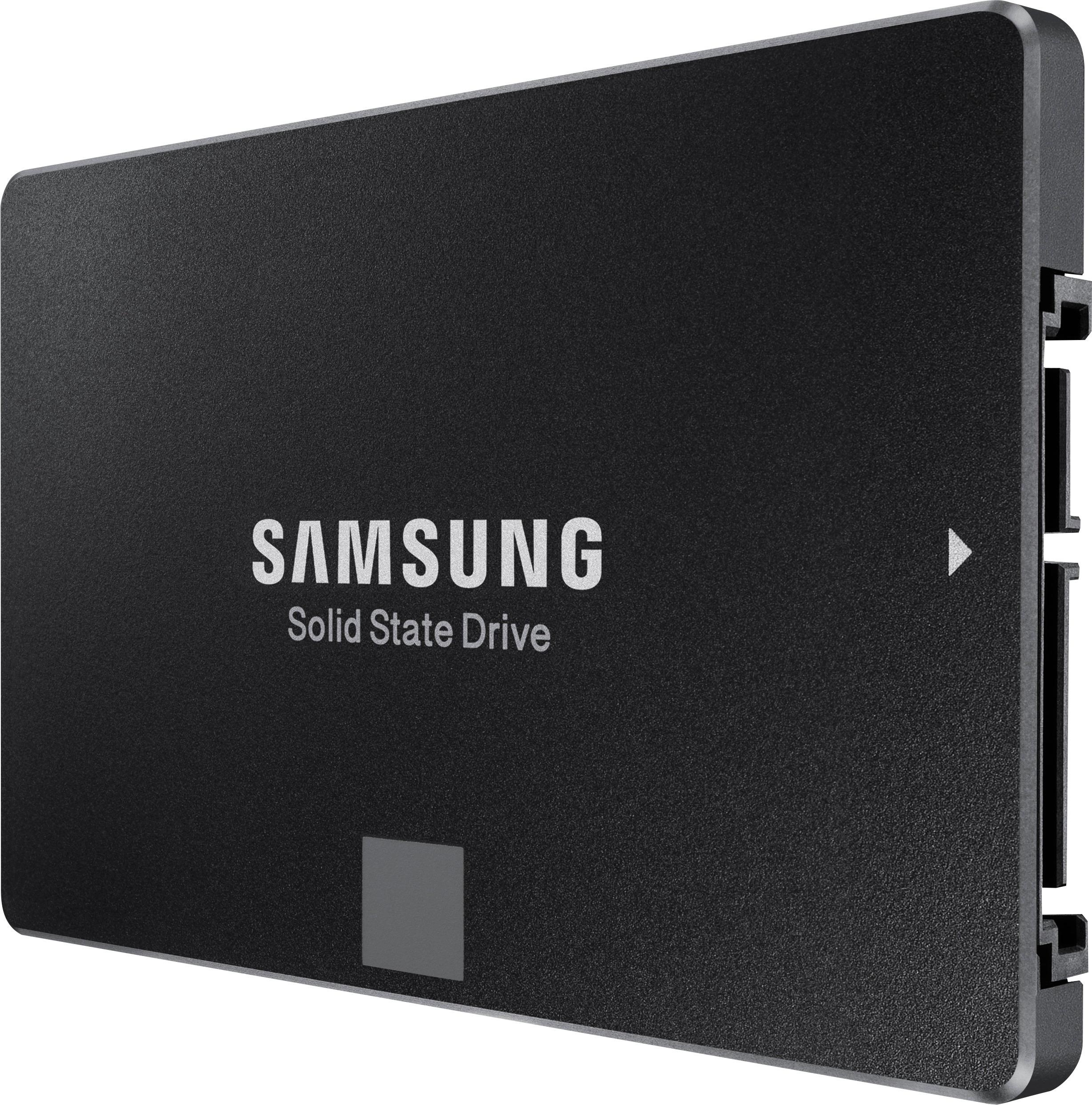
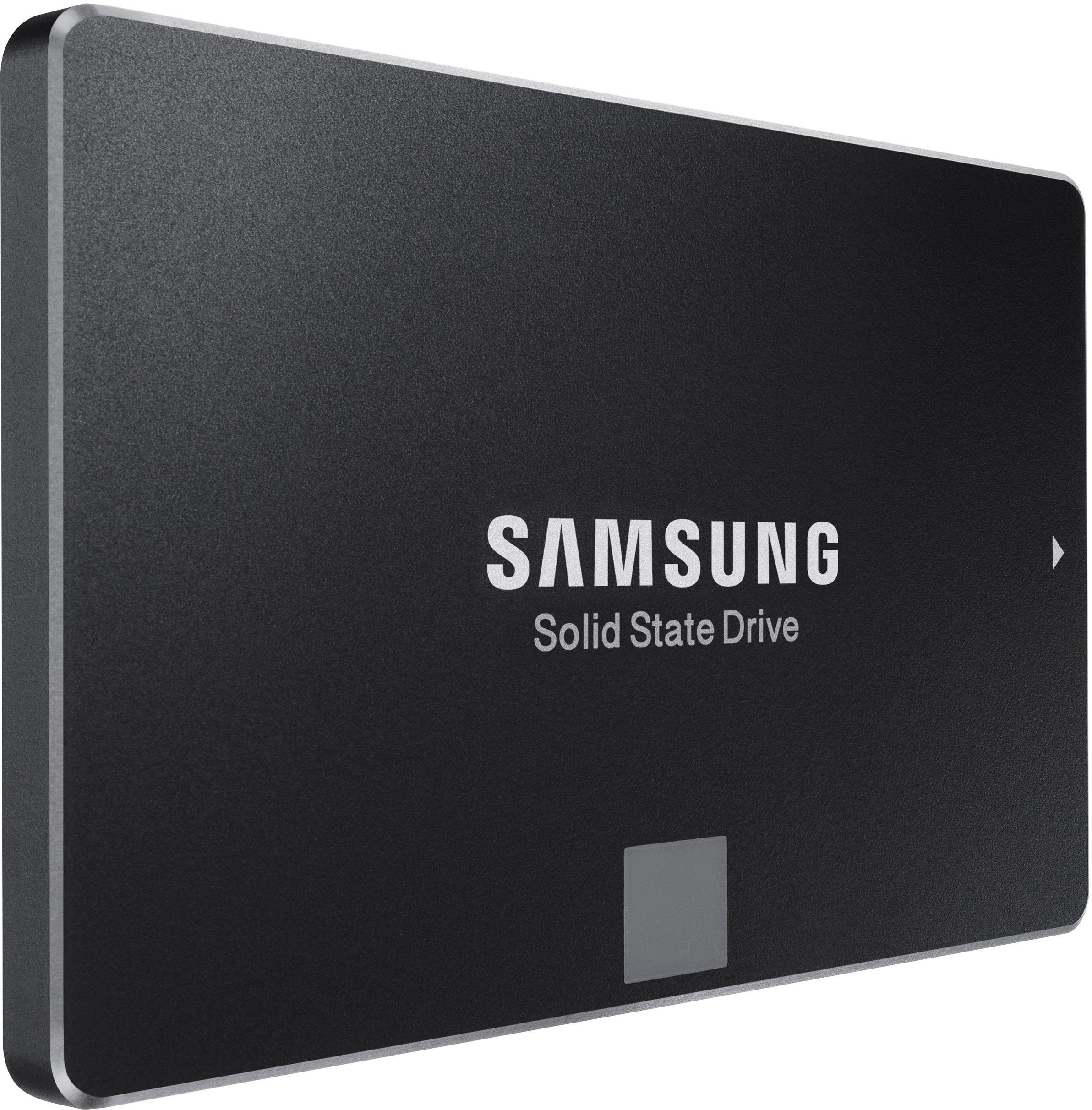
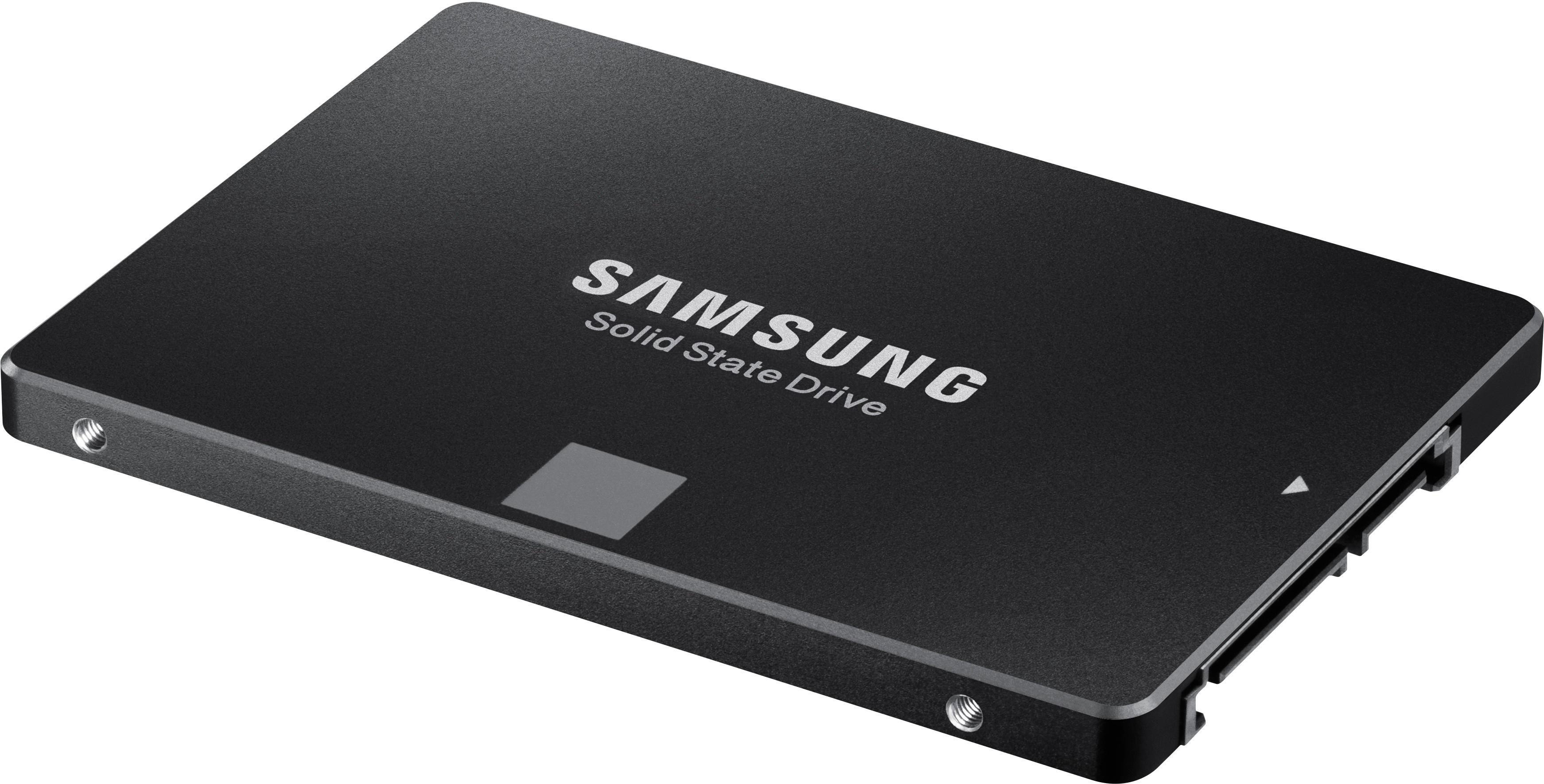
A:AnswerThe real answer is yes and no. All older 27" iMacs come with a 3.5" drive not a 2.5" drive like this one. Newer iMacs either come with a 3.5" drive, flash storage in the form of a chip which is connected via a slot on the back side of the logic board, or some have both drives which is referred to as a Fusion drive. For the 3.5" drive, the connector is the same as it is for a 2.5" drive but the mounting is not. To get a 2.5" drive to fit into a 3.5" bay you need an adapter like those sold on OWC. Sure you could rig it, tape it in, or let it hang from the hard drive cable, but do you really want to do that.
Also someone posted about the temperature sensor/fan issues. They are correct. Apple hard drives have a temperature sensor built in which regulates the fan speed control. When you install any aftermarket hard drive or SSD then you have to control the fans one of two ways. The best solution is to buy a temp sensor cable from owc which is specific for the model iMac. Your other option is to use free software to regulate the fan. Macs Fan Control by crystalidea is the best and can be set to launch at startup.
I have repaired hundreds of iMacs as an Apple Certified Technician, the upgrade is not as daunting as some people say, but you definitely have to be patient and careful. Cutting the adhesive off the display is especially tricky without the right tools as you could crack the glass due to it being very thin on the lower edges.
A:AnswerI'm not that familiar with HP PCs but if it's a modern tower PC it should fit unless your model has some proprietary connection, which I'venever heard of. You just need a standard SATA connector cable. It's been the standard for several years. There are SATA 1, 2 & 3 cables. They all have fit the same port on the SSD, the difference is the data transfer rate. Even if you use the oldest Sata 1 cable it's rated at 1.5 Gb/s.
A:AnswerYes, it will work in a Mac Mini. Use the extended journaled file type and enable TRIM support, Here’s my video on TRIM support: https://youtu.be/cWj_KfzM_FQ
A:AnswerYes. According to the specs online, your device originally came with a 5400rpm hard drive. It was be a SATA connection and be perfectly replaced by the Samsung SSD.
A:AnswerI don't know if this specific SSD is compatible with your machine but am sure Best Buy has the correct one.. You need to consult with the Geek Squad... they
are very competent and their services are very affordable.. Upgrading to a SSD is the way to go .. the speed and performance is unmatched by a conventional drive.
A:AnswerShort answer; yes, it is DRAM-less (since it does not have Dynamic Random Access Memory, DRAM) but DRAM and SSD are not the same thing. DRAM are small memory chips on cards, that are plugged into a slot near the CPU on the motherboard, that is what the computer uses to “think” with while running apps and games.
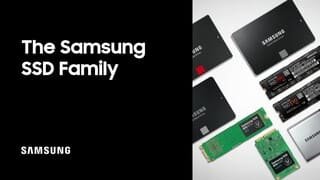
SSD’s are the “long term memory” storage device that come in either hard drive like cases (like the one here) that also vary in size and on some chip cards, similar to DRAM, but with different connector named M.2. Information is kept on SSD’s long term and info doesn’t disappear when you shut off the power, unlike DRAM that disappears when power is cut.
A:AnswerYou will have to use rails for the drive to fit into a 3.5 bay. Use the tools on the Samsung site to clone your drive. Check the Gigabyte site for compatibility with Win 10.
A:AnswerAll desktops have capability for this same size and type drive but you may need an 2.5 to 3.5 drive install kit, since this drive is smaller than the old style HDD’s. This size dive can actually be considered a laptop drive size but now desktop PC’s are coming with these. SSD are not made in 3.5” size but the install kit I mention above makes this SSD fit in any 3.5” HDD location. The case for this computer has two 3.5 trays that slide out and there may already be two hard drives here, depending on the configuration from the factory (or if someone else has installed another drive. This is accessible by removing the solid metal side panel cover on the right side of the case, as opposed to the glass side panel.
If adding this where there is an empty slot, the PC may have an extra cable (SATA cable) siting there waiting for the new drive or you may need to purchase one that is long enough. These SSD’s do not come with that cable. It also takes a power cable (the wider connector on the drive) but your case for sure will have an extra power connector coming from the PC power supply, so no worries there. Ironically, this case has two slots for 2.5” SSD’s but the ones that I have seen as a prebuilt factory system, do not have the bracket to mount the drive. You can see this under the same cover that you just removed to acces the main HDD. They are the two rectangular areas on the metal backplate for the mother board. There is a large opening where you can see the back of the motherboard (to access the back of where the CPU sits, and just under that are these to empty slots. Now maybe you get lucky and the manufacturer included the bracket. You will know since there is one large thumb screw on each bracket. By removing this and the bracket, you can now access the back of the bracket to drive screws through to hold the SSD on the front of the bracket. You reinstall the bracket, attach the cables and setup the new drive as additional storage in windows using the Format Hard Drive app that comes with windows.
If you do not have that bracket there, I don’t know if you can contact the OEM to order it. Otherwise, you get the 2.5” to 3.5” drive kit and install it down below in the 3.5” caddy location. It’s much easier to add this as additional storage. If you are looking to ditch the main hard drive and go with this larger and faster SSD, then this can be done as well. Removing the old original HDD and replacing it with this or any SSD is a grey option since this will speed up loading times with your PC and give you more storage space. SSD are much faster than HDD but keep in mind this is only when accessing the drive, like when you first start windows, first start apps and a few times while using apps and saving to the drive. It doesn’t make you CPU faster so will not help with handling graphics better or crunching numbers faster.
A:AnswerIt is a solid state drive like an SD card. No spinning disk. Much faster response than a disk type drive and no mechanical components to wear out
A:AnswerAs long as your computer laptop is newer than 2005 it will work just fine I don't know for sure when the new hard drive connection came out I believe it was around 1999 and from that point on it will work just fine. I build computers as a side line of work.
Ken