A:AnswerNo I don't believe so, I think they use an NVME ssd or a proprietary storage device. You would.be best off ordering one specifically for your laptop
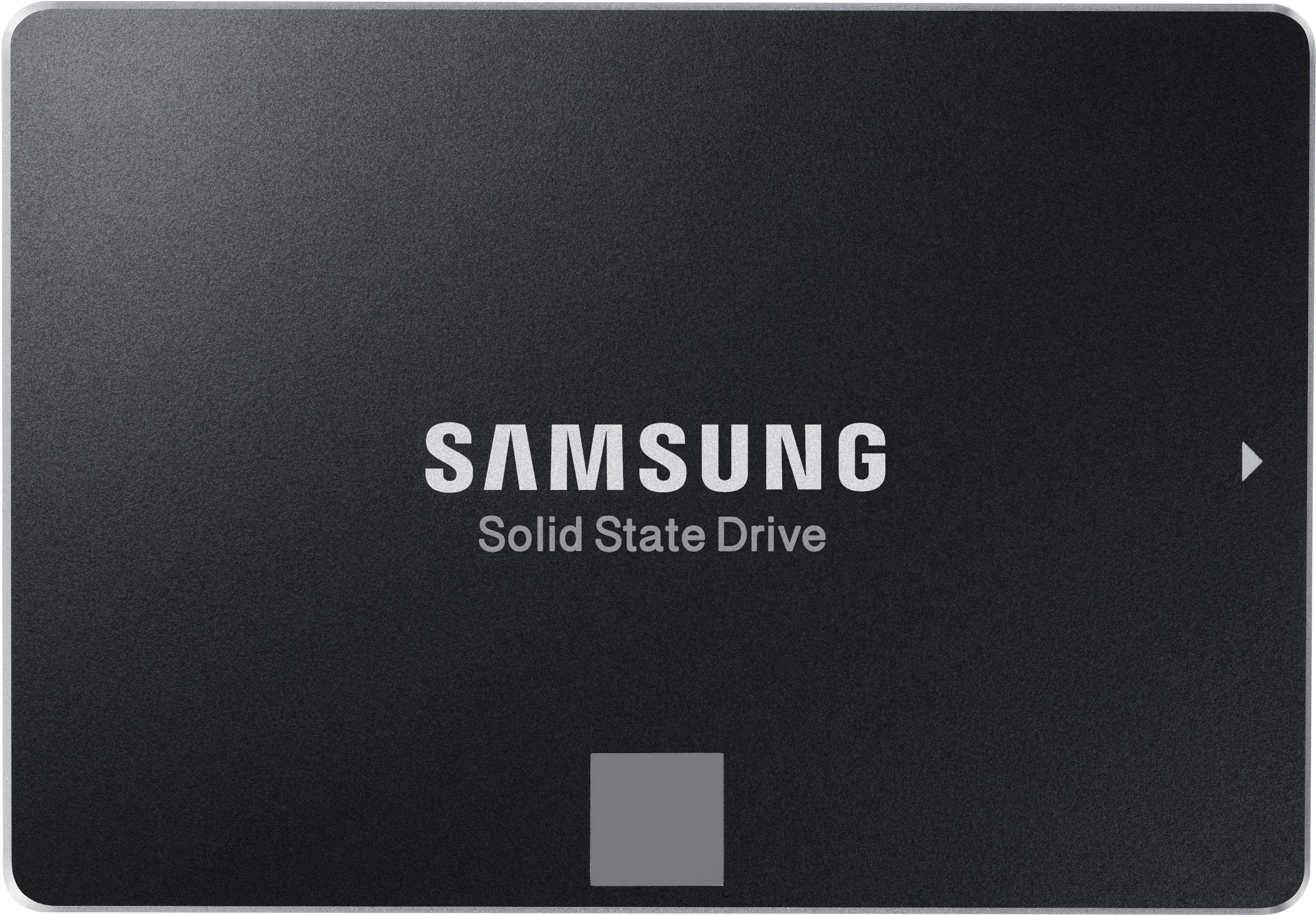
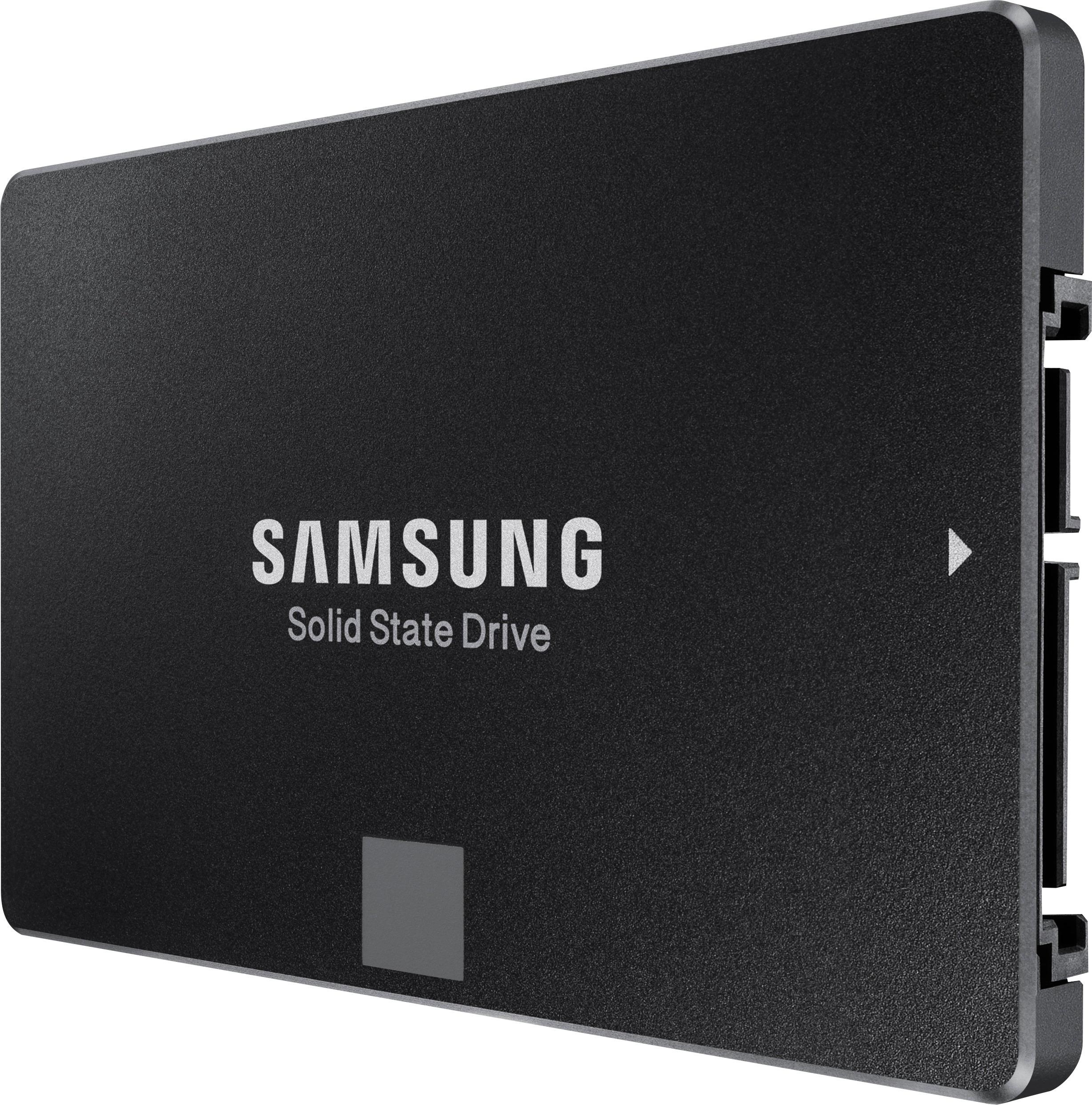
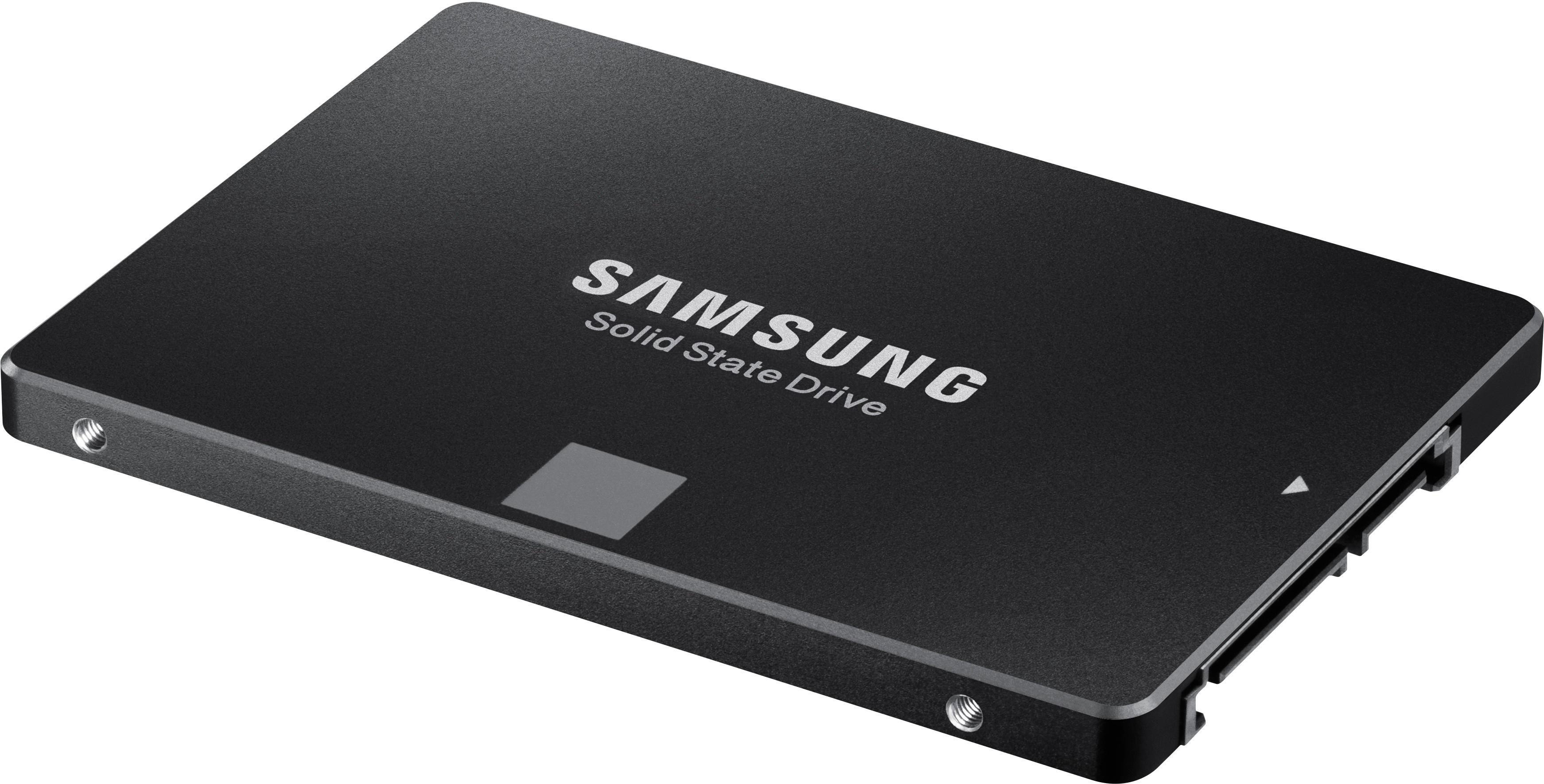
A:AnswerYes. This is a 2.5" SATA drive. It should be compatible with your workstation. You may need a bracket to mount in your case if you are not replacing an existing drive.
A:AnswerThe JEDA Hub requires a drive that is housed in an external drive enclosure. You can purchase an empty external drive enclosure and put this hard drive in it. These enclosures are cheap from average of 10 to 50 bucks. Alternatively, you can purchase an external factory enclosed SSD drive.
A:AnswerAs long as the interface is SATA it should work. If it is IDE you are pretty much out of luck. But I believe all of the Macs had gone to SATA by 2010.
A:AnswerThis SSD will fit in any standard 2.5" drive bay that uses a SATA-III connection. If used as an external hard drive, you must purchase an appropriate SATA->USB adapter.
A:AnswerThe Samsung Evo 860s are quite easy to use. As long as you have a SATA type drive - this should work. The easiest way to copy your old drive to the SSD is to purchase a USB to SATA cable (which will allow you to plug the Samsung drive into a USB port. Then go to Samsung's website for SSDs and download their data transfer utility. It will completely copy the old drive to the Samsung - and then you can connect it inside the machine where the old drive was a boot it up. Drive access should be about 30 times as fast with the SSD. One trick.......to make it copy reliably and faster - run a chkdsk c: /F from an elevated command prompt at least once on your PC before you start. It should repair any FAT or DET errors on the drive. When you open the command prompt (click in the search box and type cmd and when you see the command prompt icon either select Run As Administrator in the right pane - or right click on the command prompt icon and choose run as administrator. Then when the DOS box (command window) opens type chkdsk C: /F - it will tell you the drive is mounted or locked - and ask if you want to run the chkdsk next time the machine is restarted. Type Y or Yes and hit Enter. Then restart the PC and let it run through the check disk on bootup. If it finds a LOT of errors - you may want to repeat the process.
You can also save some time in the copy by running a Disk Cleanup and letting it delete temp files, etc before you start the data migration utility from Samsung. You will also find that if your current drive is in IDE or Raid mode in CMOS - you can google how to change to AHCI - using safeboot or minimal boot - then changing from RAID or IDE to AHCI once you have booted in safeboot. An SSD will have the fastest data transfer in AHCI but will still run well even if you do not do this.
A:AnswerIf the DVR accepts SATA drives, yes. Western Digital has new drives that are better equipped for surveillance recording though. You get more storage for your money and they will be more reliable in the long run. SSDs are fast, but they burn out eventually.
A:AnswerThe drive should fit into any computer where the drive you are replacing is a standard 3.5" HDD, as long as the proper adaptor is used. I've had very good luck with one of the plastic adaptors that is exactly the same size as the standard 3.5" HDD and has an exterior connection to the system in exactly the same place as that on the HDD.
A:AnswerI have EVO 860 1TB SSDs in a mid 2012 13 inch & a 2009 13 inch MBP. Works perfectly with fast boot up times. Running Linux Mint on the 2009 and Mojave on the 2012. I have done the swap in 3 MBP'S now.