Questions & Answers
- Model:
- MZ-76E250B/AM
- |
- SKU:
- 6178653
Highly rated by customers for: Speed, Performance, Ease of use
Page Showing 1-20 of 51 questions
Q: QuestionWill this work in a macbook pro?
Asked by Mgonzo.
- A:Answer That’s what I bought for. So far it’s working great.
Answered by Mamamar
Q: QuestionAre there any migration tools available for those what want to swap from a hard drive on a desktop? Are there mounting brackets?
Asked by instantnet.
- A:Answer Yes, google 2.5 to 3.5 desktop adapter. Amz has plenty of it. For software data migration software on Samsung web site will do the job. Conect the nee drive to your computer boot it up and Install the software, go through the wizard, after completing power down computer remove old drive and connect the new drive to where old one was before and that is it.
Answered by Techguru4life
Q: QuestionIs this SSD compatible with Dell Latitude E6420?
Asked by Leo.
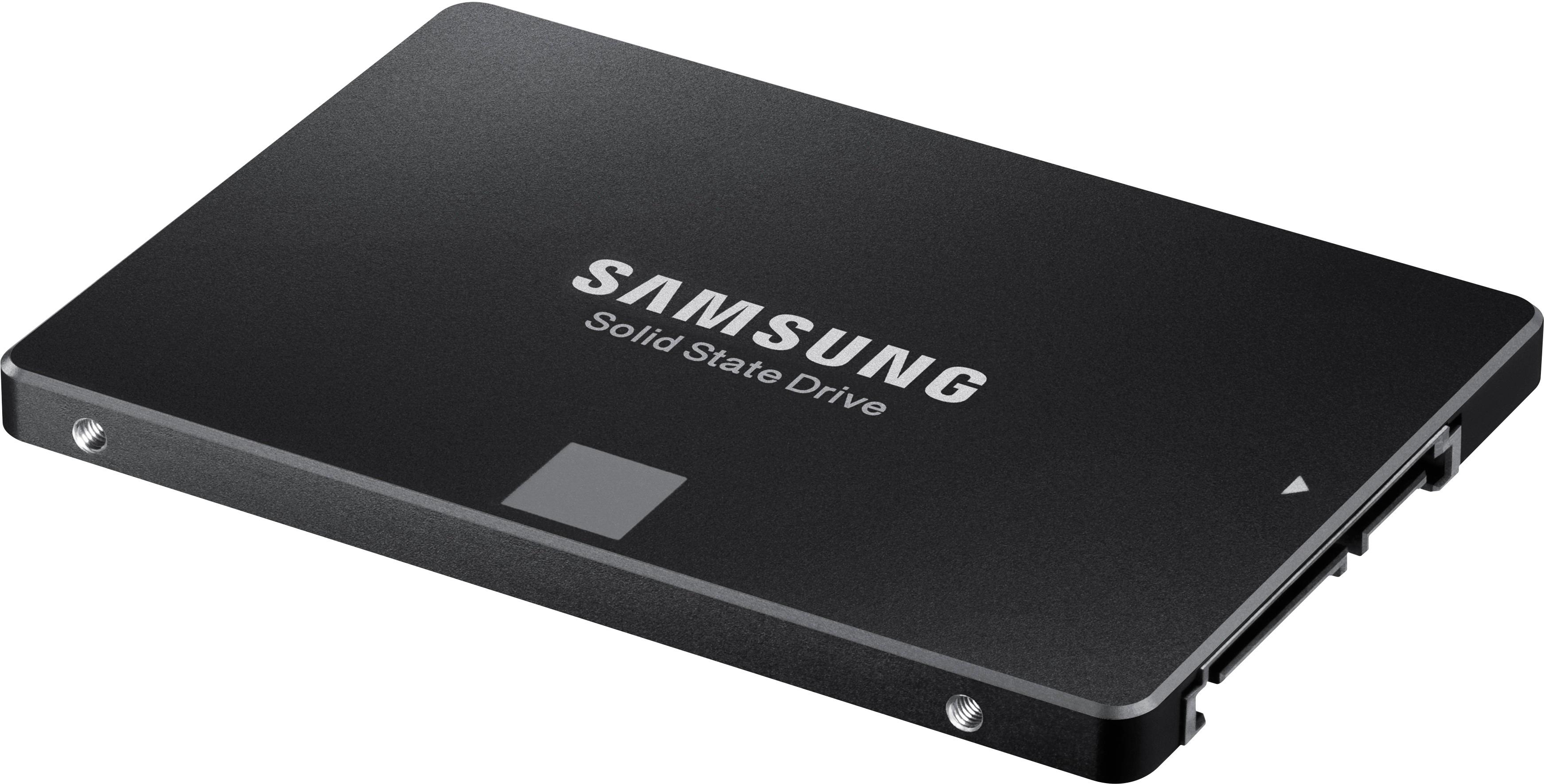
- A:Answer Yes - I have two Dell E6420 Sandy Bridge vintage laptops running with 2.5 inch SSDs myself. Mount the bracket onto the drive as it was on the hard drive you extract from the side of the laptop, and slide it in - note that the cavity is made for a 9.5 mm height drive and the SSD is 7 mm high, so it is easiest to slide it into place with the laptop top-side-up, and then flip it over to install the 4 retention screws into the bottom. This ensures the connector will mate as it slides into place.
Answered by Victor
Q: QuestionWhat are the dimensions and weight of this tablet? Thanks!
Asked by Rose.
- A:Answer This is not a tablet
Answered by Dreamer
Q: Questionwhat is the memory size on this?
Asked by RAM.
- A:Answer Nominal size is 250GB, but the operating system uses some of the memory for it functions. I have 2 of these ssd drives, one in a desktop, and one in a laptop. After installation the drive size was reported to be 232GB on both of them.
Answered by Bob7
Q: Questionis this ssd drive compatible with a Dell e7240 Latitude?
Asked by fixme.
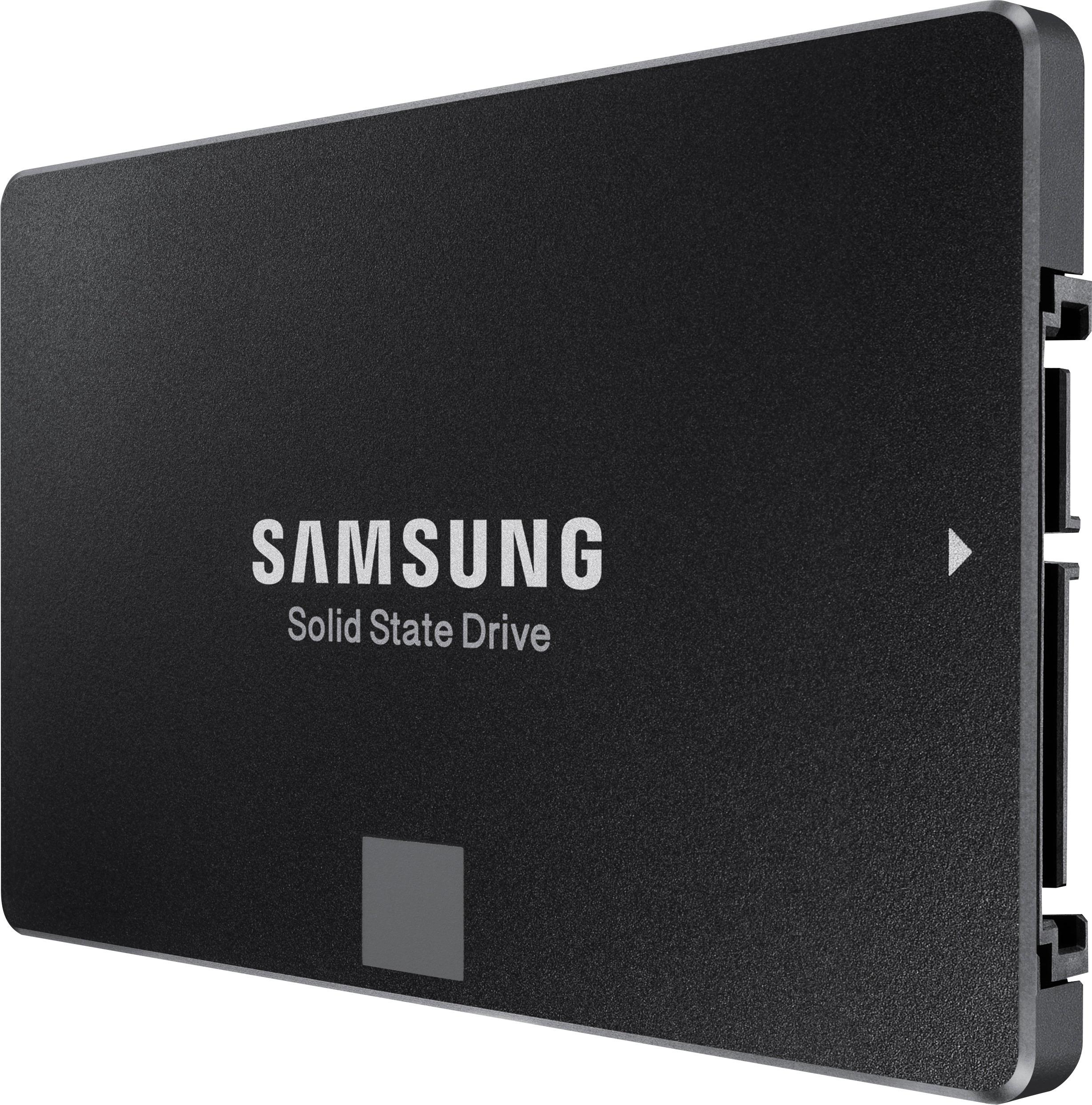
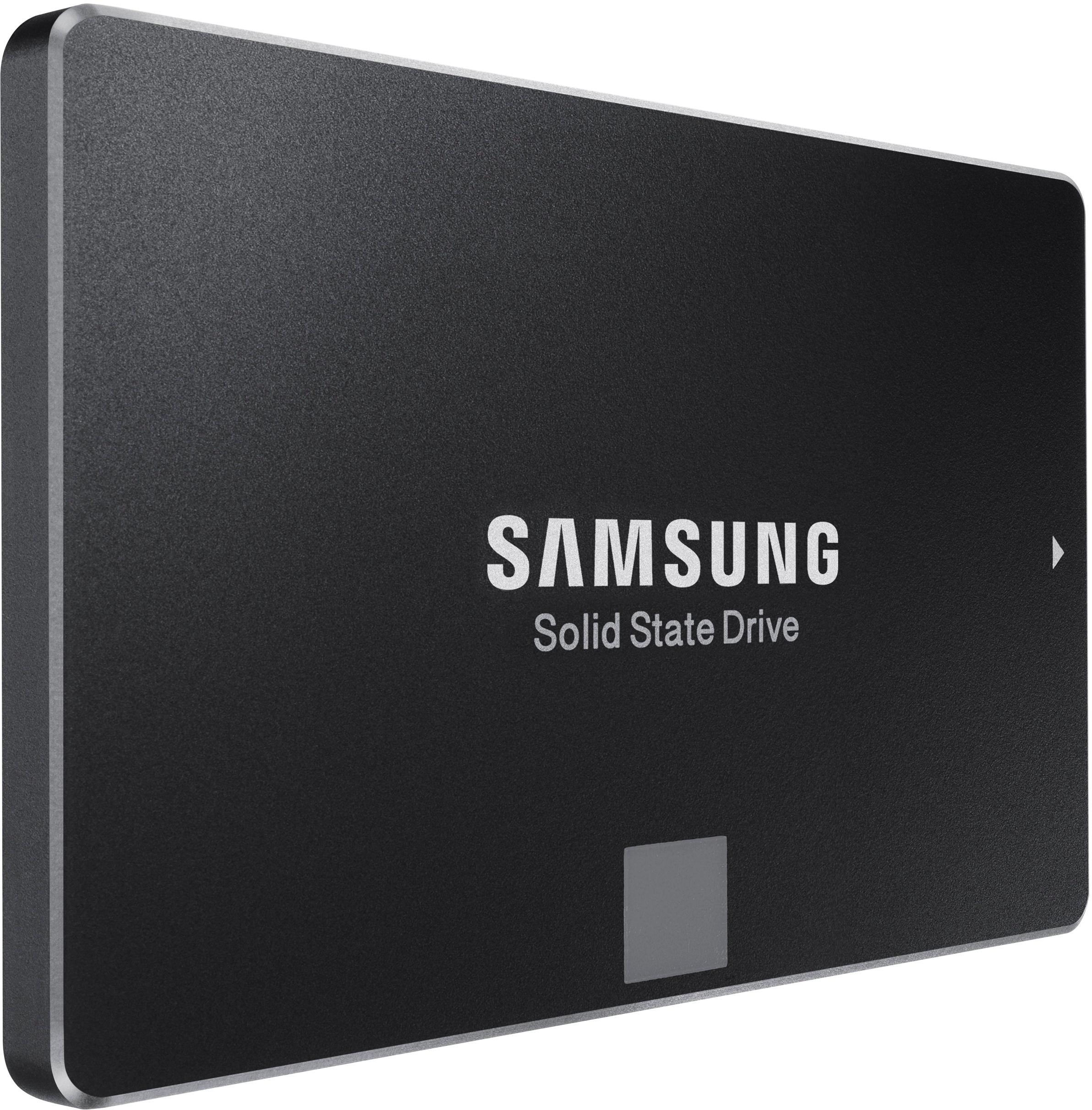
- A:Answer I don't see why not. It's a 2-1/2" form factor. You'll have to remove your original ssd from the laptop and install the Samsung in it's place.
Answered by DMann
Q: QuestionWould this work for an Acer Aspire 7735Z-4033? Thanks,
Asked by Dena.
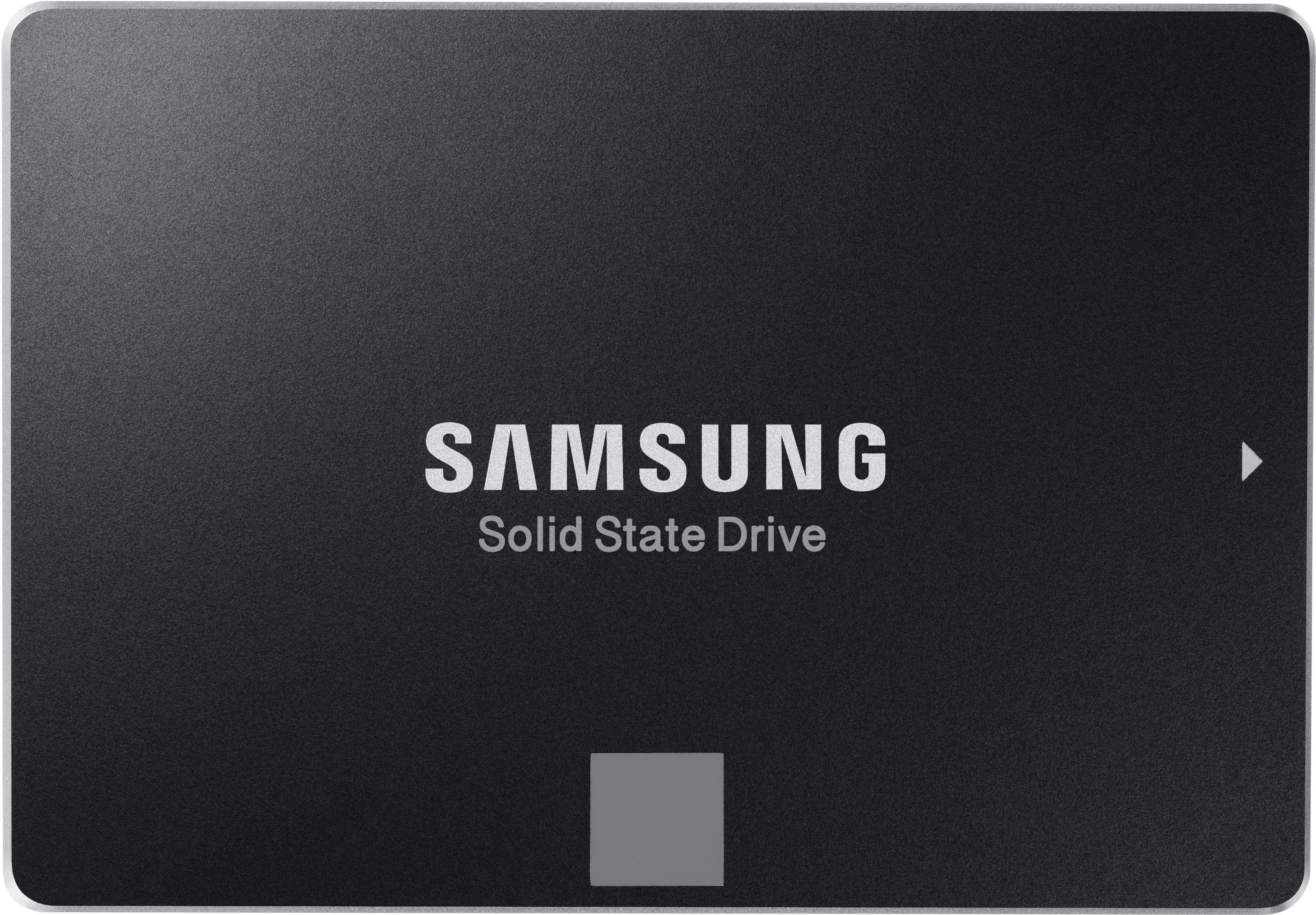
- A:Answer I have one installed in a Acer Aspire One AO756, which is an old netbook - and it works perfectly. If your model is using a hard drive, this will replace it, as all hard drives are 2.5 inch form factor already. You can verify this by looking at the model in Disk Management (Windows) or in Disks (Linux), or simply removing the bottom of the laptop and looking at the drive. If you have a newer model that is using a M.2 SSD, this will not fit - chances are this won't apply as you would have a fast SSD already.
Answered by Victor
Q: QuestionDoes it include a sata 3 cable for desktop connection?
Asked by Salomon.
- A:Answer no it does not include cable
Answered by Anonymous
Q: Questiondo you have to pay for it every month?
Asked by Jay9.
- A:Answer No. It's a stand alone solid state drive. A piece of hardware that you install in your desktop or laptop. Format it and load it up with whatever you like.
Answered by DMann
Q: QuestionDoes it come with Microsoft word processer or any kind of printing program
Asked by Moe.
- A:Answer No. It comes as a blank drive.
Answered by CanDo
Q: QuestionDoes it have a disc drive
Asked by Randomperson.
- A:Answer It is a sold state drive, not a disk. It replaces a disk
Answered by Trey
Q: QuestionIs this Samsung 860 EVO 250GB Internal SATA Solid State Drive compatible with a 2010 or 2011 Macbook Pro?
Asked by Xixi.
- A:Answer The older Macbooks include a 2.5" SATA hard drive. The Samsung is a compatible replacement. The issue is, how hard is it to open the case to replace the hard drive? Older laptops have a plate on the bottom that can be easily removed to access the hard drive. Most new laptops are thin and are glued together, requiring special tools and knowledge to open them. In between are laptops where you have to remove the whole bottom of the laptop, but it is usually doable. It looks like the older Macbooks are an old enough design to be opened up easily, but I can't be sure.
Answered by Bear
Q: QuestionWill it work with mid2010 Mac Pro ?
Asked by Anonymous.
- A:Answer The older Macbooks include a 2.5" SATA hard drive. The Samsung is a compatible replacement. The issue is, how hard is it to open the case to replace the hard drive? Older laptops have a plate on the bottom that can be easily removed to access the hard drive. Most new laptops are thin and are glued together, requiring special tools and knowledge to open them. In between are laptops where you have to remove the whole bottom of the laptop, but it is usually doable. It looks like the older Macbooks are an old enough design to be opened up easily, but I can't be sure.
Answered by Bear
Q: Questioni need a written quote for 50 pieces #MZ-76E250B/AM SAMSUNG SOLID STATE DRIVE FOR LAPTOPS, 860 EVO, 250GB, INTERNAL SATA. Plus can you hold the price for 30 days. Also, do you give government pricing? This is for the City of Columbus. craig horn
Asked by minky14.
- A:Answer This is not how you request a quote.
Answered by HardRockClassic
Q: QuestionIs this a Sata or a Sata III SSD? It seems like it would have to be a Sata III, but why doesn't it say so?
Asked by Dan.
- A:Answer It is SATA3.
Answered by athrunzala
Q: QuestionIs it working with desktop?
Asked by Wkdth777.
- A:Answer Yes. I will work in a desktop. That is exactly what I used mine for.
Answered by Brooklen
Q: QuestionDoes this drive have a dram cache? If so, how big?
Asked by Imagine.
- A:Answer Yes, a 1GB DDR4 Dram cache. More important though, the drive can dynamically allocate a portion of NAND storage as a SLC cache: creating a high speed buffer & increasing performance. (both Samsung & Crucial do this) source: https://www.pcgamesn.com/samsung-860-evo-review-performance-benchmarks
Answered by BluesMobile
Q: QuestionDo I need to get a sata data cable and power cable to use this ssd? If so do I need specific sata cables or can I take some from an old computer?
Asked by 202357.
- A:Answer This drive needs Sata power and Sata data cable. OR you could put it in a laptop with the correct connectors OR a USB Sata external dock.
Answered by ITGenie
Q: Questiondoes this work with MACBOOK AIR?
Asked by minchenden.
- A:Answer It will not. You will need a Mac nvme
Answered by IvanDiesel
Page 1, Showing 1-20 of 51 questions
Most-viewed items
- $299.99$299.99The price was $449.99
- $199.99$199.99The price was $299.99
- $409.99$409.99The price was $809.99
- $159.99$159.99The price was $259.99
- $99.99$99.99The price was $129.99
- $149.99$149.99The price was $179.99
- $329.99$329.99The price was $469.99
- $1,149.00$1,149.00The price was $1,299.00
- $139.99$139.99The price was $149.99