Best Buy Tech Fest SaleEnds Sunday. Limited quantities. No rainchecks.Shop now

Main Content

Questions & Answers

$249.99
Save $100
Comp. Value: $349.99
Page Showing 21-40 of 62 questions
  • QuestionI have a 4yr old Phillips TV. Will this sound bar work with this?

    Asked by Atomic1dogg.

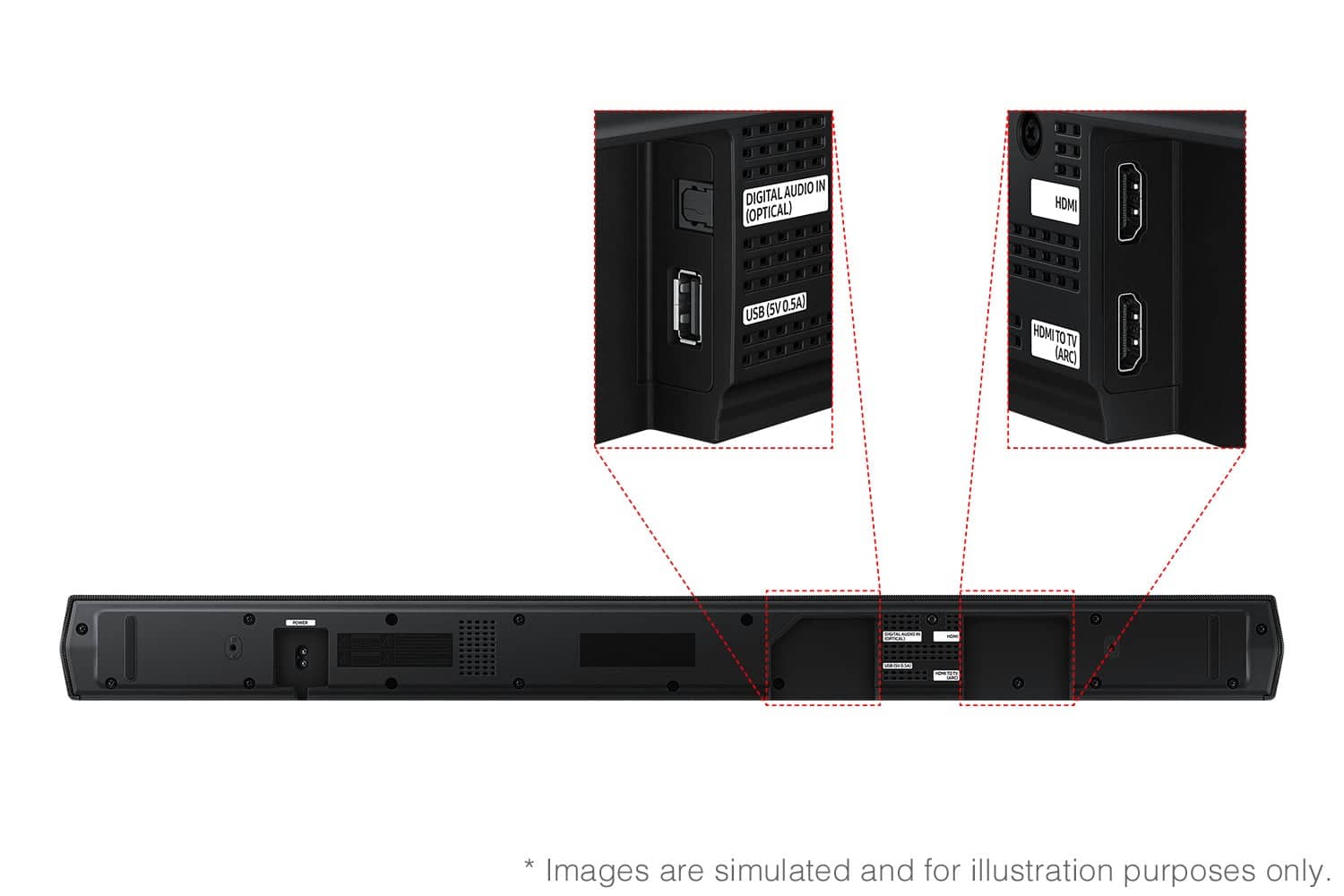
    • Answer Hi there Atomic1dogg! Yes, the HW-B650F features three ways to connect to an external device: HDMI (ARC), digital optical audio, and Bluetooth wireless audio technology. If your TV is compatible with one of these three audio connections, you should have no issue connecting the soundbar to your TV. ~Samsung Solutions

      Answered by Samsung

  • QuestionHow do I adjust the base sound?

    Asked by Leec.

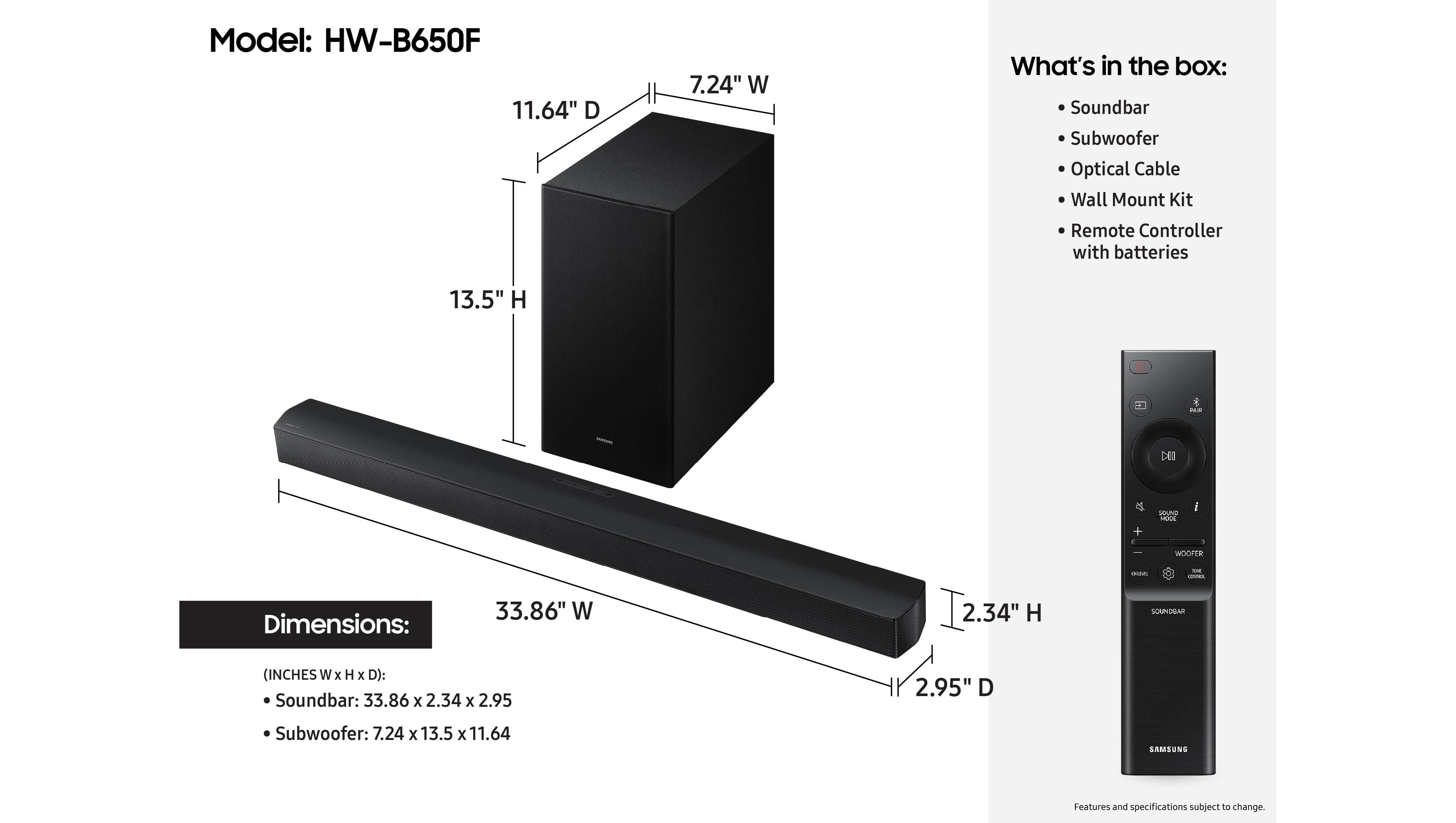
    • Answer Hello Leec! By pressing the TONE CONTROL button, you can adjust the volume of the treble or bass sound. Press the button to select TREBLE or BASS and then adjust the volume between -6~+6 by using the Up/Down buttons. Press and hold the SOUND CONTROL button for about 5 seconds to adjust the sound for each frequency band. 150Hz, 300Hz, 600Hz, 1.2kHz, 2.5kHz, 5kHz, and 10kHz are selectable using the Left/Right buttons and each can be adjusted to a setting between -6 to +6 using the Up/Down buttons. (Make sure the Sound mode is set to “STANDARD”. Additionally, using the WOOFER button on the remote, you can adjust the subwoofer’s volume between -6 to +6 by toggling the button up or down. To set the subwoofer volume level to 0, press the button down. ~ Samsung Solutions

      Answered by Samsung

  • QuestionThe sound bar is making a underwater noise

    Asked by Angie.

  • QuestionWill this Samsung Soundbar work with an LG tv remote?

    Asked by JohnR.

    • Answer Hi JohnR! Yes, you should have no issue controlling the volume if you have the HW-B650F Soundbar connected to your LG TV via HDMI ARC. ~ Samsung Solutions

      Answered by Samsung

  • QuestionIs it compatible with a Sony smart tv?

    Asked by Peter.

    • Answer Hi Peter! The HW-B650F features three ways to connect to an external device: HDMI (ARC), digital optical audio, and Bluetooth wireless audio technology. If your TV is compatible with one of these three audio connections, you should have no issue connecting the soundbar to your TV. ~Samsung Solutions

      Answered by Samsung

  • QuestionI’ve connected the soundbar to the tv, but I cannot get the subwoofer to connect to the soundbar. I’ve followed the instructions, but the blue light on the rear of subwoofer only blinks blue, and the subwoofer never turns on while attempting to connect

    Asked by Rehall44.

    • Answer Hi there Ray! I’m sorry to hear you’re having trouble connecting your subwoofer to the Samsung HW-B650F soundbar. If the blue LED on the back of the subwoofer is continuously blinking, it means the subwoofer is not linked to the soundbar. Please try the steps below to manually reconnect: Power off the soundbar. Unplug both the soundbar and subwoofer from the power outlet for about 30 seconds. Plug the subwoofer back in first. Press and hold the ID SET button on the back of the subwoofer for about 5 seconds until the blue light blinks rapidly. Plug the soundbar back in and turn it on. The blue LED should turn solid blue once the connection is successful. If the light continues blinking: Make sure the subwoofer is within a few feet of the soundbar during pairing. Remove any nearby wireless devices that could cause interference. Try a different power outlet. If the issue persists after these steps, the subwoofer may require service. Please let us know, and we’ll be happy to guide you further. Just give us a call at 1-800-SAMSUNG (Ask for Soundbars), 8AM - 12AM EST, 7 days a week. Our Live Chat agents are also available by clicking on the ‘Support’ link on our website. ~ Samsung Solutions
      Answered by Samsung

  • QuestionDOES THIS SOUNDBAR REQUIRE AN E ARC HDMI INPUT OR WILL IT WORK WITH JUST AN ARC HDMI INPUT

    Asked by HDMI.

    • Answer Hello HDMI! Yes, this soundbar will work with your ARC port. ~ Samsung Solutions

      Answered by Samsung

  • Questionhow does it connect to the tv?

    Asked by nhnh.

    • Answer HDMI cable - best Bluetooth if you can get it to work

      Answered by Charles

  • QuestionCan I use my apple remote to work this sound bar?

    Asked by srr4929.

    • Answer It has a remote and your TV or Cable remote should be able to adjust the volume. Not sure about that yuppie apple crap, but it would probably be able to pair and operate the volume.

      Answered by leecisdumb

  • QuestionMy Samsung TV Model is UN43DU7200B with no optical cable output. Can I connect this soundbar with an HDMI output connection?

    Asked by DMac.

    • Answer We also used HDMI and it worked just fine.

      Answered by PinkaPantsu

  • QuestionIs the sondbar wireless? Do I have to have plugged in to use?

    Asked by DT.

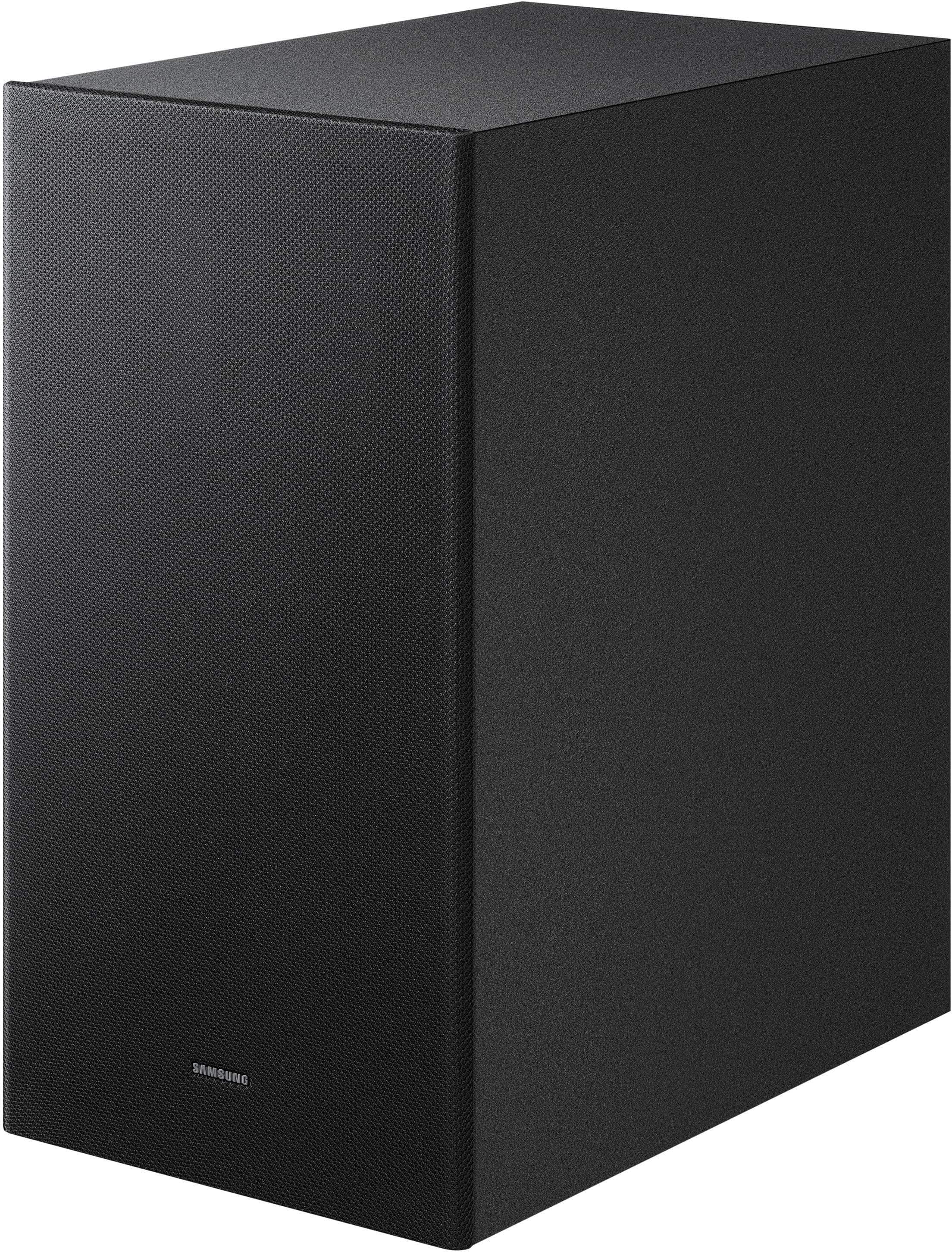
    • Answer Hi DT! The HW-B650F does offer wireless features, but it does need to be plugged in to work. The included subwoofer connects wirelessly to the soundbar (no audio cable between them), and you can also stream audio wirelessly via Bluetooth from a compatible TV or mobile device. However, both the soundbar and the subwoofer must be connected to a power outlet, as they are not battery-powered. ~ Samsung Solutions

      Answered by Samsung

  • Questionwill this work with a spectrum remote control?

    Asked by Paul.

    • Answer Yes, but you will need to connect your tv via a eHDMI access plug from your tv to the sound bar This will operate access to the volume. At that point your remote should operate normal.

      Answered by StanL

  • QuestionAre rear speakers swa-92505 compatible with the sound bar and subwoofer

    Asked by Donna.

    • Answer I've read several articles that say neither the 9250 nor the 9500 is compatible. Read enough reviews and someone else will confirm. All you have left is the 9200 or the 9100s, and they seem to be out-of-production. Samsung claims they can't make them fast enough. If you want to add Rear speakers just buy them up-front, don't get this system. It's apparently a '24 or '23 model. I wish someone would let me know if they do work with this system. Otherwise, I'm pretty pleased with them as they are. I hope maybe they make some more 9200s at some point. Go to the Samsung website and register that you want them to email you when they make more. Maybe they'll take the hint.

      Answered by JamesV

  • QuestionIs there an eARC input?

    Asked by rljknj.

    • Answer Yes. TV ARC to Soundbar ARC--the sound goes both ways in the HDMI cable. Plug anything else into the TV, and if you set that Input, it'll work, and all sound will exit through the ARC outlet to the Soundbar. Had a little trouble until it all slammed into place in my head.

      Answered by JamesV

  • QuestionCan you hook up samsung swa-9250s rear speakers with this soundbar

    Asked by Twg.

    • Answer Hello Twg! Yes, the SWA-9250S Rear Speaker Kit is compatible with the HW-B650F Samsung Soundbar. ~ Samsung Solutions

      Answered by Samsung

  • Questionis this sound bar completely compatible with a Samsung TV UN40EH5300FXZA including ARC power on/off?

    Asked by Anonymous.

    • Answer Hi! The HW-B650F features three ways to connect to an external device: HDMI (ARC), digital optical audio, and Bluetooth wireless audio technology. If your TV is compatible with one of these three audio connections, you should have no issue connecting the soundbar to your TV. ~Samsung Solutions

      Answered by Samsung

  • QuestionIs this compatible with the Samsung CU7000 85 model?

    Asked by JM.

    • Answer Yes! Can you READ?

      Answered by leecisdumb

  • Questiondoes this work with smart things?

    Asked by Chris.

    • Answer Yes this soundbar is compatible with the SmartThings app.

      Answered by Kavs86

  • QuestionCan I add speakers

    Asked by Anonymous.

    • Answer Hi there! The HW-B650F Soundbar is compatible with the SWA-9250S Wireless Rear Speaker Kit. ~ Samsung Solutions

      Answered by Samsung

  • Question-Which rear speakers will work with the Samsung - B-series HW-B650F Sound Bar?

    Asked by DEH.

    • Answer Hello DEH! The HW-B650F is compatible with the SWA-9250S Wireless Rear Speaker Kit. ~ Samsung Solutions

      Answered by Samsung