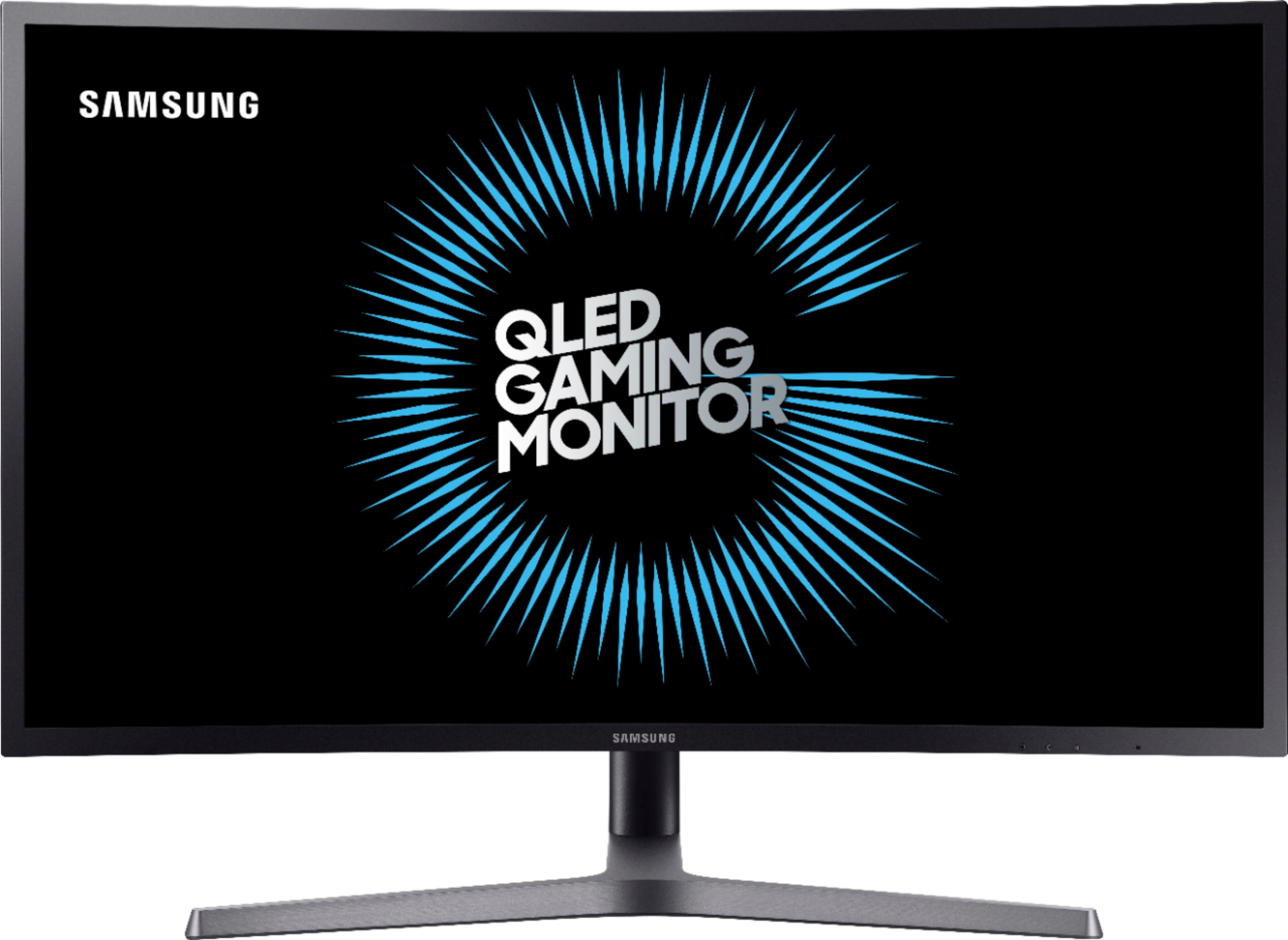
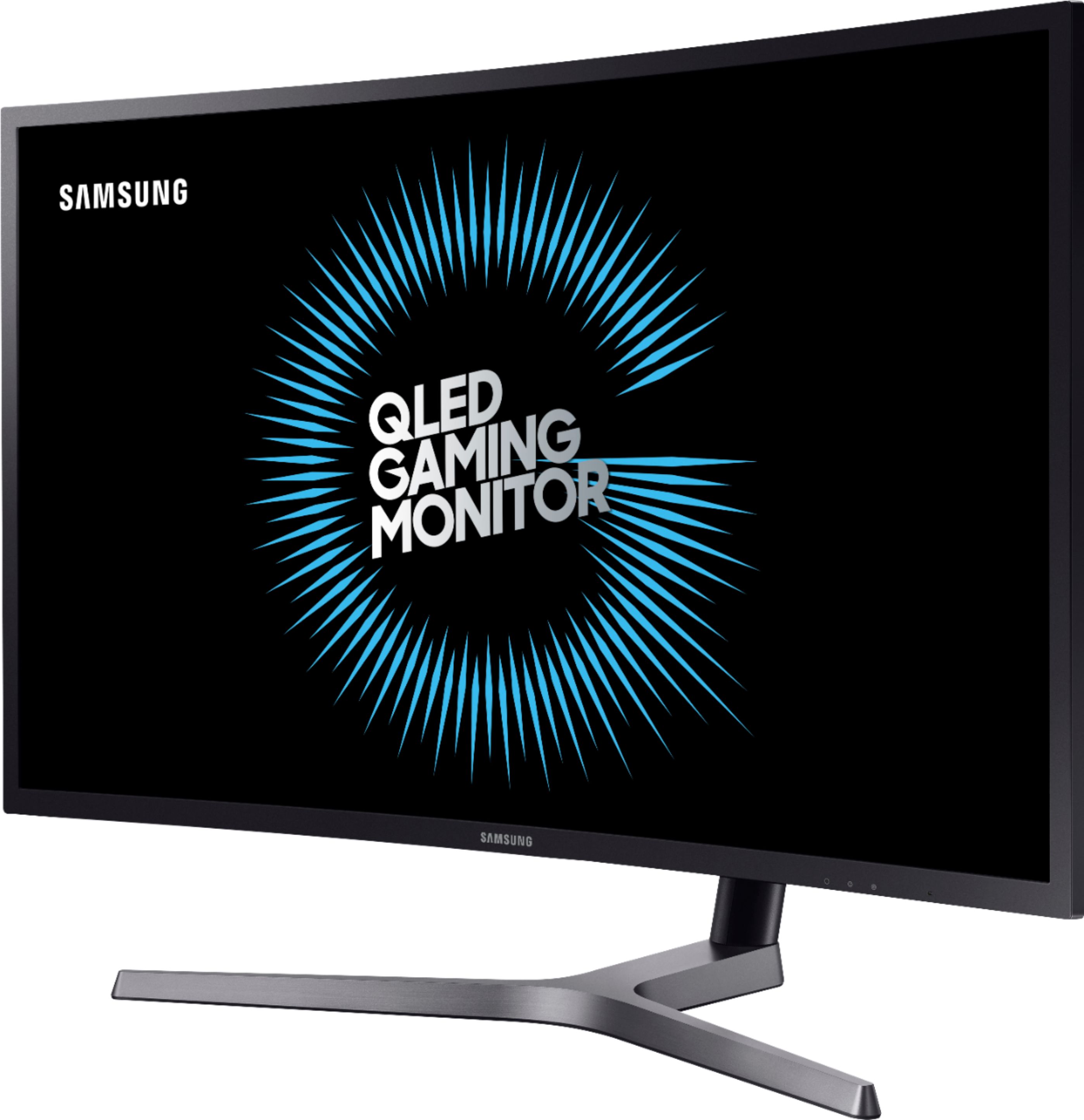
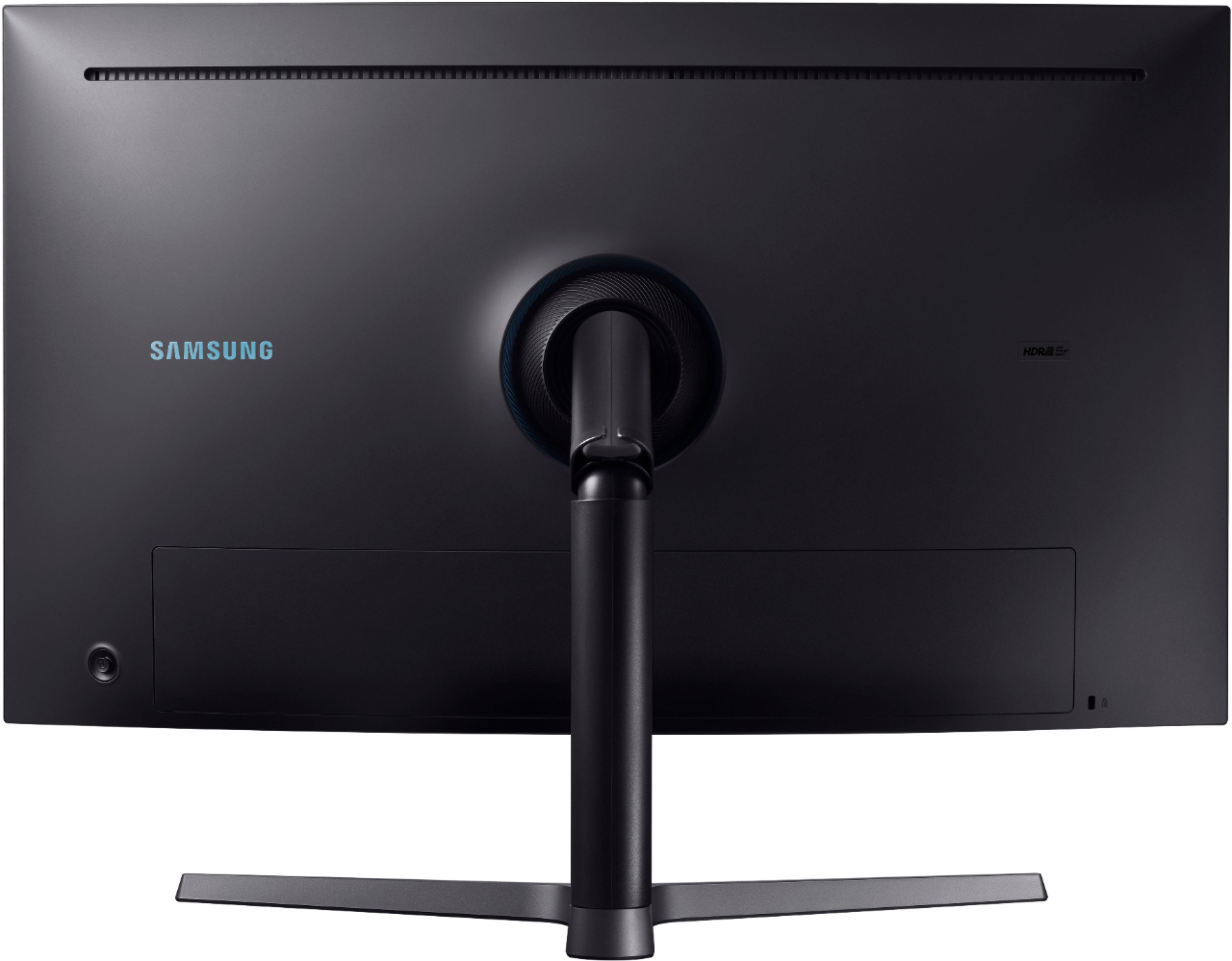
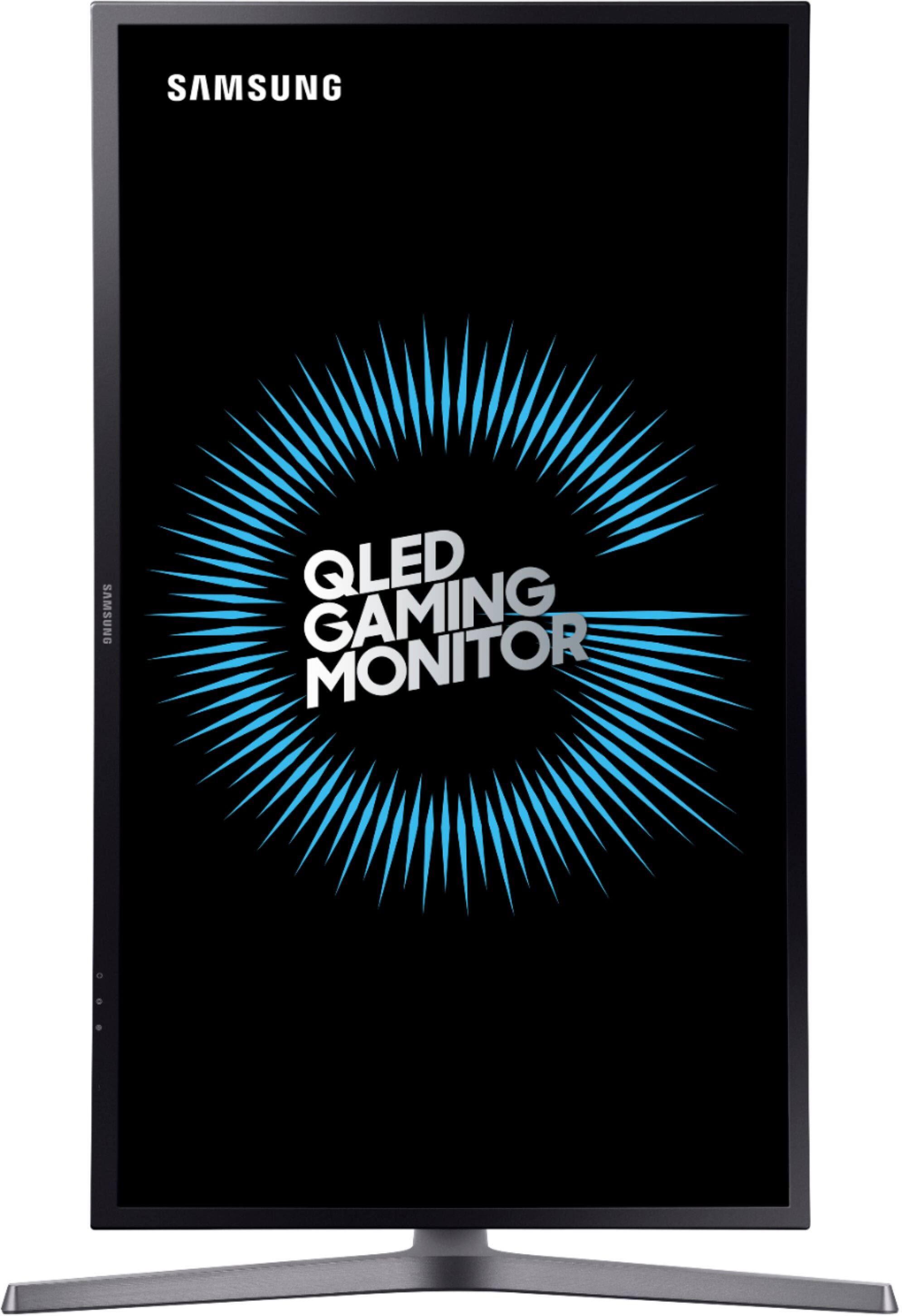
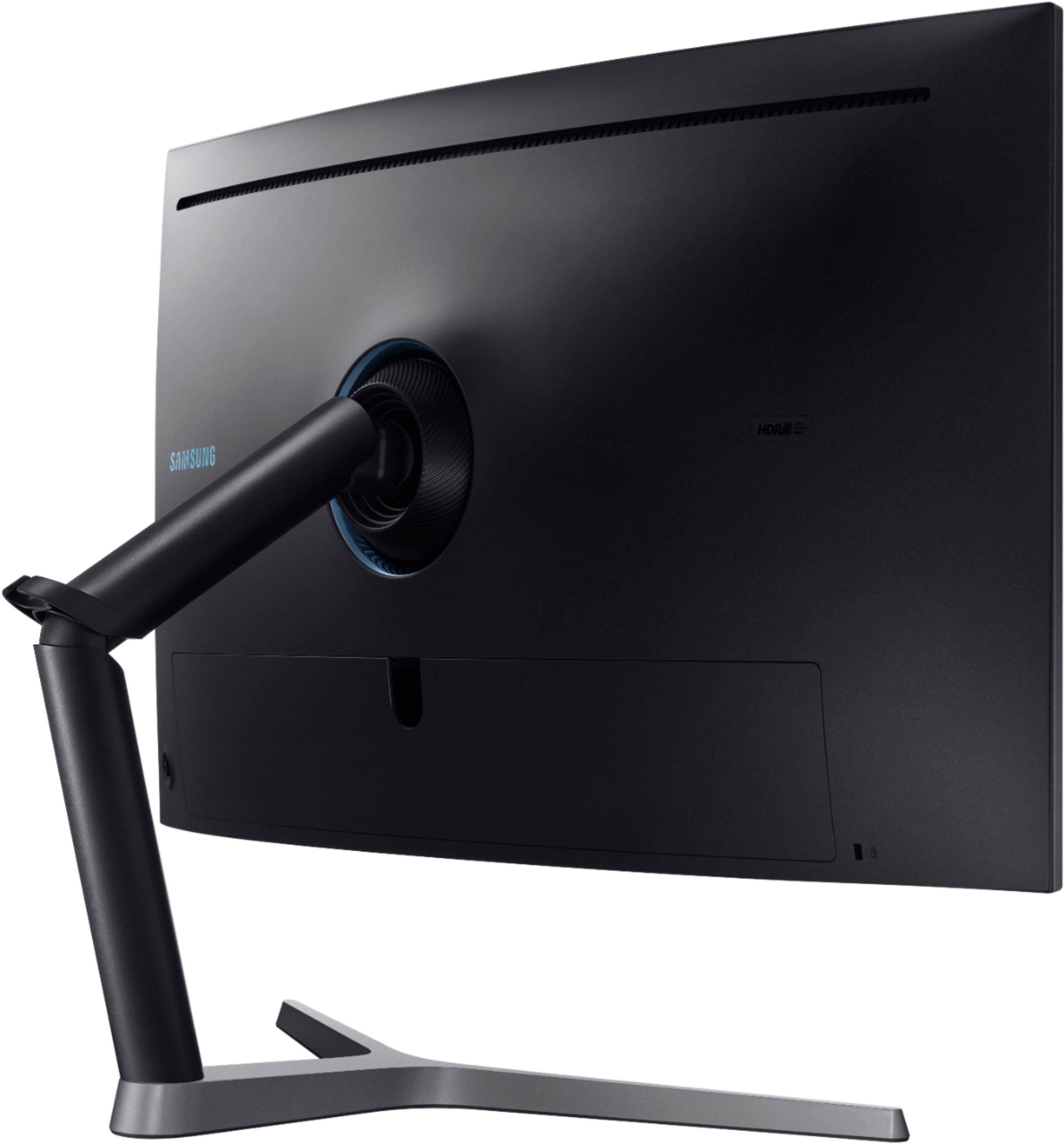
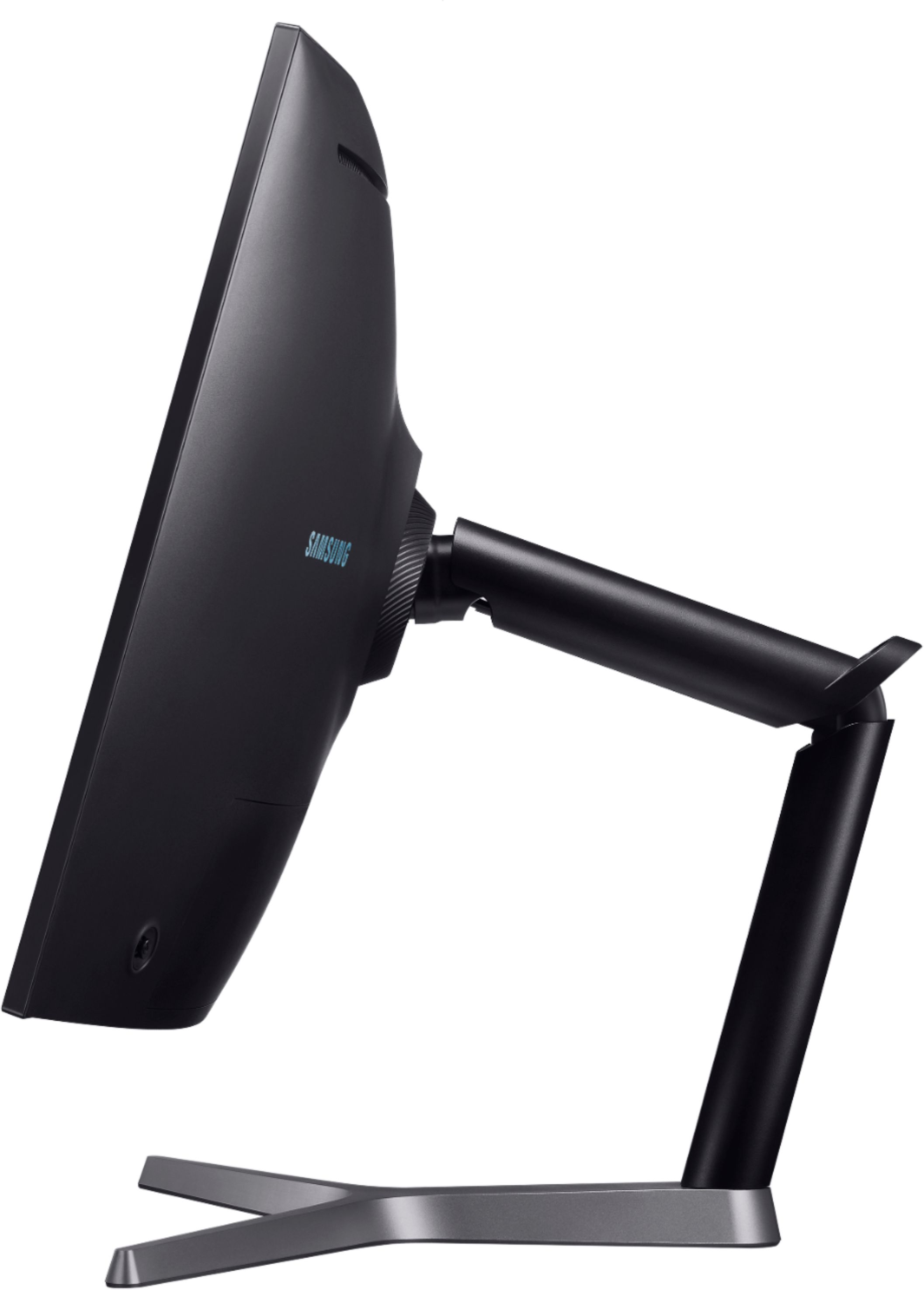
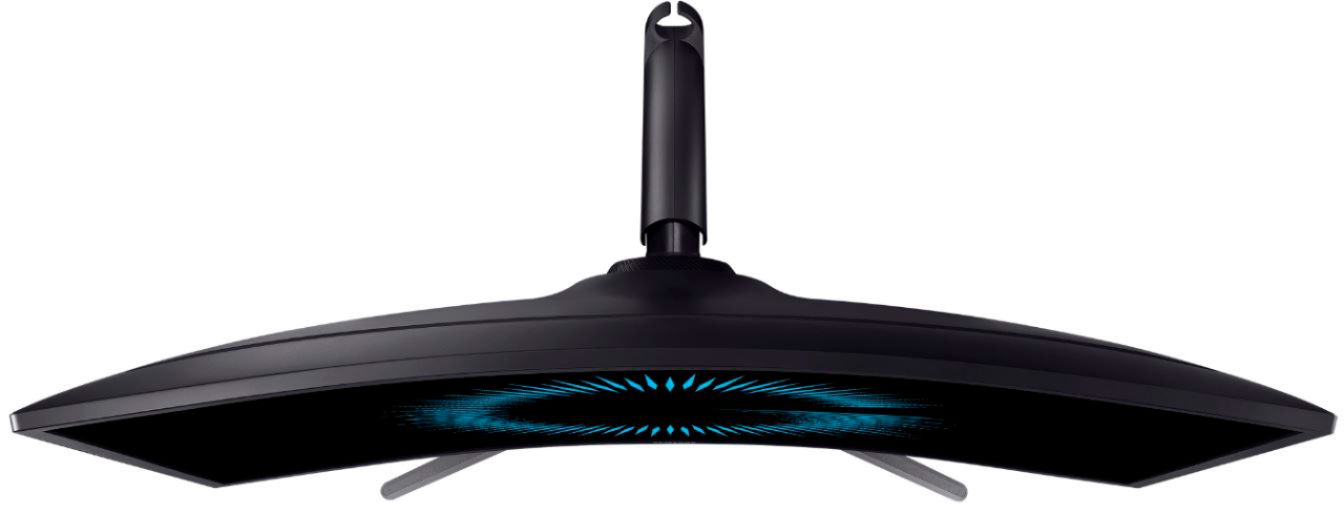
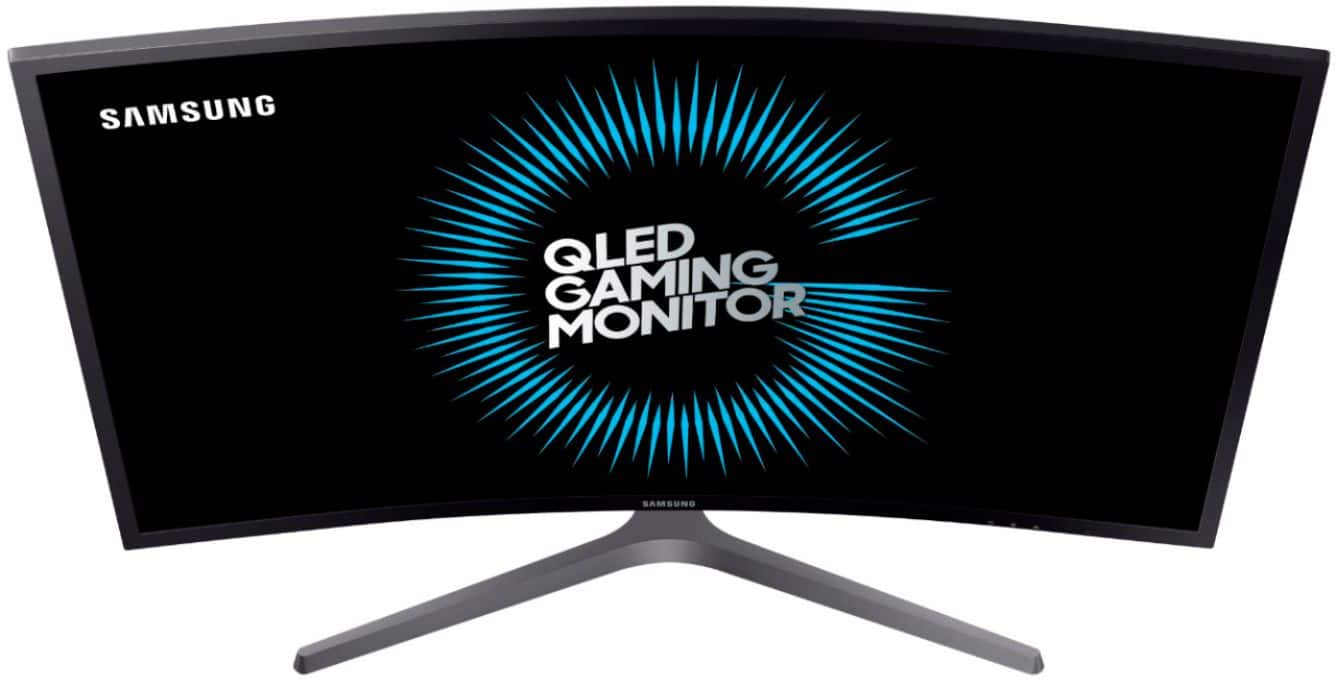
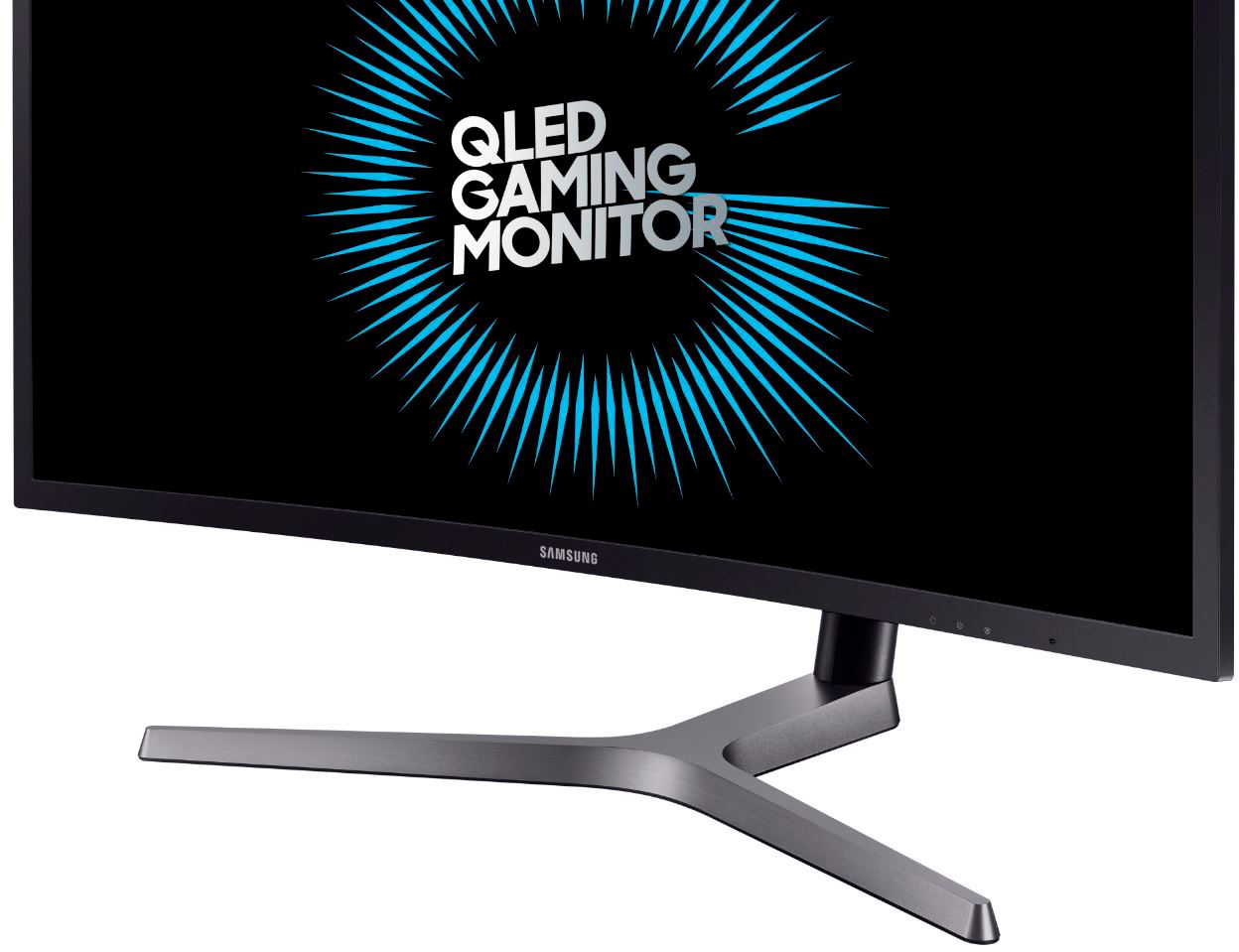
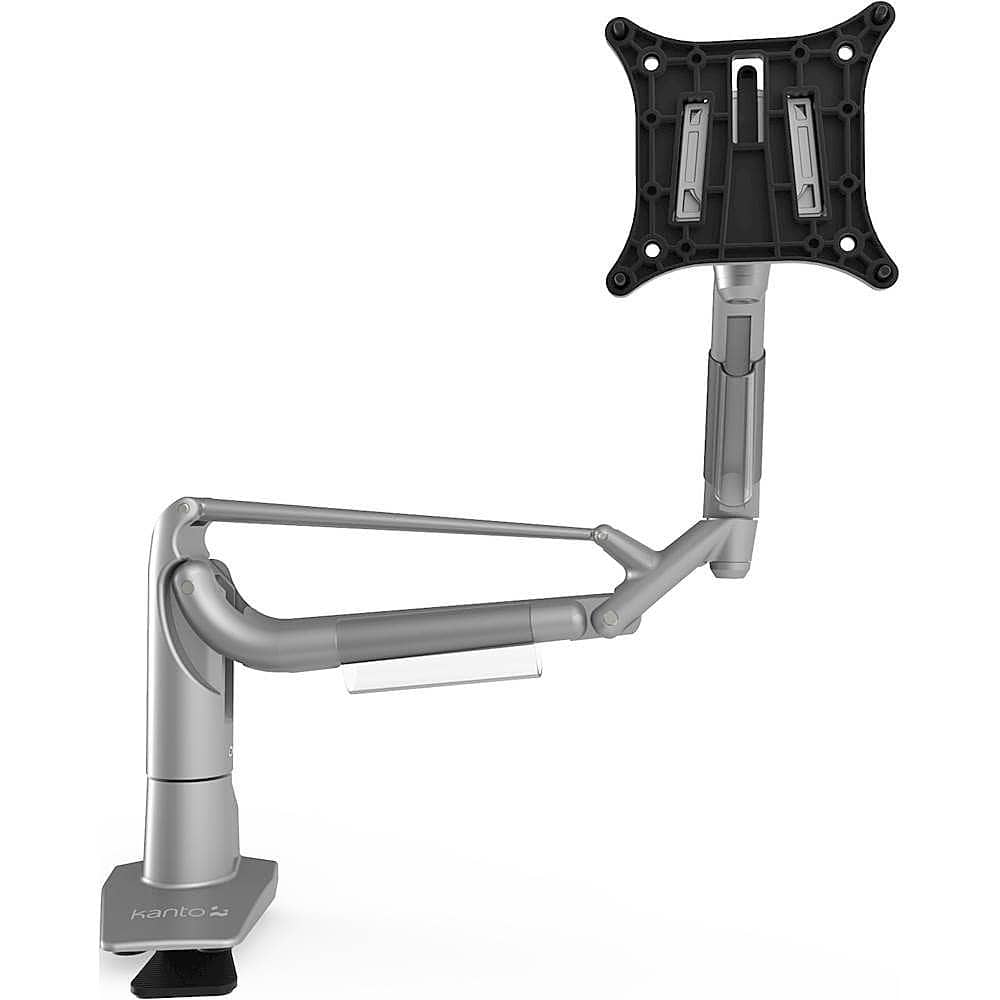
A:AnswerYes you can but with how the monitor is designed it will also push the monitor closer or farther away depending on up or down. Up pushes it farther away while down will make it come closer to you
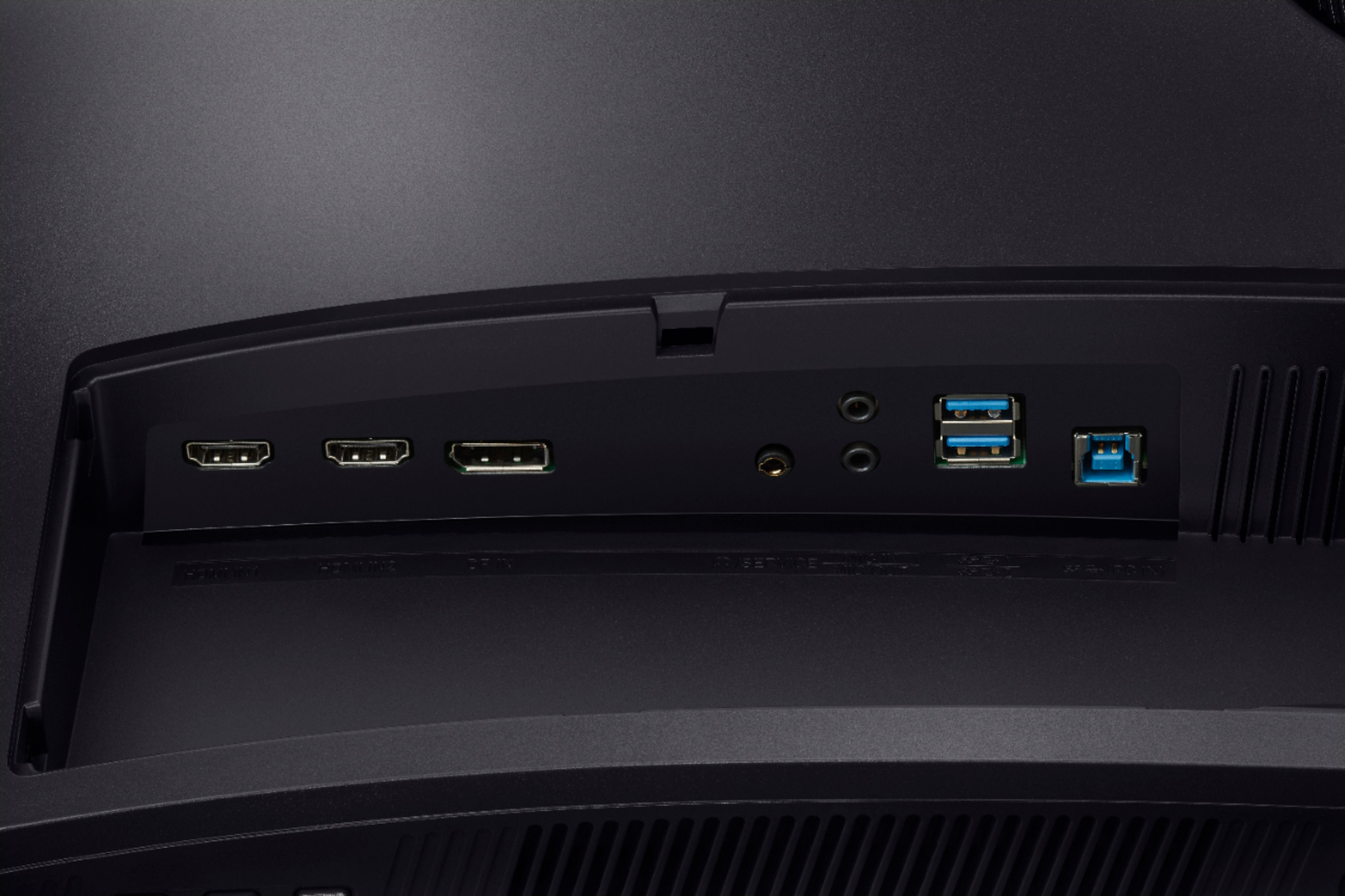
A:AnswerConnectivity: DisplayPort 1.2 x 1, HDMI 2.0 x 2. I use DisplayPort to run 1440p games at 144Hz. I believe that the HDMI 2.0 ports can also support 144Hz refresh rate at 1440p.
If the Mac Pro has either port and a graphics engine capable of 1440p at that rate, then you should be able to use the full capabilities of the monitor.
A:AnswerYes it does have an anti-reflective screen/coating. Although I’m not totally sure what you mean by ‘to protect the screen’, the physical screen itself should be treated like any other, with gentle care.
A:AnswerIt has a 1 ms response time, varies depending on use. Most HDR content will run at 5-8ms response time I believe. But hey Best Buy this person is right about the label. Should be labeled CHG70.