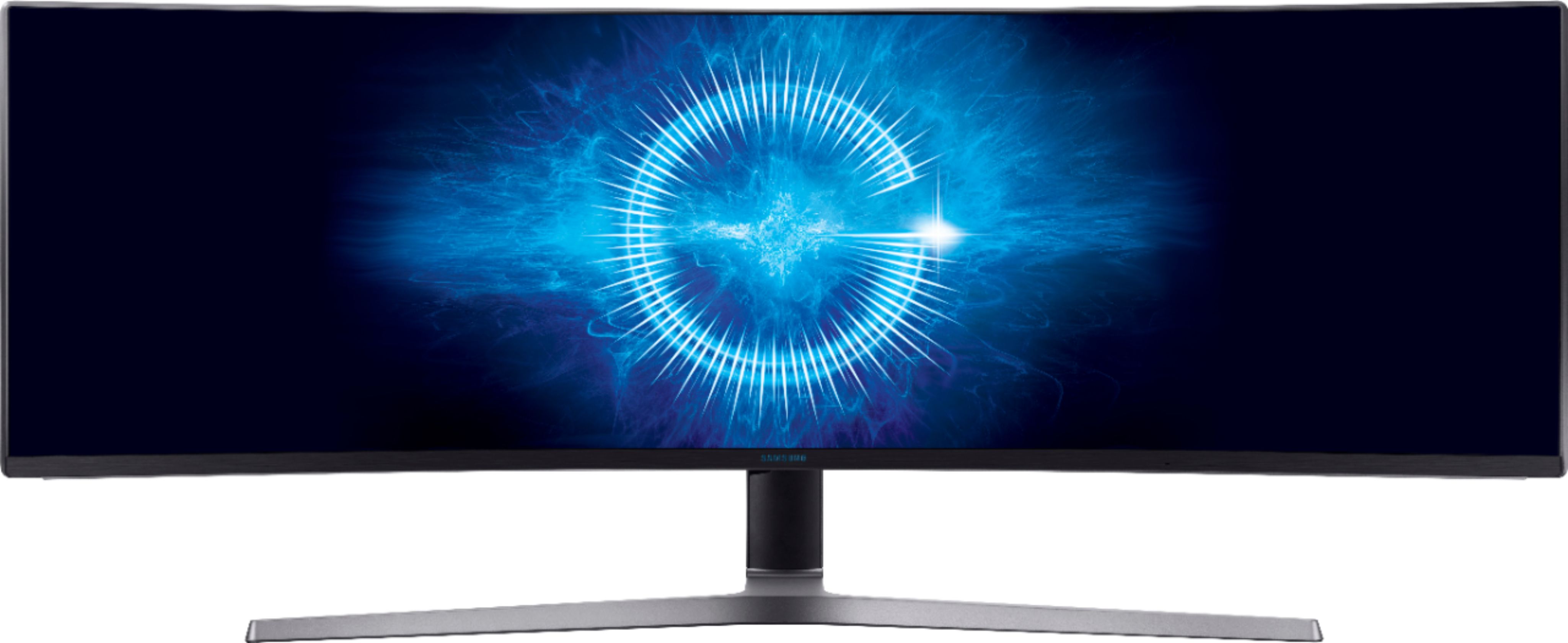
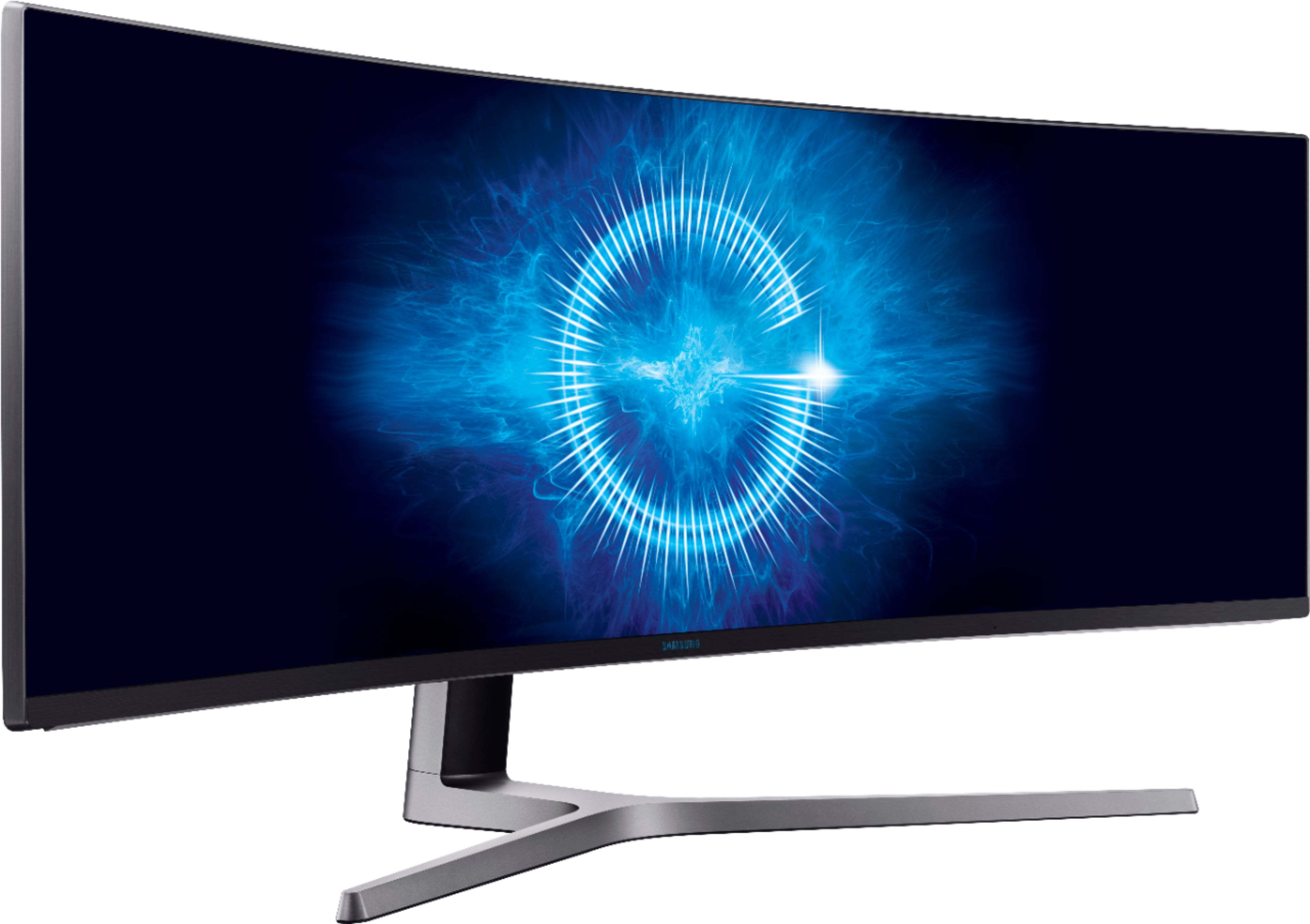
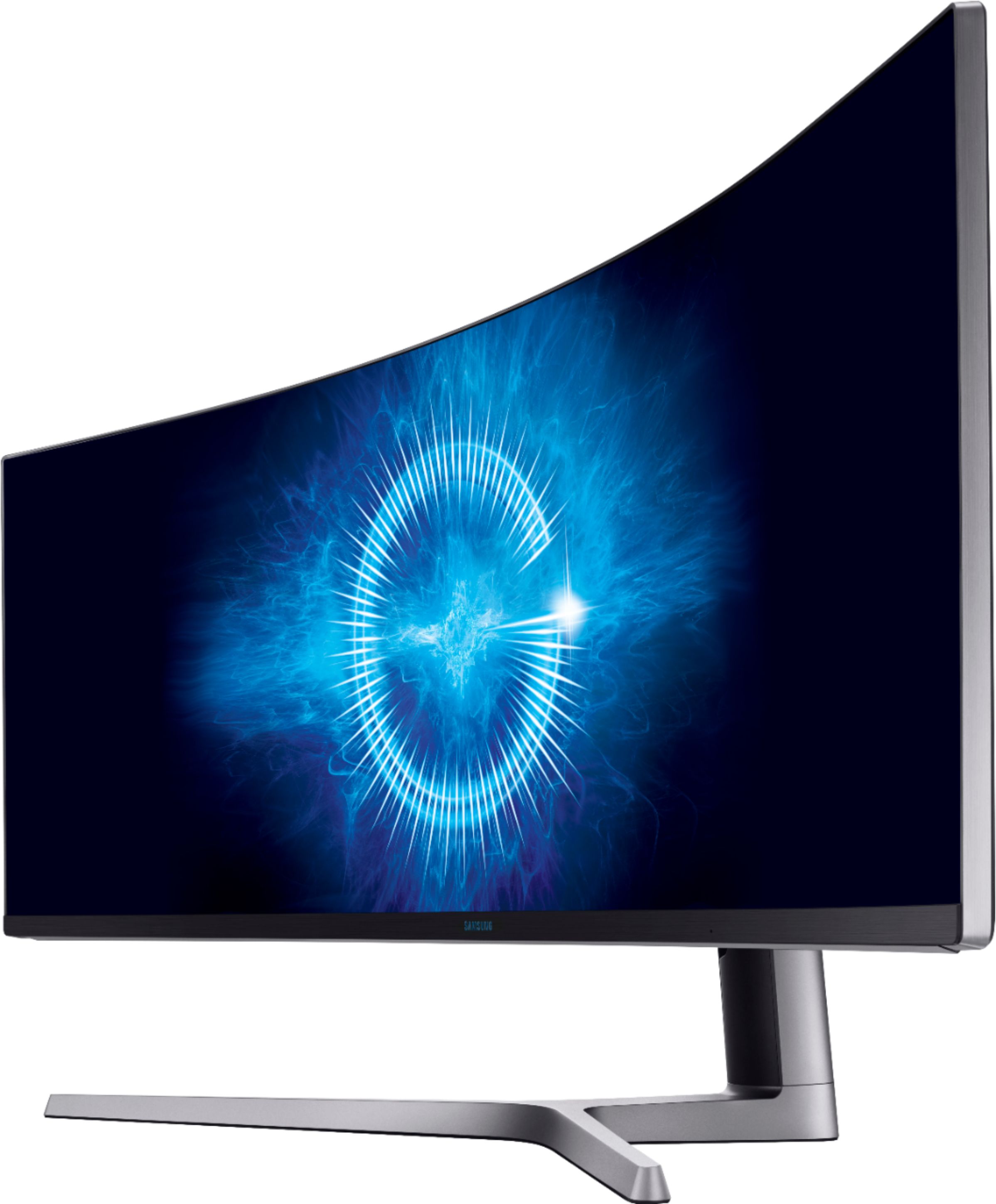
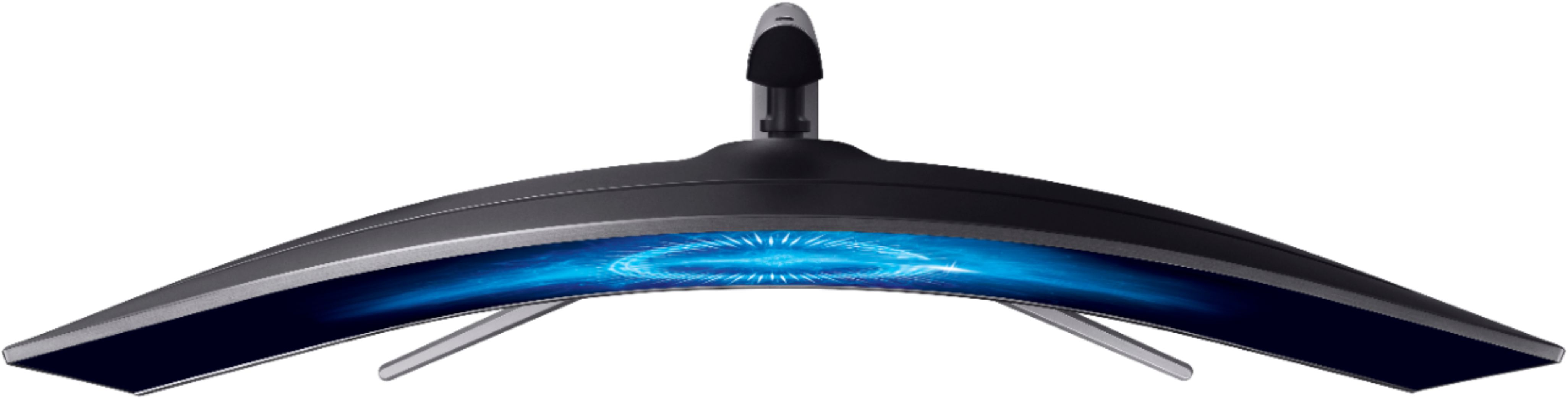
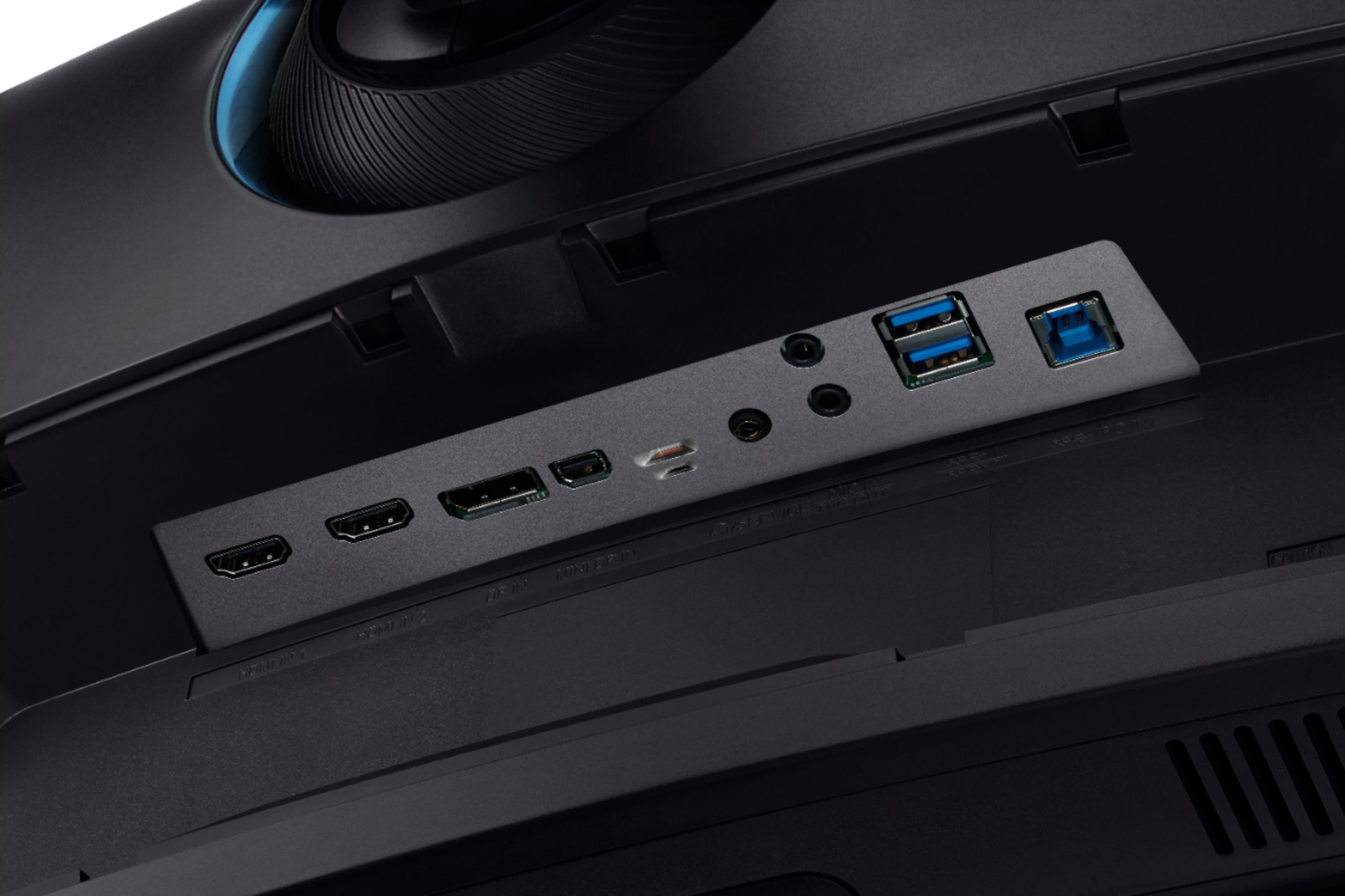
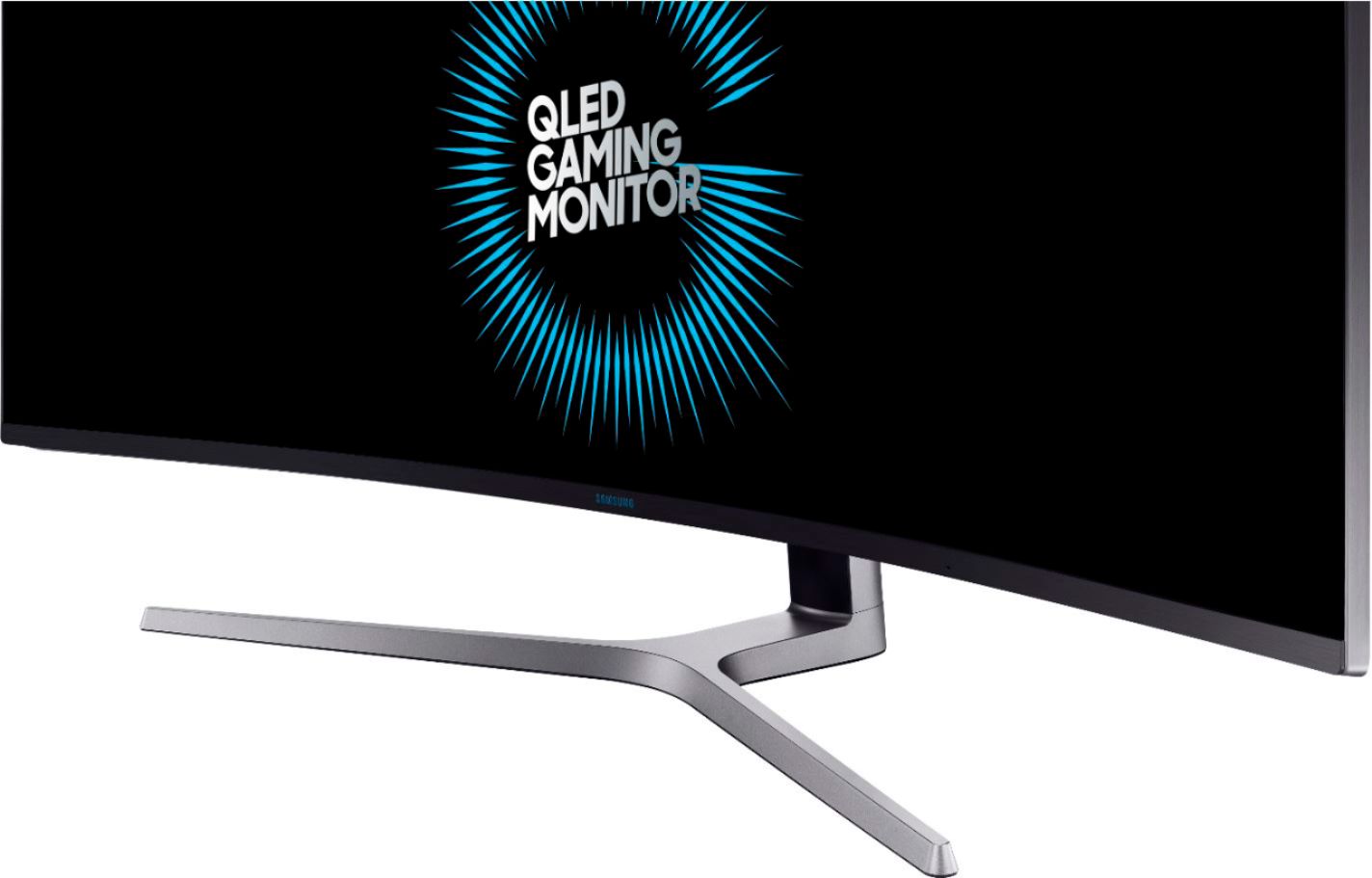
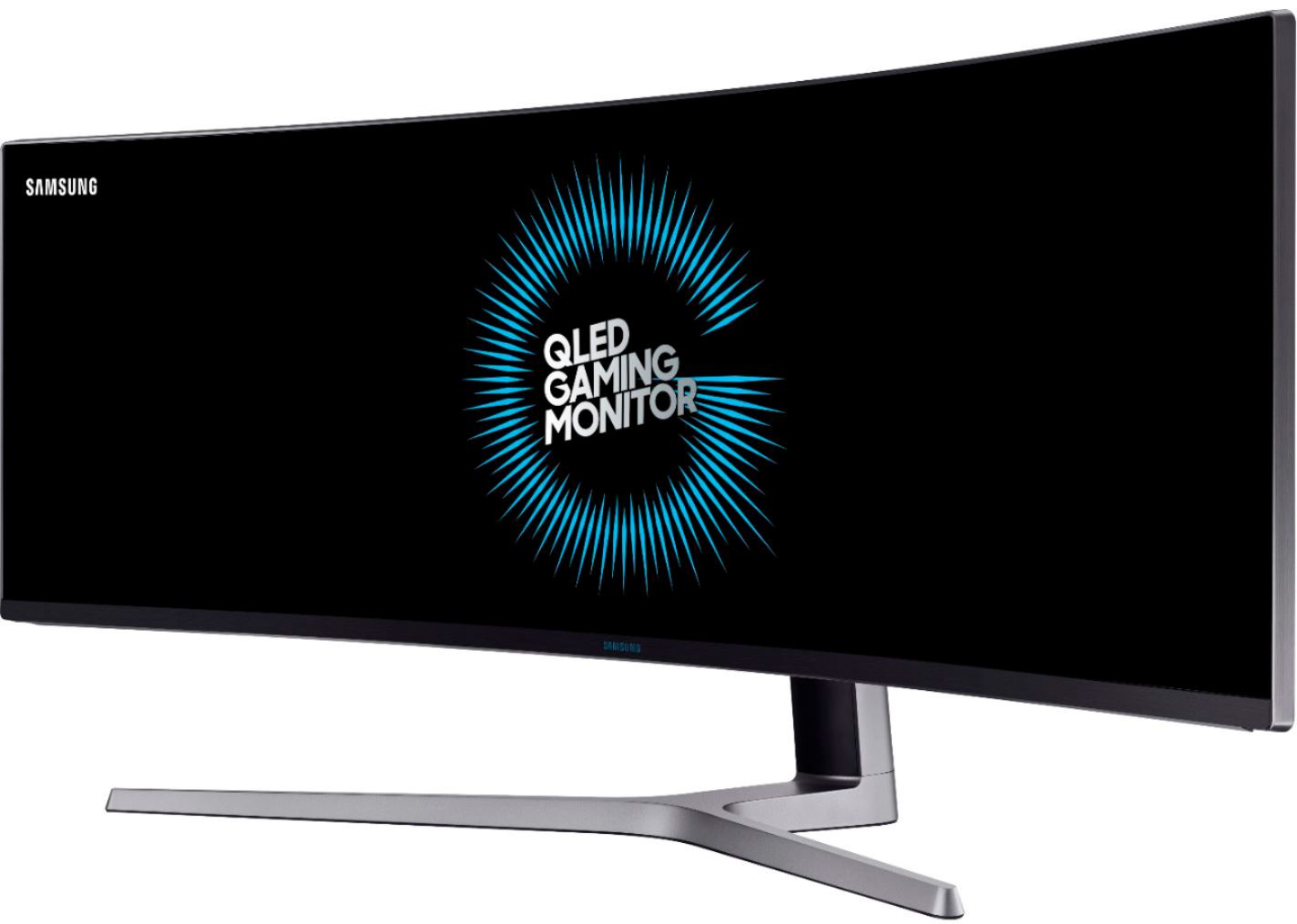
A:Answer The instructions booklet says you need a display port cable for best results and for you to use the one that came with the monitor. I have personally witnessed this in that my resolution never went higher than 120hz with the HDMI but does the full 144hz with the display port cord. I also believe you need to plug it directly into the computer and the TV with no dongle or docking station to bottleneck the connection data transfer speed.
Once you do this you will see a drastic improvement.
I ran this monitor on a 2019 Macbook Pro, Intel I9 processor PC running NVIDIA RTX 2070 Super, and an Intel I9 processor PC running NVIDIA RTX 3080 and they all looked great (Displayport cord wouldn't work with the Macbook Pro with the dongle or dock but it was still an awesome improvement).
Also, for fun you can test you settings by going to the fun UFO resolution and framerate testing website: https://www.testufo.com/
P.S. You purchased of the best monitors out there now for gaming and multitasking. You have a great tool at your disposal and a great purchase!