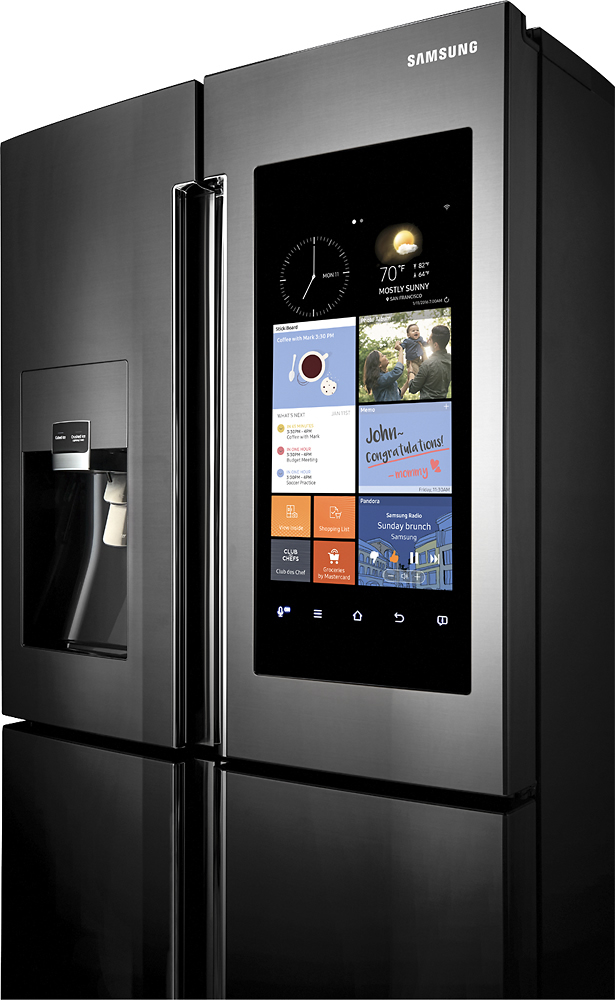
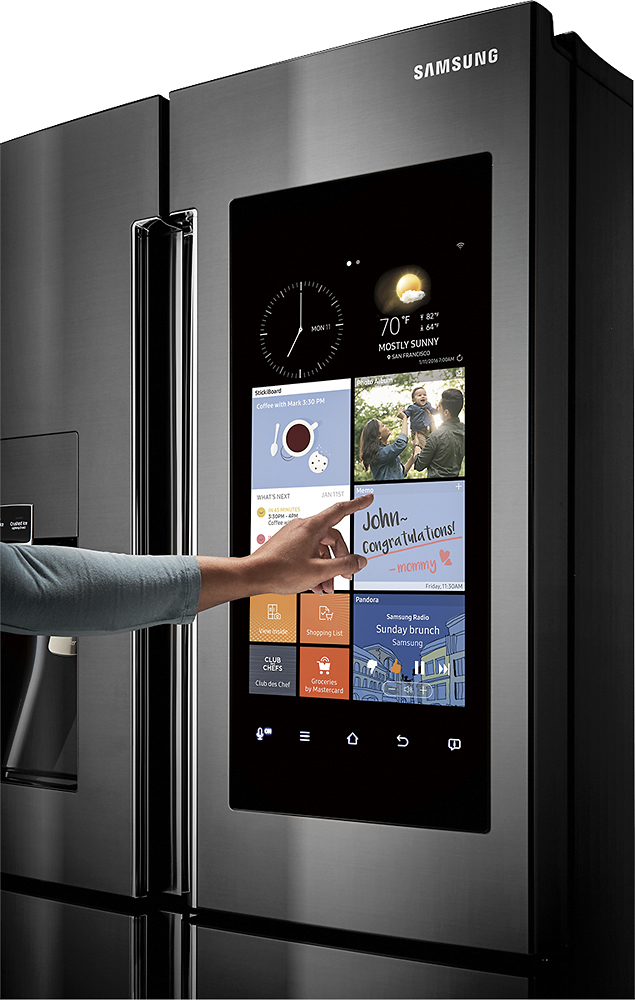
A:Answer See my review: Yes, it will work. Needs a workaround, as it doesn't directly work with the native iOS Calendar app. Instead, you need to set up a gmail for each "calendar" color, then on your iOS device, go to Settings / Calendar / Accounts / Add account. Add in each gmail google account but just click the Calendars (turn off email, reminders, etc.) Then the you set up an email in your iOS calendar app, toggle the "calendar" used to the google calendar. You can repeat this process for multiple family members: both my husband and I have all 3 accounts (mom, dad, kids) logged in on our iOS iPhones, and we just choose the target calendar when making a new event on our phone.