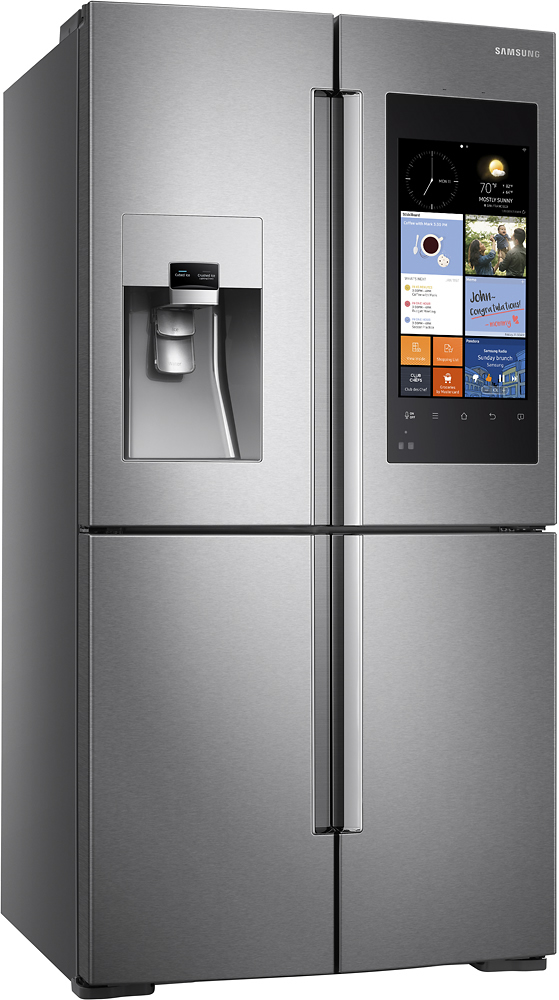
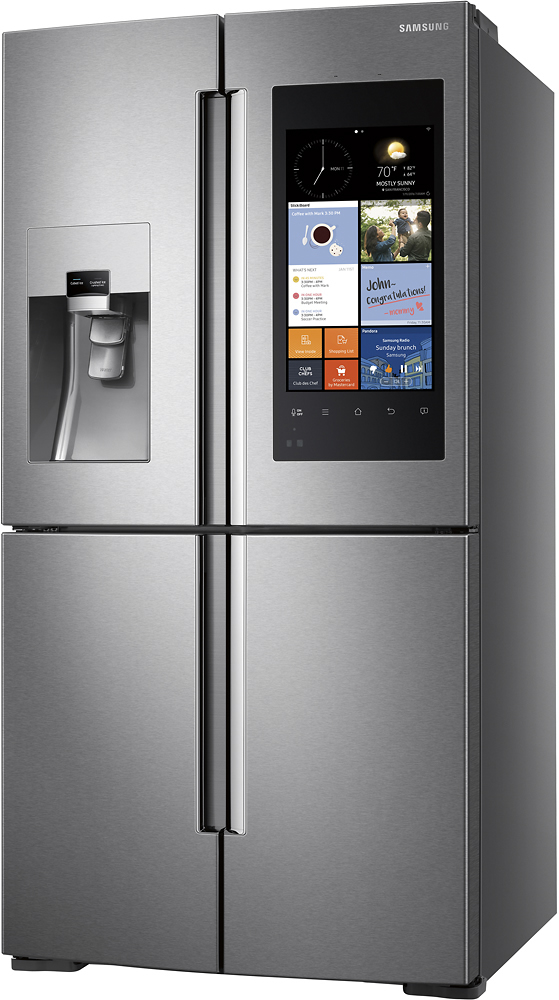
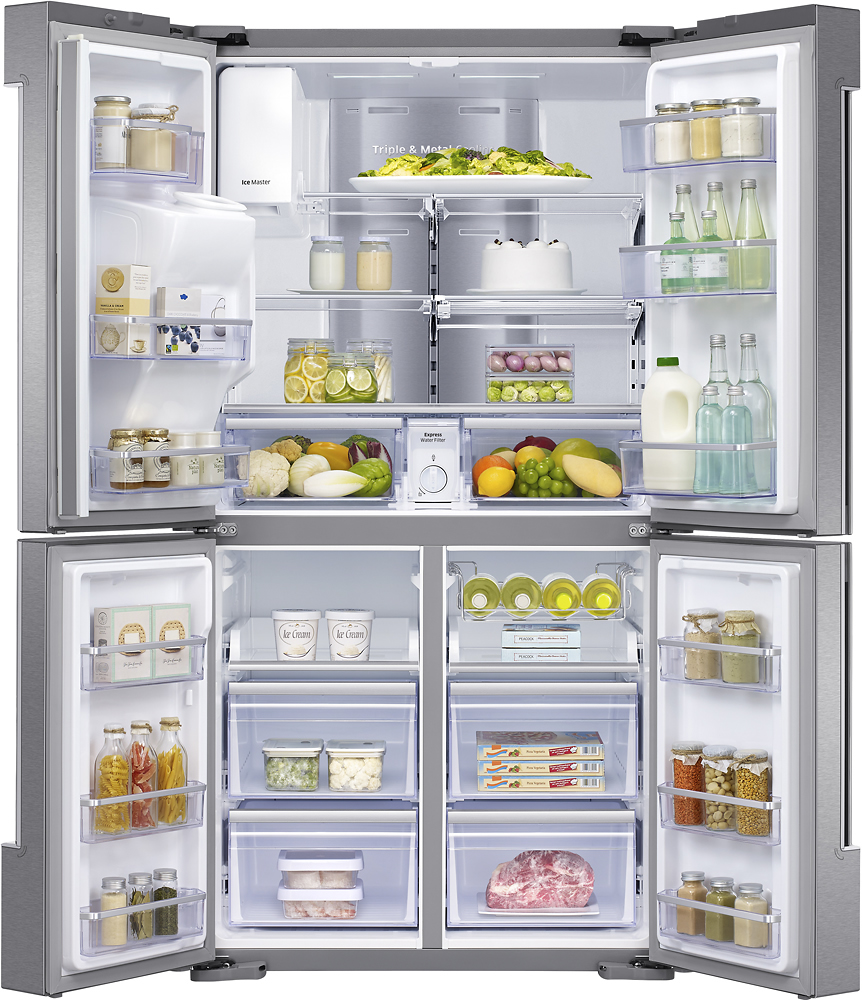
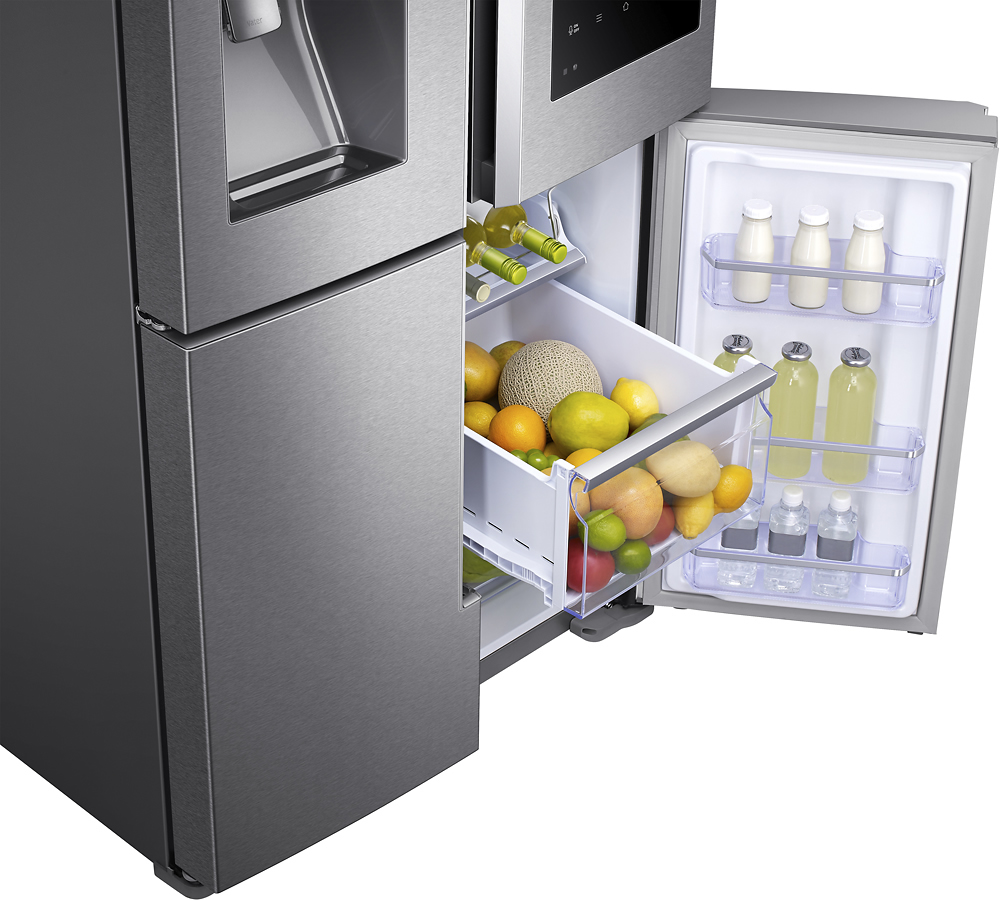
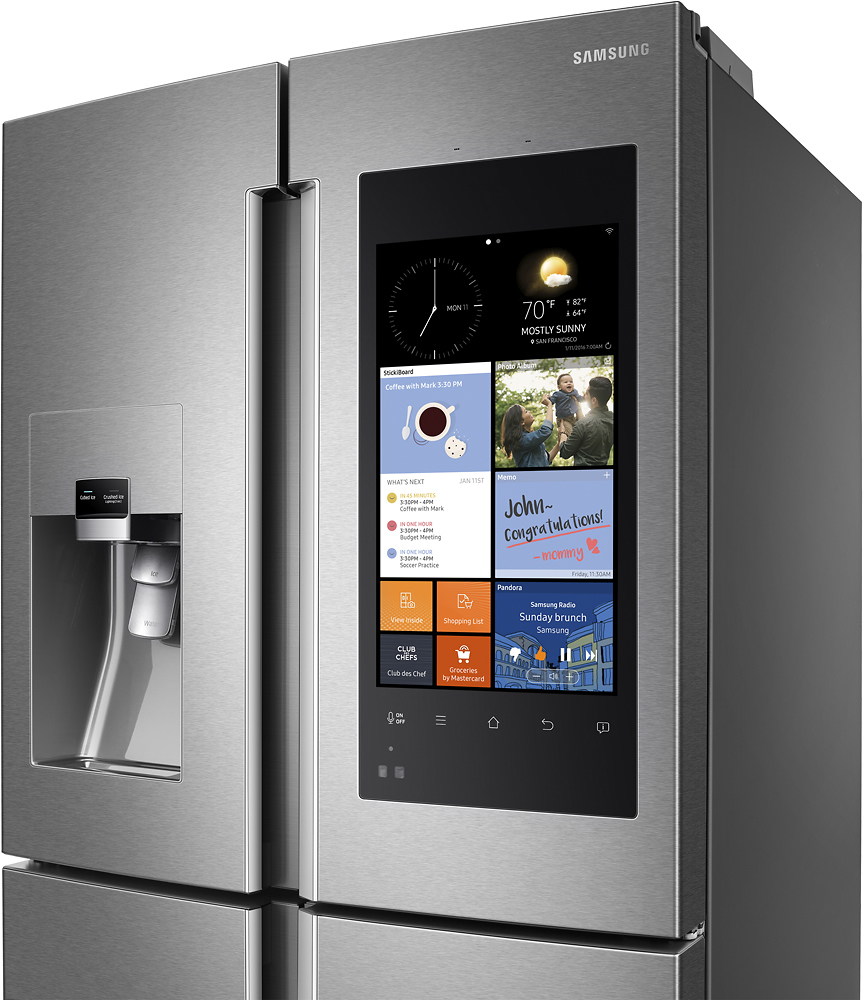
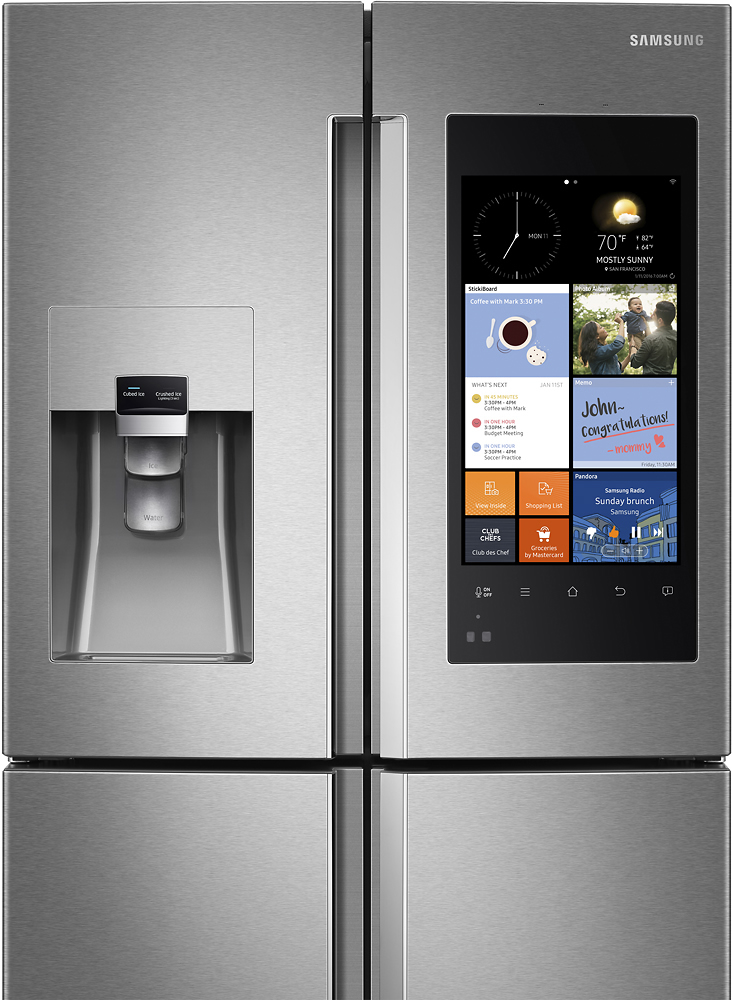
A:AnswerHi drewtag, the Smart Home App is available for mobile devices, both iOS and Android, and can be used to connect to the Family Hub refrigerator remotely and access several features. ^Rosi
A:AnswerSimply speaking, it keeps everyone's schedule handy for the whole family to view at a glance. And it makes grocery shopping easier - the list is always on your phone. If tou live in a city that has Groceries by Master Card you can pre-order what you need. The features are just handy time savers and it's a great fridge.
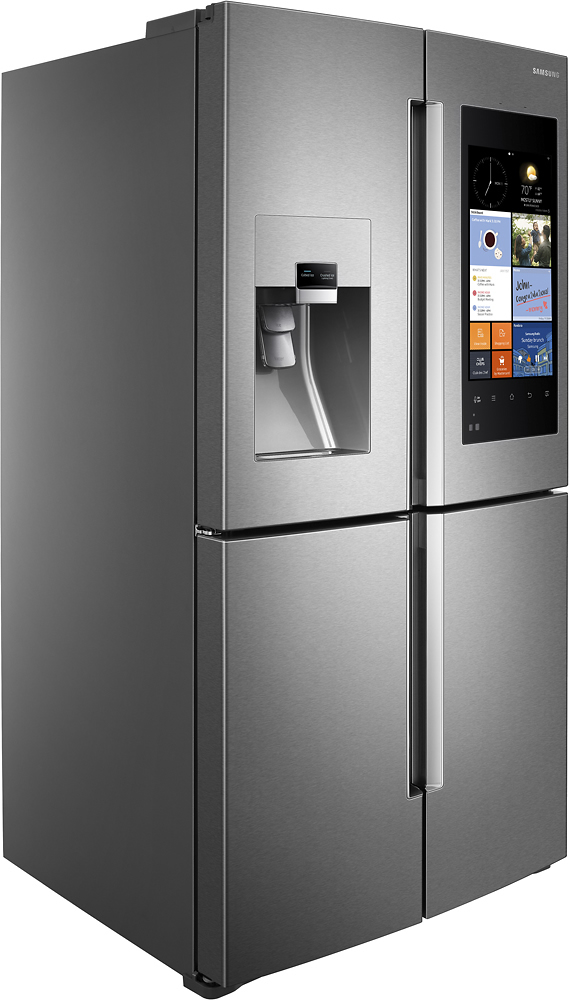
A:Answer(RF28K9580SR) Hi there Robbie! THis model's product dimensions with the hinges, handles, and door as measured by (Width X Height X Depth) are 35.7" x 71.8" x 34.2". Hope this helps! ^Cole
A:AnswerThe screen is designed to operate in temps between 45 and 95 degrees F. The cold weather may cause the LCD to cloud up, if the garage gets below freezing, so it wouldn't be my first choice for storage, but I would expect everything would be OK.
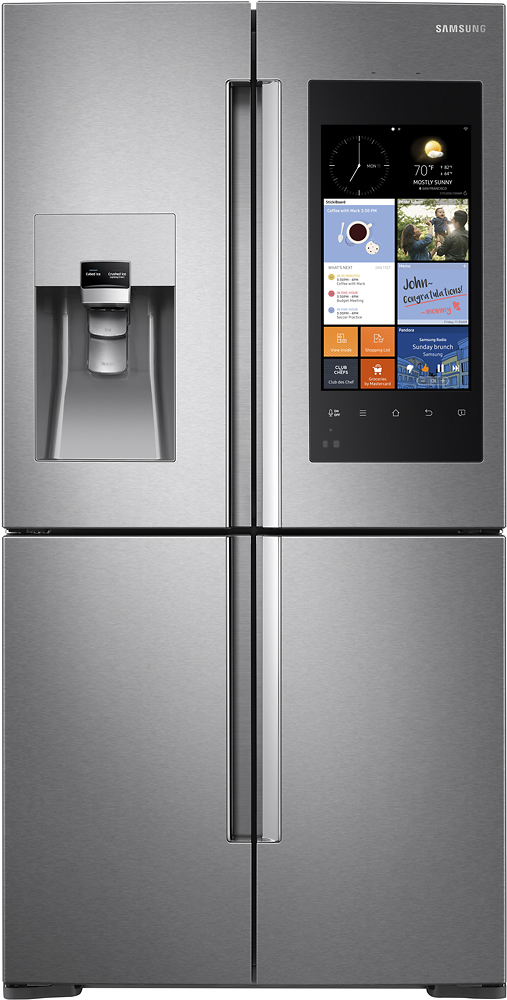
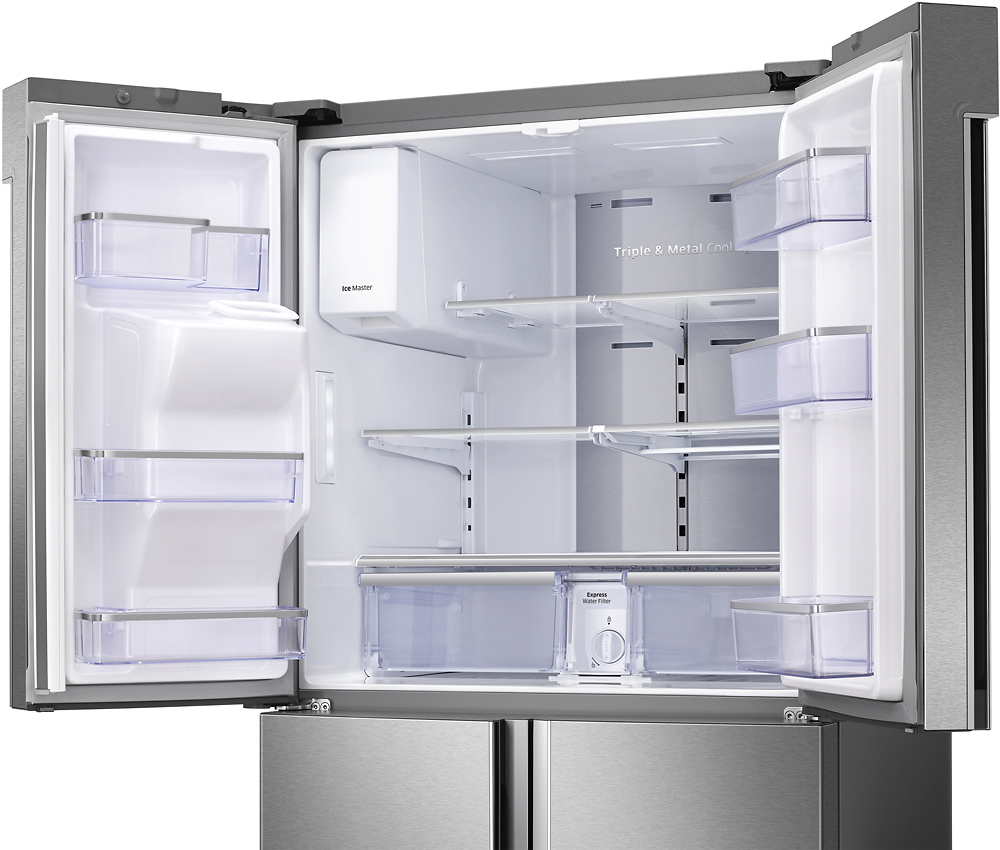
A:AnswerIf it is exactly the size capacity and has the flex zone area with triple zone cooling the only other difference is the voice control. There are many Family hub 2.0 fridges so I am not sure which one you were looking at.
A:AnswerBecause counter depth (22 cubic feet) is a new, non-standard design so it is more expensive to create and doesn't sell as often. It's silly, I know, but its because the larger 27 cubic foot model is the standard fridge size so it sells more.
A:AnswerThe counter depth fridge is the same dimensions (heigh and width) but is not as deep. It is smaller in Cubic Feet than the regular depth one so that it sits more flush with your counters for a better look. But it is 5 cubic feet smaller inside as a result.