A:AnswerNobody wants the 4/128, Win10 Home models. As a hybrid, the only acceptable minimum is the 8/256, Win10 Pro version. Otherwise, I might as well stick with two separate devices.
A:AnswerI think Samsung is reserving that model for themselves. I've only found it for sale on their site. Also, if you use Google Drive or Microsoft OneDrive, you can get by with 128GB internal storage, especially since you can add a micro SD card. It's the RAM that bothers me, really feel like I need 8GB minimum.
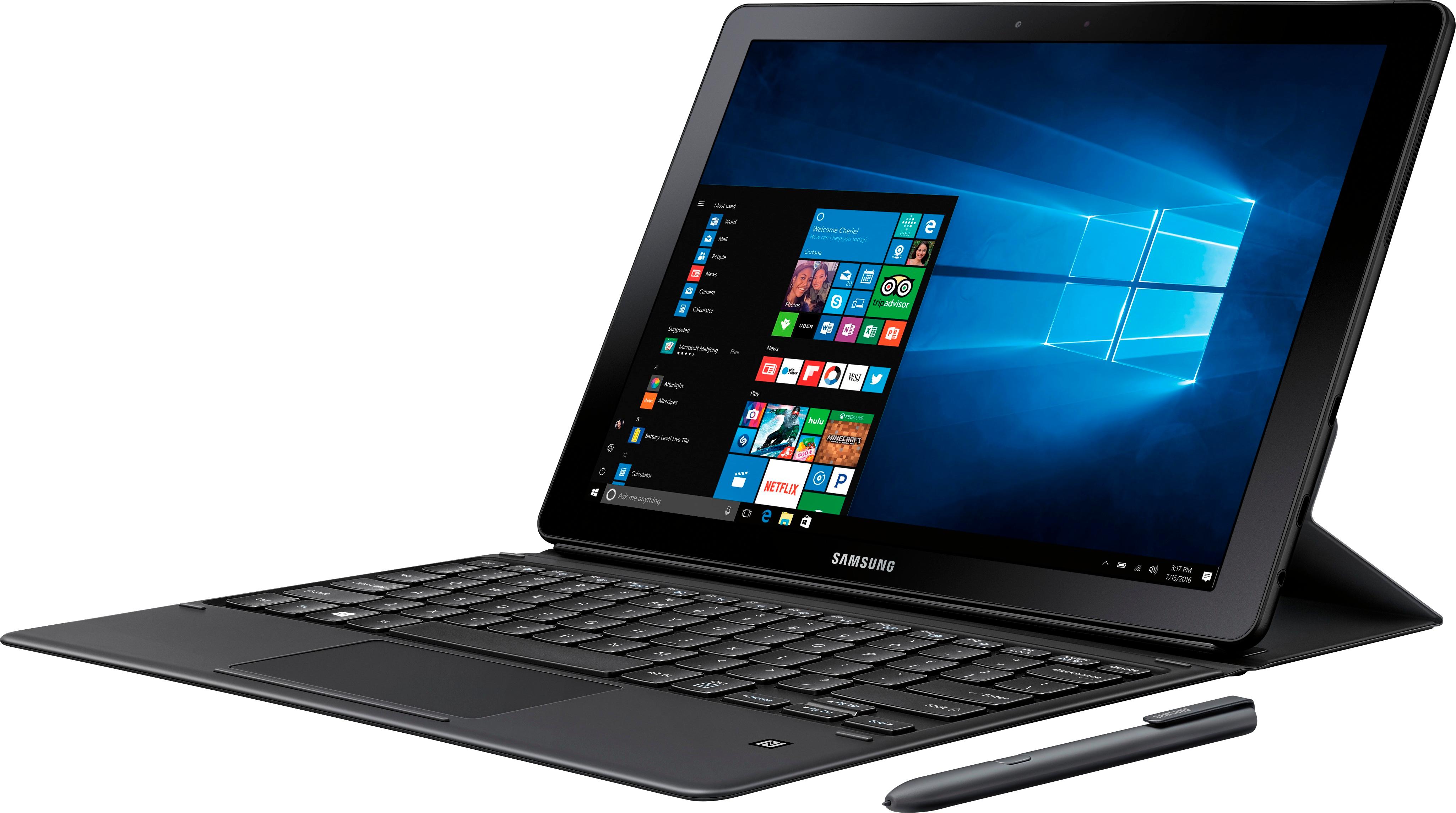
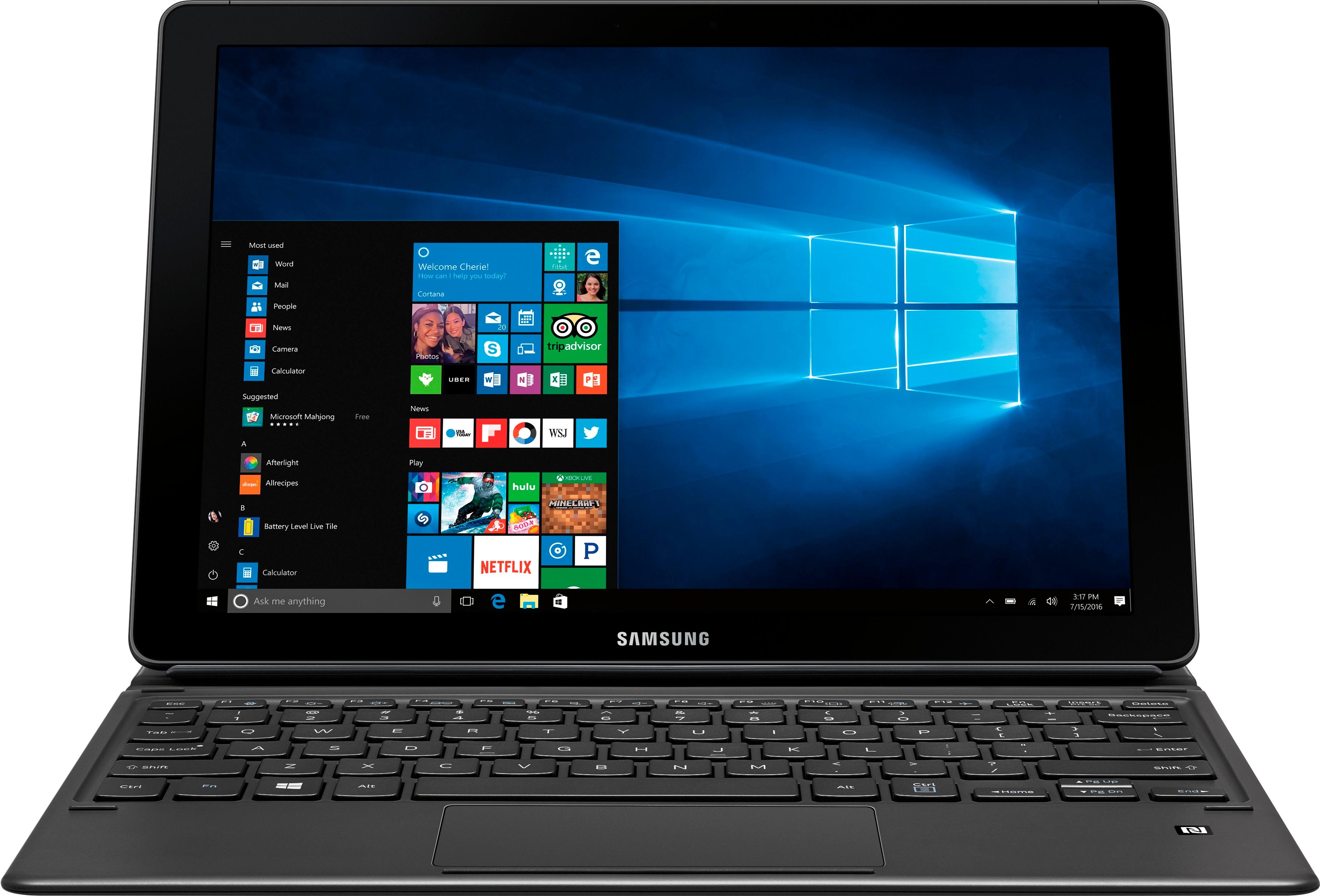
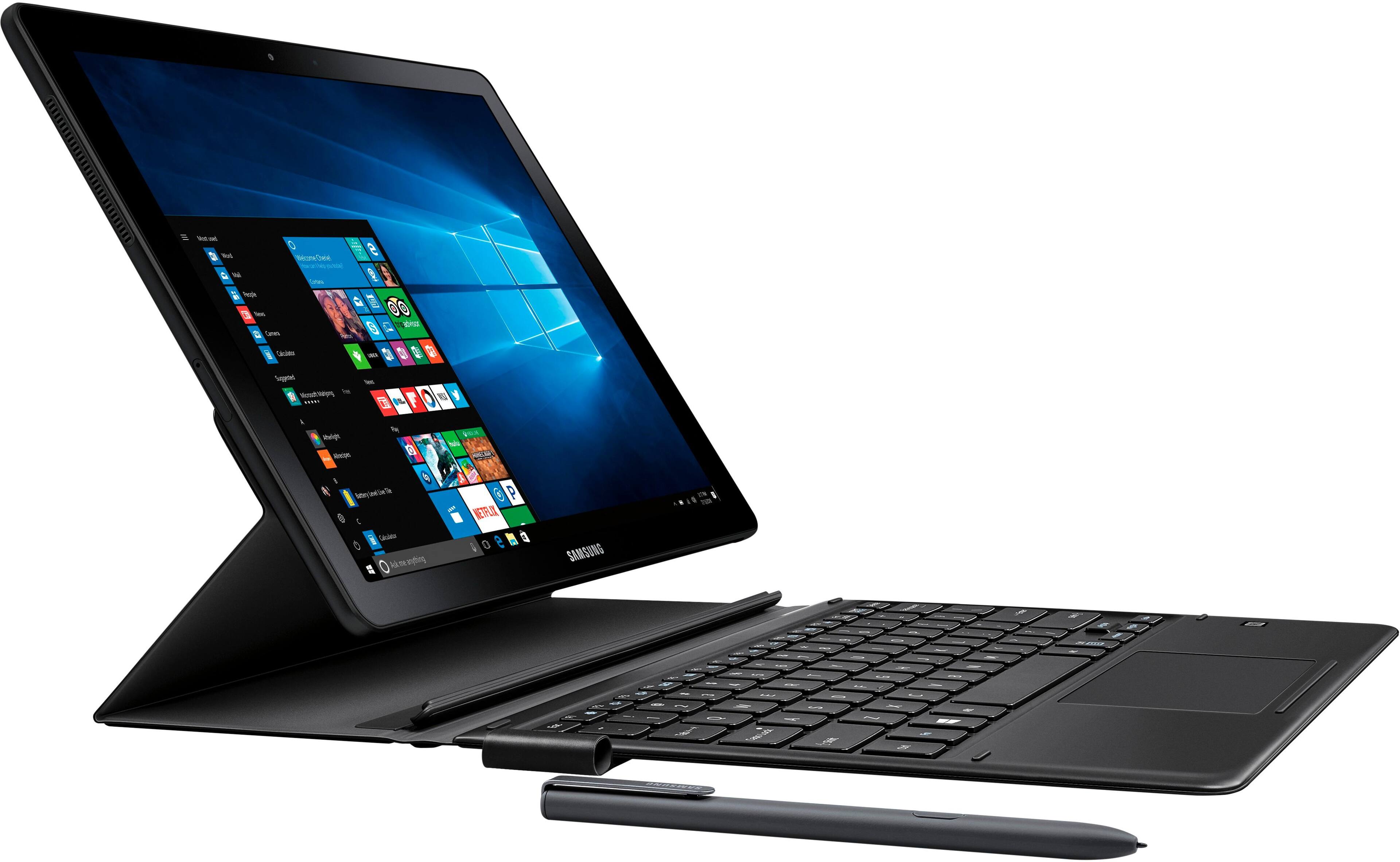
A:AnswerThe keyboard that comes with the galaxy book is backlit! Although I am not very familiar with the Tab pro S keyboard I believe the overall keyboard is a little larger with more spread out keys and has a larger trackpad on the galaxy book
A:AnswerI actually had the Microsoft pro 4 before this came out for sale. I returned it to buy this. As of today (5/14/2018) the newest surface pro (5) is $1299.99 for a 256gb 8gb ram. This includes the tablet (with windows 10 pro) and the keyboard case. Additionally u need a pen (ink ready recommended) add $99.99+. The Samsung is $1329 it includes tablet (with windows 10 home), keyboard with multiple positioning, and S pen, it to is 256gb with 8gb ram. Both devices have an i5 Intel core... In my opinion the surface had alot of issue with regards to crashing and booting up ( I went through 3 before I bought the Samsung.) functionality is better on the Samsung, however this comes with alot of Samsung's bloatware. If you do not own a Samsung phone or TV it can be pointless software (it is user removable though). The surface has actual USB ports where as the Samsung has only 2 type c-USB's (one should be for charging when needed, so a USB hub is recommended). The surface has a SD card slot (the card does stick out of device) and the Samsung has a microSD internal slot. So it come down to ur needs and preferences, but I would say the Samsung is a better value out the box.

A:AnswerI do not think you can change internal parts in 2in1 devices. Everything is soldered on to the board. What you buy is what you get. You can only insert micro ssd to boost your storage capacity. That's it.
A:AnswerI lost my Surface under similar circumstances. This is a much hardier unit. I have already dropped it once (in the month I've owned it) and it is fine. Part of the reason is the padded cover that serves as the stand for the display portion. Another part is that it was simply designed to withstand more "abuse." I really loved my Surface. I'm finding I love this Samsung even more.
Hope this helps!
A:AnswerPersonally I don't use Samsung Flow. I believe it's only used to unlock your tablet with your phone. I just unlock it on the tablet itself. I see no need to use Samsung Flow at all so far. I hope that helps.
A:AnswerI have the galaxy book 12 and you definitely can you just have to download a program that will allow you to. The one that I am using is called AMIDuOS and it works great... I absolutely love my galaxy book 12
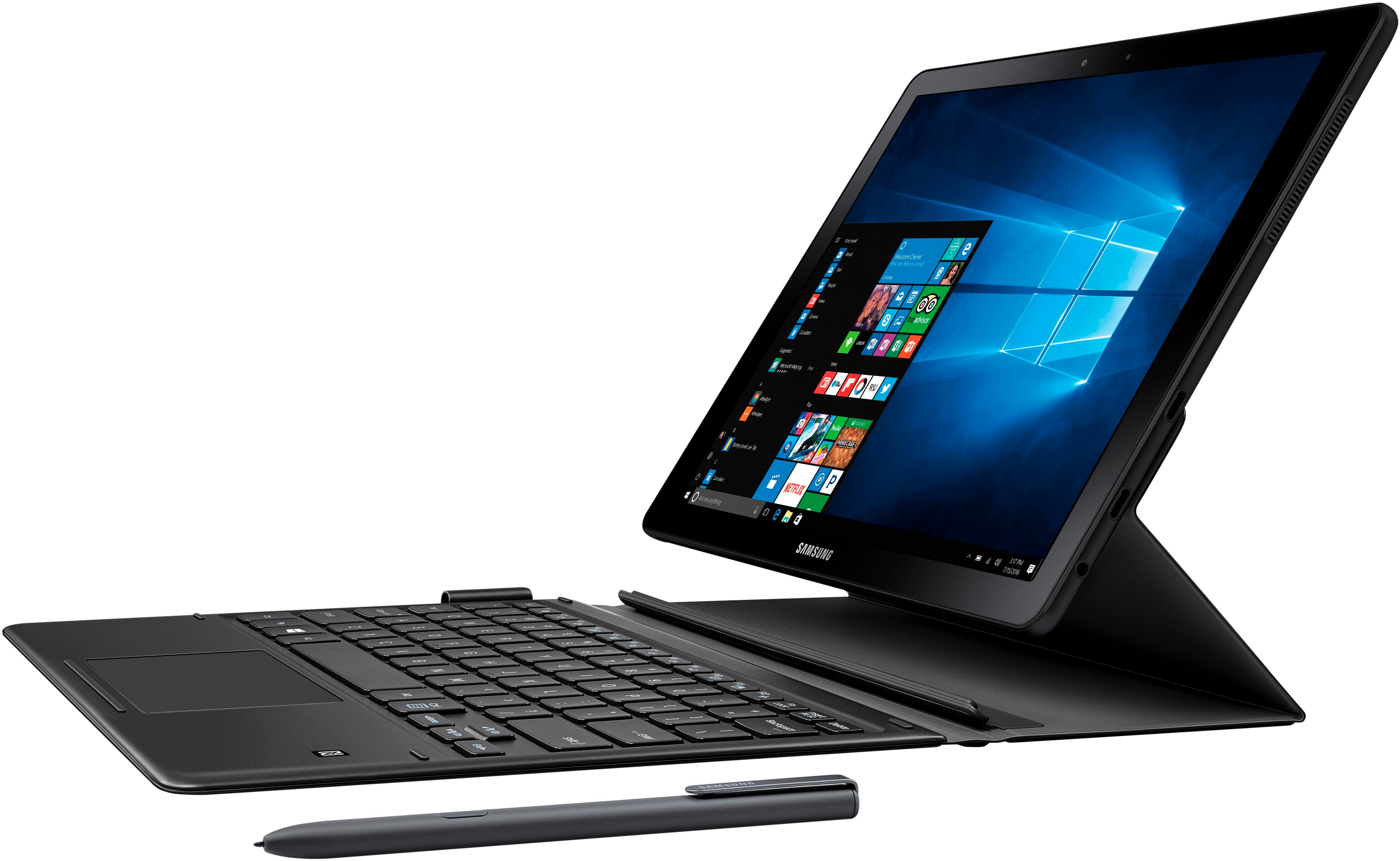
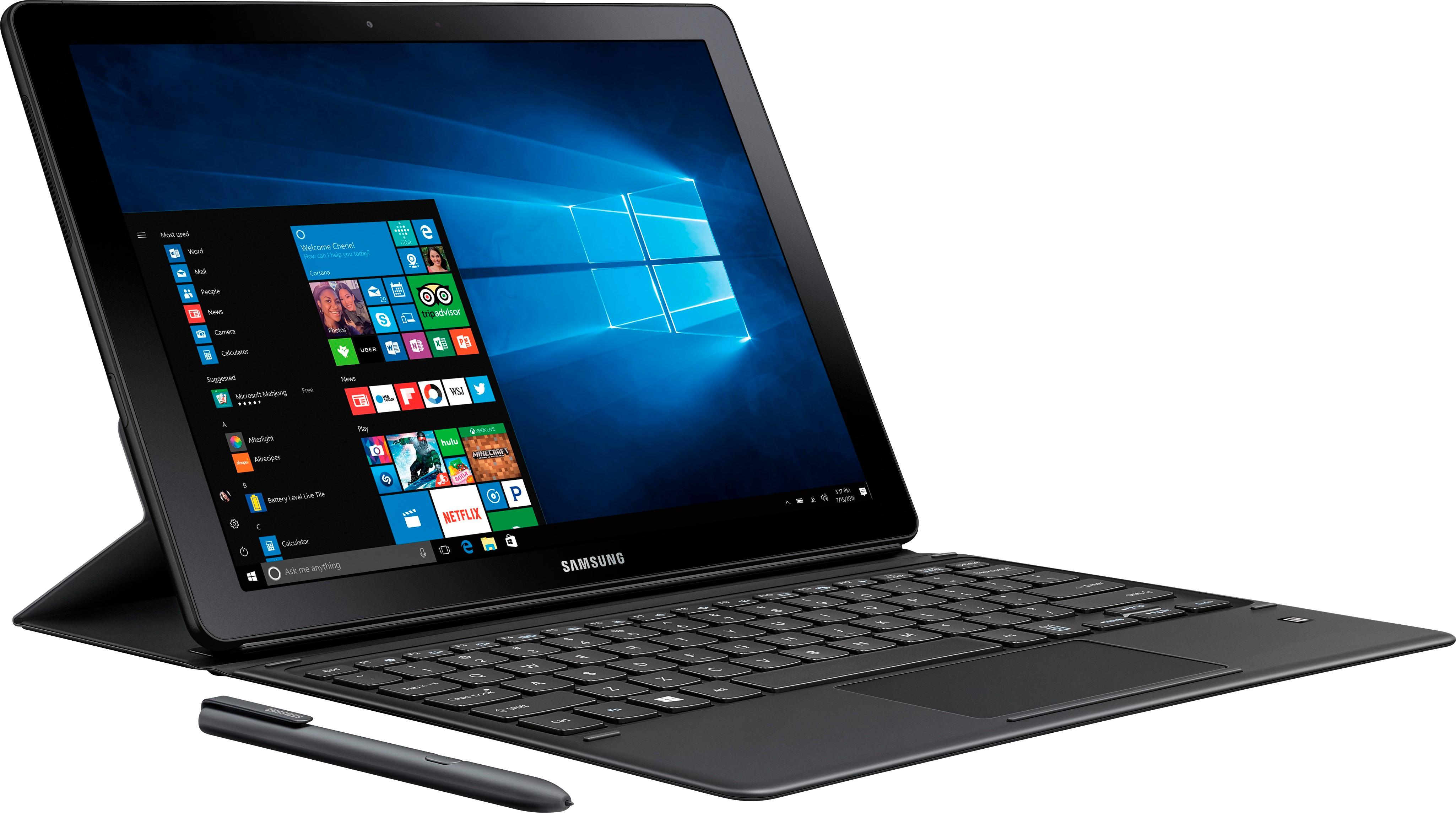
A:AnswerIf you mean the Samsung Book...i preordered and received mine last week..on exact date promised. I love it!! Keyboard clips on like magic and the whole device is amazingly light. The only problem so far for me is that there are two slots on it and both are new Type C ports...which means I cannot use any of my tablet and phone chargers and also can't use any of my prior input devices that have the standard ports in them. Too bad. When they stick 2 ports on the new computer why wouldn't they have one of each?! So I went to Best Buy to get an additional charger and data transfer cord etc...they didn't carry them in stock because, the clerk said, "that is the very newest technology!" So I guess Best Buy doesn't pride itself on stocking the "newest technology!??" So you may not see the computers in stock at Best Buy until they are the OLD technology. I love Best Buy but this treatment at the store floored me. I will go to a different Best Buy store to get a consult from the Samsung rep on coordinating it with my Samsung phone and Tablet. As far as the Samsung Book goes...it is fabulous for my needs. I ordered it sight unseen because I knew Best Buy would stand behind it if there were any problems or I was not satisfied.
A:AnswerI bought mine for college. It breaks if you drop it and cant be fixed. If you get it make sure you get the warranty. They sell no protective covering at all for this device.
A:AnswerOutlook is part of Microsoft office. That's Microsoft's email system. Typically businesses use this for corporate email accounts. Can be used in conjunction with any email service
A:AnswerI have the 4/128 version and have done light work with Illustrator and Photoshop with no issues whatsoever. I have not noticed any lag, and I use a 16 gig Mac at work. If you are doing any heavy editing, especially in Premier, I would probably go for the 8/256 version just to be safe.
A:AnswerThe one thing to remember is that it comes bundled with a keyboard and Pen. Compared to the competitors and what you get in this computer it is well worth the price for what is on the market. It would be nice to see the inclusion of a minimum 8gb of ram but the 128gb SSD isn't bad considering you can expand the memory using a micro SD card up to an additional 256gb.