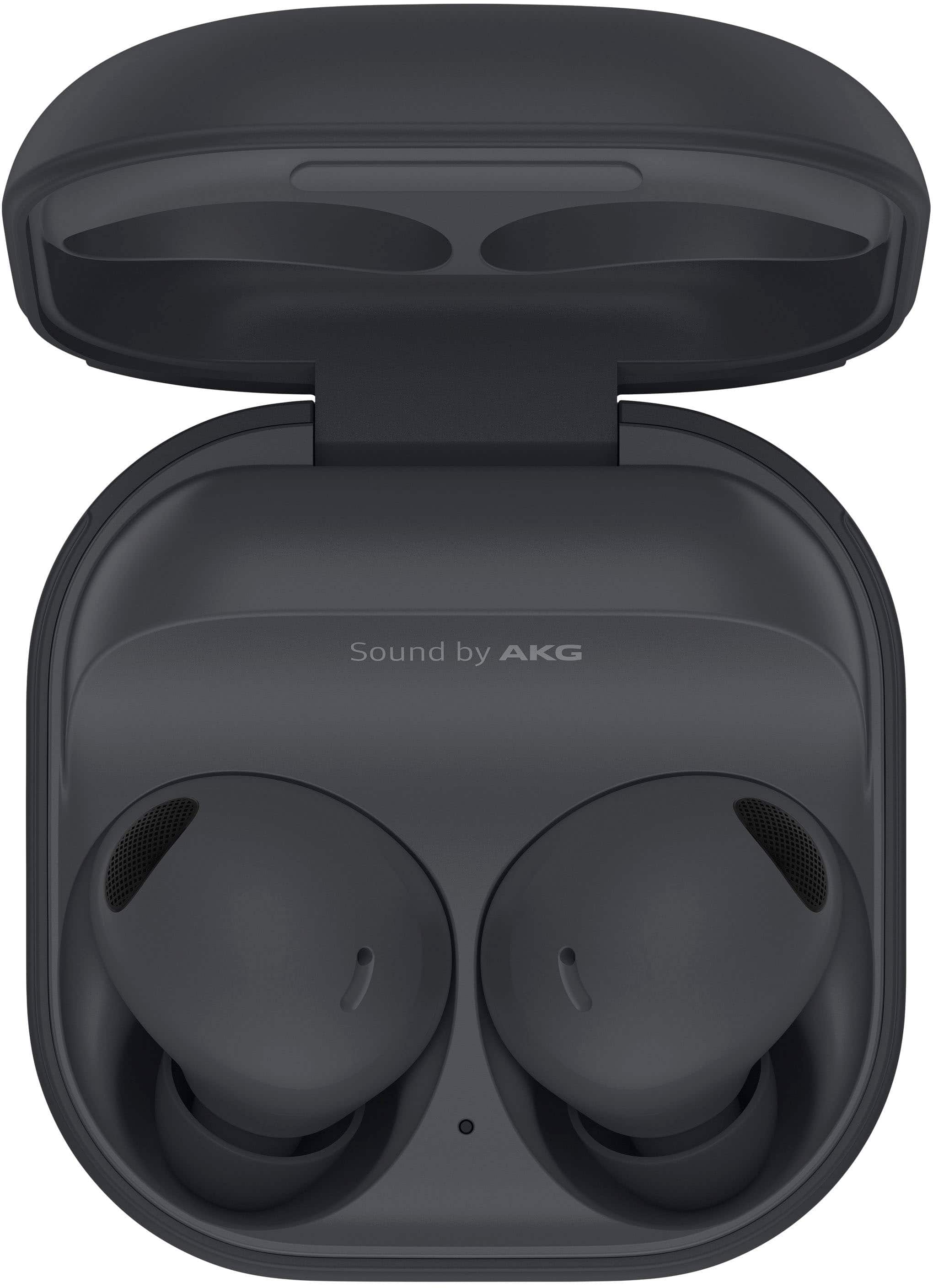
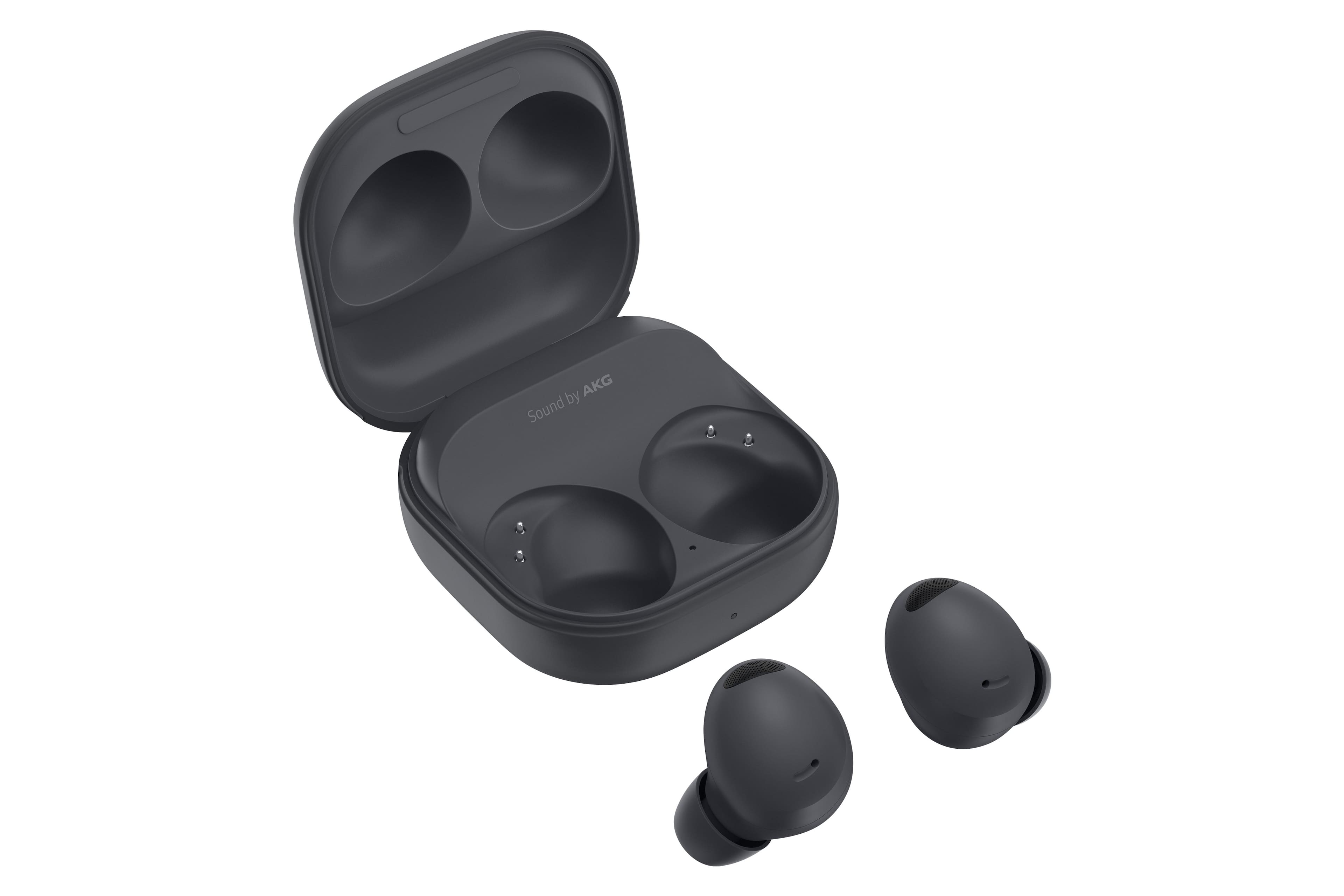
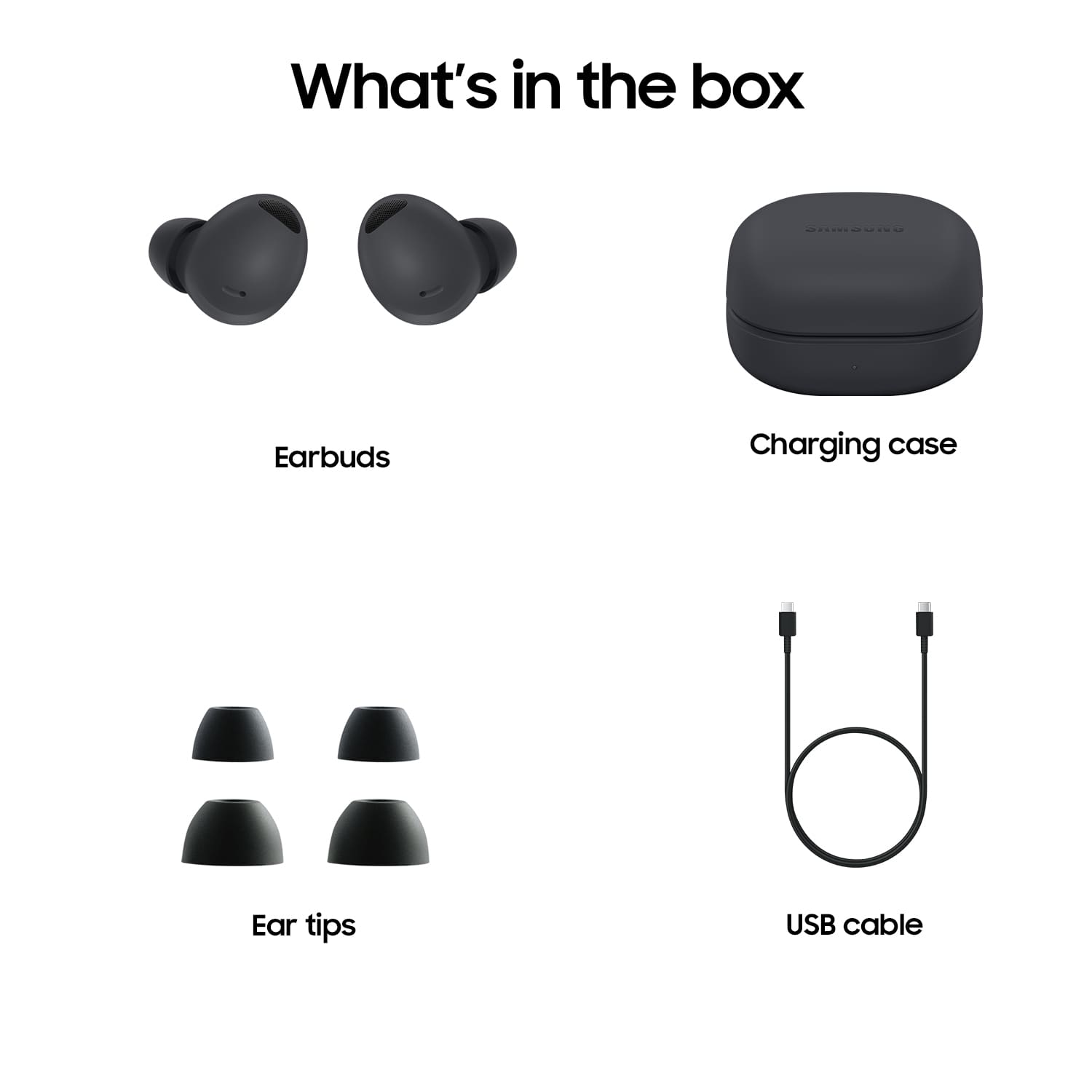
A:Answer First, you'll need the Galaxy Wearable app if you don't already have it, this will allow you to customize your ambient and noise cancelling controls and what method you want to use to activate them. The app will need to connect via bluetooth to your earbuds in order to access this function, and the instructions for doing this come with the earbuds in their original packaging case.
Once you have your earbuds connected to the app, you'll have to have them turned on and in your ear in order to customize the ambient and noise cancelling options. From there, you'll want to access Touch Controls which will take you to a section that allows you to determine what you want each tap/hold/double tap/triple tap to activate on your earbuds.
If you'd prefer not to change those settings, you can also open the app any time that you want ambient or noise cancelling and select which one you want while you have the earbuds in.
Active noise cancelling only works when you have both earbuds in, so if you're trying to cancel noise with only one earbud in, it won't work.