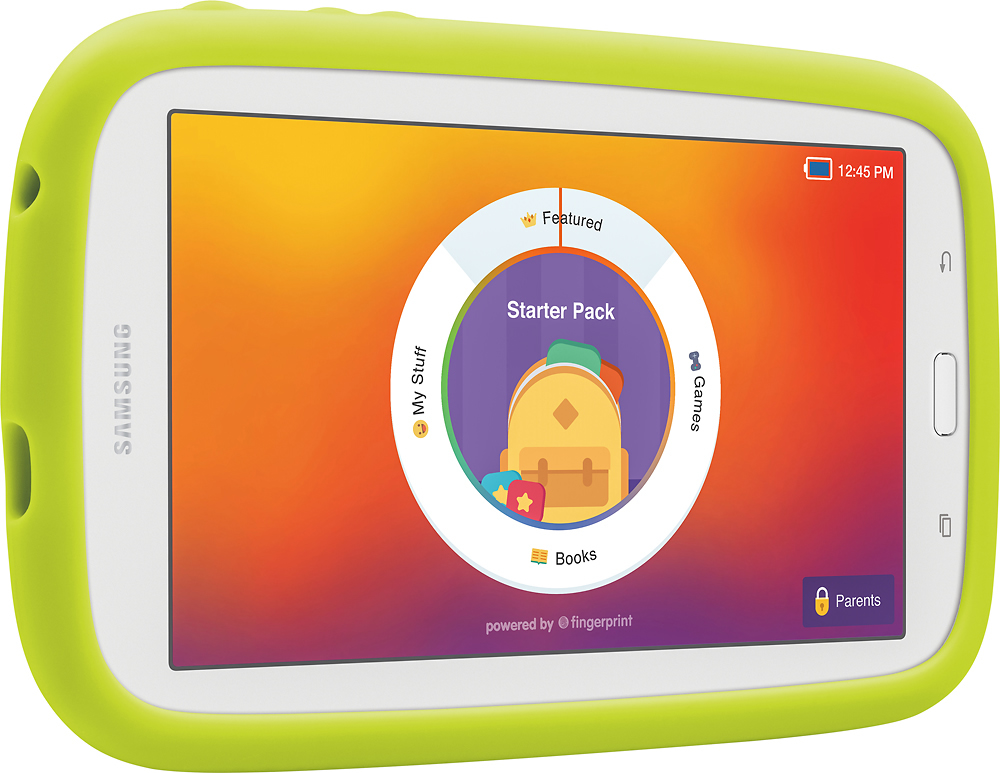
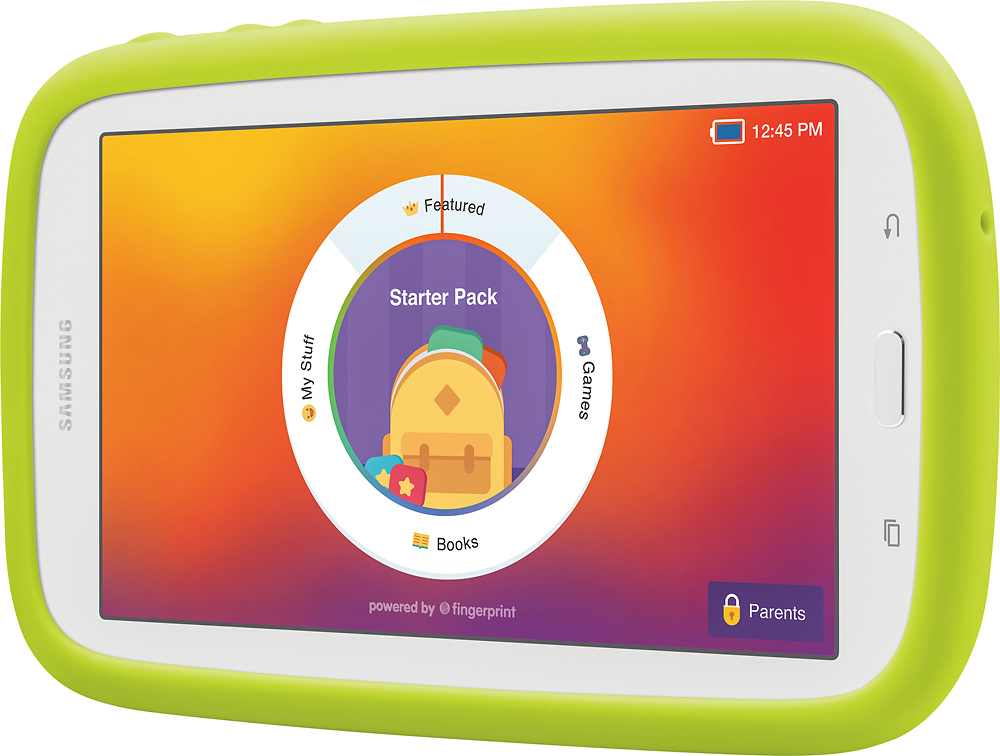
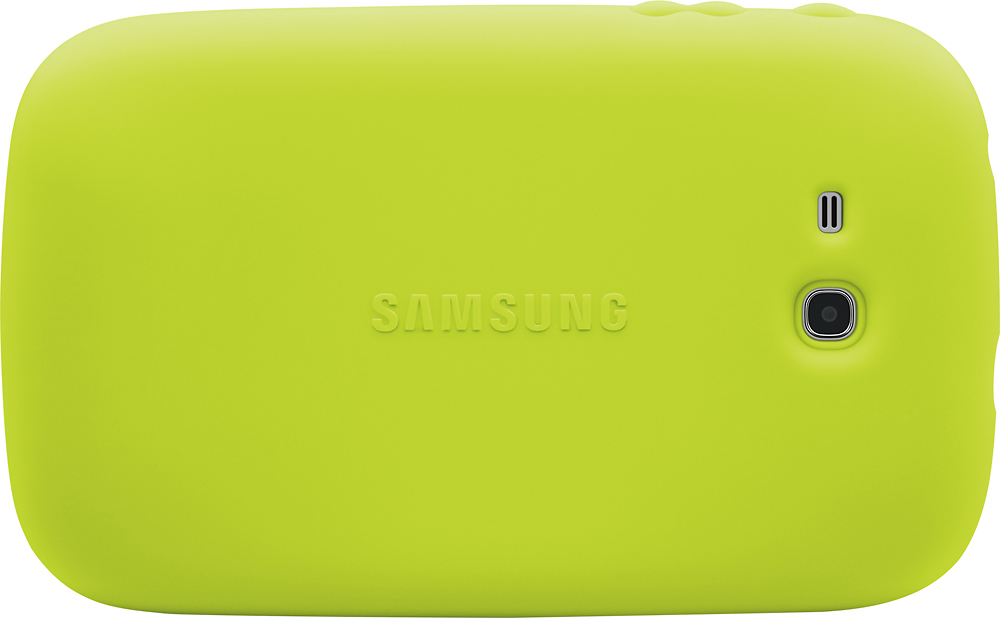
A:AnswerYes absolutely. The kid mode is very convenient for keeping little ones off of the internet, yet easy to change when I want to surf the internet.
A:Answeryes and no. it's a little more restricted than a basic tablet, but you can use it as a regular one. the nabis are the same, but they are not as sturdy, reliable, and useless when the kids get older. the Samsung one has out performed the nabis we had by far
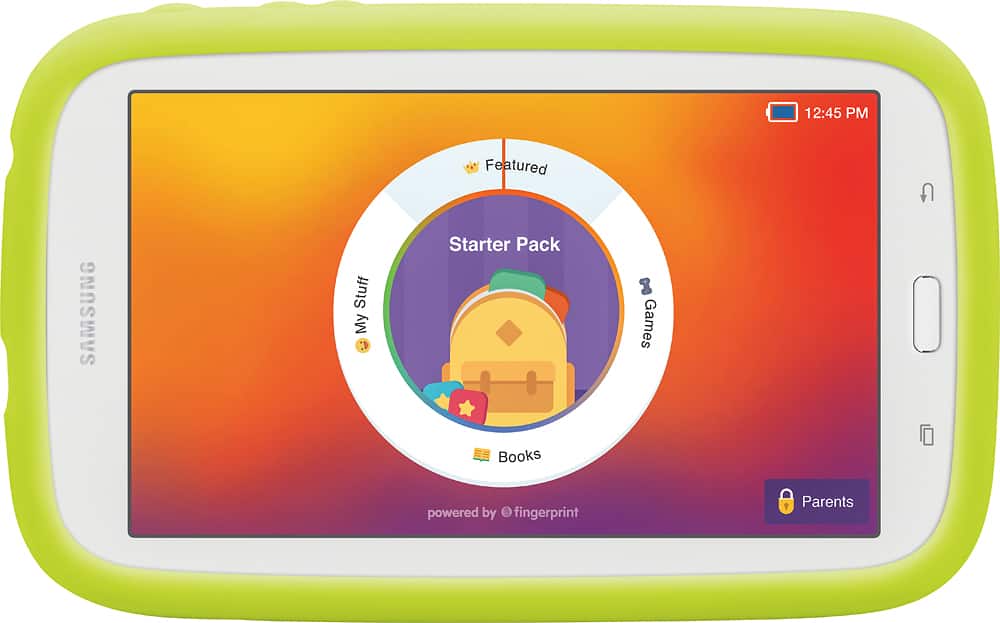
A:AnswerYes, it does have predictive text and auto check, but sometimes it requires typing in a word somewhat correct or your child could override auto check with incorrect spellings. You'll also have to make sure both features are turned on & in the correct language. I set my son's up so he could speak into it (speech to text) and we've found this way to be much easier for him then typing. You might have to adjust the settings to get this feature by pulling up the keyboard and holding down the key on the bottom left of the board until a menu pops up, then select the microphone.
A:Answer"Start by switching off your tablet by holding the Power key for a short while. Now press and hold together: Volume Up + Home button + Power button. Release held keys when an Android Icon appears on the screen. Then select "wipe data / factory reset" using Volume buttons to navigate and Power button to confirm."